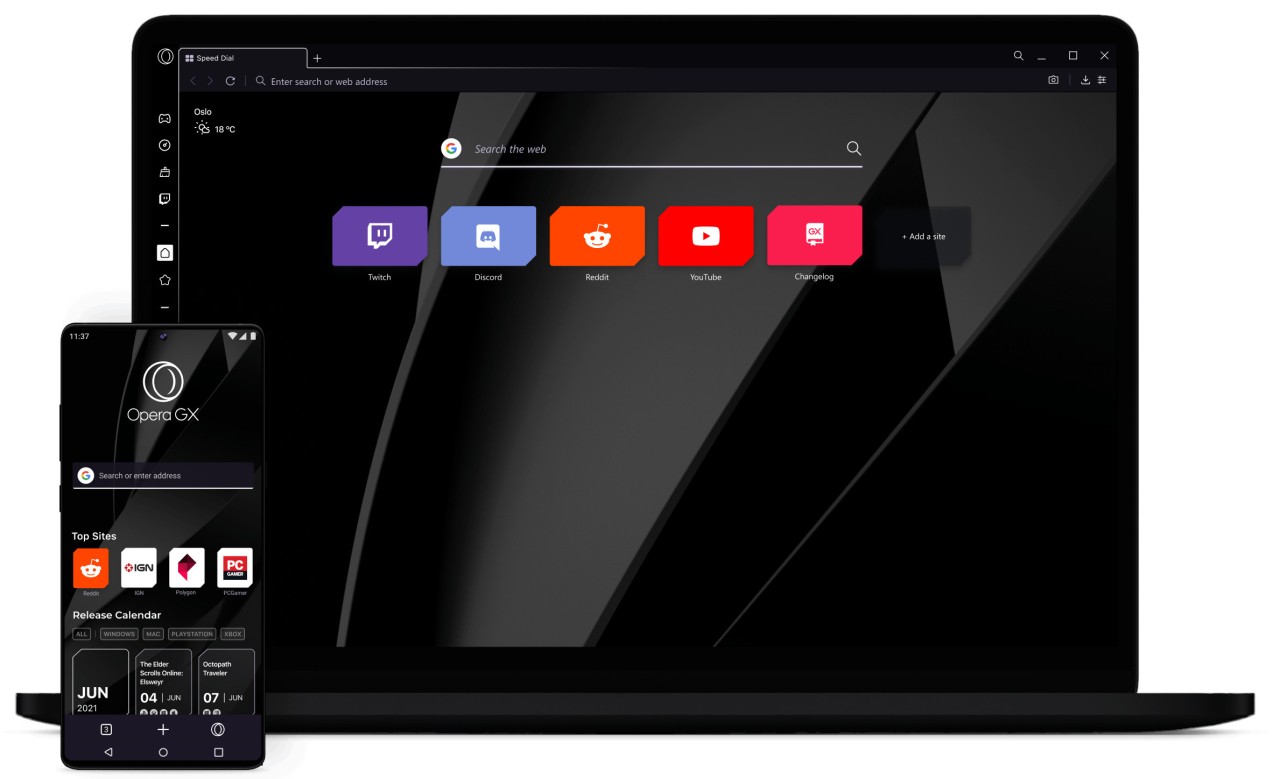
Opera GX is not an ordinary web browser for basic searches. It is designed for gamers. Think of Chrome or Firefox as regular sneakers, and GX as sneakers with RGB laces and customizable soles. This browser will become an indispensable part of your gaming system.
The first thing that you see right after you launch it is its unique design. It is more graphic, more intense on the senses, and more customizable. You can match its colors with your keyboard lights or game ambiance, introduce animated backgrounds, and make it look like your personal space instead of a common browser. Its hallmark is personalization with attitude.
But it’s more than just visual flair. Built-in performance controls allow you to restrict the amount of RAM or CPU that your browser consumes when playing. Most browsers force you to close tabs or kill processes. GX allows you to cut down on usage in the interface. Gamers value that because it means the browser won’t be competing for resources with games.
The Opera Software company has many years of experience developing browsers. It is not a new name that will disappear in a couple of months. With its long history and active developer team, the firm has the stability that most experimental browsers do not.
What Are the Key Features of Opera GX?
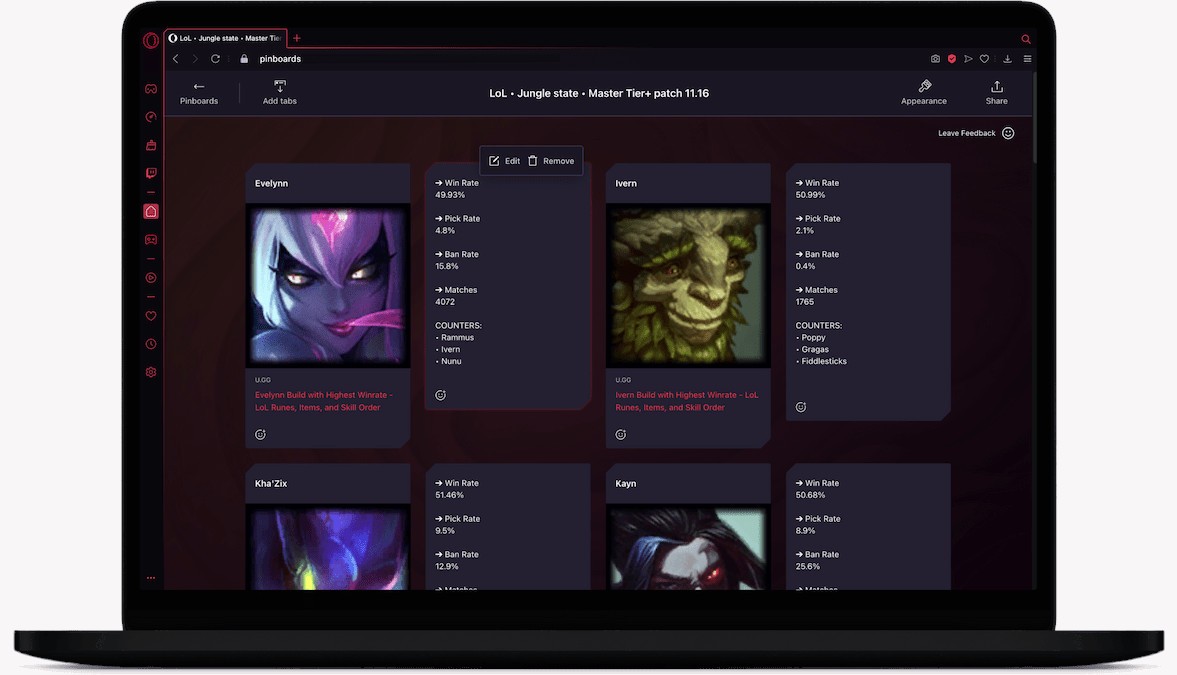
GX is all about customization. You can change colors, select themes, add wallpapers, or navigate the world of modding. This lets you tweak a lot more than just the background. You can make your browser look minimalistic or turn it into a spaceship control panel.
The browser’s most popular feature is GX Control. It allows you to create a limit on the CPU and RAM that can be used by the browser. Why does it matter? Well, if Chrome ever made your game lag, you get it. With GX, the browser will only consume the amount of resources that you allow.
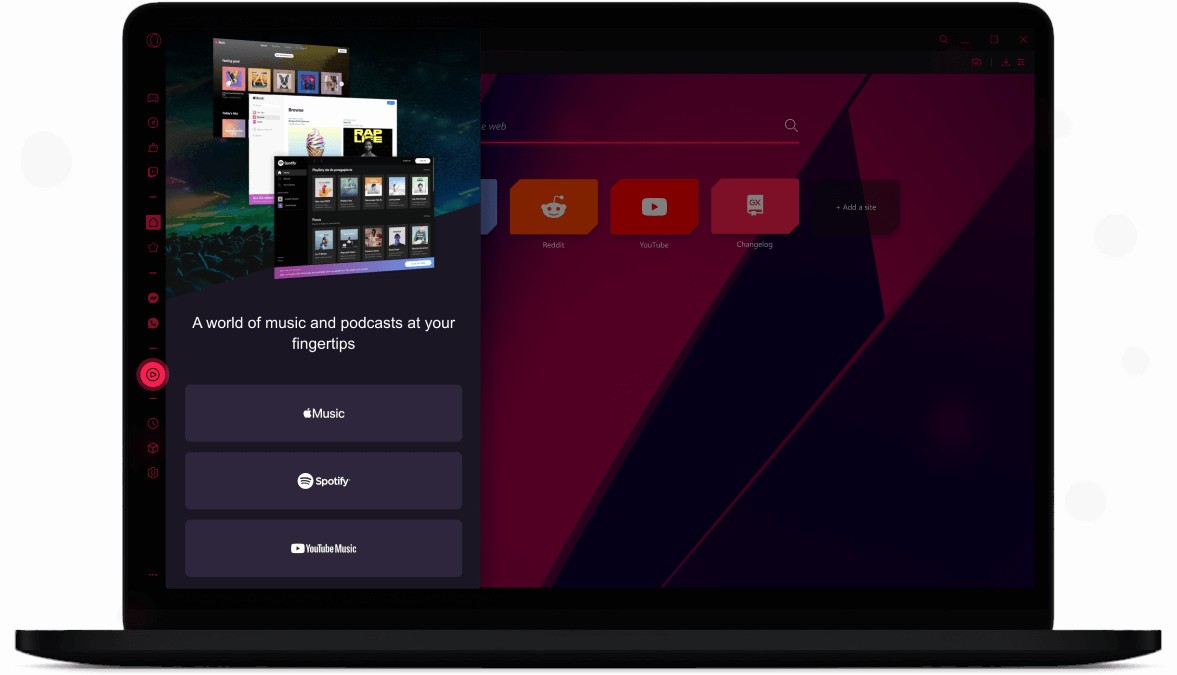
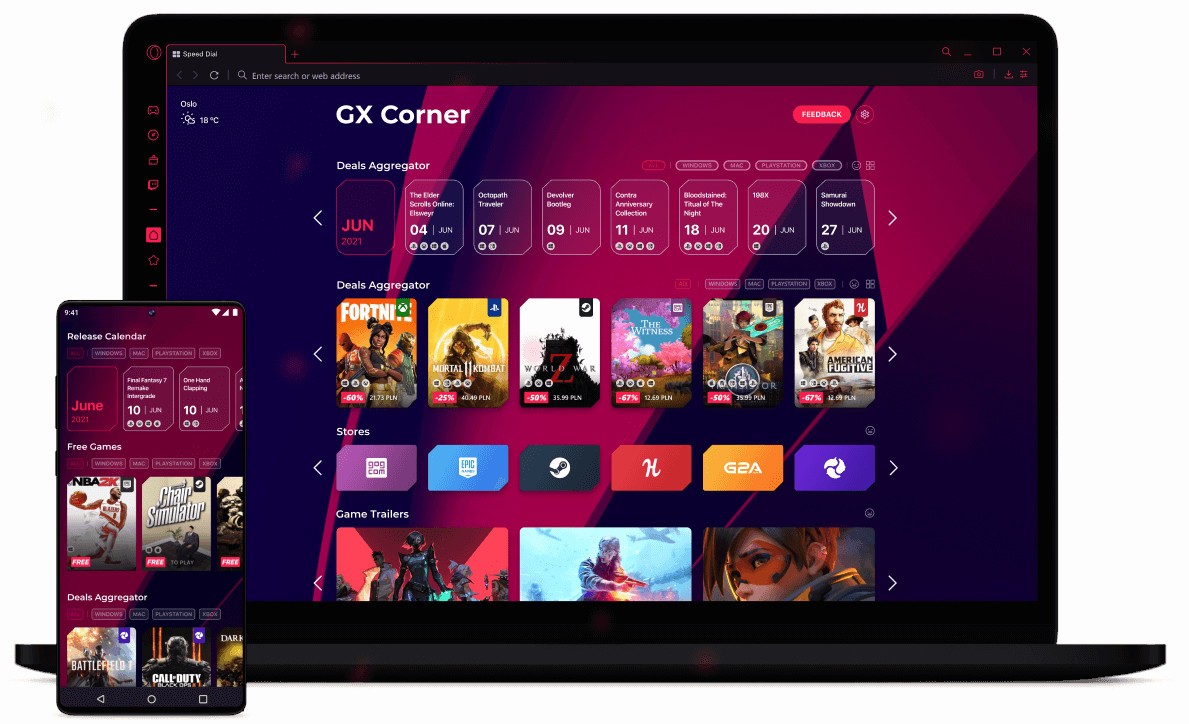
GX Corner is a tiny gaming news, price cuts, and releases center within the browser. You don’t really need it, but it’s handy for staying updated without having to switch sites. The browser also provides built-in Twitch and Discord, so you don’t need additional tabs to stream or chat.
GX also has specific sound design. Opening menus, hovering, and switching tabs all give rise to sounds and animations. Some users enjoy the flair; others just mute it. Nevertheless, it is a unique feature few browsers have.
GX is an Opera browser with a Chromium core. It supports regular websites and extensions, and can act as a regular browser when appropriate.
Is Opera GX Free to Use?
Yes, Opera GX is free. There are no monthly subscriptions or features locked behind a paywall. Just install it and start using it right away. Accounts are optional. It’s possible to synchronize bookmarks and settings across devices, but it’s not mandatory. Because you don’t have to sign up or pay a subscription, you can test the browser risk-free.
Which Platforms Support Opera GX?
Opera GX works with Windows, Linux, and macOS desktops, on which CPU and RAM control features are the most helpful. There are Android and iOS versions with a similar look and feel, but they lack the complete control panel.
As a Chromium-based platform, it is up-to-date with web standards, and extensions are supported, as are the majority of websites. You don’t have to tweak it every day to keep it working. Most people make it their second browser—dedicated specifically to gaming. Mobile GX is not a full gaming center; it is a themed browser, but one that is consistent across every device in case a user needs the same look.
What Are the Best Alternatives to Opera GX?
GX isn’t the only gaming browser out there; there are others. You can find simpler or more performance-focused browsers, as well as customizable ones.
Ray Browser is an alternative browser that targets gamers more easily. It does not provide a wide variety of customization tools. Instead, it focuses on immediate play. It has a game discovery portal that allows you to play browser games instantly, without downloads. Splitscreen mode allows you to have a game running on one side and Discord or YouTube on the other. It doesn’t go heavy on themes, so the interface stays clean and fast. It is also user-friendly and attracts users who do not like feature-heavy browsers.
Vivaldi is not a gaming browser; it is a customizable environment. Users can pile up tabs, develop shortcuts, customize shapes, and shape workflows. Gamers who want full control usually pick Vivaldi for that reason. It does not have a gaming portal or resource limiter, but if you like shaping your browser your way, you can do so with no extra tools. It is as flexible as GX, but more tinkering is necessary.
Razer Cortex is not a browser, but a system optimization tool. It is often present in discussions about gaming performance. Cortex manages and kills background processes, and facilitates the smooth running of games. While GX regulates browser resources, Cortex regulates entire-PC resources. Cortex can be combined with a lightweight browser, such as Ray or GX, for maximum performance. It’s built for performance rather than browsing.