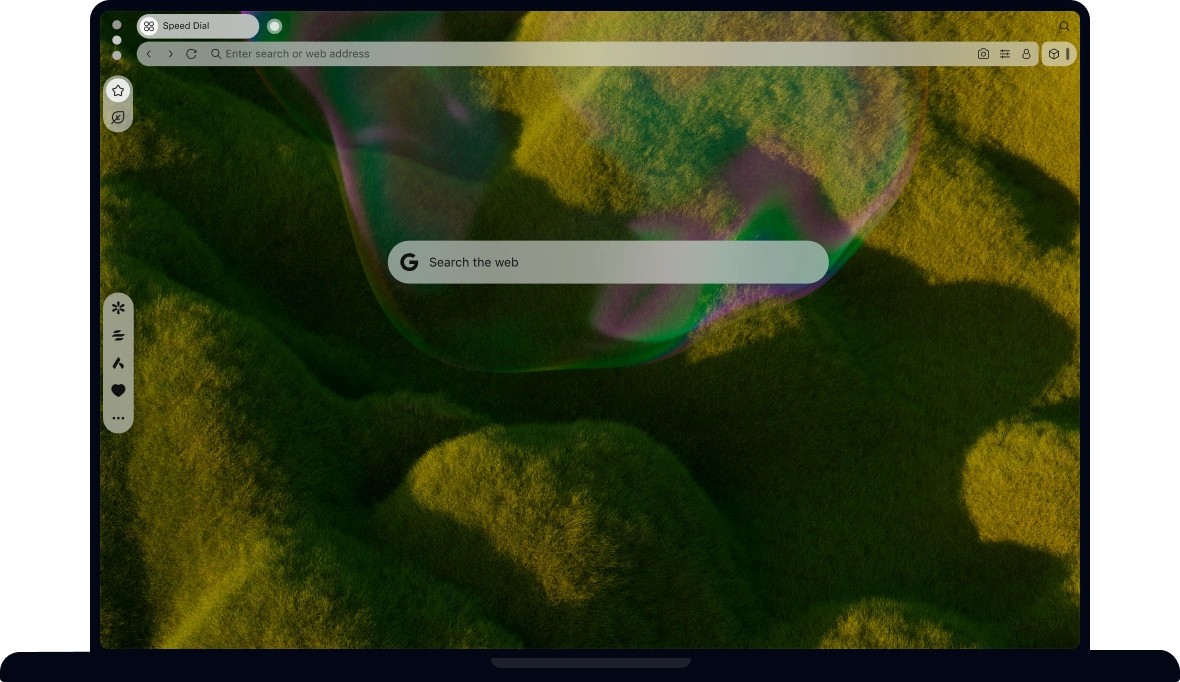
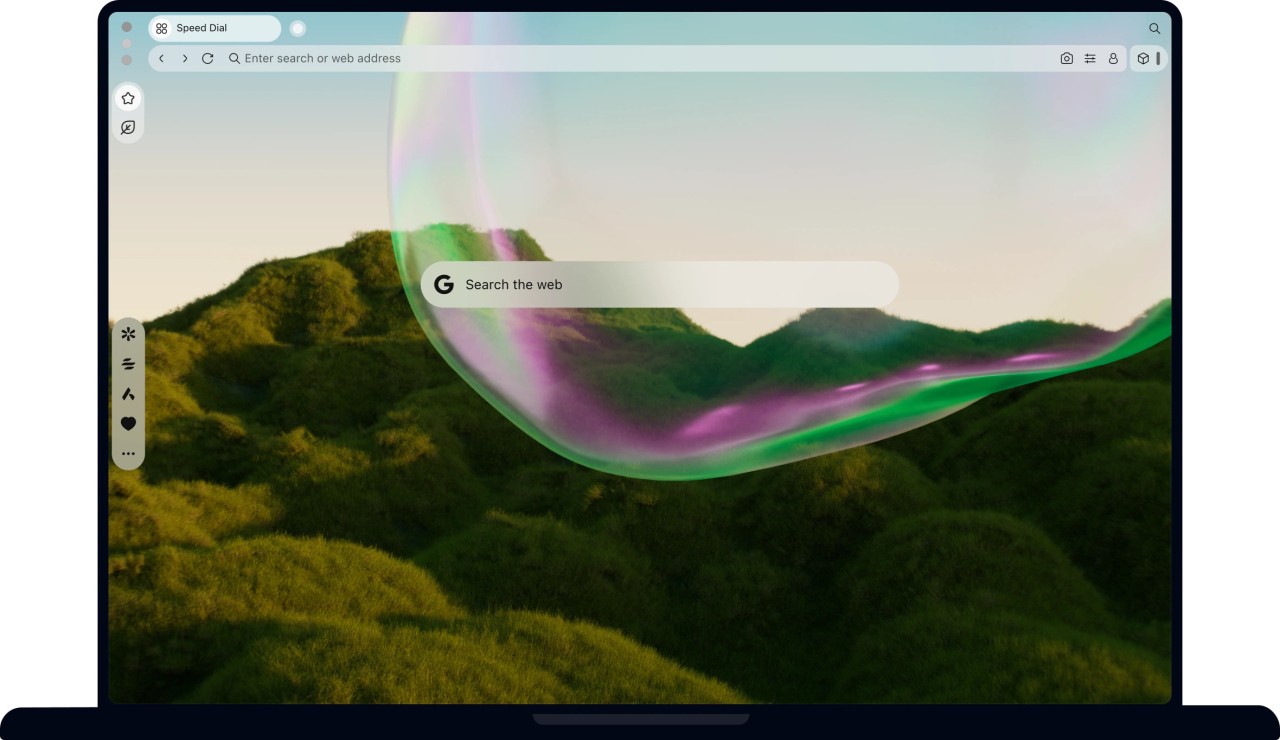
Opera Air is a web browser that was developed under the notion that online life can be overwhelming, and the browser itself can be one of the issues. Rather than adding functions to speed up games or work, Opera Air attempts to make everything slow and introduce the mindfulness of the browsing process. The browser incorporates regular browsing features with guided breaks, brief meditations, breathing prompts, and mini-exercises that pop up when users need them. It is not aiming to substitute meditation applications or fitness aids but to ensure that they are affordable so individuals do not continue putting off mental rest.
Opera Air is also retaining the classic image of Opera: simple design and less eye-catching visuals. The interface fits the wallpapers, soft transitions, and transparent appearance. It is not meant to be a heavy browsing or power user experience; it is aimed at people who prefer a more relaxed experience when they open a browser, and occasionally, this can alter the mood of the day. The browser does not require much of the user, just a readiness to wait a few seconds when things get a bit hectic on the internet.
What Are the Key Features of Opera Air?
Opera Air combines features of browsing as well as the features that refocus. A key characteristic is that it has a special feature called Mindful Breaks, which reminds the user to breathe or close their eyes. These pauses are easy; however, the reminders may assist in preventing the protracted, non-interrupted sessions. The other feature is known as Smart Exercises, which are centered on posture and flexibility.
The camera-followed 3-D model demonstrates the movement, which is different when compared to ordinary browsers. There are also guided meditations, in the form of voice-guided short sessions, which could be done between tasks. Opera Air implements “Boosts,” binaural sound services that other individuals utilize to be calmed down or focused. On the regular browser platform, it has Aria AI to do general work: summaries, chat replies, and general AI assistance, without additional subscriptions.
It has an inbuilt ad blocker to eliminate the visual clutter and a free VPN that offers basic protection of online privacy. The UI has a minimalistic, gentle, and dynamic design without using heavy boxes and edges. All these combined are meant to help in developing a browser that ensures that there are levels of digital stress that are kept at a minimum, or at least give a small break, even when there is heavy browsing.
Is Opera Air Free to Use?
Opera Air is open-source software. The core functions, which are Aria AI, guided breaks, and the VPN, do not require subscriptions. Certain features might demand permissions, which include access to the camera in the exercises, and the browser does not charge for its tools. It is in the same fashion as Opera does, where everything is available without any paid features.
Which Platforms Support Opera Air?
The Opera Air is accessible on platforms upon which Opera constructs its primary browser portfolio. It is compatible with Windows and MacOS on the desktop, and the installation is just like any other version of Opera. Availability is region-dependent and rollout-dependent in mobile, but Android and iOS are also intended to be supported. The mindfulness factors act a bit differently with the platform, particularly with the Smart Exercises, which require the phone camera; hence, experience may vary between desktop and phone.
The free VPN, ad blocker, and AI assistant are also cross-platform, though the UI will change to fit the display size and capabilities of the device. The internet search software does not require any advanced hardware, and its light nature ensures that it can be implemented on older systems as well. Opera Air can fit in the list of supported platforms, as long as the device supports the ecosystem supported by Opera, and no special measures are needed.
What Are the Best Alternatives to Opera Air?
In case one prefers a more casual experience of browsing, but cannot bear the mindfulness-first approach of Opera Air, there are more browsers that may point to comfort, focus, or minimalism. One of the nearest substitutes is Zen Browser since it is so much more concentrated on the interface being quiet, endlessly customizable, and having no distractions. It does not include meditation tools or exercises; however, the design keeps the screen tidy, and users can customize panels, animation, and menus to quiet down noises. It relies on Firefox, and therefore, provides it with an already familiar undercarriage, yet people who desire a more serene look without wellness features incorporated into the interface have alternatives as well. You can easily download Zen Browser whenever you feel like testing a calmer and quieter setup.
Another alternative is Arc Browser, which takes a different attitude to browsing. Arc does not use mindfulness; instead, it only re-merges the appearance of tabs, spaces, and tools so that everything seems to be organized. The tidy layout is also considered by some users to be naturally less mentally taxing due to fewer tabs scattered and fewer clicks repeated. Arc is about workflows, being visually consistent, and not having hidden UI elements that occur when needed. The browser is based on Windows, macOS, Android, and iOS. Though it does not include guided breaks and meditations, its structure assists individuals in staying focused just by providing them with a cleaner workspace to work in. Many users simply download Arc Browser to try out this cleaner workflow style for themselves.
The basic Opera browser is also an option for customers who prefer the base of Opera Air yet do not require the advanced extensions. It has a more traditional design with traditional Opera elements like a sidebar, built-in VPN, built-in ad blocker, workspace tools, and its regular Aria AI integration. It is more complete when one desires a traditional browser that is fast and full of features. Opera is practical, with a firm personalization and a stable environment. It does not actually seek to eliminate stress, but its polished UI, speed, and included features can make searching a little easier, which some users may feel is more comfortable than the additional mindfulness layer in Opera Air. If someone wants a balanced and familiar setup, they usually download the standard Opera Browser to compare it with Opera Air.