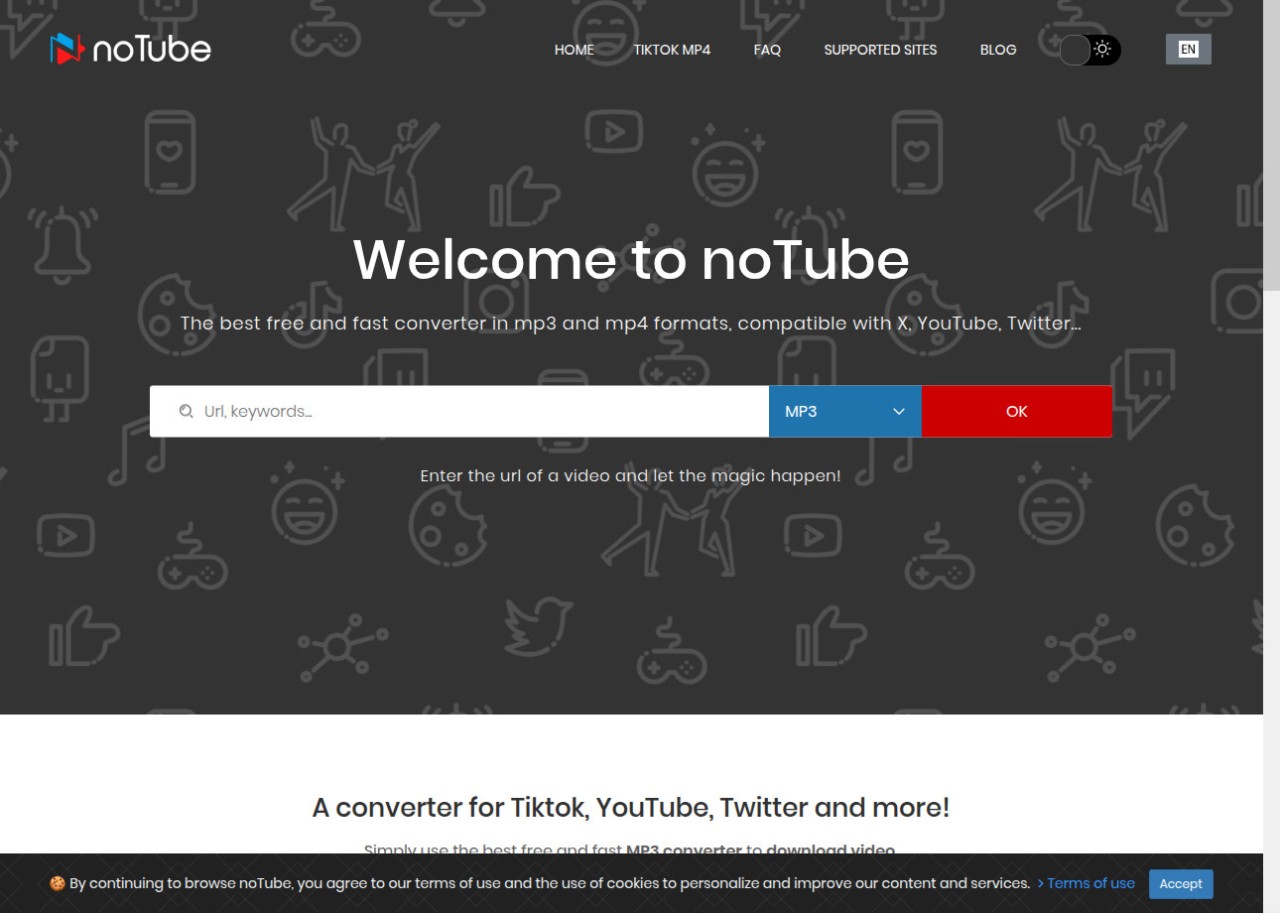
noTube is a web-based tool that lets you download YouTube videos without installing anything. You paste a link into the browser, pick a format, and the site handles the rest. The whole point is to keep video downloading simple for people who do not want to deal with software setup or a complicated interface.
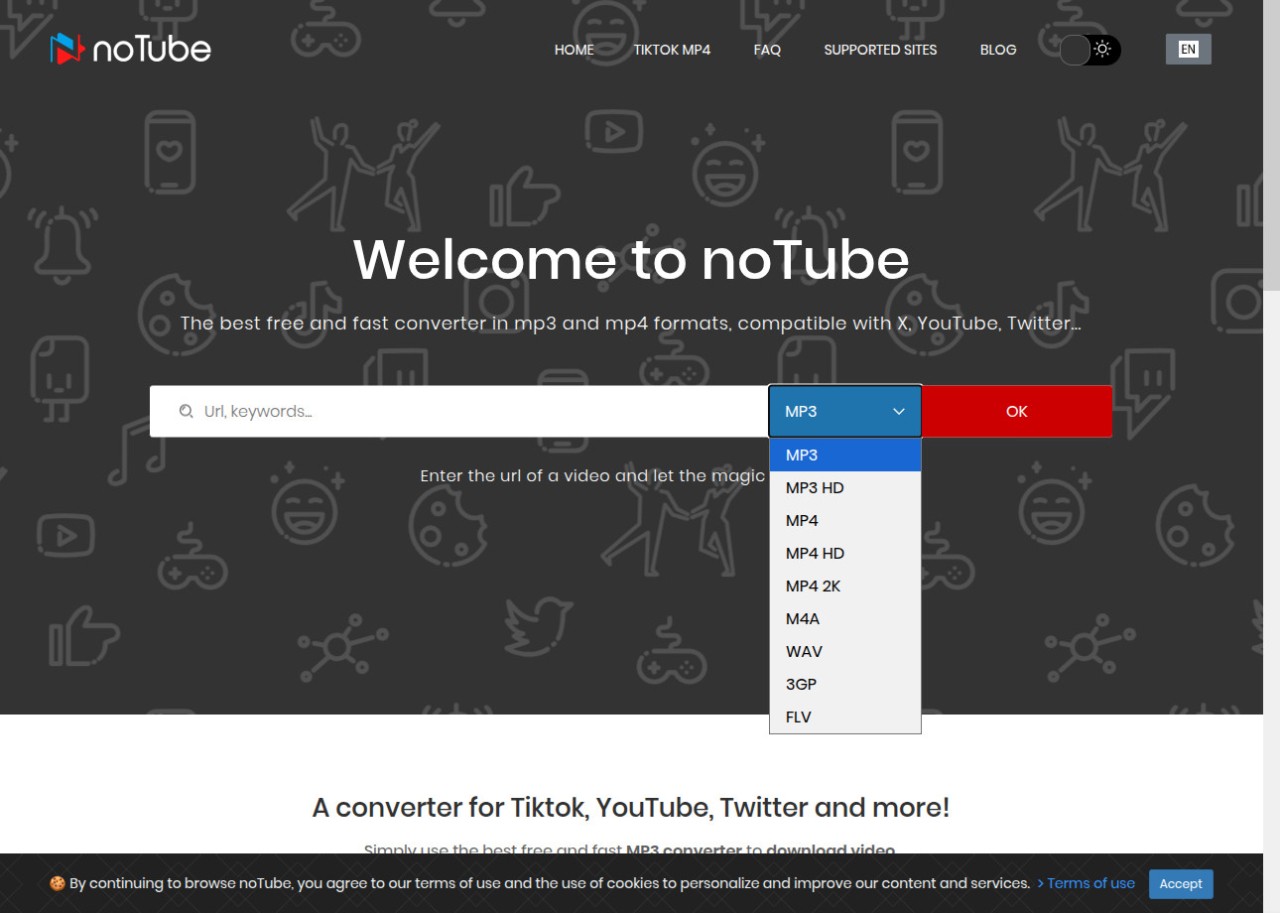
It works with common formats, including MP4 and MP3, plus others depending on the source. Whether you want to save a music track, a lecture, a short clip, or a full video, noTube handles it without requiring any technical knowledge. Conversion usually completes in a matter of seconds, though the exact time depends on your internet speed and the size of the file.
noTube is not a full media management suite. It is a lean, focused tool for saving files to your device so you can view or use them offline. For straightforward download tasks, it stays out of the way and gets the job done.
What Are the Key Features of noTube?
The core function is converting and downloading video content with nothing more than a link. Paste in a YouTube URL or a link from another supported site, choose your preferred format, and the tool takes over. MP4 for video and MP3 for audio are the standard options, making it easy to grab just the soundtrack if that is all you need.
No account, installation, or sign-up is required, which keeps access immediate. It works on both mobile and desktop, so you are not restricted to a particular device type. Support for sites beyond YouTube is available depending on the version, giving users a broader range of sources to pull from.
The interface is deliberately minimal, with no unnecessary menus or steps. The workflow is paste, select, and download, which suits anyone who requires a quick solution without having to learn a new tool.
When saving a video as MP4, you can choose the resolution. Lower quality works when storage space is tight, and full HD is available when you want sharper visuals. Because everything runs in the browser, your device's CPU is not involved in the conversion process, so older or lower-powered hardware handles it without any slowdown. The tool is built for ease of use, not feature depth.
Is noTube Free to Use?
Yes. You can browse and download without creating an account or paying a subscription fee. Depending on the version, downloads and conversions are free, though ads or occasional usage limits may be present.
Which Platforms Support noTube?
noTube runs in any web browser, which means it works across Windows, macOS, Linux, Android, iOS, Chromebooks, and tablets without any additional software. It is a browser tool, not an operating system application, so platform compatibility is not a limiting factor.
This makes it particularly useful on borrowed devices, school or library computers, or any system where you do not have permission to install software. It runs without issue on older hardware since it places no meaningful load on the device itself. All you need is a stable internet connection and a reasonably current browser. There are no official apps for Android or iOS; the entire experience lives on the web.
What Are the Best Alternatives to noTube?
Free YouTube Download is a desktop application suited to users who prefer installed software over browser tools. It supports downloading full playlists, entire channels, or individual videos at a range of resolutions, including high-quality options. The interface is straightforward and handles formats such as MP4 and MKV. It is a better fit for heavy downloaders who want a stable, consistent desktop workflow. Some capabilities are reserved for a paid upgrade. Many users keep it installed as their go-to option when they want files saved directly to their machine.
aTube Catcher is a long-running Windows utility that goes beyond simple downloading. It combines a video downloader, screen recorder, DVD creator, and file converter in a single program. Users who need more than just a download tool tend to gravitate toward it because it replaces separate applications at once. It pulls from a wide range of streaming sites and offers multiple output formats to suit different devices or file size requirements. The interface looks dated compared to modern tools, but it remains functional for anyone who wants to download, convert, and record without switching between programs. People download it mainly because having everything in one place is more convenient than juggling multiple tools.
Free YouTube to MP3 Converter is built specifically for users who want audio extracted from YouTube videos without downloading the full video file. It converts links to MP3 quickly and typically offers bitrate options for controlling audio quality. It is a practical choice for anyone building a library of music, podcasts, or educational recordings where video is not needed. The feature set is deliberately narrow, focused purely on audio extraction, which keeps it easy to use. Some advanced options may require a paid version, but basic MP3 conversion covers most use cases without any cost. It remains a widely used download option for users who primarily want clean, fast audio pulls.