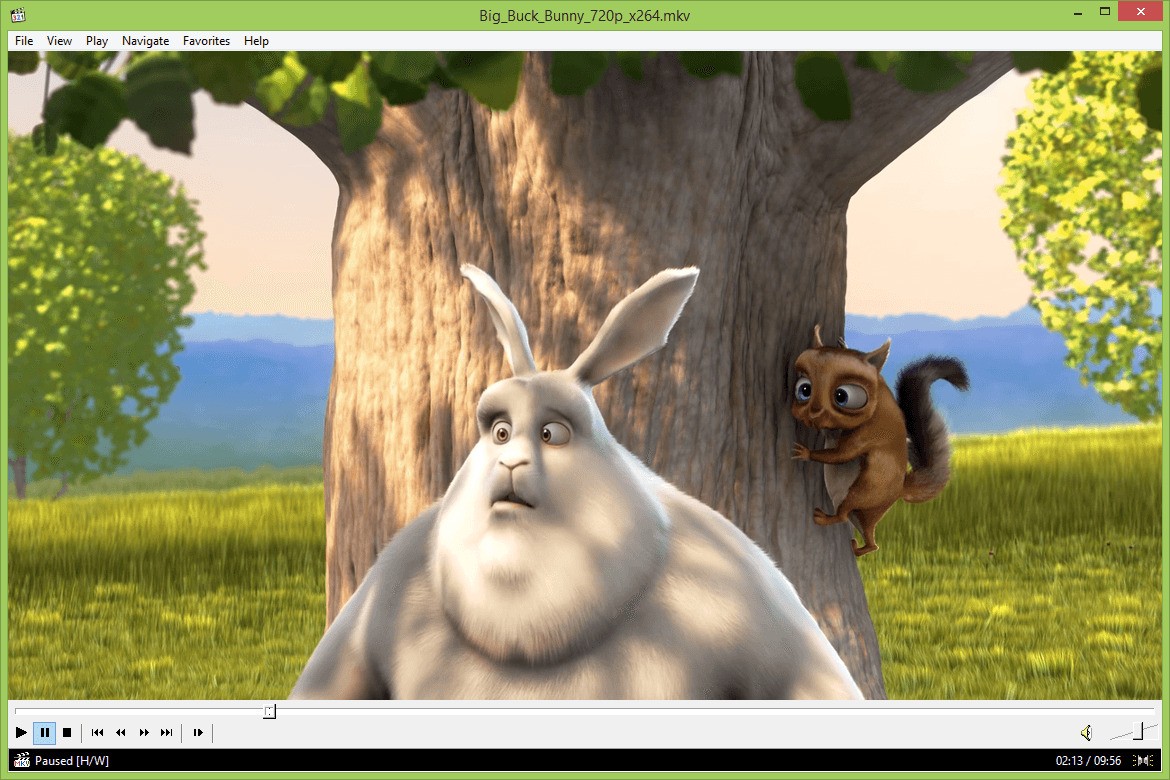
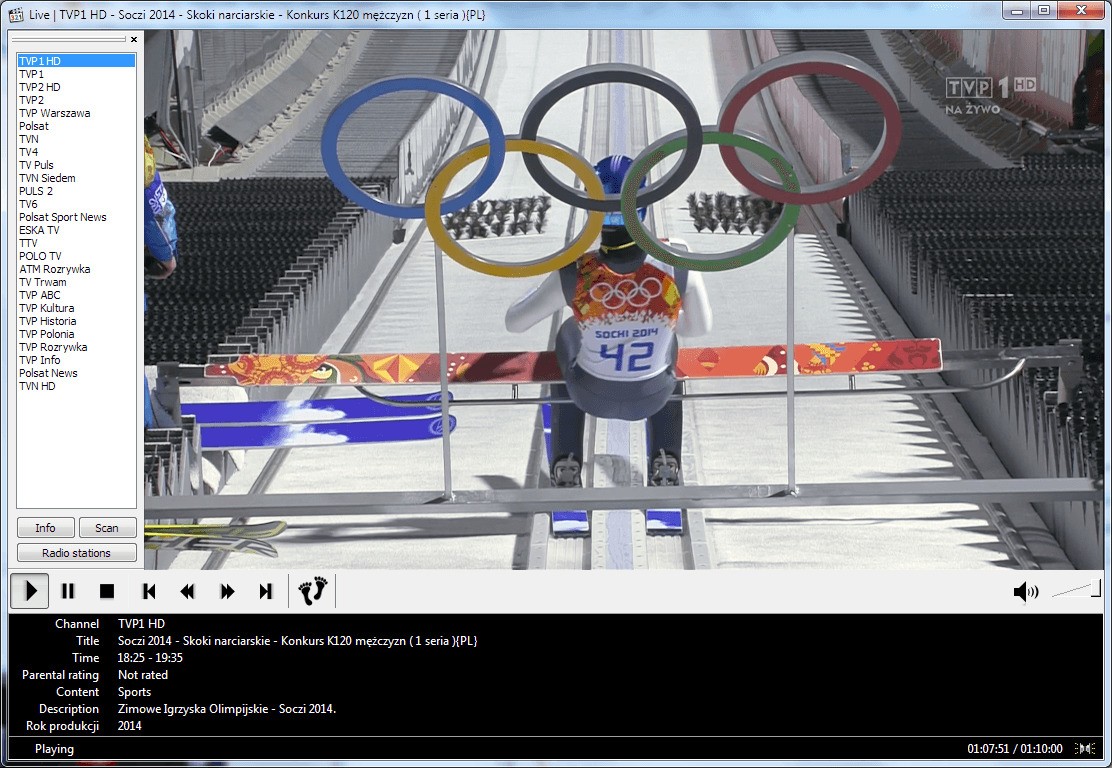
MPC-HC, short for Media Player Classic Home Cinema, is the kind of player people usually find after getting tired of heavier software. It opens fast, the layout is straightforward, and it does not try to turn media playback into a bigger platform. A lot of players now come with streaming hooks, libraries, side panels, or features you may never use. MPC-HC feels much more basic, and for some people, that is exactly why they use it.
The interface is a big part of the appeal. It has that older Windows look, which can feel plain at first, though it also makes the player easy to use. You are not hunting around for basic controls. You open a file, press play, adjust subtitles or audio if needed, and watch. MPC-HC is a lightweight, open source media player for Windows that supports common video and audio formats.
GitHub also shows recent stable releases in 2026, so while the main website still says the project has not been under development since 2017, the release history shows that it is at least still being maintained in some form.
What Are the Key Features of MPC-HC?
MPC-HC is built around local playback. It supports a wide range of video and audio files, works with subtitles and playlists, offers hardware acceleration, and is known for staying responsive even on modest Windows systems. It gives more flexibility than some newer players if you like to fine-tune playback with filters and codecs. That part will matter more to long-time Windows users than to someone who just wants a player that works out of the box.
What helps MPC-HC is that it doesn’t feel overbuilt. The controls are familiar, the menus are clear, and the whole thing stays close to the job of playing files well. That may sound like a low bar, but it is one that many software products miss. If you mostly watch downloaded videos, older file types, or media that needs subtitle support and a bit more playback control, MPC-HC still holds up better than you might expect.
At the same time, it is probably fair to say the player now appeals more to a certain kind of user. If you want something modern, cross-platform, and still evolving quickly, MPC-HC may feel behind. The design is intentionally old-school, and some people will read that as clean, while others will read it as outdated.
Is MPC-HC Free to Use?
Yes, MPC-HC is free to use. It is open source, with the project code available under the GPL. It is spyware-free and says there are no ads or toolbars, which still makes it stand out in a category where free Windows software can sometimes come with more baggage than you want.
That simplicity is part of the appeal. You are not comparing paid tiers, and you are not being pushed toward a premium version just to unlock normal playback features. You install it and use it. For people who just want a free player for local video files, that is probably enough.
Which Platforms Support MPC-HC?
MPC-HC is for Windows only. The official site offers downloads for Windows, and the project describes itself as a Windows media player rather than a broader cross-platform app.
That makes the platform question fairly simple. If you are on Windows and want a lightweight desktop player, MPC-HC fits this purpose. If you use Mac or Linux, this is probably not the player you want. That is worth knowing early on because many of the main alternatives are more flexible across operating systems.
What Are the Best Alternatives to MPC-HC?
VLC is usually the first option people try because it is widely available, handles a wide range of formats, and works on Windows, Mac, Linux, Android, iPhone, and more. It is the more obvious choice if you want one player who can follow you across devices. Compared with MPC-HC, VLC feels broader and more current, though some people still prefer MPC-HC because it feels lighter and less crowded.
KMPlayer sits closer to the more feature-heavy side of this category. It tends to appeal to people who want more built-in controls, playback tools, and format support wrapped into one player. That can be useful, though it also makes the software feel busier than MPC-HC. If MPC-HC works because it stays out of the way, KMPlayer is more likely to seem to want your attention.
MPV is a strong alternative for people who want something lean but with more modern maintenance. It has a minimal interface and a reputation for strong playback quality, though it is less immediately friendly if you prefer traditional menus and obvious controls. In that sense, MPV and MPC-HC solve a similar problem in different ways. MPC-HC feels more familiar to long-time Windows users. MPV feels more stripped down and a bit more technical.