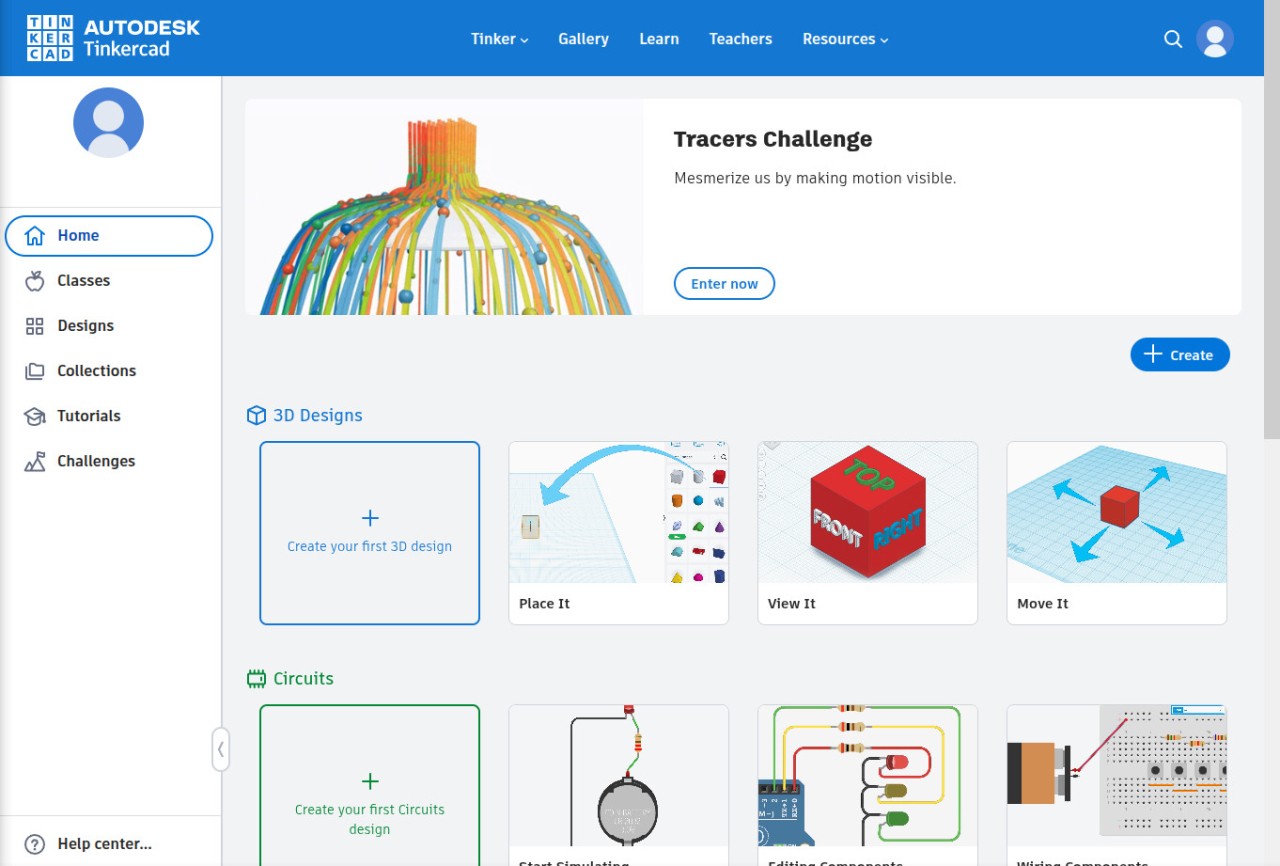
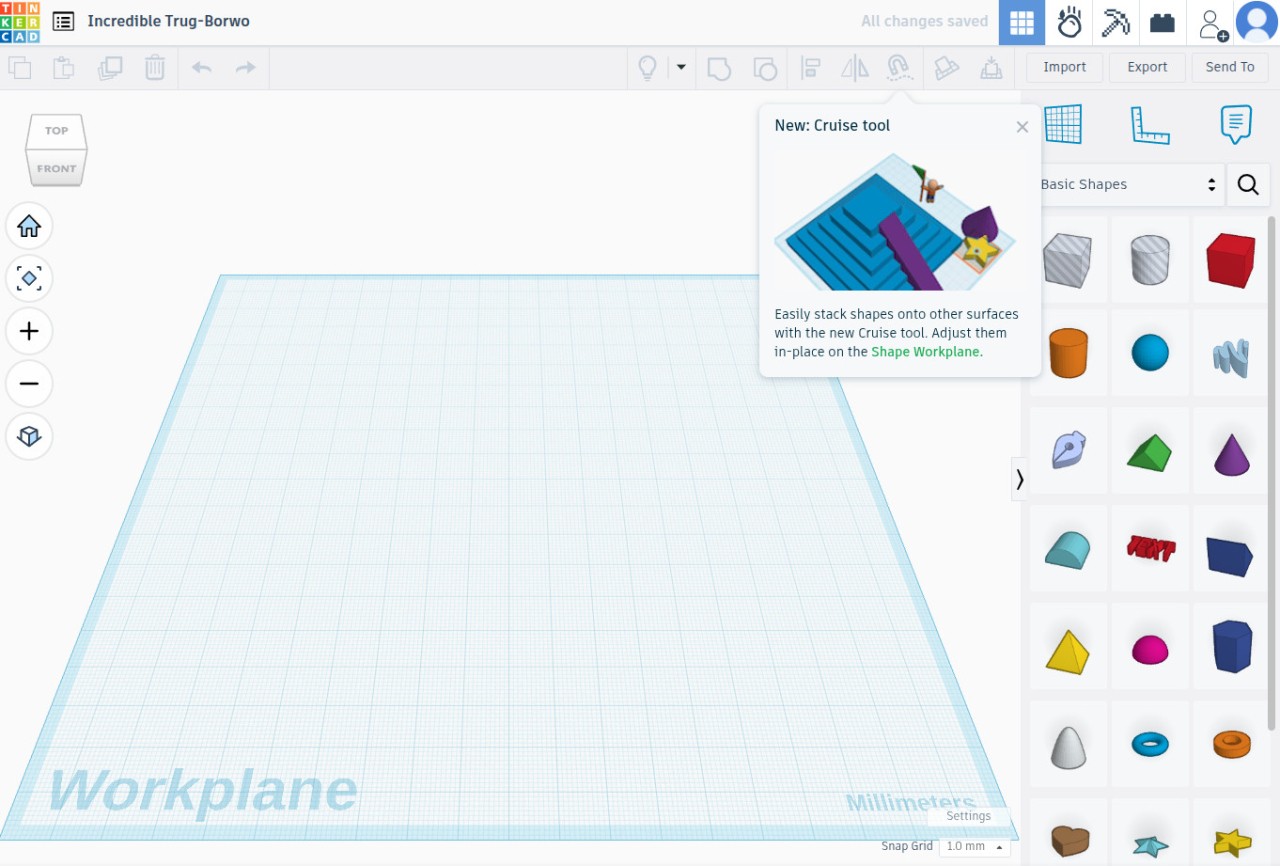
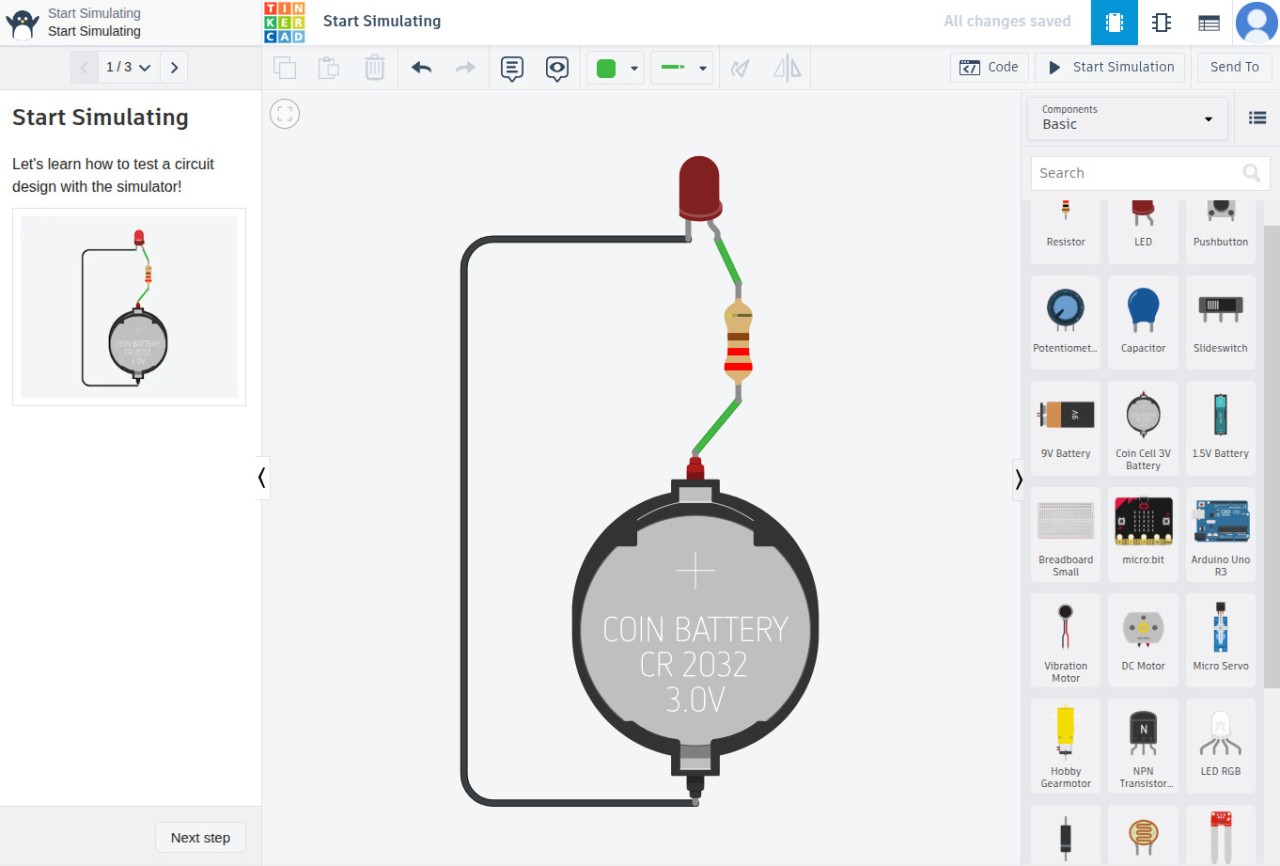
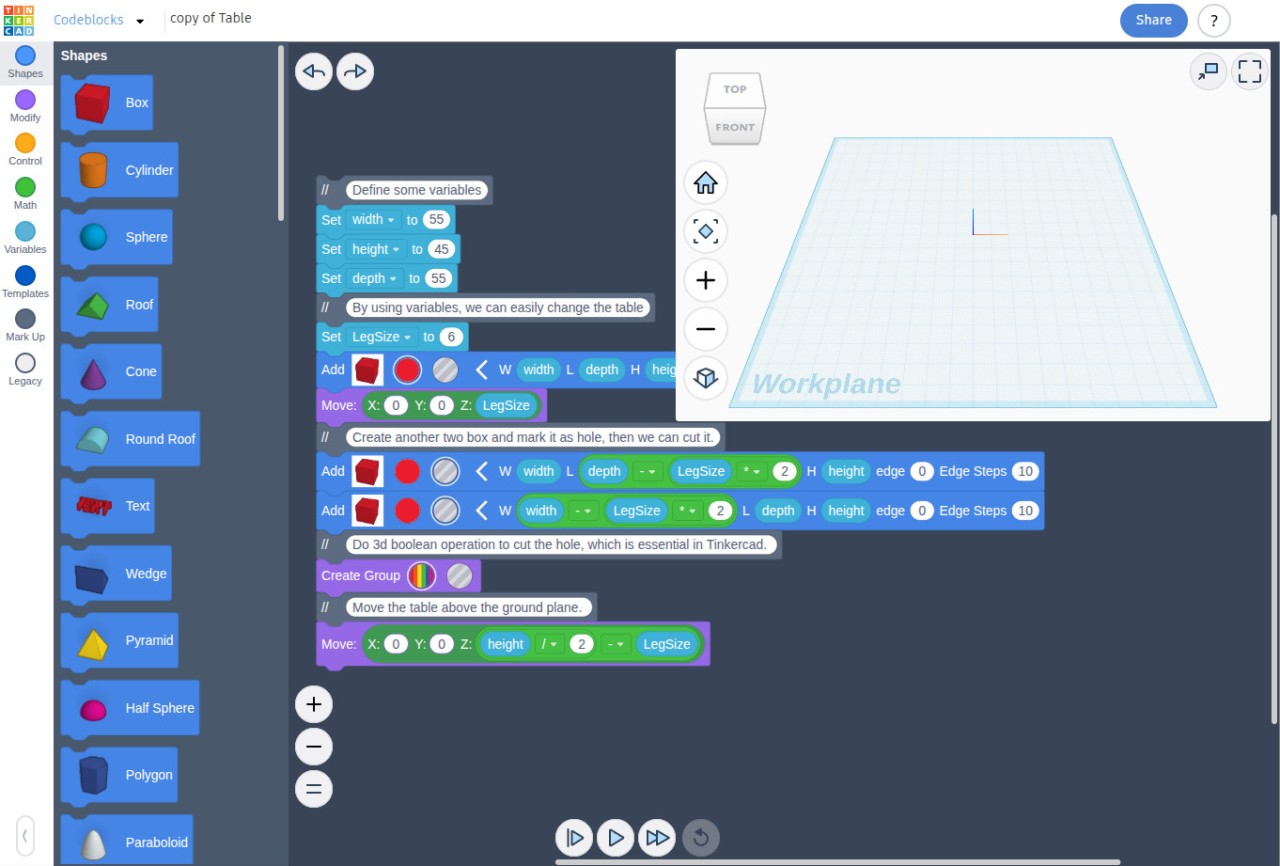
Tinkercad is a web-based design tool developed primarily to attract beginners, students, teachers, hobbyists, and individuals who wish to explore 3D modeling or electronic project creation without necessarily investing in complex, professionally oriented software. It is browser-based and thus has nothing bulky to install. It is based on shapes, drag and drop features, straightforward wiring, and block-based programming. A user who has never worked with CAD tools can still create objects, test circuits, and step through tutorials.
Created by Autodesk (which developed AutoCAD), Tinkercad is more like a learning platform instead of striving to provide deeper, engineering-level features of the industry. You design models, send them to 3D printers, play with a breadboard sensor, or simulate LEDs flickering without having to run any hardware.
It is frequently used in schools and in programs focused on STEM since it reduces the entry barrier, there is no gradual learning curve, and there is no interface that is difficult to understand. One may log in, begin to shape objects, spin them, stack pieces, and begin to learn how digital objects are changed into actual printed pieces. It does not require professional engineers, but it is a good starting point that allows individuals to think visually.
What Are the Key Features of Tinkercad?
Tinkercad consists of three key pillars, namely 3D design, electrical circuits, and code blocks. The 3D design part allows creating models using the ready-made geometry shapes. You scale them, turn them, set them on, cut them, merge them, and painfully build structures such as toys, models, prototypes, or printable parts. STL export is not only important when you have a 3D printer, but you may likely print your first project here. Measurements are easy; grids and snaps can be used to ensure alignment, and undo/redo ensures that any error is not dangerous.
The electrical circuits part is a more educational area. Components such as resistors, Arduino boards, sensors, wires, motors, or LEDs are dragged by the user and modeled on their behavior. You can write software that communicates with hardware—switch on a light, read temperatures, experiment with logic control. You can test a circuit virtually before burning a real component by wiring it incorrectly.
Then there is Code Blocks, which is a visual programming language based on logic tiles (like in Scratch). You do not write text; you generate loops of blocks, animations, or models that are controlled by parameters. It is an easy-going tutorial of programming basics. Tinkercad has tutorials, lessons, and community projects set by teachers. You can remix other people and/or publish your works. The purpose of the platform is to ensure that ideas are formed within a short time without requiring sophisticated experience.
Is Tinkercad Free to Use?
Yes, Tinkercad is free to use. You create an account and have access to everything significant, such as a 3D workspace, circuit simulator, programming blocks, and model exporting. Tinkercad does not have any levels within itself; thus, it becomes user-friendly and can be used in classrooms. This can be covered in the future once the user chooses to upgrade to more sophisticated CAD software or places an external order on 3D printing, but the platform itself is free.
Which Platforms Support Tinkercad?
Tinkercad is a browser-based application that is compatible with Windows, macOS, Linux, and Chromebooks without needing to be installed. You get a window for the login, open the workspace, and begin to build in the cloud environment. This model is appropriate in schools—there is no software to install and no compatibility issues. There is also an app version, specifically available for iPad devices, which most users have not yet become comfortable using desktop browsers due to the ability to be precise when making movements in 3D.
Because it is a cloud-based service, work sessions are synchronized across devices. You will be able to create a model at home, open it at a later time on a classroom computer, or even watch it on a tablet without having to move the files manually. Export formats such as STL, OBJ, or SVG allow individuals to transfer projects to slicers to be printed or to other editing programs should they require something more than the novice level. The platform is not resource-intensive, i.e., old systems or low-power computers can also operate it reasonably well. The limit is more display space and input precision than graphics card power. It is accessible to all people who have a modern web browser such as Chrome, Edge, Firefox, or Safari. It is not extensively used offline because the application is web-hosted.
What Are the Best Alternatives to Tinkercad?
FreeCAD is a parametric modeling open-source tool. FreeCAD is preferred by users who desire more engineering-like control as compared to Tinkercad, which is geared towards beginners and block building. It supports part modeling processes, constraint-based modeling, detailed measurements, and sketches. It has a higher learning curve but more flexibility; users can design mechanical bodies, product shells, brackets, gears, and more complex geometry. FreeCAD can also be exported to STEP and other manufacturing formats, which Tinkercad does not emphasize. In case a person gets acquainted with the principles in Tinkercad and wishes to transition to the actual CAD business, FreeCAD is the logical next step without purchasing commercial licenses. Many users download FreeCAD when they outgrow beginner tools and want deeper control.
ProfiCAD is more oriented toward electrical schematic design and has no 3D modeling like Tinkercad. It targets users who create wiring diagrams, automation plans, and circuit documentation. ProfiCAD does not drag its physical parts as was done in Tinkercad Circuits, but it uses symbols and standards to create technical drawings to be used by electricians or other processes involving PCBs. It has symbol libraries, a bill of materials, and pre-arranged prints. Simulation users can still require an additional tool, however, to plan documentation, and wiring it works well. A user of Tinkercad circuits who has a need to go more deeply into electrical drafting might switch to ProfiCAD someday. People often download ProfiCAD when they move toward schematic-level electrical planning.
KiCad is a popular open-source PCB design suite, which is used to design printed circuit boards, starting with a schematic and ending with a layout. It is far more elaborate than Tinkercad—it has component libraries, trace routing, a 3D view of a board, manufacturing deliverables such as Gerber files, and support of multi-layer board layout. It does not make electronics like Tinkercad: it presupposes that the user has familiarity with circuit design and wants to make boards. KiCad is a milestone for learners who have transitioned to real hardware out of simulated breadboards. It is strong, technical, and well-respected by electronics enthusiasts. Learners eventually download KiCad when they want PCB production-ready capability.