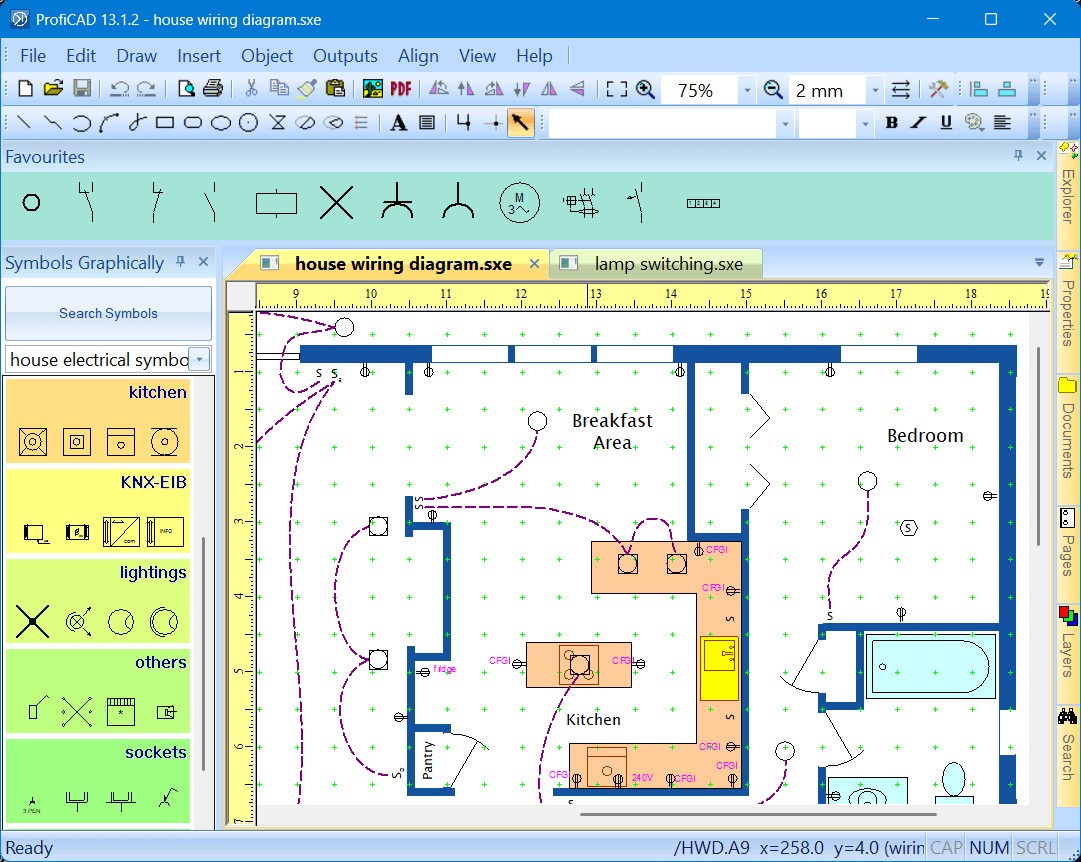
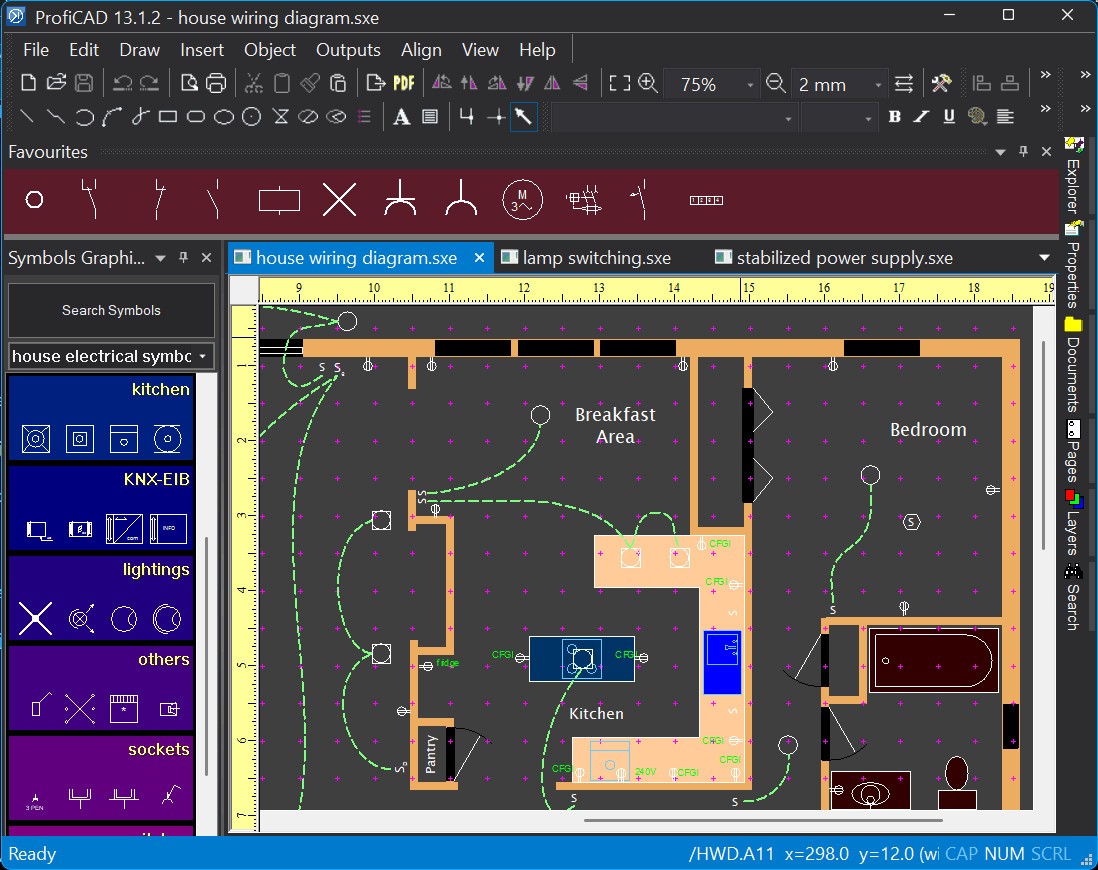
ProfiCAD is a specialized software that helps you create clear and accurate electrical diagrams. Unlike large CAD suites that cover every possible use case, this software focuses on electrical design, so you get a toolset that is straightforward without unnecessary complexity. You can use it to create wiring diagrams, control circuit drawings, and layout schematics for electrical projects of all sizes, and it’s a great tool for engineers, electricians, and students.
It’s very simple to start using ProfiCAD as you can drag and drop symbols from the included library, which covers all common components like resistors, switches, motors, relays, and connectors. If you need something more, the tool also has a symbol editor that lets you create your own components and save them for later. ProfiCAD can automatically number the wires and other components, so your documentation stays organized even in large projects. The software also has features to help you standardize diagrams without constant manual updates, like grid snapping or alignment tools.
Even though ProfiCAD doesn’t need very advanced hardware to run, it produces professional-level outputs. You can export diagrams to PDFs for easy sharing, or DXF for compatibility with other CAD tools. You can also generate various reports, like bills of materials, and the tool works on Windows 10 and 11.
What Are the Key Features of ProfiCAD?
ProfiCAD is a great tool to have if your focus is on electrical work, as you can use it to make schematics, wiring layouts, or control diagrams. With it, you don’t need to learn a massive CAD program with hundreds of features you’ll never use. The program has a wide selection of standardized electrical symbols, which ensures consistency across your drawings. Since all symbols follow international standards, your schematics will be easy for anyone familiar with the field to read. And if your project requires something special, the symbol editor gives you the option to build custom components without leaving the software.
When it comes to automation features, ProfiCAD can number wires and components automatically and generate cross-references for related elements. This is particularly helpful when you’re working with multi-page diagrams, where manually tracking every wire would be frustrating and time-consuming. By letting the program handle the routine details, you can focus on design and functionality.
ProfiCAD also supports creating a bill of materials, so when your diagram is complete, the software automatically produces a list of all the components you used. This list can be exported to Excel or other formats and used when ordering parts or managing inventory. It saves time and reduces the risk of mistakes when you try to transfer that information manually.
When you’re done designing with ProfiCAD, you can export your work as PDFs and share it with others or get DXF files for further editing in other CAD tools. Finished diagrams are neat, standardized, and ready for professional use, and you can use password protection and revision history to secure your files or track changes.
Since the interface in ProfiCAD uses familiar drag-and-drop controls, grids, and snapping tools to keep everything aligned, it makes it much easier to use, even for beginners who have never used CAD software before. You can start producing diagrams quickly, and the software runs smoothly even on older or less powerful PCs where heavier CAD suites might slow down. This way, you can use the tool when you’re learning or don’t have a high-end machine. ProfiCAD offers a 30-day free trial, but after that, you need to get a paid license.
Is ProfiCAD Free to Use?
ProfiCAD is a paid tool that offers three types of perpetual licenses you can choose from: Single User, Site, and School. Once you buy a license, it will work forever with that version of ProfiCAD, and if a new version comes out, you can buy an upgrade at a reduced price. If you first want to test the tool, you can do it during a 30-day free trial.
Which Platforms Support ProfiCAD?
ProfiCAD is designed exclusively for Windows systems, and it runs on Windows 10 and 11 in both 32-bit and 64-bit versions. It also has a companion app for Android called ProfiCAD Viewer, and it offers a portable version that doesn’t require installation. You can run it even on older Windows PCs as the tool doesn’t require high-end hardware to run smoothly.
What Are the Best Alternatives to ProfiCAD?
Tinkercad is a free, browser-based tool developed by Autodesk. It has a simple circuit editor where you can build and simulate electronic circuits, but it also allows you to do 3D designs and has coding options. It’s a great option for people who want to learn CAD tools or don’t require full-fledged software and are working on a simple, small project. It works on any modern web browser installed on Windows, macOS, Linux, and Chromebooks.
KiCad is a free, open-source program available on Windows, macOS, and Linux that offers schematic design, PCB layout tools, and 3D visualization features. It’s a comprehensive solution for electronics engineers who need to design full circuit boards, not just diagrams. Keep in mind, though, that it has a steeper learning curve and is more complex than ProfiCAD, but offers many more features in return.
AutoCAD is computer-aided design (CAD) software used extensively by architecture, engineering, and construction professionals. It is used to model detailed plans, drawings, and designs. It helps professionals in various technical industries set up 2D and 3D models. It offers a wide suite of tools and features that allow creating and documenting projects to prepare them for production. It works on Windows and macOS computers and requires a paid license.