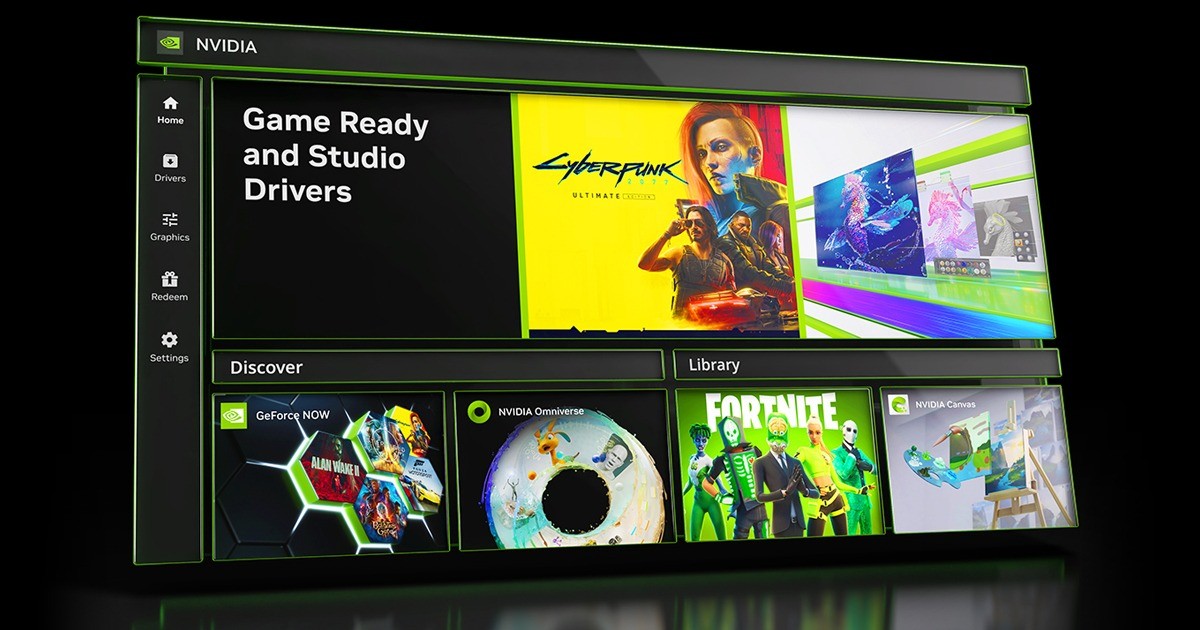
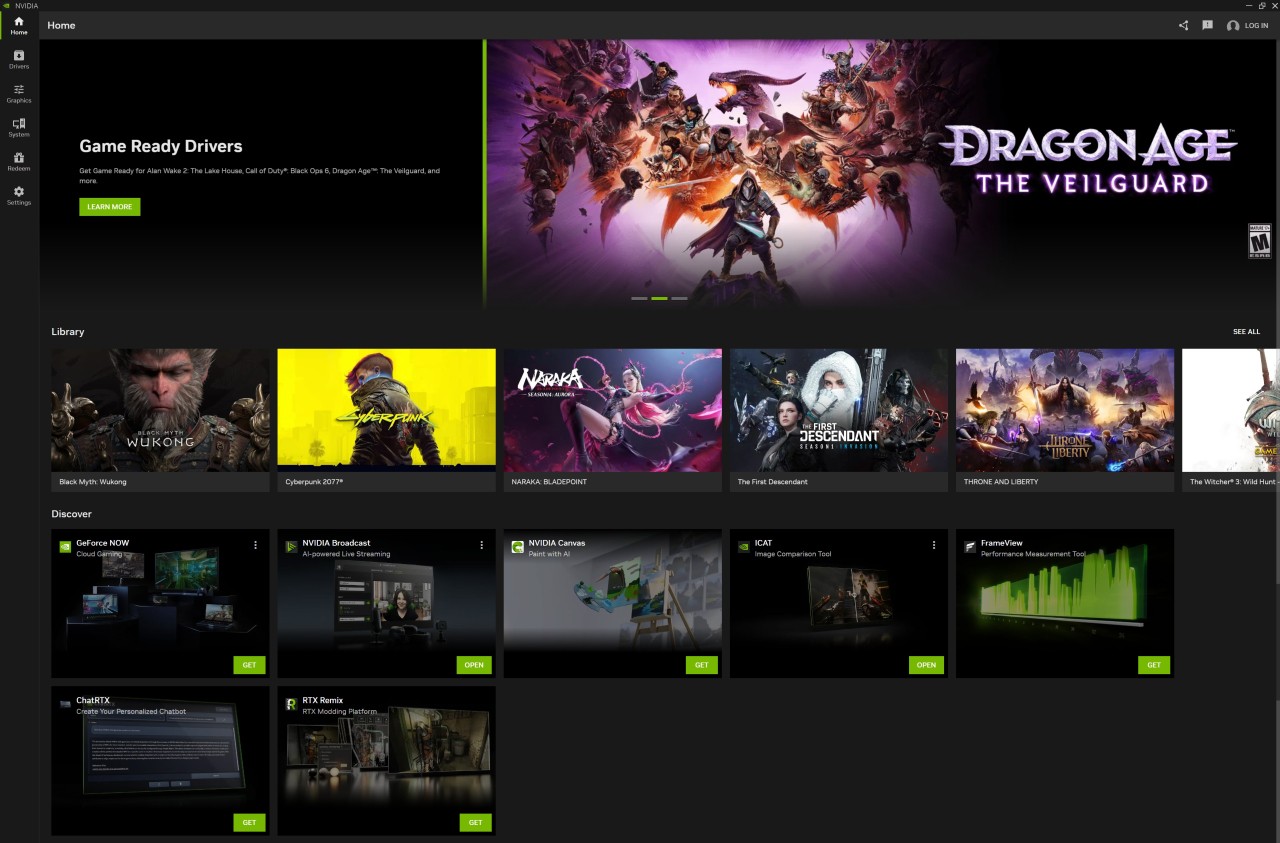
The NVIDIA App is a Windows PC companion software that is based on NVIDIA graphics cards. It combines various NVIDIA applications, driver updates, and game-optimization controls, as well as screen-recording software, into a unified interface that is modern.
Instead of having to balance between the NVIDIA Control Panel to set the settings and GeForce Experience to install the drivers and recordings, the NVIDIA App has all these functions. It is like a space where you can control the settings of your graphics card, install new drivers, customize performance profiles, record gameplay, and even use GeForce NOW cloud gaming.
The application helps both gamers and creators. Players can even control configurations to increase frame rates, whereas makers can capture screenshots and tune the performance of the GPUs at an editing or rendering phase. It acts as one control center, eliminating the necessity of making changes through multiple programs.
One of the aims is to simplify the process of managing GPUs: instead of long menu systems with multiple sub-menus, it will have easy-to-understand sliders and on-screen feedback that indicate the effect of each hack on the graphics. The app continues to use an excellent NVIDIA driver stack under the hood, but is more intuitively presented.
What Are the Key Features of NVIDIA App?
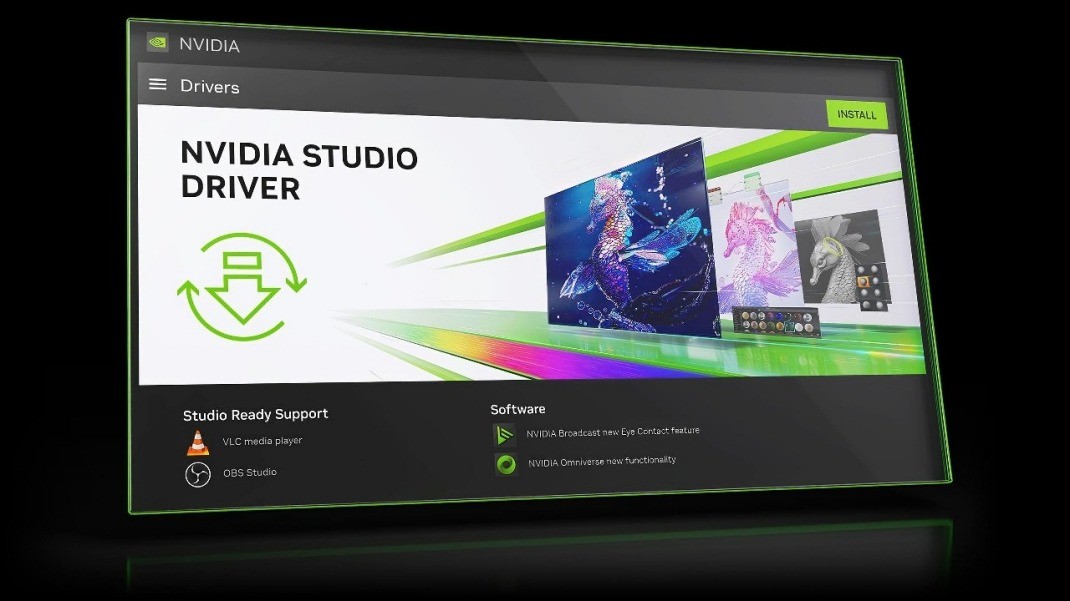
NVIDIA App ensures that all the management of the GPUs is made easy by centralizing everything. The application operates on the driver updates. Two categories of drivers exist: Game Ready Drivers are optimized to run new releases smoothly once they are released into the market, and Studio drivers are aimed at those who use professional creative software. You can alternate between them with just the click of the button, depending on your requirements, instead of searching the internet.
One of the strongest highlights is the built-in graphics optimization center. It shows your existing graphics settings and recommends tuning options depending on your hardware and CPU, display, and workload. Sliders allow one to change frame smoothing and resolution scaling, and performance mode. Even the tuning system can automatically adjust the settings of the GPUs, eliminating the necessity of using technical terms. It also comes with automatic overclocking, whereby people who desire additional performance do not have to individually adjust the frequencies.
ShadowPlay is a realistic application that records gameplay or captures a screenshot without slowing down your system. The remaining seconds can be saved instantly or written manually with high resolution - up to 8K HDR, depending on the supported GPUs. Newer RTX cards can record to the AV1 codec, and the file sizes remain smaller, but the quality remains the same.
When playing a game, the overlay displays the FPS, GPU load, CPU load, system latency, and others. It does not require third-party monitoring tools. NVIDIA Freestyle is also available in the app and makes the application of real-time visual filters, including dynamic vibrance and HDR enhancement. These features are interconnected such that you do not have to use several apps to control your graphics card.
Is NVIDIA App Free to Use?
Yes. The app is free to download and install for any individual with an NVIDIA GPU. There are also no charges for all driver updates, tuning, and capture features. GeForce NOW cloud gaming and other optional offerings are paid, although the NVIDIA App is free, and there are no locked-out GPU-optimization or recording features.
Which Platforms Support NVIDIA App?
NVIDIA App is developed for Windows PCs. The app is compatible with NVIDIA graphics cards and Windows OS, and therefore, it can be installed normally and identify your hardware. It is compatible with the majority of existing GeForce RTX and GTX gear, and new NVIDIA Studio cards. It is also intended to succeed GeForce Experience and some functionalities of the original NVIDIA Control Panel in due course, but in the meantime, certain advanced settings are still available in the older control panel.
After the NVIDIA App is installed on Windows, it serves as the central point for performance settings. You boot it, get an update to your drivers, tweak tuning options, capture gameplay, or observe FPS with the overlay. No graphics card is needed to run it, but it makes it easier to maintain and fine-tune performance, thus eliminating independent third-party software.
What Are the Best Alternatives to NVIDIA App?
Another option that is not associated with the need to control the drivers of the graphics cards is Razer Cortex, which allows enhancing the performance of games. It releases system resources before a game by closing its extraneous background processes. It does not control video drivers or video recording hardware, but can be used to soften lower-end PCs. It can come in handy to those who find it practical to have a quick one-button boost.
GameFire is also specialized in optimizing the performance by turning off unnecessary services and cleaning up RAM usage during the process of playing a game. It lacks features like video recording and GPU-level capabilities such as overclocks, but it still levels performance on systems that are perceived to be slow. GameFire can be used by users who prefer a light solution with no recordings or overlay features.
GameBoost will be used to optimize gaming performance through the usage of system tweaks, disabled background processes, and altered CPU priorities. It aims at minimizing lag without having to know about settings of the system settings. It fails to control drivers or visual tuning, such as NVIDIA Freestyle or Shadowplay. GameBoost is less about improving the graphics and more about game stability.