Affinity by Canva is an artistic application that integrates photo editing, vector design, layout making, and AI improvements into a single application. Serif Europe initially created it as three tools, namely, Affinity Photo, Affinity Designer, and Affinity Publisher.
The acquisition of Affinity by Canva altered its design. Users do not need to download individual software anymore, as everything is displayed in a single interface. This allows individuals to edit images, graphics, and documents without the need to keep changing programs. Furthermore, Canva made it free to download and use.
Although it contains strong editing features, layers, masks, vector path, typography controls, and layout choices, the interface seems to be lighter when compared to more conventional design software. Users alternate between specialized workspaces, pixel editing, vector editing, page layout, or AI tools, according to the task at hand. Affinity can be used both by beginners and highly sophisticated designers and accommodates any task, rather than imposing a strict workflow.
What Are the Key Features of Affinity by Canva?
One of them is its integrated workspace. Instead of having to use individual apps to view photos, illustrations, or even to publish, Affinity allows specific studios to be accessible within a single window.
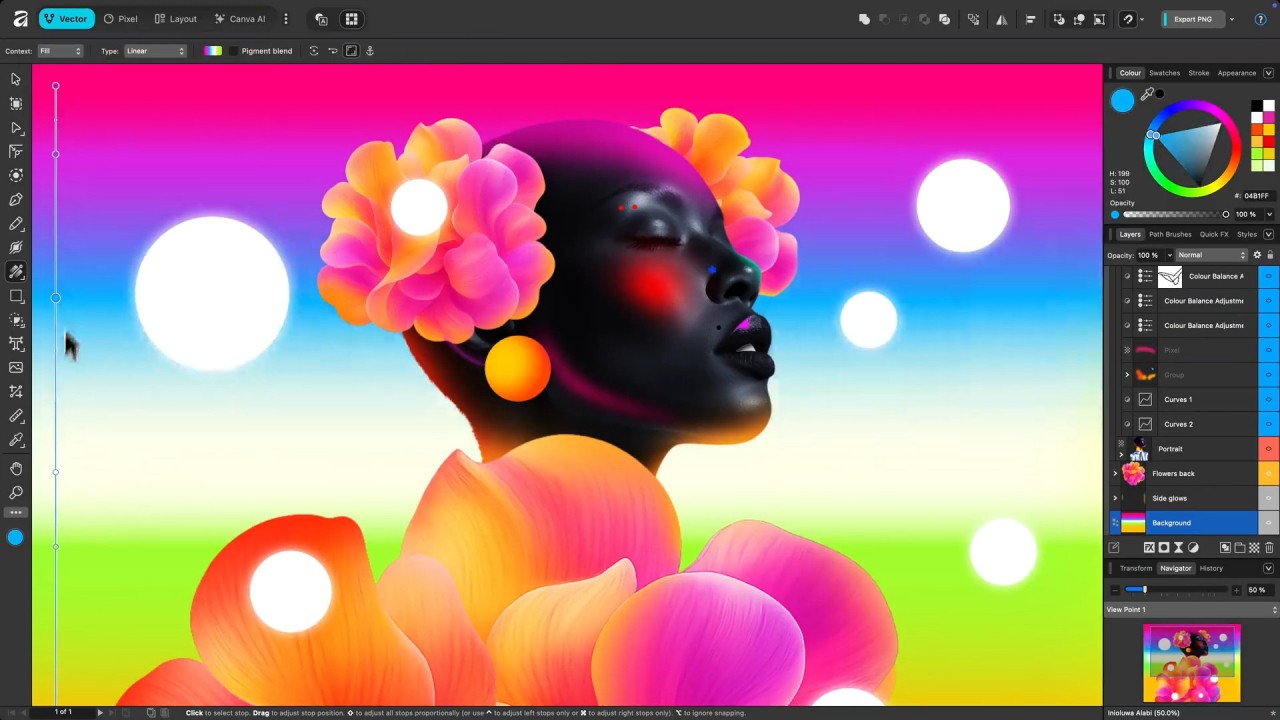
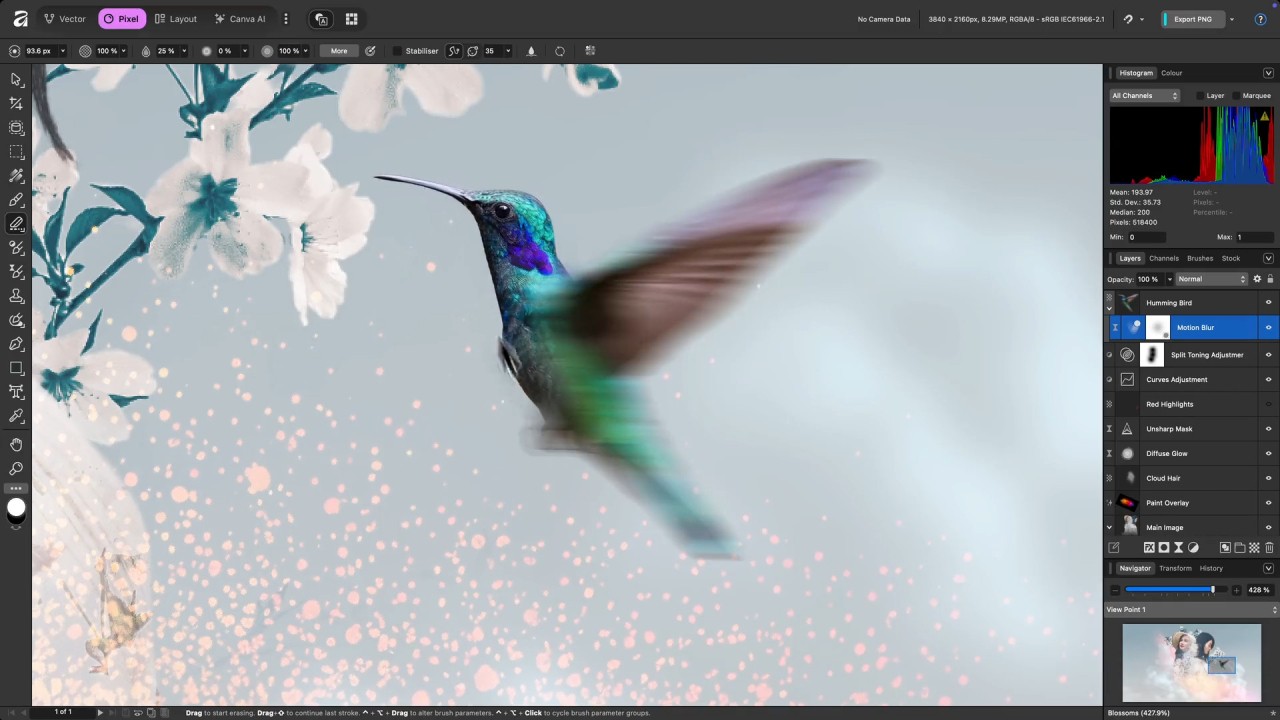
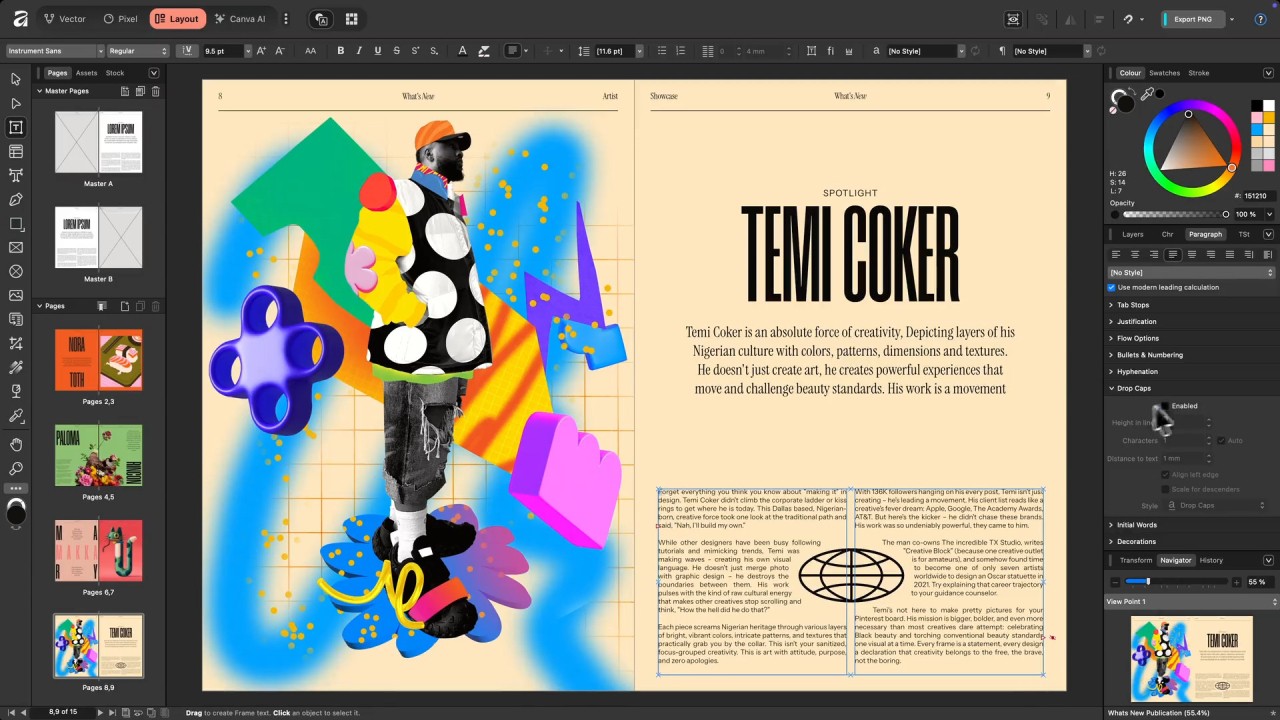
Pixel workspace contains brushes, retouching, color adjustments, and other raster-oriented features. The Vector workspace has paths, nodes, strokes, lines, the creation of shapes, and scalable graphics. Layout workspace is designed to suit magazines, posters, documents, and multi-page projects, such as text frames, grids, and typography controls.
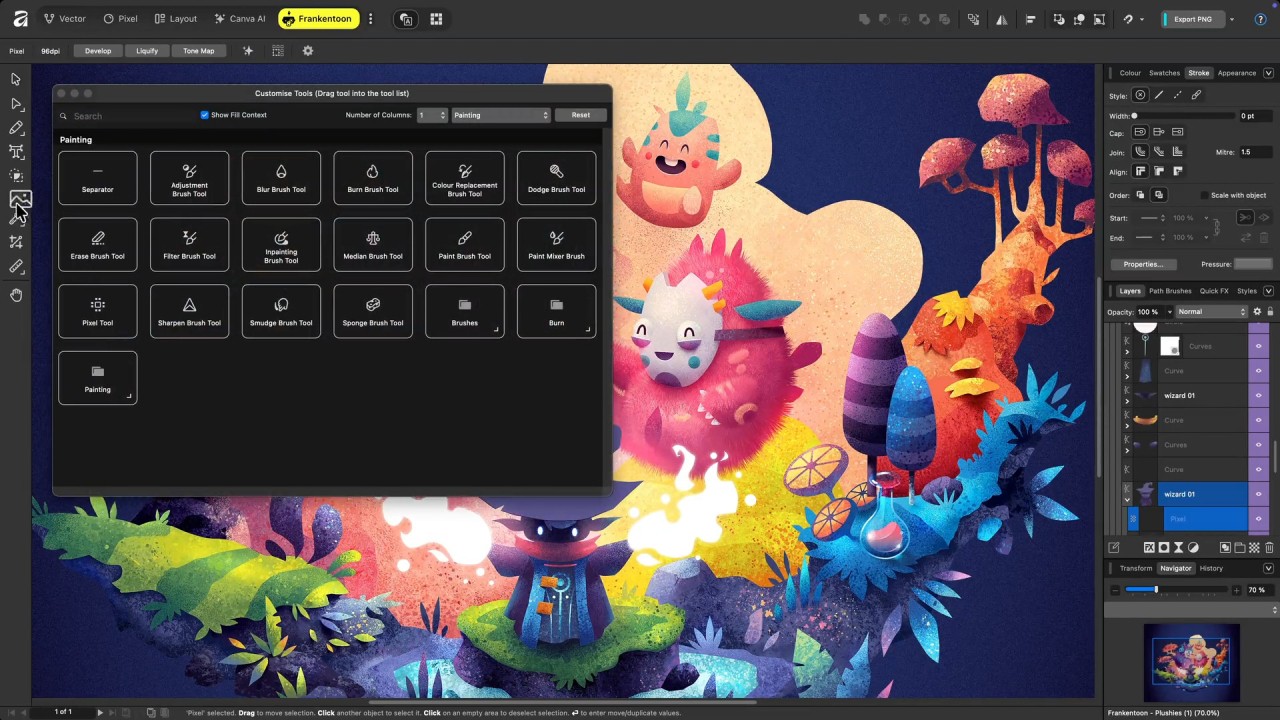
Affinity also has a powerful customization system. Tools from multiple workspaces can be mixed and saved as a studio by users. As an illustration, you are free to place the vector pens on one side and pixel brushes on the other. Starting with several custom workspaces, you can change between them without having to hide your tools in menus or in other applications.
There is a wide range of files that Affinity accepts. Open PSD, AI (in a way), IDML, and even CAD files, including DWG. This compatibility eases the integration with Adobe users and inter-team integration.
Another benefit is Canva AI integration. Users are able to remove background, generate objects, upgrade pictures, or make pictures out of prompts. The entire AI suite is subscribed to, but basic editing tools are free. Affinity also has direct export to Canva, which allows creating a project in Affinity and completing it in the template environment of Canva.
Is Affinity by Canva Free to Use?
Yes, Affinity by Canva is free. Photo editing, vector design, layout features, and basic features are free. The optional AI tools and elite elements require a Canva subscription. One needs to create an account on Canva to use the software; however, the software is free to download and run on the supported systems.
Which Platforms Support Affinity by Canva?
Affinity by Canva operates on Windows and Mac. The unified software is compatible with both operating systems, and either of them can be downloaded on the Canva site or through the links it provides. Both platforms work similarly, and the tools and interface are similar, which means that the designers do not need to learn anything to switch to different machines.
The older Affinity Photo, Designer, and Publisher apps for iPads are free to download by mobile users. The apps are still operational, but they are capable of opening older Affinity file formats. A new single iPad version of Affinity is planned by developers, although there has been no announcement of the release date. Apple Pencil, advanced editing, and multi-touch gestures are all compatible with all iPad apps.
Android, Chromebooks, and web browsers cannot get affinity. Since the cloud-based platform of Canva does not have a local file repository, Affinity is a desktop software. This renders it appropriate for those users who operate with big files or doubt online editing.
What Are the Best Alternatives to Affinity by Canva?
The best competitor in the design industry is Adobe Creative Cloud. It is an assortment of powerful tools, such as Photoshop for working with raster images, Illustrator for manipulating vectors, InDesign for creating layouts, Premiere Pro for working on videos, and more. Another AI system available at Adobe is Firefly, a system that creates images and edits them. Although the subscription plan may be costly, Creative Cloud provides the industry standards in terms of features. Other Adobe applications are free or have light, free versions: Photoshop Express, Acrobat Reader, and Adobe Express. Adobe is a global standard in the industry as it has an ecosystem, compatibility, and professional-grade tools. Many designers download Adobe’s lighter apps first to explore the ecosystem before committing to the full suite.
Photopea is a web-based application that resembles the arrangement of Photoshop. It supports PSD files, raw photographs, and PDF files, as well as the Illustrator-like vector tools through its built-in Vectorpea editor. Running in the browser implies it does not require anything to be installed, and it can support any operating system: Windows, macOS, Linux, or ChromeOS. The free version has advertisements and opens almost all functions. One can export in various formats, edit layers, retouch, draw, and create vector art. Its compatibility across platforms makes it a strong alternative for those people who require a fast design tool that is subscription-free. Most users simply open the website and download their finished projects without dealing with any installation.
Another cloud-based creative suite is Pixlr, which features photo editing tools and design tools in a web browser. Pixlr Editor is aimed at high-end editing (layers, brushes, changes, and filters). Pixlr Designer specializes in templates, graphics, and animation. Pixlr Express has AI-based photo editing, instant editing, and filters. Other applications, like Remove BG and Batch Editor, can be used to work with several photos in a batch. Pixlr has both a free edition with advertisements and paid AI features. Being web-based, it is compatible with all major platforms and is an option for users who prefer a lightweight, cloud-driven workflow. People often download their edited images directly from Pixlr after using its quick online tools.