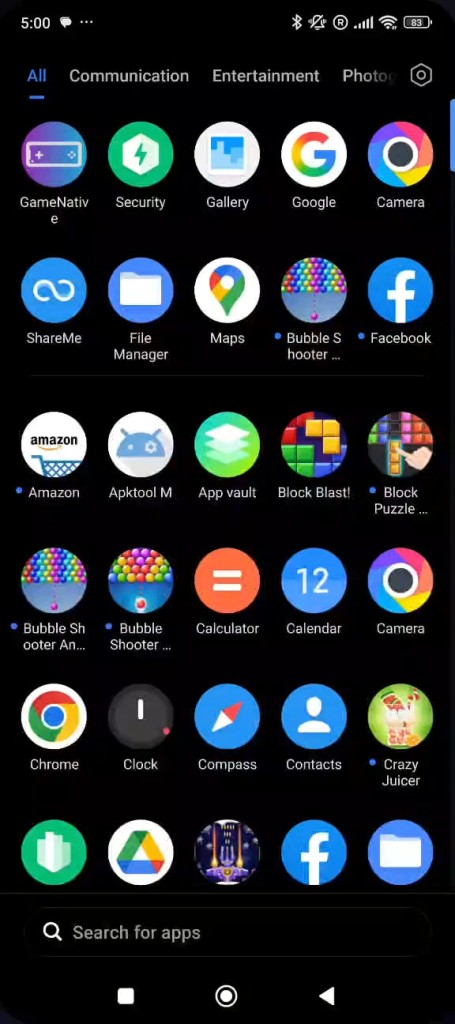
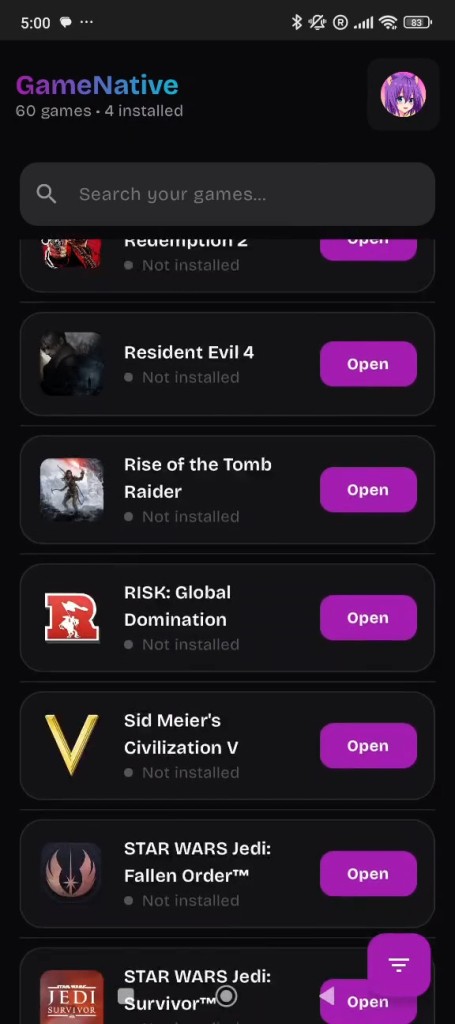
GameNative is an Android application that lets you play PC games without owning a PC nearby. Rather than streaming from your desktop, it runs the games locally on your phone or tablet through Steam. You can log in to Steam inside the app, browse your library, and check which titles your device is capable of running. It is not a full replacement for a desktop setup; think of it as an experimental bridge between Windows gaming and Android hardware. Some users push their devices to the limit with demanding titles, while others keep it around for lighter games on the go.
Development moves at a steady but uneven pace because GameNative is open source. No large company is polishing every detail, so you will run into rough edges. Some games perform well, and others crash or refuse to boot. Each update can improve one area while breaking another, yet the tool stays valuable for anyone who prefers experimenting over waiting for perfection. That willingness to be imperfect is what separates it from polished, official mobile storefronts.
The core idea is simple: let Android users play PC games locally without relying on a home network or a powerful computer at the other end. You download, install, and test. Your device hardware is the biggest factor in how well any game performs. Because it is Steam-focused, users with large libraries can load up and try game after game. GameNative is more of an exploration platform than a direct PC gaming replacement.
What Are the Key Features of GameNative?
GameNative does not rely on flashy marketing. Its primary purpose is letting you find and run Steam games on Android. Once you log in, your library appears. Choose a game to install, and the software translates Windows code into a format Android can handle. Success varies from title to title, but when it works, seeing a full PC game running on your phone is genuinely impressive.
Strong support for numerous DRM-protected titles sets it apart from similar tools, since many of those games refuse to launch through other methods. Not every game reaches full compatibility, but some run better than expected. The app also supports virtual keyboards, overlay controllers, and external gaming controllers where your device allows them. Those input options help make games that were not designed for touchscreens more playable.
Performance hinges on your processor, graphics chip, and your device's thermal limits. High-end gaming phones or Android handhelds deliver the best results. Even simple games can struggle on older budget phones, and with so much variety in Android hardware, there is no single performance standard. Some titles run perfectly, others barely crawl, and a few fail to start entirely. Not every problem can be fixed with an update.
GameNative runs everything locally and does not stream from another computer. That means internet is not heavily used during gameplay, and some titles support offline play once the game files are installed. This appeals to anyone who wants to play games without a constant connection. On the downside, large installations eat through storage quickly, so available space matters.
The app is still young, which means bugs, crashes, odd behavior, and compatibility issues are part of the experience. That is not a flaw in the tool's purpose; it simply gives Android users the option to experiment with real PC content in a new setting.
Is GameNative Free to Use?
Yes. GameNative is completely open source, and the developers do not charge for installation or updates. It is free to download, install, and use. All you need is an Android device, the games you already own, and enough storage space. The project is maintained by its community of contributors.
Which Platforms Support GameNative?
Only Android. Visit the official page or GitHub, download the APK, and install it on your device. It is not available on iOS, Windows, macOS, or Linux. The app relies on Android's ability to run external APKs and on compatibility layers that translate Windows code. Device performance varies widely: flagship models can handle more demanding games, mid-tier phones manage lightweight titles but struggle with heavier ones, and handheld consoles or tablets tend to show more predictable performance thanks to better cooling.
Low-end devices may not handle much beyond the smallest indie games. You also need a Steam account to access your library. Create an account, install the game files, and start testing. Not every game supports offline play, though many do. GameNative is not cloud-based; it operates purely as a local installer and launcher.
What Are the Best Alternatives to GameNative?
Steam Link does not run Windows games locally on your phone. Instead, it streams directly from your PC to your Android device. You need a gaming PC with the game installed and running, and the phone essentially becomes a second screen. Your home network determines the quality: laggy on a weak connection, smooth on a strong one. It is polished and official, unlike more experimental tools, but it requires a powerful PC at the other end. It is not a standalone option, though it is stable and reliable. Just tap and download the app to try it, but everything still depends on the PC you already own.
Winlator is another Android app that runs Windows applications locally. It works more like a sandbox than a Steam-based launcher, and most classic Windows titles can run after adjusting settings, graphics layers, and performance options. It rewards technical curiosity. Winlator is popular because it offers more configuration choices than most alternatives. However, Steam integration is not built in, so you may need to manage installation files yourself. It handles older PC games well but struggles with heavy modern titles. Users often download different profiles or settings packs to find what works best for their specific device.
GameHub takes a broader approach and is not exclusive to Windows or Steam. It centralizes games from multiple platforms, letting you experiment with launching them through different methods. Full compatibility is not guaranteed, but it provides a single interface for organizing collections from various sources. It lacks GameNative's direct Steam installation, yet it offers the flexibility to gather and manage games from many places. Most people download it to centralize everything in one app, even if not every game launches perfectly.