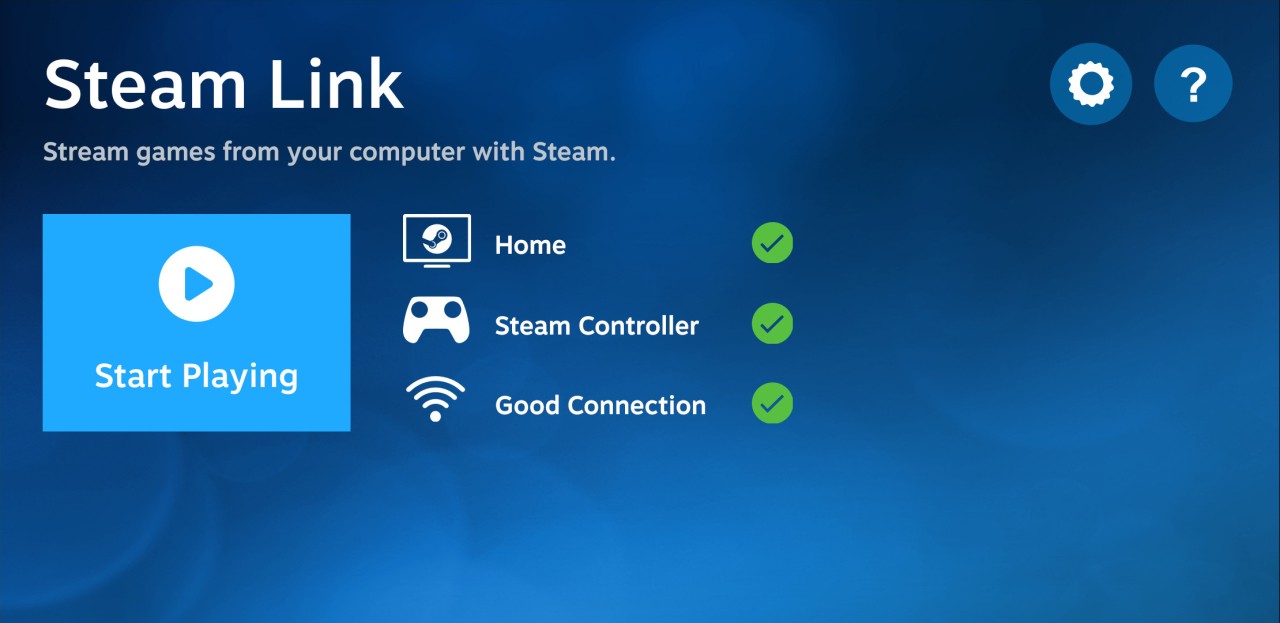
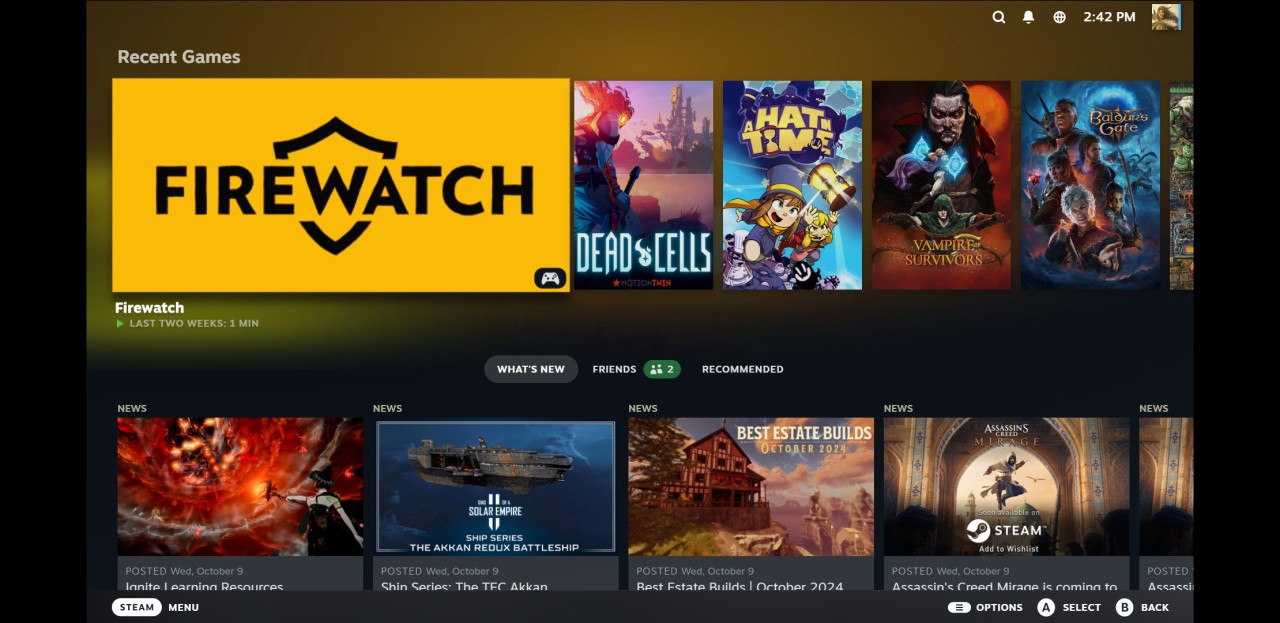
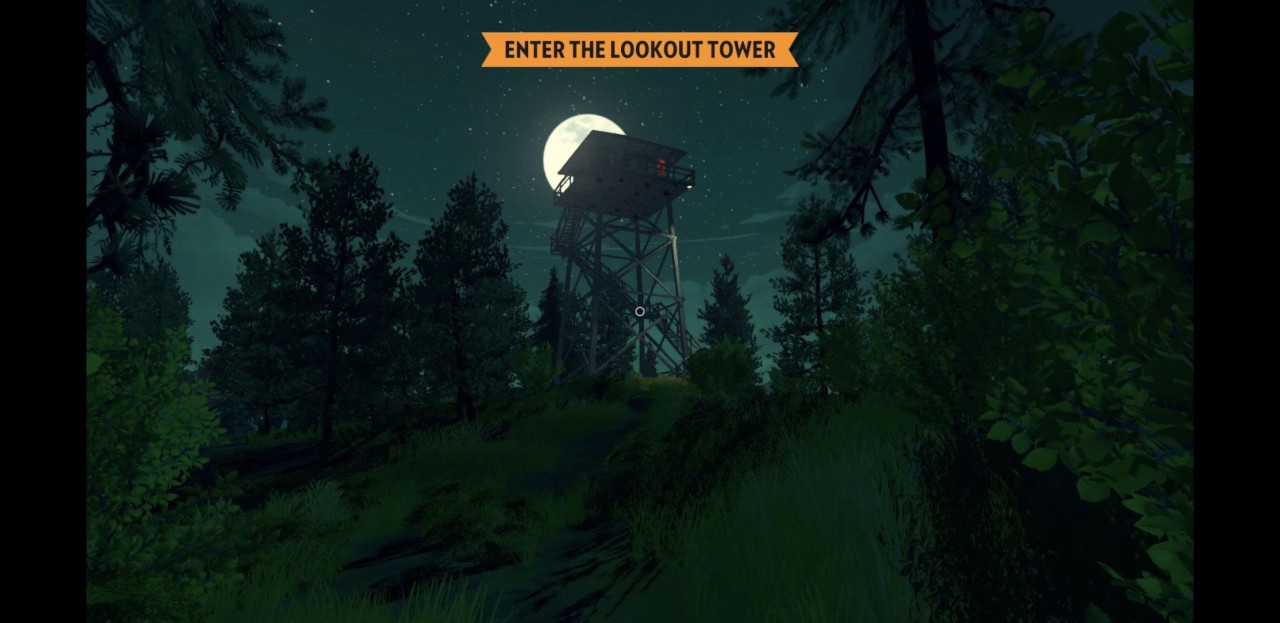
Steam Link lets you play games you already own on a different screen, whether that is your phone, tablet, Android TV, or another smart device. It does not move the game files anywhere; it streams whatever is actively running on your PC across your home network. As long as your computer is on and the game is running through Steam, the app mirrors the controls and gameplay on whichever screen you choose. The idea is simple: access your Steam library without being tied to your desk.
The app suits different habits. Some people use it to put a game on the TV without running an HDMI cable across the room. Others pick up a tablet and keep playing from the couch. Network quality matters for the experience. A wired connection on the PC and a strong Wi-Fi signal on the receiving device will typically give the smoothest results.
Steam Link does not use cloud servers or remote hardware. It only streams within your home, acting as a wireless bridge between your gaming PC and any screen you want to use. The app is free to download on Windows, macOS, Linux, Android, and iOS.
What Are the Key Features of Steam Link?
The core function is local network game streaming. When your PC and streaming device are on the same network, the app surfaces your Steam library and lets you launch any game that supports a controller or Remote Play. Bluetooth controllers work well, including Xbox, PlayStation, and Steam controllers, and the responsiveness feels close to a direct wired connection in good network conditions.
Stream quality adjusts to your setup. With a strong network, you can stream at high resolution with minimal latency. On weaker connections, the app scales back quality automatically to keep gameplay running. Bitrate, frame rate, and resolution are all tunable, so you can prioritize low latency for fast-paced games or sharper visuals for slower ones.
On Android TV and compatible smart televisions, Steam Link turns the screen into an extension of your PC without any extra hardware. Connect a controller, open the app, and your Steam library appears on the big screen, ready to play.
On mobile, the app scales to the screen size and offers basic touch controls for games that do not demand precise input, though touch is a poor fit for most PC titles. The experience is designed for convenience: access your library, switch screens quickly, and carry on playing wherever you are without losing your place.
Is Steam Link Free to Use?
Yes. Steam Link is free to download and use with no subscription or additional purchase needed. The only requirements are a Steam account with games and a PC capable of running them. Because streaming happens over your local network rather than through cloud servers, there are no ongoing costs. The only potential extra expense is a compatible controller if you do not already own one.
Which Platforms Support Steam Link?
Steam Link is available across a wide range of devices. On mobile, you can download it from the Google Play Store for Android phones and tablets, or from the Apple App Store for iPhones and iPads. Google Play also supports Steam Link on Android TV devices, various smart televisions, and TV boxes, making the living room setup straightforward with your PC handling all the processing.
On the PC side, Steam Link runs on Windows, macOS, and Linux. It uses Valve's Remote Play feature to stream between computers as well. A Steam account on the host machine is required regardless of setup.
Good network conditions are important throughout. Wired Ethernet on the PC and 5 GHz Wi-Fi on the receiving device give the most reliable performance. Any modern device that can run the app and connect to the same network as your gaming PC should work with a compatible controller attached.
What Are the Best Alternatives to Steam Link?
PlayStation Plus for PC, previously known as PlayStation Now, lets you stream PlayStation titles directly to a computer without owning a console. Performance depends on your internet connection rather than your hardware, since all processing happens on Sony's servers. The library spans older and newer PlayStation releases, depending on your subscription tier. It is a reasonable option for players who want access to quality titles without a high-spec gaming PC. A paid PlayStation Plus subscription is required to use the service. Many players download small companion apps to check performance or manage library and remote access settings for these services.
NVIDIA GeForce Now streams games from powerful remote NVIDIA hardware to your device. You link your existing Steam and Epic Games libraries, and the service runs them on cloud-based machines rather than your own. This removes the need to own capable local hardware, making it a practical option for people who want to play demanding games on a Chromebook, an older laptop, or a phone. Unlike Steam Link, it does not depend on your home network or your PC's specifications. Plans range from a free tier with limitations to paid subscriptions offering better performance and priority access. If you are unsure whether it fits your setup, you can download trial versions or basic tools to test streaming quality before committing.
Amazon Luna is another cloud streaming service that delivers games to phones, tablets, computers, and Fire TV devices. Its library is organized into channels, with some included for Amazon Prime members and others available through additional subscriptions. Because games are streamed remotely, Luna does not require a gaming PC or large local downloads, and it works across virtually any supported device. It is aimed at players who want to jump into games without hardware requirements or file management. The library is smaller than some competing services, but it is well integrated with the Amazon ecosystem and simple to get started with. Some users download setup guides to understand how Luna connects to their existing accounts and whether it suits the way they already play.