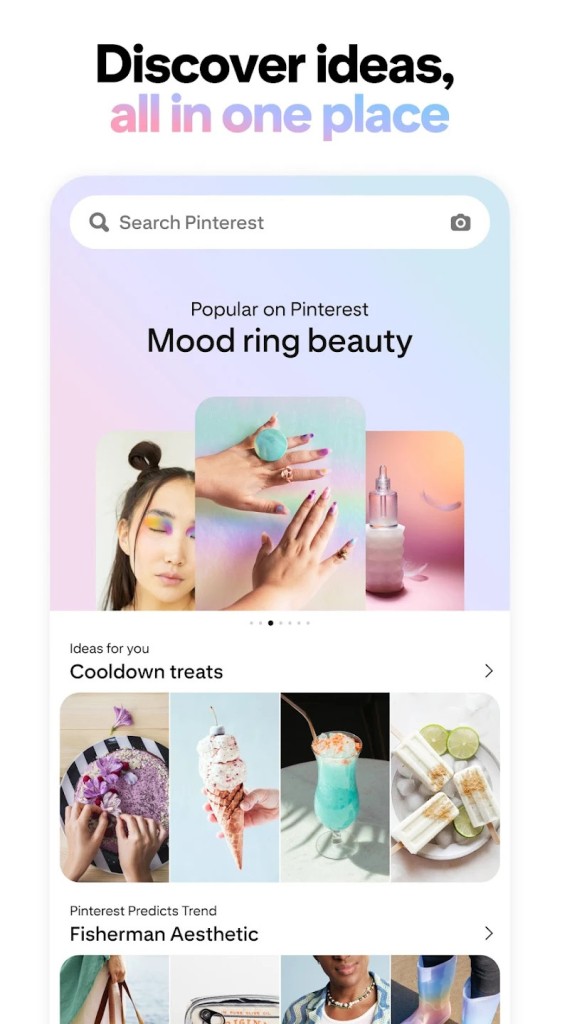
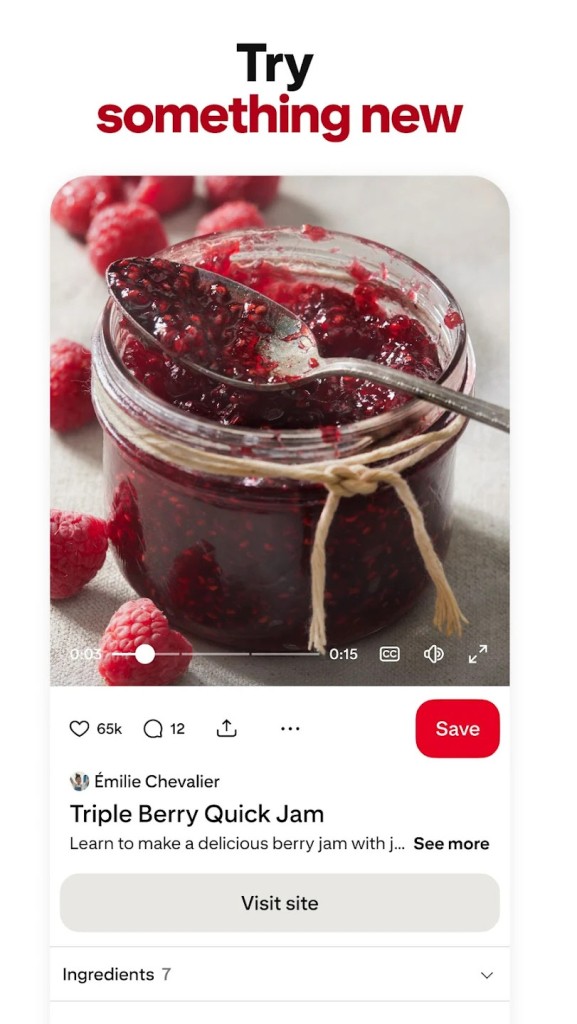
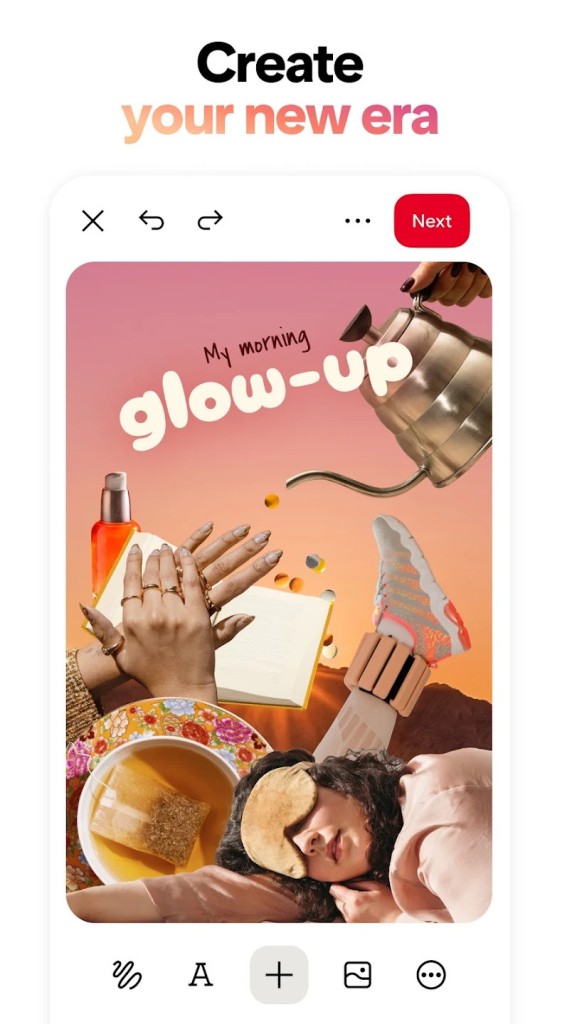
Pinterest has been around long enough that most people have probably used it for something, even if it is not an app you open every day. It built its place by focusing on visual discovery. You search for ideas, save Pins to boards, and keep everything organized in one place. That is still the core of its purpose. Pinterest’s own help pages describe it as a visual discovery engine for finding ideas like recipes, home inspiration, style, and more.
Part of the reason it still feels different is that the main job is clear, and it varies a lot from other social platforms. You are not really opening Pinterest to post quick updates or keep up with people in real time. You are there to browse, collect, and plan. You have various features to use, such as Pins, Boards, Collages, and other tools that make it easier to save ideas and organize them for later. That gives it a different shape from apps that are built more around profiles, feeds, and direct social interaction.
What Are the Key Features of Pinterest?
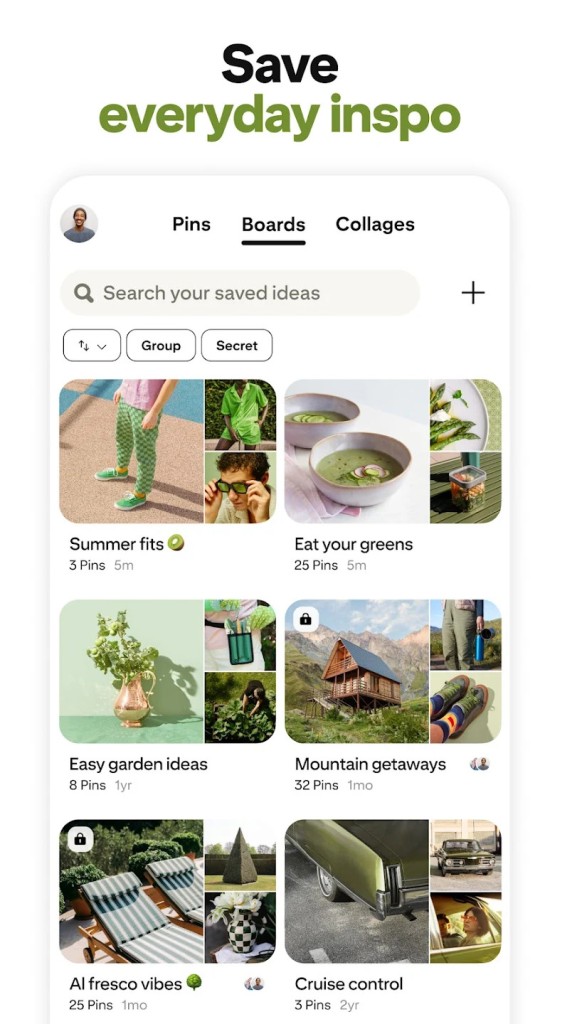
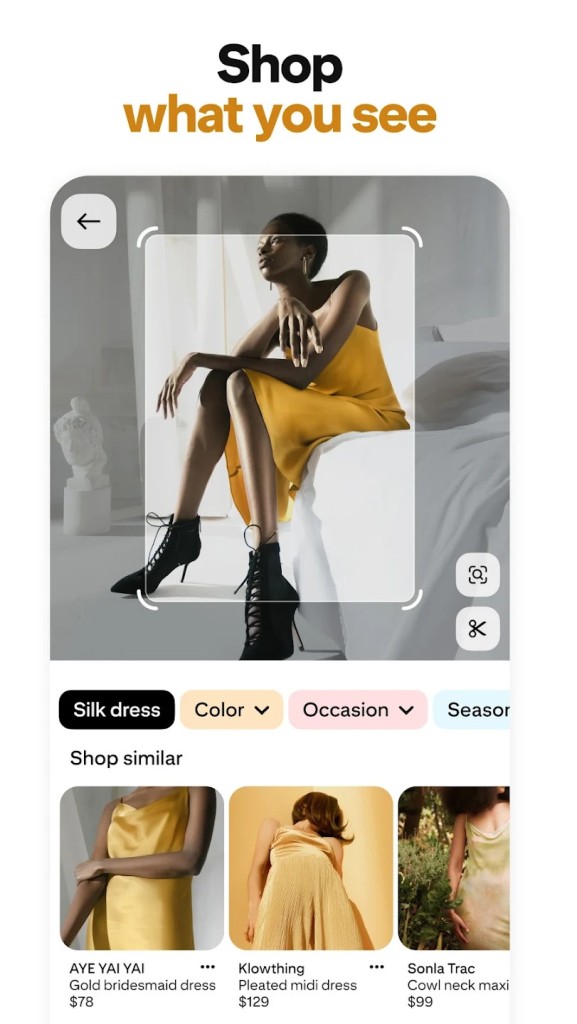
Pinterest is mainly built around Pins and boards. A Pin is the content format, and Pins can be made up of images, videos, or a mix of both. Boards are where you save and organize those ideas, which is a big part of how the app works. The platform also includes Collages, shopping-focused product Pins, messaging, and analytics for business users, so it stretches beyond simple image saving.
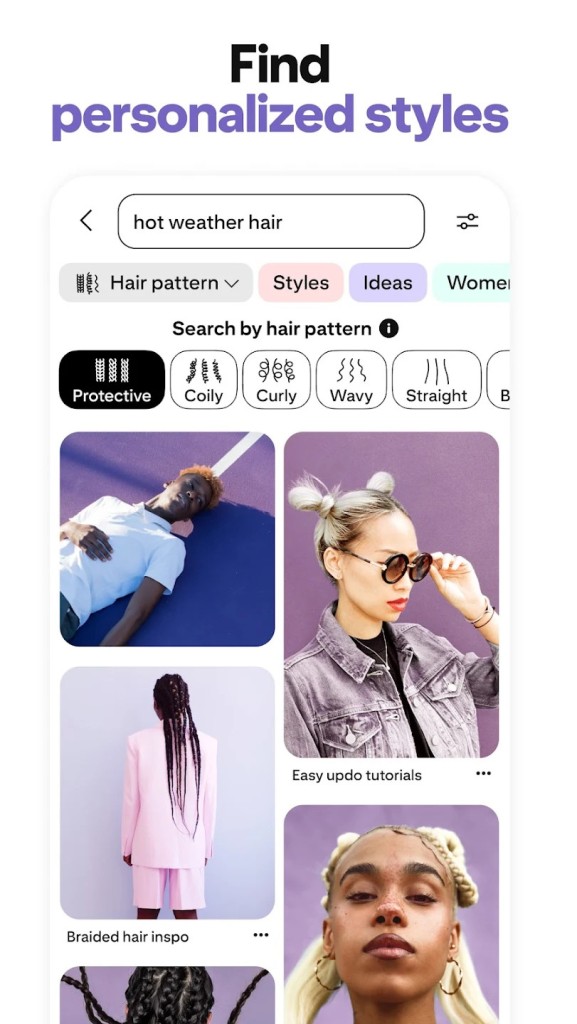
That gives Pinterest a pretty broad role. It is not just for collecting images. It is also meant to help with planning projects, tracking inspiration, discovering products, and sharing ideas with other people. Some users will mostly care about saving recipes, outfits, or home ideas. Others may use it more as a search and discovery tool tied to shopping or content creation.
Is Pinterest Free to Use?
Yes, it’s free to create a Pinterest account, and all core features are accessible with that account. That is still how most people use it. You can browse ideas, save Pins, create boards, and use the app without paying.
There is a paid side to Pinterest, but this is for access to additional tools, mainly used by businesses, such as ads. For regular users, the main experience is already there in the free version.
Which Platforms Support Pinterest?
Pinterest works on the web, Android, and iPhone. That gives it a pretty easy setup. You can work across both desktop and mobile using the app. For example, you can save something quickly on your phone, then come back to it later on your laptop when you want to search properly, sort boards, or look through ideas on a bigger screen.
What Are the Best Alternatives to Pinterest?
Instagram is the closest alternative if you like the visual side of Pinterest but want something that feels more social. It is built around people, posts, Stories, and Reels, so the focus is more on what others are sharing right now. Pinterest works differently. You are usually there to look for ideas, save them, and come back when you need them.
Pixelfed is another option if the image-based side is what matters most to you. It is more of a photo-sharing platform, with posts, albums, and a traditional feed. That gives it a simpler feel than Pinterest. You are not really collecting ideas into boards or using them to plan things out. It is more about sharing images and browsing what other people have posted.
UpScrolled sits closer to the social side, too. It is built around posting content, connecting with other people, and spending time in a live feed. Compared with Pinterest, it feels less organised around saving and sorting ideas. Pinterest is more about collecting things for later. UpScrolled is more about what is happening on the platform at the moment.