qBittorrent is a free and open-source solution to all of your torrenting needs. With its help, you can download and share files through the BitTorrent network. The tool requires an internet connection to work. It doesn’t feature any ads, and you can use it on Windows, macOS, and Linux computers.
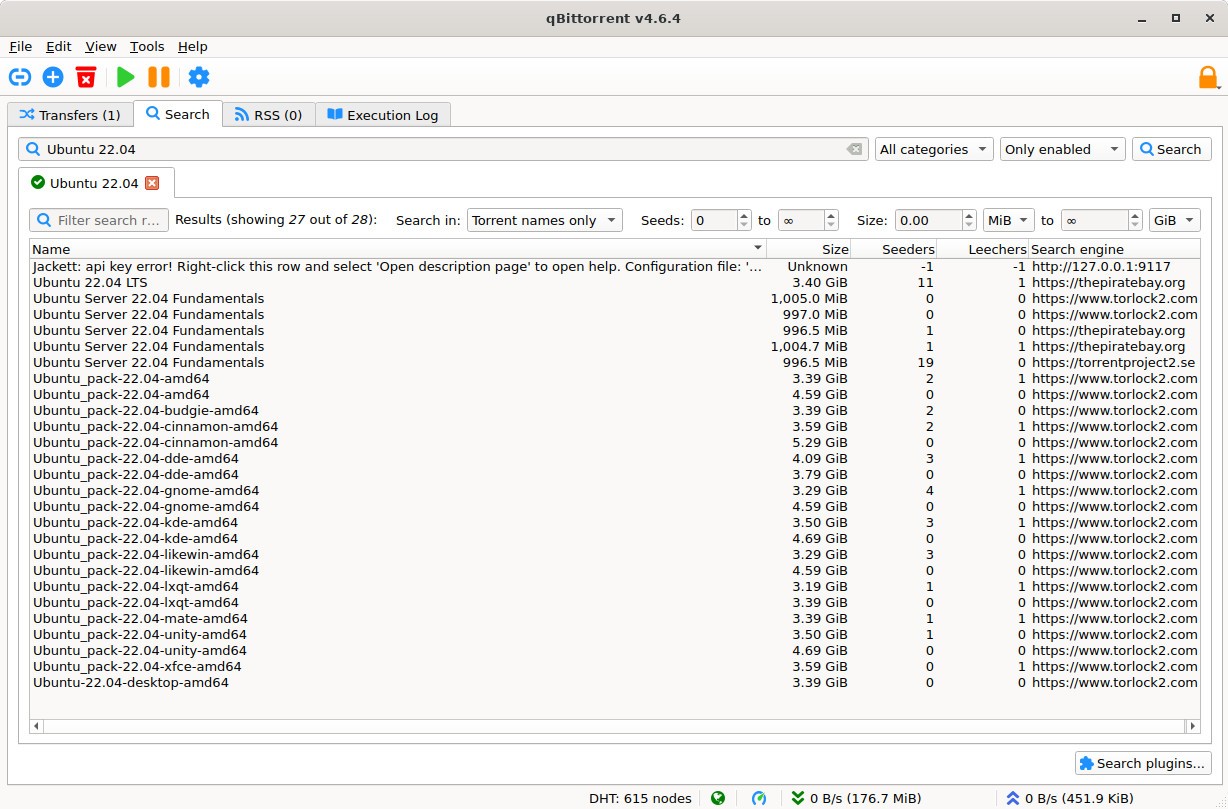
The program has a search feature that you can use to locate files. All of your downloads can be managed from a different device. All you have to do is access qBittorrent through its web-based application.
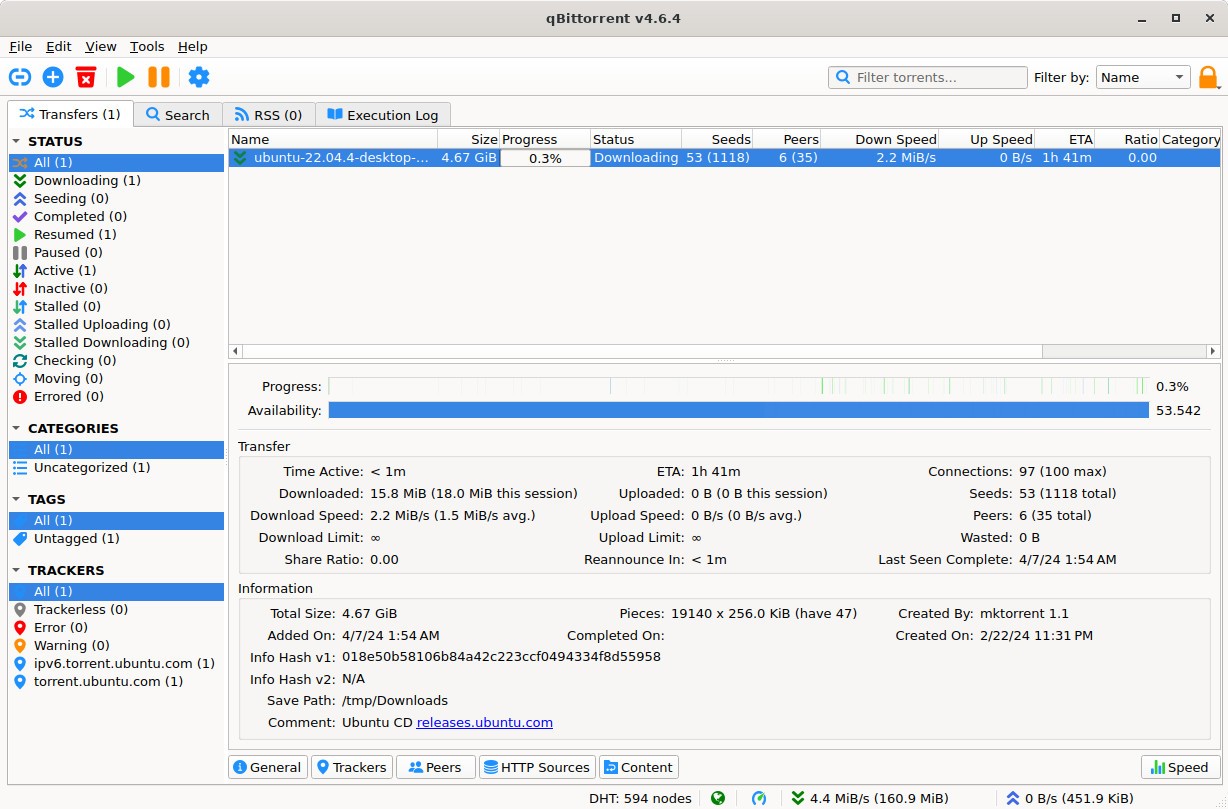
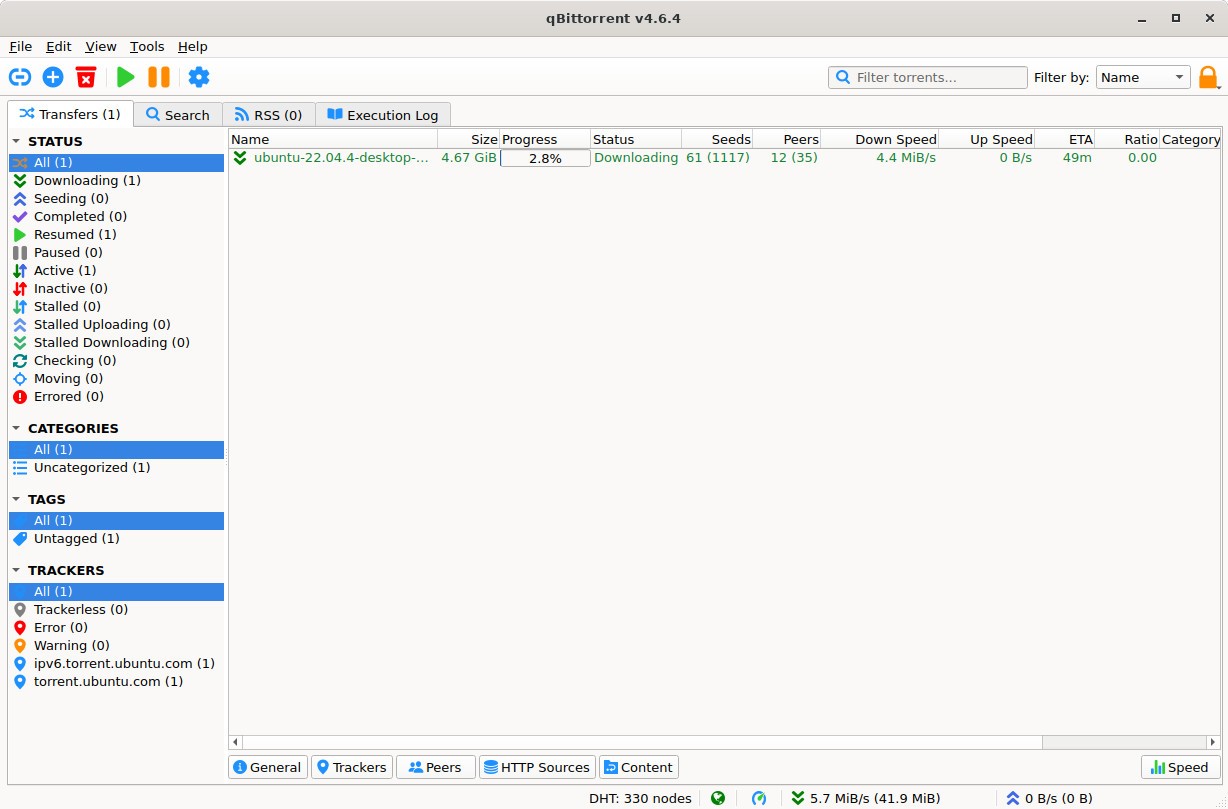
Additional features allow you to control and manage all of your torrenting. For instance, you can add items to the queue, change the torrenting speed, and filter IP addresses.
What Are the Key Features of qBittorrent?
If you’re looking for a free alternative to popular torrenting programs that will also work on macOS, Windows, or Linux, then qBittorrent might just be the solution. The app is open-source, which means anyone can find the code online. The program doesn’t push any ads, so you can enjoy torrenting without distractions. qBittorrent invites you to share and download files through the BitTorrent network with the help of the internet.
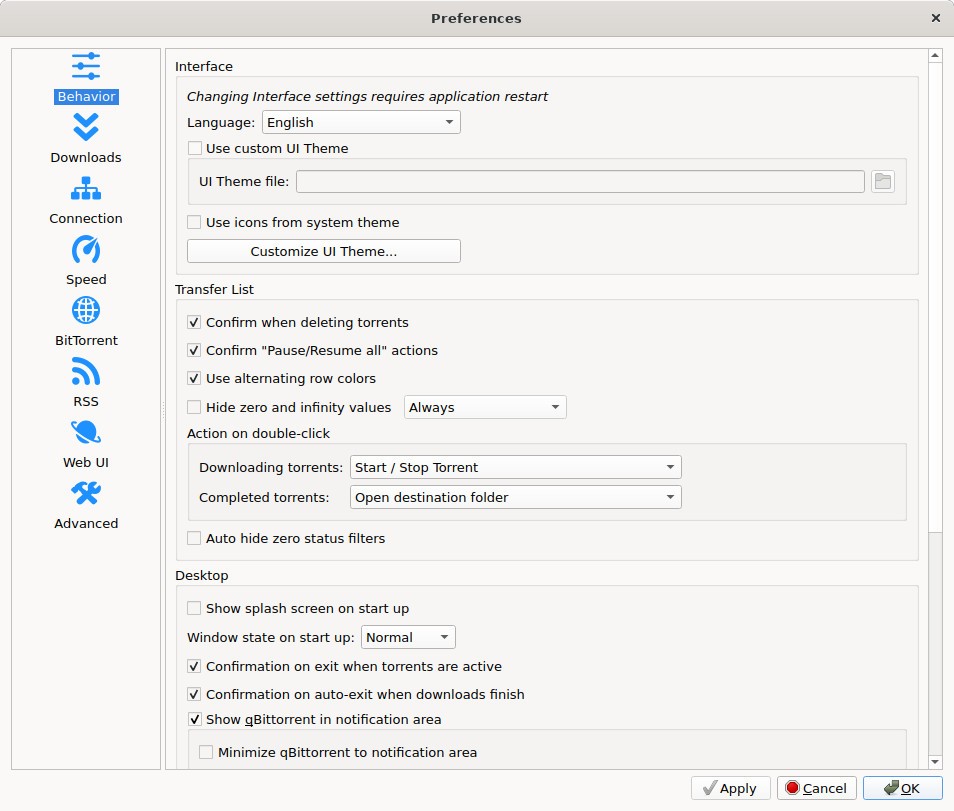
The interface is user-friendly and polished, making for a pleasant user experience. Its cross-platform functionality makes it accessible to a wide range of users with varying devices.
The Python-based inbuilt search engine lets you browse multiple different torrent sites and locate the files you’re looking for. Once you’re ready to download, you can control and optimize the process with the help of qBittorrent’s useful tools. For starters, you can change the speed of download based on your schedule and needs. Files are downloaded in sequential order, enabling previews before the download is complete. You can choose which files get priority in the download queue and which can take a backseat.
Downloads can be monitored from afar through any modern web browser. qBittorrent provides safety and security through IP address filtering, which serves to remove any unreliable or risky websites.
Is qBittorrent Free to Use?
Yes, qBittorrent is a free tool. It is open-source, so you can check the code online. It doesn’t feature ads, so you won’t be subject to distractions. There isn’t a paid version or advanced features that aren’t available for free.
Which Platforms Support qBittorrent?
qBittorrent is available for download on Windows, Linux, and macOS computers. The program is optimized for modern operating systems, such as Windows 10 and 11.
What Are the Best Alternatives to qBittorrent?
qBittorrent is not the first torrenting solution on the market. You are probably familiar with tools that came before it, such as µTorrent. Now, there are many other tools that can rival it, and each comes with its own benefits and drawbacks. If you are looking for a suitable alternative for qBittorrent for whatever reason, you can try the tools below.
Transmission is a free and open-source tool, just like qBittorrent. You don’t have to pay anything to use it, and there are no hidden fees or advanced features that need to be purchased. Because the platform is open-source, you can check the code online. The tool is known for being quite lightweight, meaning it won’t drain your computer’s resources. There are no distracting ads that would take away from the experience. The tool is suitable for Windows, Linux, and macOS computers. The dashboard is accessible online, so you can check on the progress of your file downloads or transfers from any browser.
Deluge is another free and open-source torrenting app. The program comes in a variety of interfaces: you can access it using its desktop app on your computer, or through a modern web browser on any internet-connected device. That means you can also manage your downloads from a different device. Deluge is lightweight and doesn’t use too much memory or CPU power. You can download the app on your Windows, macOS, or Linux computer. Deluge uses encryption protocols to ensure privacy.
PikaTorrent is a free and open-source torrenting app that’s built on Flutter. This app is lightweight as well. It is also incredibly user-friendly, providing a neat interface that’s easy to navigate. You can start streaming your files before the download is even finished, and add subtitles if necessary. The platform is available on Windows, Linux, and Android devices.