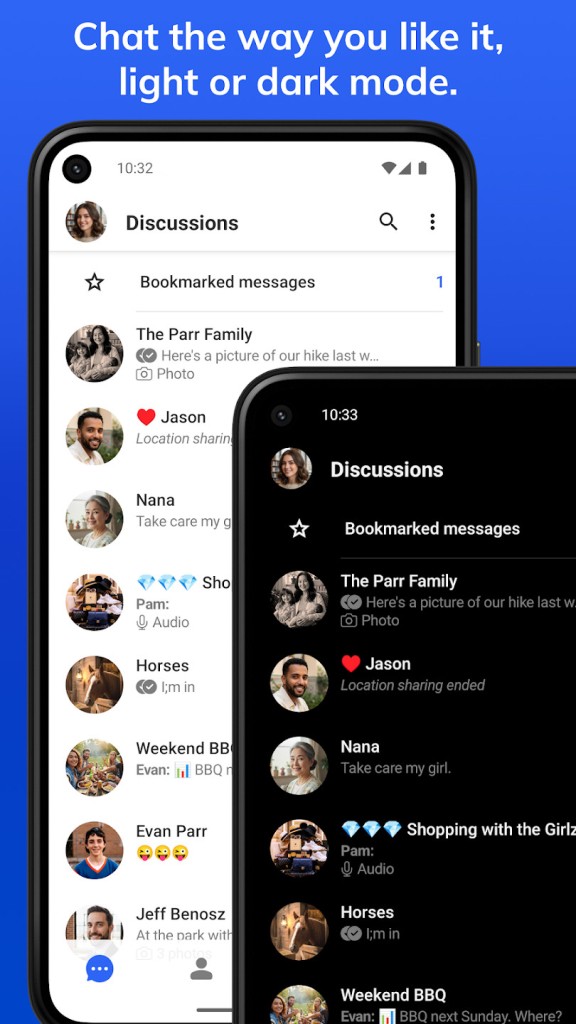
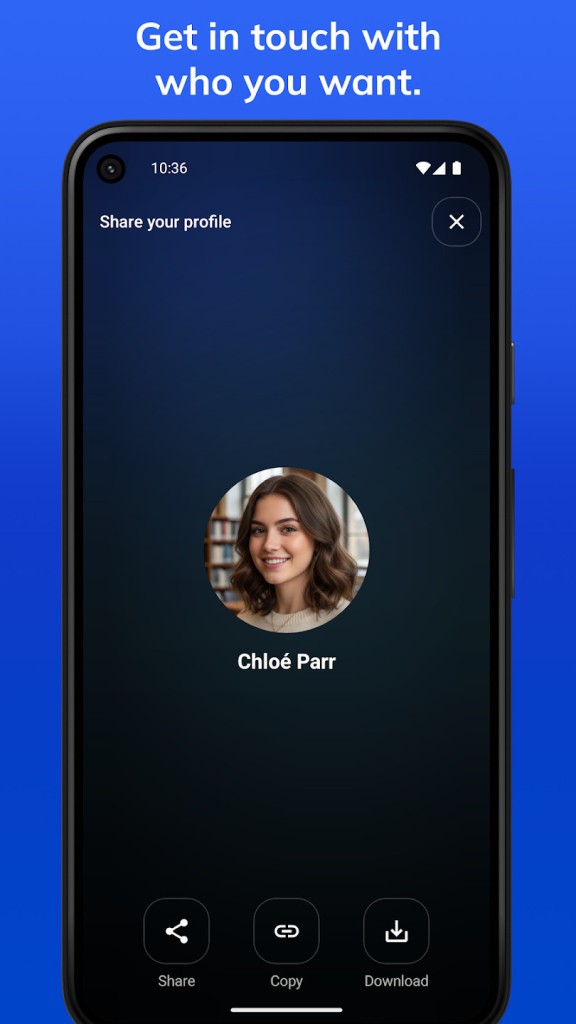
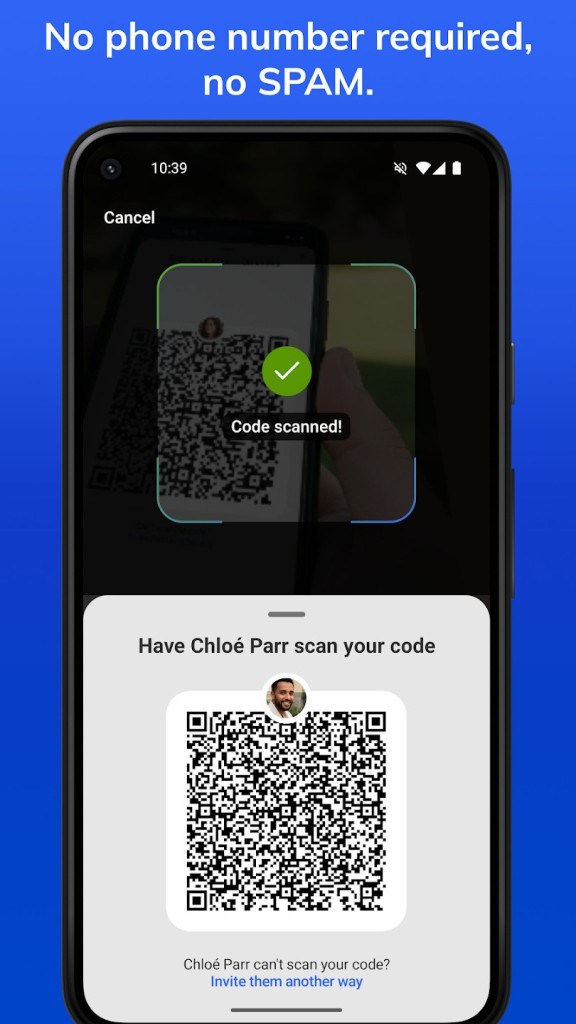
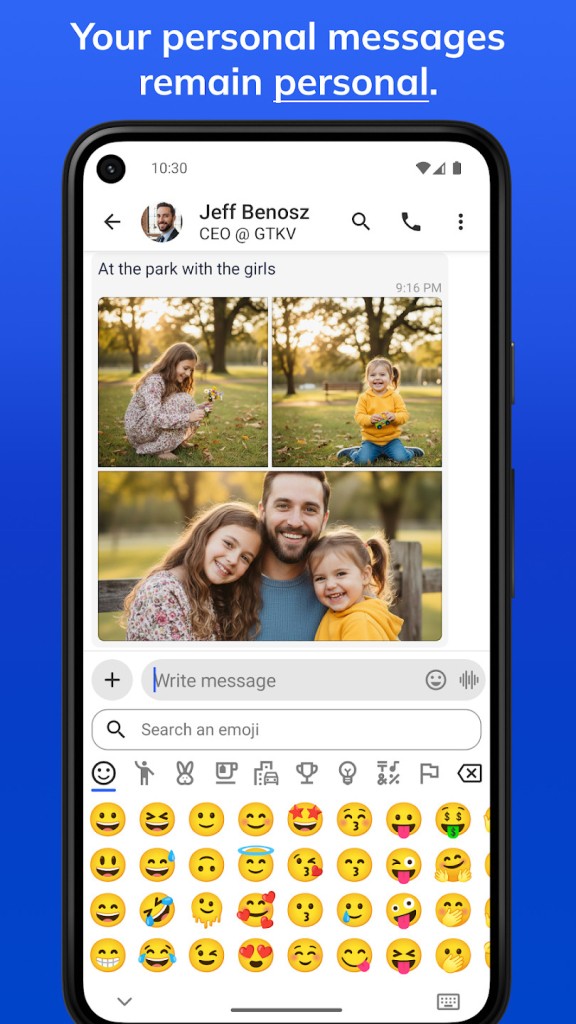
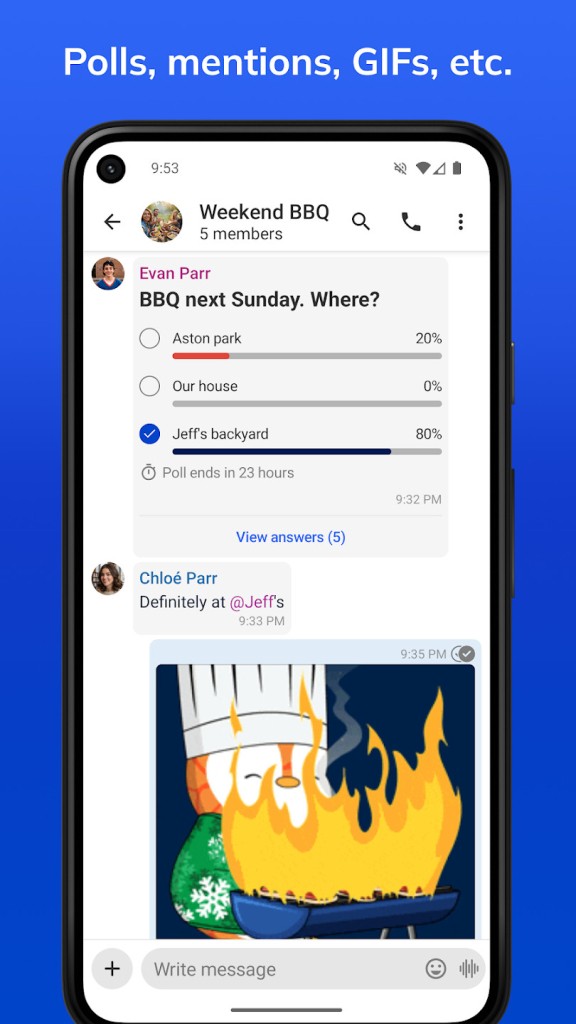
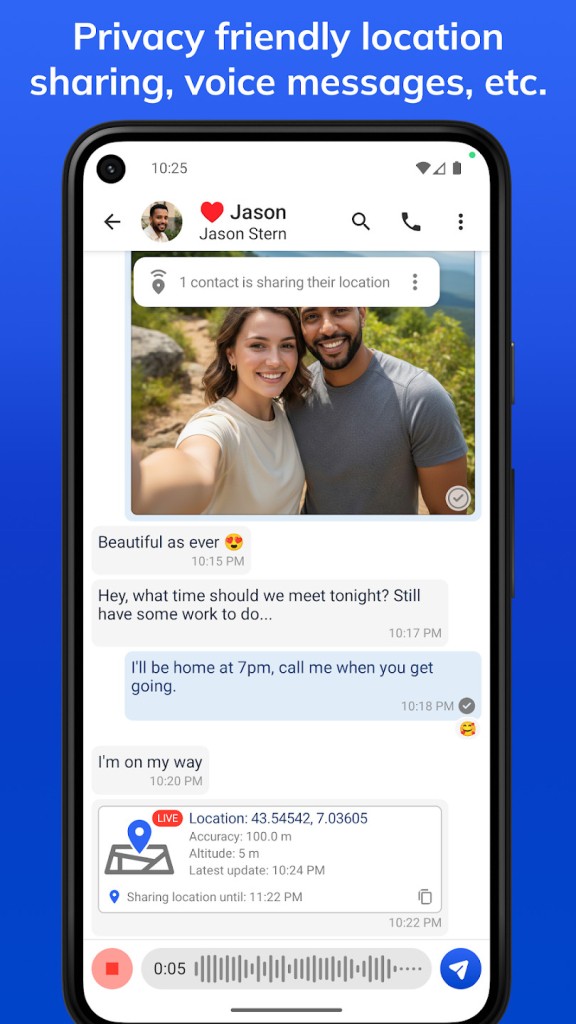
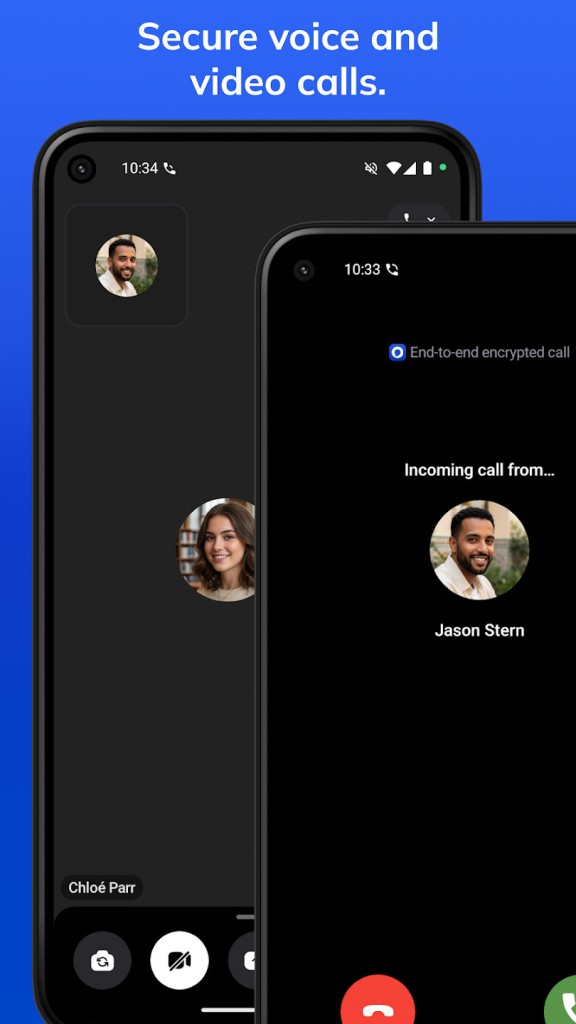
Olvid is a secure messaging app designed for people who want to communicate without handing over unnecessary personal information. Unlike many popular messaging services, it doesn't require a phone number, email address, or real name to get started. You can chat with friends, family, and colleagues without giving the app access to your address book, helping you keep your communications separate from your wider digital identity.
The app supports one-to-one conversations and group chats, with features for replying to specific messages, using emojis, and sharing photos, videos, and documents. Attachments can be sent without the size restrictions advertised by some other messaging services, making Olvid useful for everyday conversations as well as sharing work files. You can also use it across multiple devices, including computers, tablets, and smartphones, with Wi-Fi access sufficient to get started.
Privacy is central to Olvid's design. Messages and attachments are protected with end-to-end encryption, and the app uses a security model that doesn't depend on a central directory of users linked to their phone numbers. This is intended to limit the personal information exposed through the service, even if its servers are compromised. Olvid isn't a game, but its emphasis on private communication may appeal to anyone seeking an alternative to mainstream messaging platforms.
What Are the Key Features of Olvid?
It offers a straightforward way to keep in touch with people without sharing as much personal information as other messaging apps may request. You can create group chats for family, friends, and colleagues, reply directly to messages, and use emojis to make conversations feel more natural. Its interface focuses on communication rather than public feeds, advertising, or building a large social network.
One of its biggest advantages is that you don't need to provide a phone number, email address, full name, or other personal details to use the service. Olvid also doesn't require access to your address book. This can be useful if you want to keep work and personal communications separate or simply prefer not to give a messaging app access to your contacts.
All messages and attachments benefit from end-to-end encryption. Photos, videos, and documents can be shared between users, while group conversations make it easier to coordinate plans or discuss shared projects. The service is designed so that its servers cannot read the contents of your conversations, even if those servers are compromised.
Is Olvid Free to Use?
Olvid is free to use. Its core messaging features are available without requiring a paid subscription. You can exchange messages, create groups, and share files while benefiting from the app's privacy-focused design.
The service is funded through paid options rather than advertising or the sale of users' personal data. Optional paid features provide an additional source of revenue while allowing free users to continue communicating.
Where Can I Download Olvid?
Olvid is available for Windows, macOS, iOS, and Android. You can use it on desktop computers, iPhones, iPads, and Android smartphones or tablets. This cross-platform support makes it convenient if you want to switch between devices throughout the day.
What Are the Best Alternatives to Olvid?
Signal is a privacy-focused messaging app that supports encrypted messages, voice and video calls, group conversations, and file sharing. It uses end-to-end encryption to protect communications and is funded through a nonprofit model rather than advertising. Unlike Olvid, Signal requires a phone number to register, although usernames can help you connect with others without sharing your number directly in every interaction. It's a strong option if secure messaging and calling are your priorities.
Telegram offers messaging, large group chats, channels, file sharing, and synchronization across multiple devices. It's particularly useful for following public communities or managing large discussions. However, regular Telegram cloud chats are not end-to-end encrypted by default; that protection is available through Secret Chats, which have different device limitations. It's worth considering if you want broader community features alongside private conversations.
WhatsApp is a widely used messaging service with end-to-end encrypted personal messages and calls, group chats, voice messages, and file sharing. It works across smartphones and linked computers, making it convenient for staying in touch with people who already use it. However, registration requires a phone number, and its integration with the wider Meta ecosystem may not appeal to everyone who prioritizes minimizing personal data sharing.