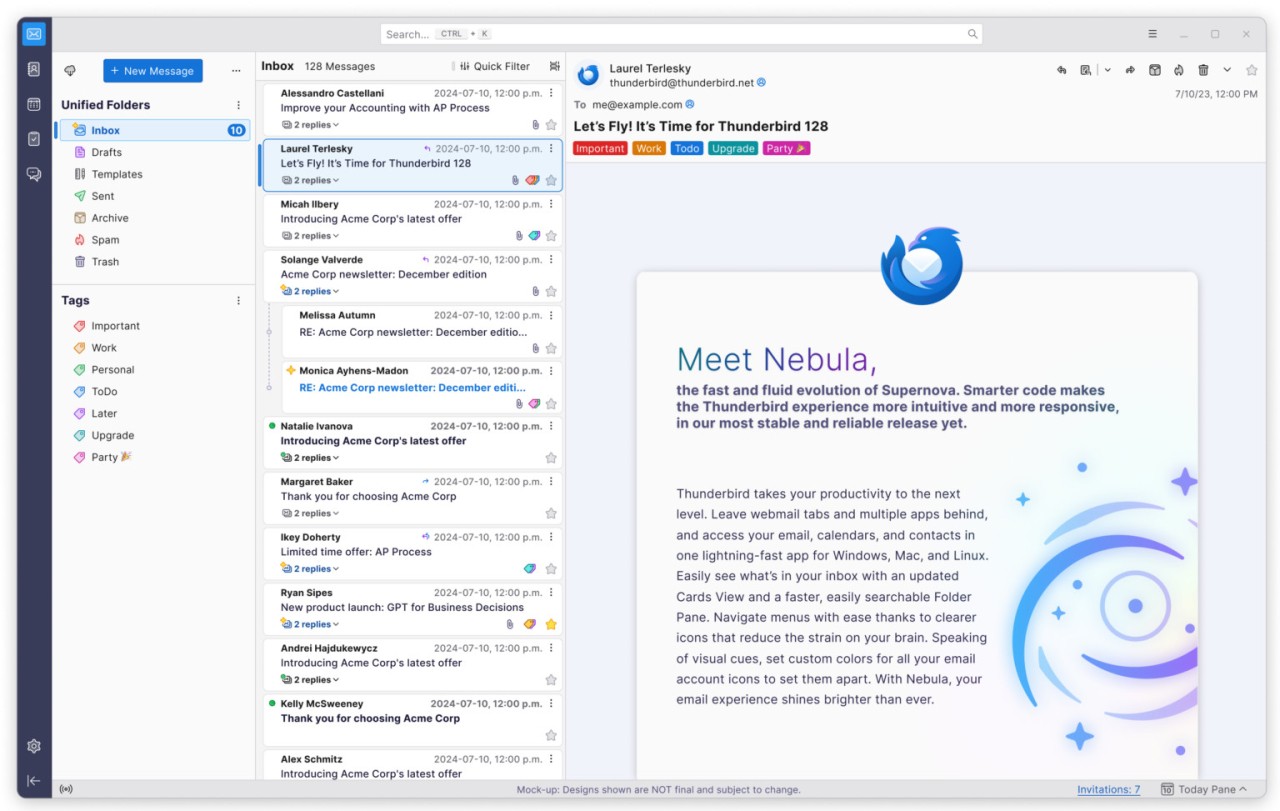
Thunderbird is a one-app mail client, which allows managing all your accounts (Gmail, Yahoo, Outlook, and iCloud, among others) in one location. It is not an email service, but rather, it will grab your existing accounts and display them on a single dashboard. It is more about privacy and user control than advertisements and algorithms. It is not a cloud inbox of one company but rather a communication workspace.
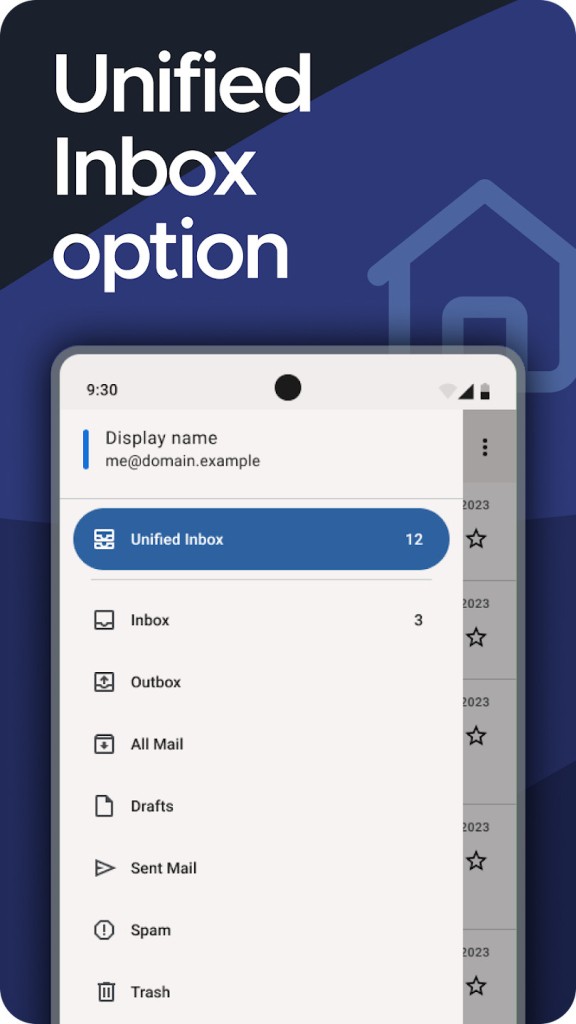
Thunderbird has a unified inbox for those who have multiple accounts. You are allowed to store messages in one or more ways. It is an old product that was in use decades before mobile mail applications became popular. Due to the fact that it is open-source, core developers and open contributors develop the code. It is developed by the Mozilla community on a similar philosophy as Firefox: it is built in open code, it is transparent, and there is no monetization of data. Thunderbird provides the tools to sort your mail how you desire, without background mining or tracking, instead of telling you how to sort your mail.
What Are the Key Features of Thunderbird?
Thunderbird offers complete control, good organization, and good privacy. You may have access to several accounts either by using POP3 or IMAP. One can either check each inbox separately or consolidate them into a unified inbox. Search is done on the server and on-the-fly so that you end up locating messages even when not connected to the Internet or when buried in the old directory.
OpenPGP encryption is available. It also allows you to encrypt and decrypt messages using keys, useful to the security-minded or professional user. In Android, end-to-end encryption becomes simple with OpenKeychain.
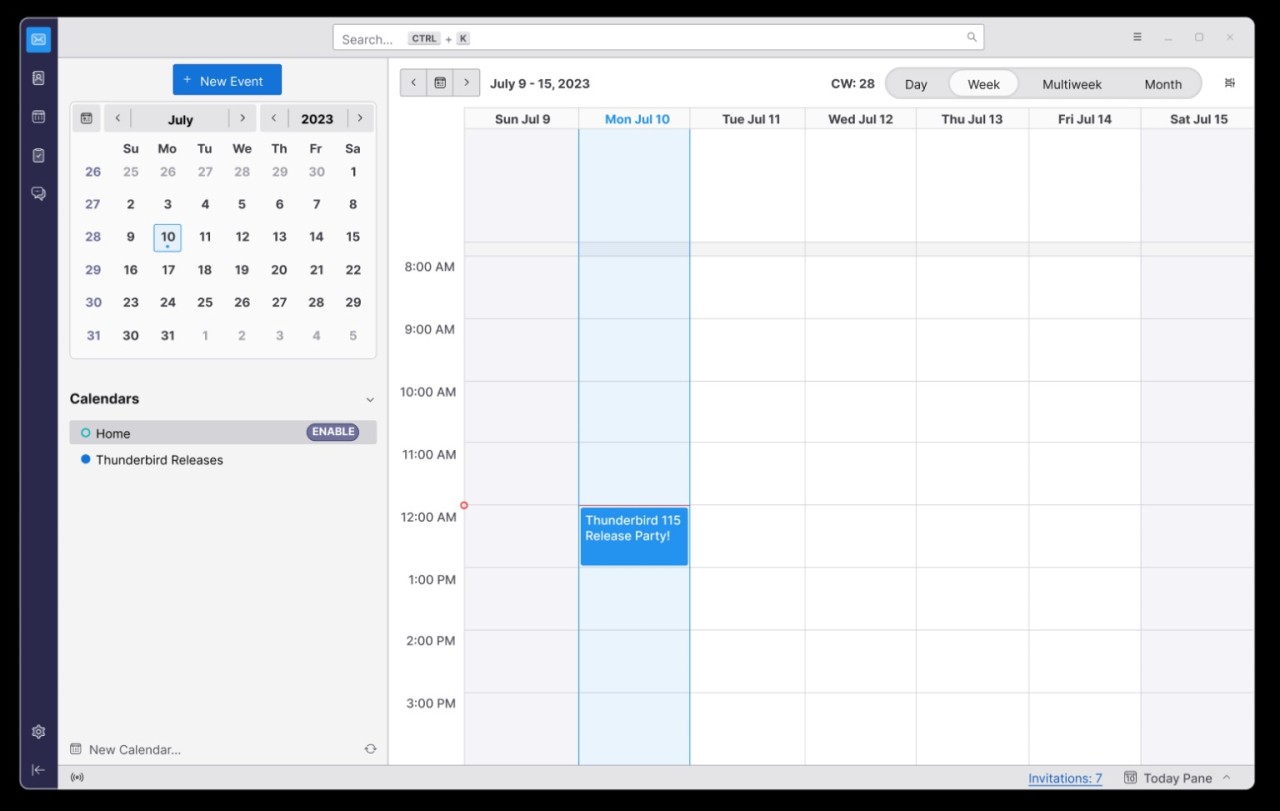
Sync behavior can be configured in any way. Fetch emails either immediately, manually, or at a schedule of your choice—no preset interval. Folders and filters assist in organizing the contents. The interface also has a calendar, contacts, and tags. No advertisements are within the inbox, since the application is funded by donations.
One of its fundamental features is customization. Themes, designs, extensions, and workflow customizations allow you to have the interface the way you like it. Thunderbird does not foretell or automate; it provides you with the means and leaves the control in your hands.
Is Thunderbird Free to Use?
Thunderbird is totally free to download and use. No subscriptions, no restrictions, no time restriction on the trial. The project is based on non-commercial gifts. No cost is added for advanced features, and it is all included in the basic build. Its open-source nature ensures that it is free over time as the community supports it instead of profit.
Which Platforms Support Thunderbird?
Thunderbird began as a desktop client. It is available on Windows, macOS, and Linux, and it is compatible with most desktop environments with no special frameworks. It is used by many professionals on Linux and Windows since it provides the possibility to store mail in a decentralized way and avoids linking accounts to one ecosystem.
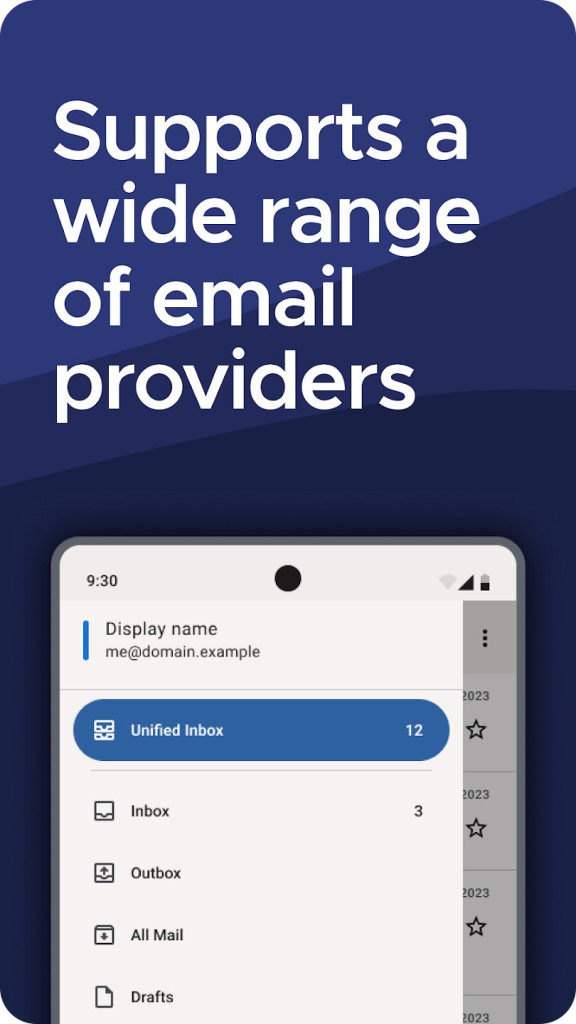
Thunderbird has also just been released on Android. Its mobile version maintains the privacy focus, it does not have ad revenue, and it makes direct connections with the server. Unified Inbox is also mobile, and syncing is also optional.
No official iOS release is yet available, and therefore, the iPhone and iPad users cannot use a native app yet, whereas desktop versions are stable, and the Android version is being developed, adding updates and enhancements. Users who alternate between Windows, Linux, or even the use of laptops and phones can enjoy the benefits of a common email experience that does not (nor does it necessarily require) involve browser logins or cloud-based data mining. Being compatible with IMAP and POP3, any email provider can be added (almost) without platform lock-in.
What Are the Best Alternatives to Thunderbird?
Outlook is a mail client/mail service software by Microsoft that is popular in workplaces. It is integrated with Office 365, Teams, and Exchange servers. It provides calendar, contacts, and task management like Thunderbird. Outlook supports the addition of smart filtering and automation, which can be applied to large quantities of mail. It has a different approach to privacy: the data is exchanged in Microsoft's cloud and can be applied with AI tools. Outlook is appropriate for business users in Microsoft ecosystems, whereas it might not suit those who desire data independence or custom encryption. Many users download Outlook mainly for workplace compatibility and seamless integration with Microsoft services.
ProtonMail is not a multi-account manager, but a secure email service. It concentrates on end to-end encryption and minimum exposure of metadata. It is hosted in Switzerland, and it has tough privacy laws. ProtonMail is not only an inbox but also a mail provider. It does not integrate Gmail or Yahoo accounts except by using Proton Bridge, and cannot work completely when the mail is stored in the Proton system. It is good because built-in strong encryption is ideal when the user is concerned with confidentiality, unlike Thunderbird, which offers more customization and account flexibility. People who value privacy often download ProtonMail for encrypted messaging and minimal metadata handling.
Spark Mail is a productivity-focused client. It provides delayed-send, Smart Inbox sorting, snoozing, and team collaboration. To minimize the inbox overload, Spark employs automation, which includes grouping emails, recognition of priorities, and suggestions. It is available to both individuals and professionals, and it comes in iOS, macOS, Android, and Windows versions. Some features are free, and advanced collaboration is just behind the paid plans. Spark is preferred by users who prefer algorithm-based sorting (as well as workflow automation), whereas Thunderbird is favored by those who prefer little interference and control that emphasizes privacy. Many users download Spark Mail for smart sorting, inbox cleanup, and automated workflow assistance.