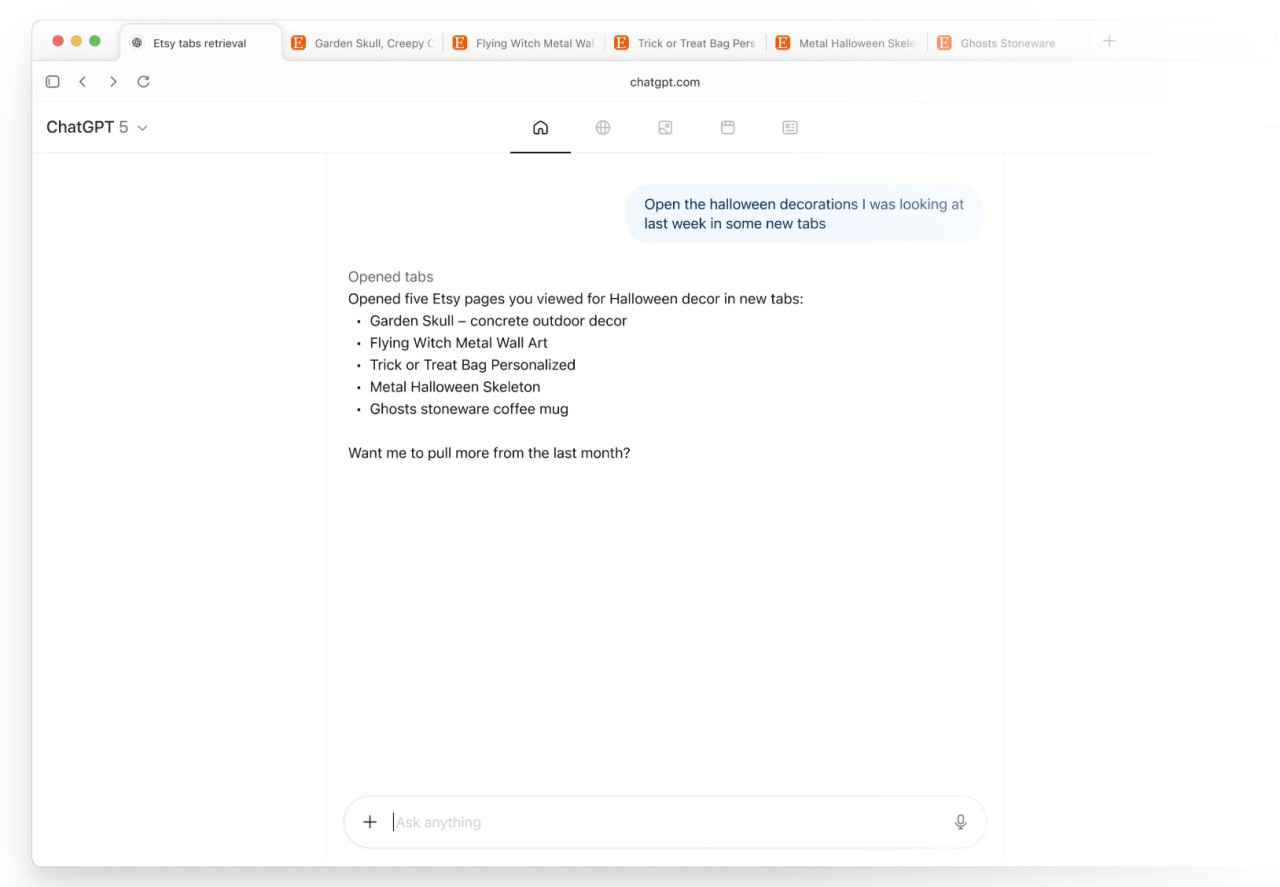
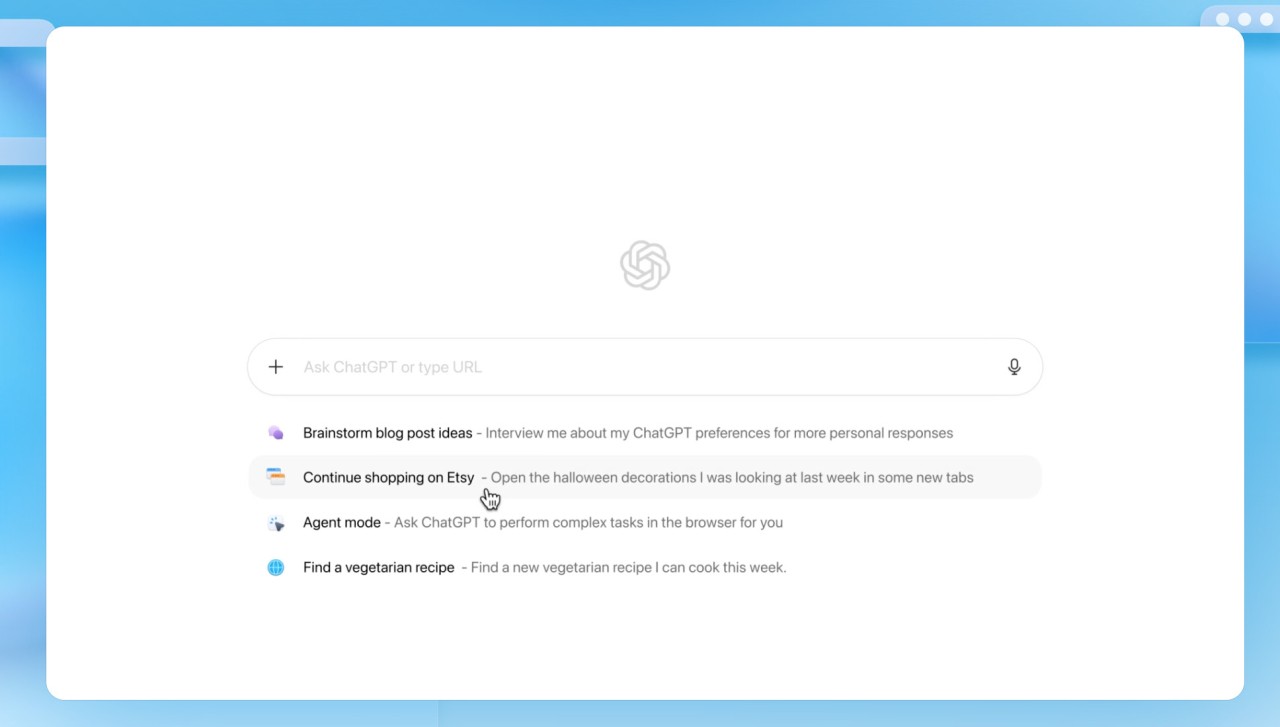
ChatGPT Atlas is a web-based AI application that can be used to accomplish your daily tasks done on the web with less effort. Nor does Atlas require you to copy-paste lengthy paragraphs into a new chat window or alternate tabs as you go, instead seamlessly integrating ChatGPT into the sites you are already on.
The browser is aimed at lessening the levels of friction experienced by people in carrying out research, comparing information, writing, or even attempting to comprehend something fast. Simply open a sidebar, underline text where necessary, or pose a query regarding the page you are on, and Atlas responds to you without interrupting your work.
Atlas is more than just a browser. It functions like a layer on top of whatever you are doing. It may be of help to students, researchers, office workers, and any other person who has to work with text-heavy pages. It offers fast explanations, simple rewrites, and simple analysis without making you switch windows. Atlas remains silent until you communicate with it, and thus, it fits into your daily life. Atlas does not extend an existing workflow but rather just polishes it.
What Are the Key Features of ChatGPT Atlas?
The sidebar that opens on any site is one of the major features of Atlas. You can be reading an article, reading some technical information, or just scrolling through a long page, and within seconds, the sidebar will sum up, elaborate, or draw comparisons among some pieces of information. This will enable you to not have to switch tabs all the time when reading complicated content. The summarizing tool is particularly handy on arduous research pages or lengthy product breakdowns.
Memory control is another important feature. Most AI devices are storing information automatically, which is awkward. In the case of Atlas, you select what the tool recalls. This will enable it to assist in continuous work without gathering as much data as you would not be comfortable sharing. Users like the openness of this decision.
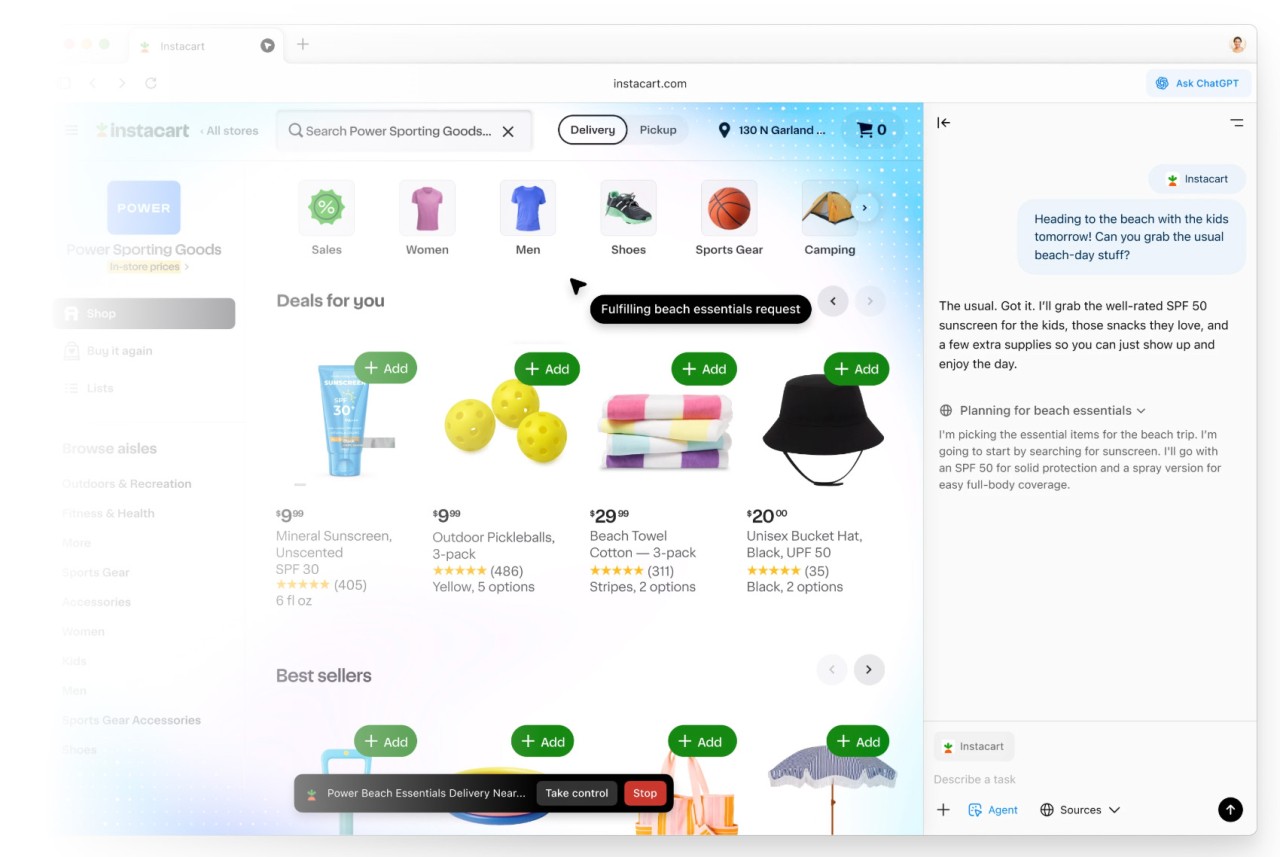
Atlas also provides Agent Mode. This feature allows the tool to act on your behalf, for example, browsing a website, checking several pages, or performing a few simple multi-step tasks, like comparing objects or collecting travel information. It does not substitute manual browsing but takes up monotonous online tasks. It depends on individual comfort; not all people would desire AI to browse the sites automatically.
The browser offers a cursor-based feature. Select any text on any page, such as emails, forms, documents, or messages, and instantly have Atlas rewrite, shorten, clarify, or explain it. This helps in avoiding the process of pasting text in a different chat window and thus making changes with ease.
Along with the AI capabilities, Atlas also provides browsing features, including tabs, autocomplete, bookmarks, and customization. Such add-ons do not make it a full-fledged new browser, but make the AI blend seamlessly into your browsing experience. The design is kept to the bare minimum to ensure that users are not overwhelmed.
Atlas demarcates reading support, scanty automation, text editing, and navigational instruments within one area. It does not oblige the users to a new mode of browsing; rather, it makes the current experience a bit smoother and less scattered.
Is ChatGPT Atlas Free to Use?
If downloading Atlas is free, many advanced features require a ChatGPT subscription. Some core interactions may work on the standard account, but the page mainly highlights that advanced capabilities, like Agent Mode and deeper interaction with sites, are typically offered only to Plus, Pro, or Business plans. In this way, Atlas is partially free, but needs to be paid to be fully worked out. It is not a product by itself but is more of an extension of your ChatGPT account.
Which Platforms Support ChatGPT Atlas?
In its current form, ChatGPT Atlas is not accessible to everyone, requiring users to have a Mac. It has neither Windows nor Linux support, nor an iOS nor an Android mobile version. The new release is only available on macOS at this stage, reflecting that the rollout is beginning on a single platform before expanding further. Since this is still an early release, macOS provides a controlled environment for testing.
This limitation can be restrictive to users who want to switch their device. Windows users in the office and Linux developers are yet to be able to do so. There is no established date for other platforms; therefore, meanwhile, Atlas is only available to users of Mac who have the desire to download and execute the new tool.
What Are the Best Alternatives to ChatGPT Atlas?
Comet Browser is speed-centered and includes AI support that does not radically alter the way the browser functions. It is comfortable for individuals who are used to the conventional structures and can be accommodating. Comet offers explanations, easy automation, and browsing help, although it does not attempt to replace long workflows. This contrasts with Atlas because it is compatible with various operating systems, and this feature is handy to users who do not use macOS. It can be more palatable to people who desire an unobtrusive AI assistance rather than a thick, stack-based integrated layer that executes on every page. Many users simply download it to test how light the experience feels before committing to daily use.
Dia AI Browser also has inline AI capabilities that can be inferred and displayed when required, including text rewriting, small section translation, or definition. It does not reinvent the browsing experience, making it familiar and easy to use. Dia provides reliable AI assistance with no sharp learning curve. Though not highly automated like Agent Mode or in-depth memory control, it has daily support that is useful to most users (both casual and work). It also covers more platforms than Atlas, which makes it a cross-device solution. Some users download Dia when they want an AI tool that works across multiple devices without extra setup.
Arc Browser is an experimental approach that reinvents the system of the whole browsing layout. Arc does not use the conventional tabs in the top section; instead, the organization of the browsing is in the form of sidebars, spaces, and a more graphical interface. In Arc Max, the browser has an AI-based summary, email writing assistance, and intelligent actions. It is not acting like Atlas, but the two tools have a similar objective of simplifying web navigation using built-in intelligence. Arc supports additional platforms and has a new browsing experience, which will be attractive to those who desire more than small AI assistants. It could be appropriate for individuals who like a creative and structured working environment where AI is embedded into the framework instead of being a sidebar. People often download Arc to explore its unique layout and see whether the redesigned workflow fits their personal style.