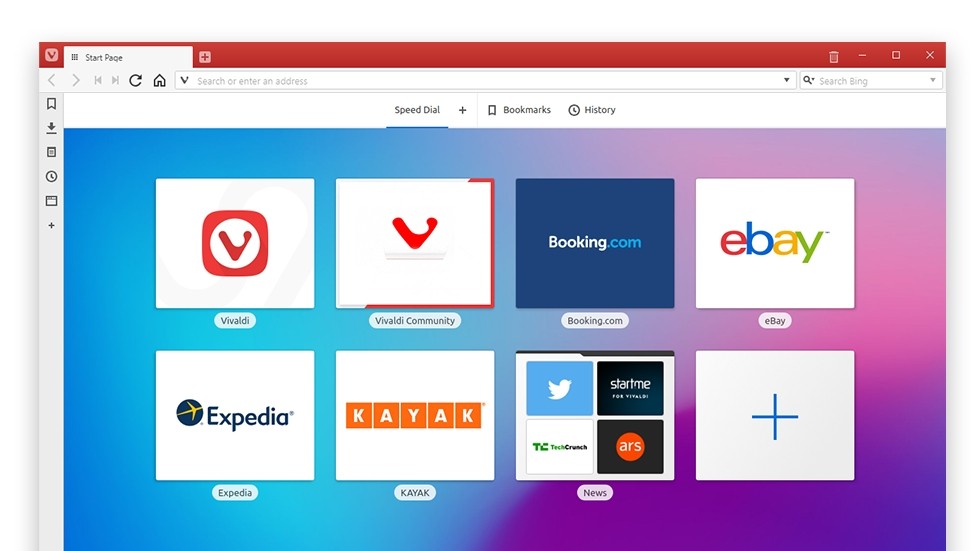
Vivaldi was created to allow users to take back control, as traditional browsers are often considered too rigid or too intrusive. Jon von Tetzchner, co-founder of Opera, developed it in 2016 with the goal of creating a truly adaptable tool for everyone.
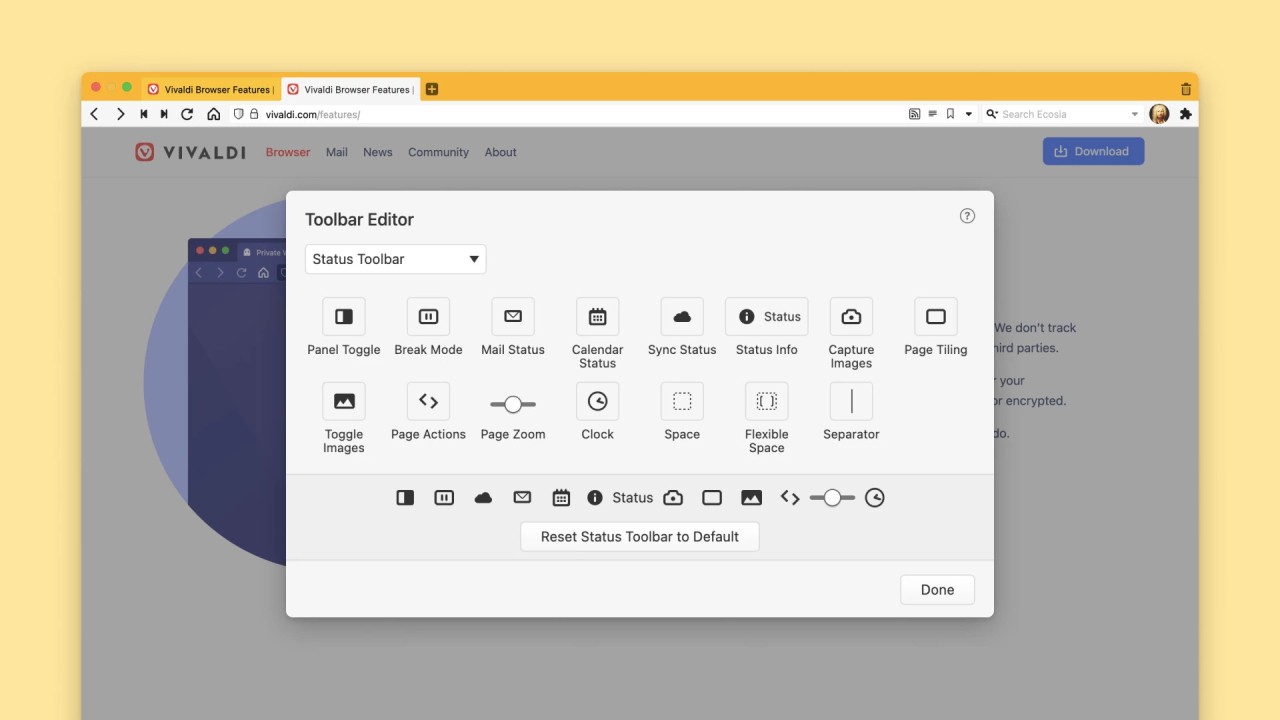
This browser, built on Chromium, can access almost any website without issues and supports most of the extensions available on the Chrome Web Store. However, the similarity ends there. Vivaldi offers complete customization, unlike Chrome, Edge, and other browsers that remain inflexible with their interfaces. You can change the button layout, keyboard shortcuts, tab appearance, color schemes, and even how the browser functions.
For users, Vivaldi quickly becomes indispensable and stands as a genuine alternative to Google Chrome and other market leaders. It’s free to download and available on all platforms.
What Are the Key Features of Vivaldi?
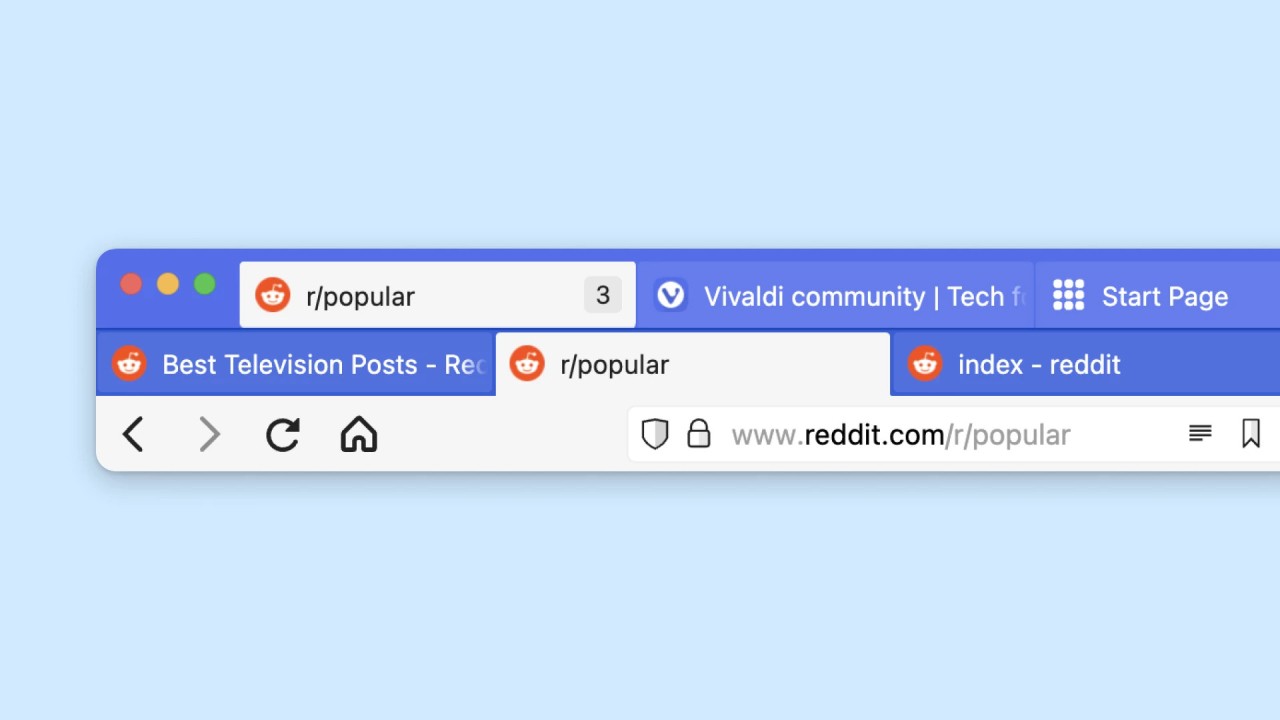
One of Vivaldi’s most notable features is its tab management. You can stack tabs, organize them by category (work, school, leisure, etc.), pin them, mute them to conserve resources, or view them as small thumbnails. Users can also rename an entire group—which is handy when juggling twenty or thirty open tabs.
Navigation is fast and designed for two-handed use. A quick menu opens with a single key press (often F2 or a custom combination). All you have to do is type a few letters to open a bookmark, start a search, close a window, and so on. For those who prefer the mouse, gestures are available: swipe left to go back, swipe up to open a new tab, and so on. Of course, these controls work on the mobile version as well.
The appearance changes to suit your preferences. Full dark mode, colors that adapt to the site you’re visiting, custom themes… Users can also force dark mode on any site, even those that don’t support it.
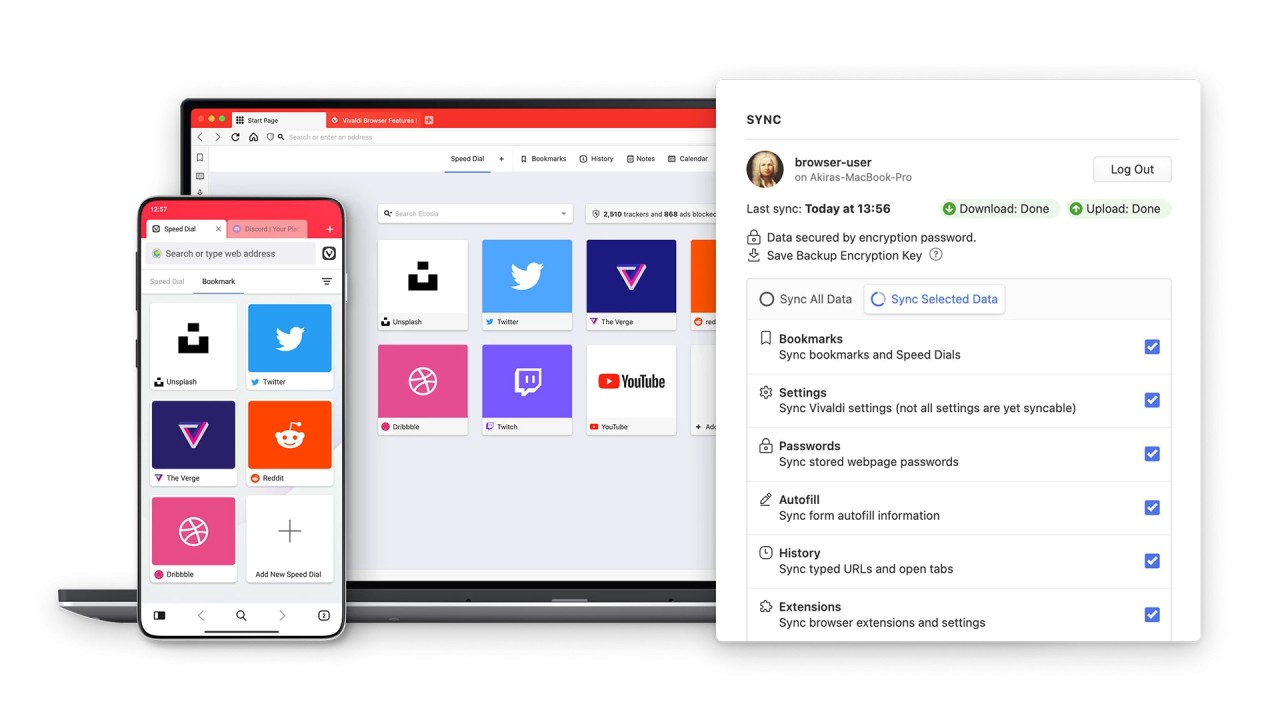
Synchronization is end-to-end encrypted: bookmarks, passwords, notes—everything transfers from one device to another without anyone being able to read your data. The ad and tracker blocker is built-in and can be enabled with a single click.
When it comes to productivity, the sidebar is very useful. It features a notepad that follows the current page. You can jot down an idea, capture a portion of the screen, and save it along with the corresponding website. You no longer need to open another program to take a quick note.
Is Vivaldi Free to Use?
Vivaldi is 100% free. No subscription, no paid Pro version, no features hidden behind a paywall. It displays no ads and does not sell your browsing data.
Funding comes from partnerships with search engines. When you perform a search from the address bar, Vivaldi receives a small commission if you use one of the default partners (Google, Bing, DuckDuckGo, etc.). That’s it. No personal data is collected for these partnerships. The team is very clear on this: no hidden tracking.
Which Platforms Support Vivaldi?
You can download Vivaldi on all major platforms. On computers, it runs on Windows (Windows 10 and later), macOS (Mojave and later), and Linux (most recent distributions). Installation takes a few minutes.
On mobile devices, it’s available on Android via Google Play and on iOS via the App Store. The mobile version retains the desktop experience: stacked tabs, an address bar at the bottom on large Android screens, ad blocking, and full synchronization. On the iPad, the tab bar remains at the top, just like on a computer—which is quite rare on iOS.
In short, whether you’re on a desktop PC, a laptop, a tablet, or a phone, the same browser adapts to your habits and settings.
What Are the Best Alternatives to Vivaldi?
Brave Browser puts privacy first. It blocks ads and trackers by default, which significantly speeds up browsing. It also offers a cryptocurrency rewards system if you accept certain respectful ads. On mobile, it maintains the same radical philosophy. The interface is more traditional than Vivaldi’s, but data protection is very robust.
Opera, Jon von Tetzchner’s former employer, remains a distant cousin. You’ll find the sidebar, dark mode, a free unlimited VPN, a built-in ad blocker, and even messaging apps (WhatsApp, Telegram) right within the browser. The GX version is designed for gamers. Opera is available on all platforms.
Firefox, developed by Mozilla, champions an open and independent web (not based on Chromium). It effectively blocks trackers and offers extensive customization through extensions and themes. While it has fewer built-in features than Vivaldi, it appeals for its independence and community-driven approach.
In short, Vivaldi is for those who want a browser that truly adapts to them. Feel free to download it to try out stacked tabs, notes, a built-in ad blocker, and encrypted synchronization—all for free and without ads.