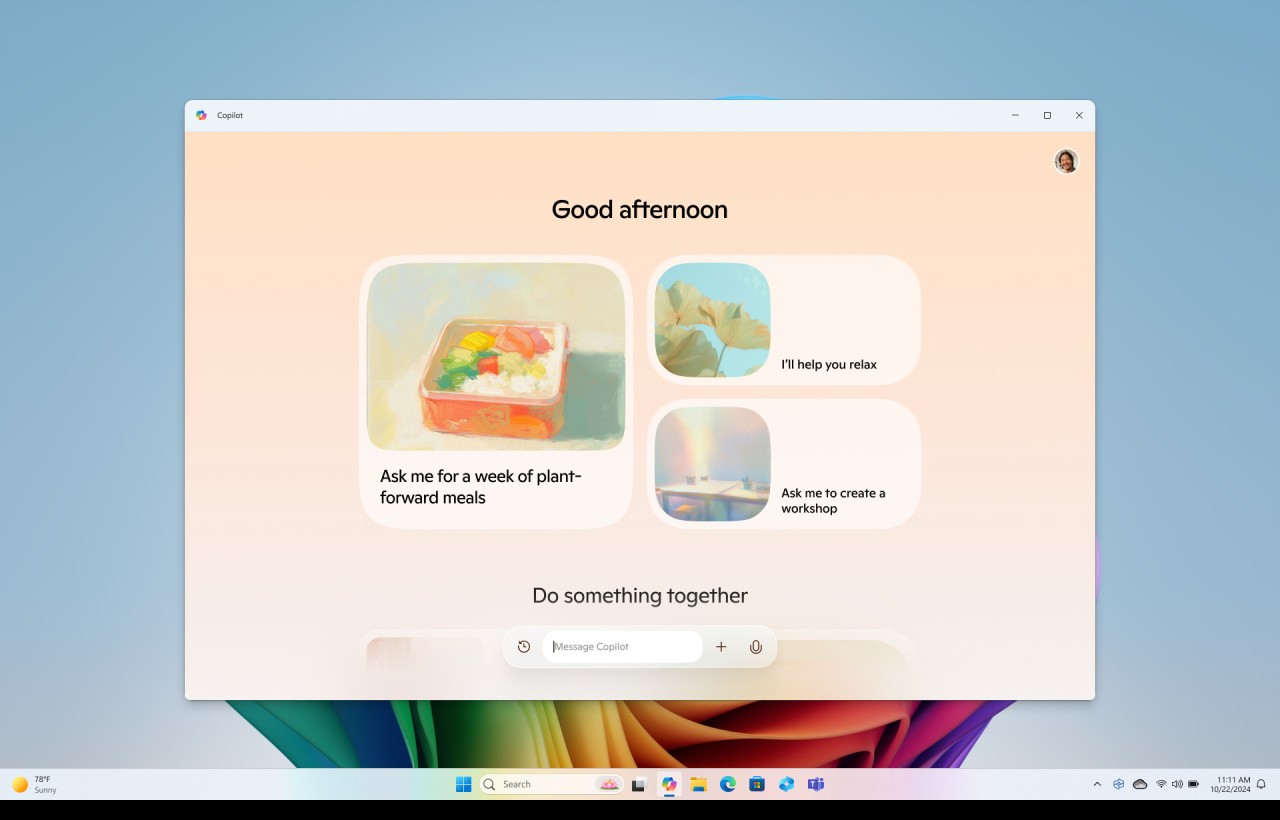
Microsoft Copilot is revolutionizing the way productivity apps are used by integrating artificial intelligence into the core of the Microsoft ecosystem. This new tool is designed to significantly improve productivity, creativity, and efficiency. Copilot is integrated into both classic Microsoft 365 apps such as Word, Excel, PowerPoint, Outlook, and Teams, as well as into the Windows ecosystem and its native apps. It is natively integrated into Microsoft Edge (as a sidebar), File Explorer, and the Paint app (on Copilot+ PCs). Microsoft 365 Copilot, the professional version of Microsoft Copilot, is also available in Microsoft services, including OneDrive, SharePoint, Loop, Planner, OneNote, Whiteboard, Forms, and Clipchamp.
By leveraging advanced language models, Microsoft Copilot automates and simplifies complex tasks that were previously time-consuming and tedious. This integration of AI is radically transforming the way professionals interact with their software. With Microsoft Copilot, users now benefit from intelligent and intuitive assistance, whether they’re drafting documents, analyzing data, creating presentations, managing emails, or even generating and editing images in Paint.
Microsoft Copilot opens the door to a new era of productivity, where technology no longer simply follows users’ commands but actively collaborates to offer more efficient and creative solutions. In Windows, for example, Copilot can help you organize your files, summarize documents, quickly search for information, or create visual content directly in Paint. In Microsoft 365, it can assist with drafting documents, analyzing data, creating engaging presentations, or managing emails. Copilot brings its expertise to the table, making everyday work not only faster but also smarter.
What Are the Key Features of Microsoft Copilot?
Microsoft Copilot is available as a standalone service, thanks to its online solution, but also to mobile apps for Android and iOS. You can even download it for Windows and macOS. Of course, Windows 11 user don’t have to download it, as it is already included in their system.
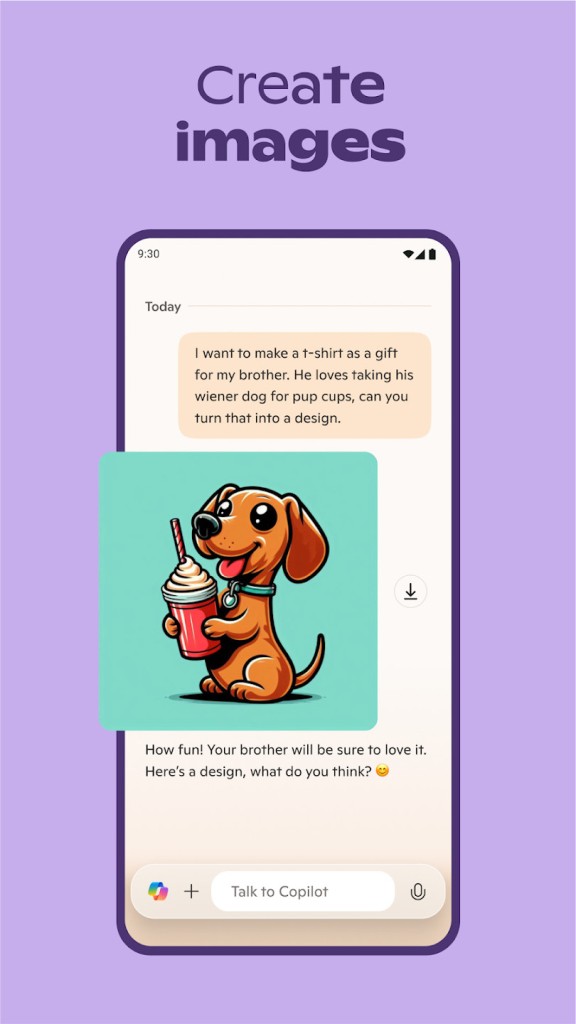
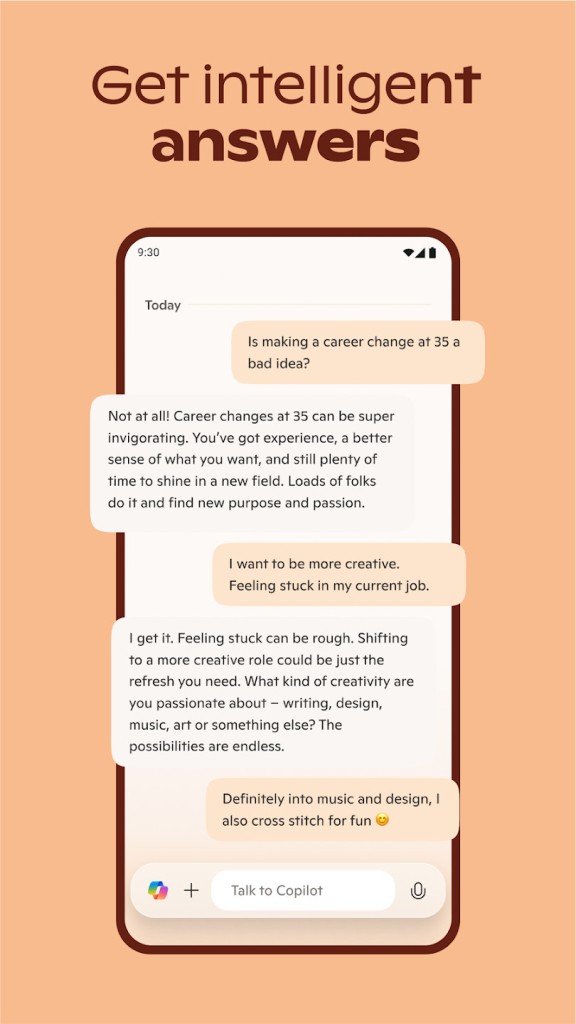
As a standalone version, Copilot is simply an AI chatbot, like ChatGPT, for example. You can ask it anything, and it can even generate images. If you install it on your device (mobile or desktop) it will help you with your projects, connecting to other Microsoft software.
In Windows, Copilot can also help you organize your files, quickly search for information, or create and edit images in Paint. In Edge, you can open it via the sidebar icon or go directly to copilot.microsoft.com for a seamless experience without any additional installation. In VSCODE it offers assistance to developers.
Microsoft Copilot in Office
Using Copilot within the Office suite (free online or paid desktop version) is surprisingly simple. In Word, for example, you can ask Copilot to help you get started on a document or to revise it for greater clarity and conciseness. In Excel, Copilot can analyze trends and create data visualizations, and in PowerPoint, it helps you turn ideas into compelling presentations. Copilot’s integration with Outlook lets you manage your inbox efficiently by summarizing long email threads and suggesting replies.
In Teams, Microsoft’s assistant can generate detailed meeting minutes—even without attending the meeting—by listing the topics discussed, decisions made, and next steps, provided the meeting is recorded and transcribed. It can also analyze conversations in chats and channels to extract key information and answer specific questions on a topic. Microsoft Copilot in Teams also helps with drafting messages. It can rephrase text, adjust the tone based on the context (professional or more casual), and suggest ready-to-send responses.
Microsoft 365 Copilot, the professional version of Copilot, is also integrated into other Microsoft services. In SharePoint, the AI assistant makes it easier to create sites and generate custom agents from existing content. In OneDrive, it can summarize files, compare multiple documents, and extract key information. With Planner, Microsoft 365 Copilot helps organize projects. It automates certain tasks and makes it easier to manage teamwork.
In Microsoft Loop, it enables real-time collaboration, idea sharing, and staying in sync—all in a single space. In OneNote, it can generate summaries of notes to help you get to the point faster. And with Microsoft Whiteboard, it helps organize ideas, suggest visualizations, and structure projects more clearly. In Microsoft Forms, Microsoft 365 Copilot speeds up the creation of forms and surveys with AI-generated suggestions and content. And finally, in Clipchamp, it can summarize videos, extract important moments, and identify key passages.
Is Microsoft Copilot Free to Use?
You can access Microsoft Copilot and enjoy its features for free. This version is available to everyone via the web, on desktop, and on mobile. It provides access to basic features such as AI conversations and searches. Microsoft Copilot is also integrated into the Microsoft Edge sidebar. It’s an excellent choice for personal use.
In addition, Microsoft Copilot is compatible with the entire Microsoft 365 suite, which includes major applications such as Word, Excel, PowerPoint, Outlook, and Teams. You must have one of the eligible Microsoft 365 subscriptions. It works on the web, desktop, and mobile versions.
Alternatively, you can try Microsoft 365 Copilot Chat, which is included with eligible Microsoft 365 subscriptions. This plan offers enterprise-level privacy and security.
Which Platforms Support Microsoft Copilot?
You can download the Microsoft Copilot app for many devices. Use the Microsoft Store for Windows 10/11, the Mac App Store for macOS 14.0 or later, Google Play for Android 8.0 or later, and the App Store for iPhone and iPad running iOS 16.0 or later. All our links are direct download links.
Microsoft Copilot is also available as an online service from any web browser. You can ask it to answer questions, summarize texts, help you write documents, or find information on a specific topic.
And, of course, Copilot is included in all Microsoft software.
What Are the Best Alternatives to Microsoft Copilot?
Despite its effectiveness and numerous features, Microsoft Copilot faces stiff competition in the smart assistant market. Here are three of its best alternatives.
Gemini is the assistant developed by Google. Like Copilot, it can help with writing, summarizing, learning, creating images, and planning trips. Plus, it integrates with Google apps like Maps and Gmail. Available for free, Gemini also offers an advanced version with video generation and smart photo editing. It’s accessible on the web and available as an app for Android, iPhone, and select smart TVs.
Developed by OpenAI, ChatGPT is also capable of generating text, answering questions, creating images, and analyzing data. You can access it directly on the web or download the app to install on Android, iOS, Windows, and macOS. ChatGPT is available for free, but also offers paid plans with advanced features such as in-depth research, image generation, and more powerful AI models.
Finally, instead of downloading Microsoft Copilot, you can also try Perplexity AI. This free AI assistant provides accurate and constantly updated answers to your questions. It also offers handy features like article summaries and can provide information on a wide range of topics. Perplexity AI uses advanced models such as GPT and Claude and offers guided navigation through its Copilot feature. Like the others, it’s available on the web or as an app for Android and iOS. A Chrome browser extension is also available.