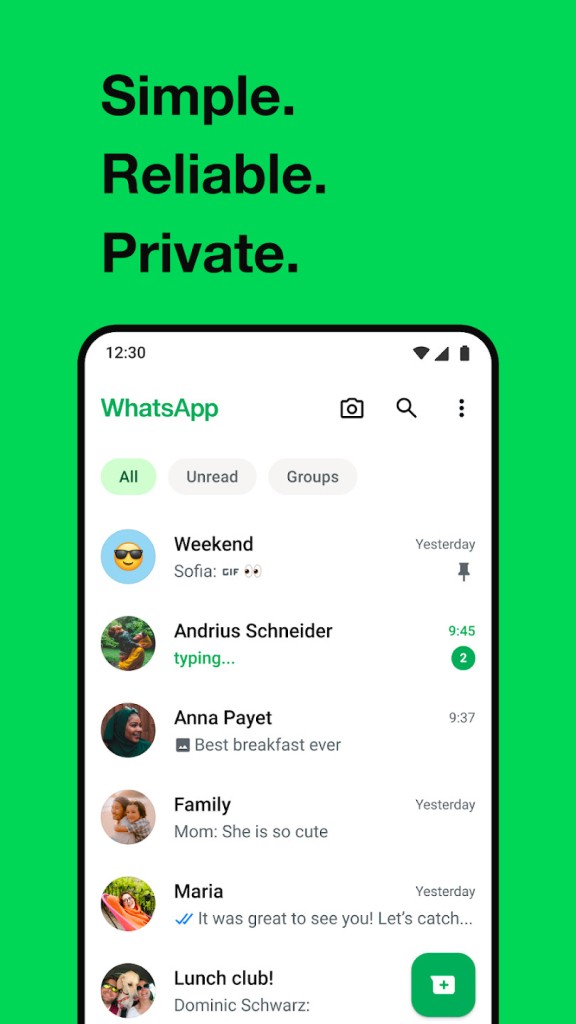
WhatsApp allows billions of users to communicate and call. It identifies you by your phone number; therefore, you do not need a separate username and password. The purpose of the app is simple: to send messages, call, and share photos or videos without any complex procedures. With an Internet connection, you can be physically connected to your contacts and communicate with them at any given moment, regardless of whether they are just across the street or in a different country.
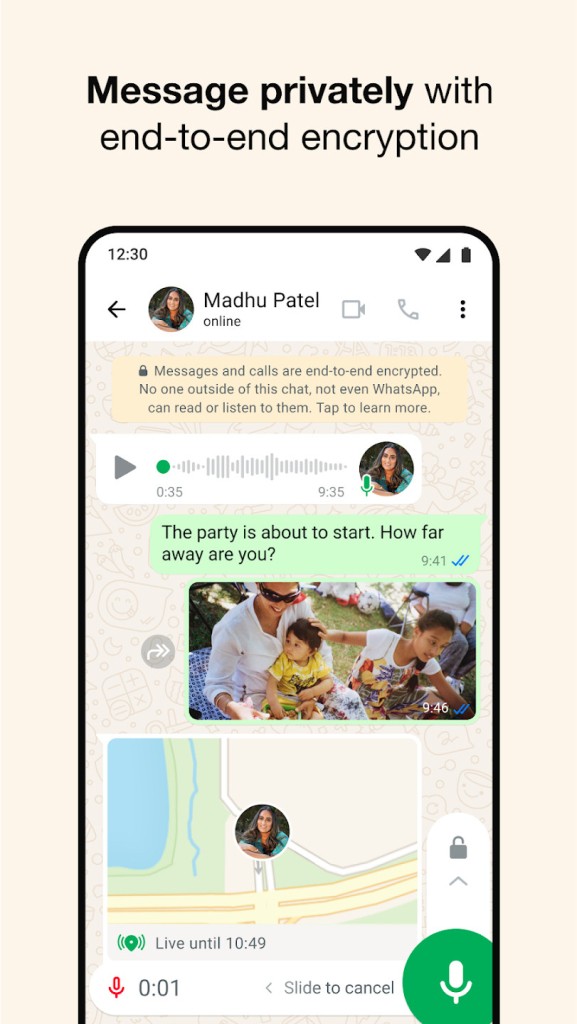
WhatsApp is privacy- and reliability-oriented. All messages and calls are end-to-end encrypted; thus, only the sender and the receiver can read or hear them, and not WhatsApp. The application is compatible with phones and computers and synchronizes conversations for a smooth experience. Over the years, it has added group chats, voice messaging, video calls, disappearing status updates, location sharing, and multi-device support. Its combination of simplicity, great privacy, and cross-platform application has made it a default tool for many individuals.
But WhatsApp is not only a messaging app. It is a full social network where brands can advertise through channels or keep in contact with their customers through group chat.
What Are the Key Features of WhatsApp?
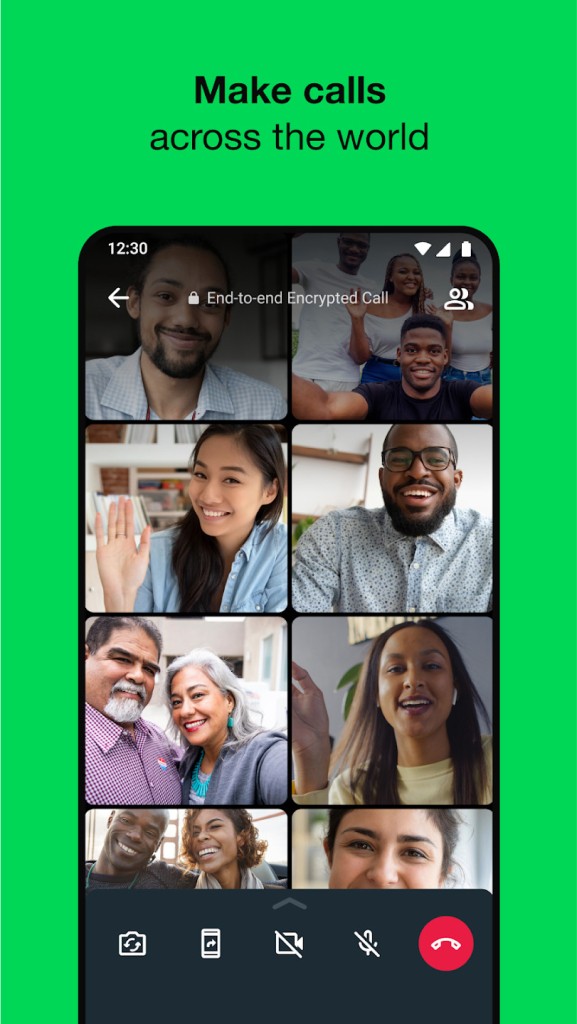
WhatsApp allows sending texts, photos, videos, documents, contacts, and voice notes, as well as stories (which, here, are called Status). Voice notes have been widely used since they allow one to talk without typing. The application also provides superior voice and video conferencing for up to 32 participants, which can be useful for small groups of team members or families.
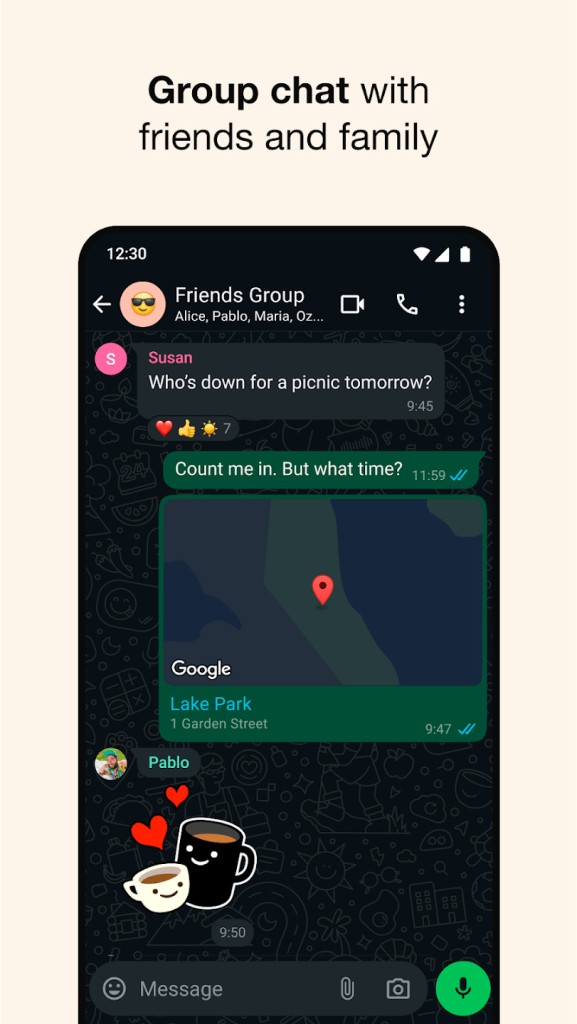
Apart from group calls, WhatsApp also offers group chats. These can be useful for families, school, work, friends, or any other common activity. Group chats are end-to-end encrypted, keeping conversations confidential. You can set up parameters like member permissions, mute options, media controls, and read receipts to your preferences.
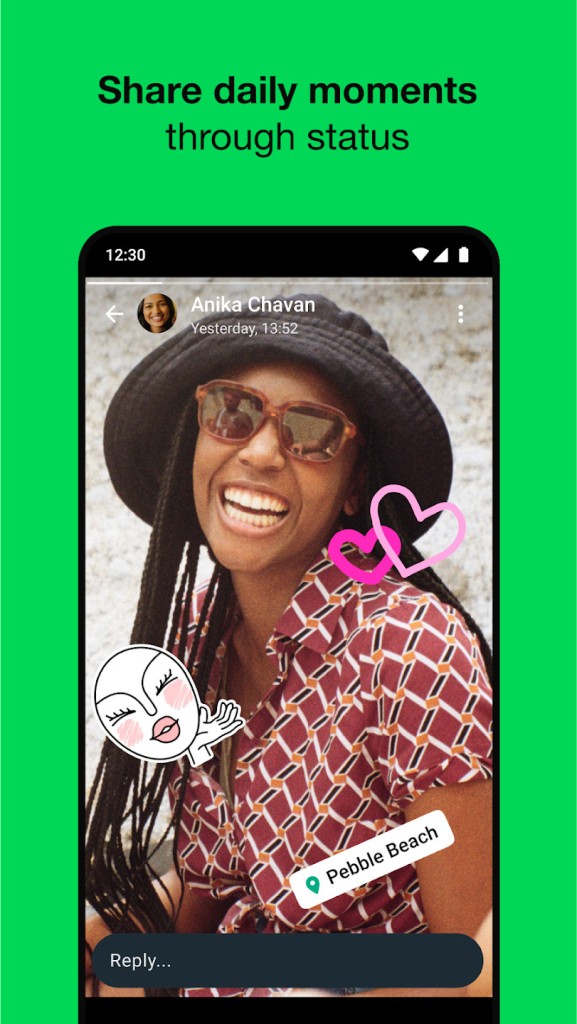
Status lets you share a quick text, photo, video, or GIF that vanishes in 24 hours. It is similar to Stories on other apps, so you have a quick way to share moments. In parallel, users can also create or follow channels. These are places where individuals or brands can advertise or share things with every follower.
You can also use location sharing. Send a one-time location or broadcast your live position over a given time. It enables contacts to be informed when one is traveling or on their day-to-day commutes, or to locate a point of rendezvous.
WhatsApp is available on various platforms and devices, including phones, laptops, desktops, and Wear OS watches. You can use the same account on all, so you can keep in touch regardless of where you are. WhatsApp Business applications allow companies to chat with clients, demonstrate the products, automate responses, and provide support. The privacy functionality is identical, but it includes the commerce and customer interaction tools.
Is WhatsApp Free to Use?
Yes. No subscription charges, sign-up charges, or message and call charges. It only requires an internet connection. You can charge your mobile data according to the plan, but there will be no charge for any WhatsApp feature.
That said, Meta introduced a novel in April 2026: the WhatsApp Plus subscription. With this, users can customize their app with themes, icons, and even new stickers. They can also pin more chats and arrange all the conversations with custom settings. The subscription is available as a test for now but will continue if it works.
Which Platforms Support WhatsApp?
You can download WhatsApp for Android and iOS, with full messaging and calling capabilities. WhatsApp can be connected to a tablet through the linked-device mode. Windows, WhatsApp Web, and macOS allow you to use the application on a computer. They are connected to your phone or any other device you have connected to, and you can type and respond on a bigger screen, which is convenient for many.
Smartwatches that are powered by Wear OS also work. You can read messages, respond, leave voice messages, and make phone calls directly on your wrist. As long as the device can connect to the internet and fulfill the requirements of WhatsApp, you can be connected across platforms without having to create individual accounts.
What Are the Best Alternatives to WhatsApp?
Three of these are listed below, and each of them has its merits. Some emphasize privacy, others social features, and others employ cloud-based messaging that is not the same as WhatsApp's phone-number system.
Facebook Messenger is connected to your Facebook account rather than a phone number. It favors chatting, voice calls, video calls, stickers, reactions, etc. You can also do chat themes, polls, group video rooms, and integrate with Instagram messaging. Meetings remain within the Facebook ecosystem, such that you do not have to disclose any phone numbers. Messenger is available on tablets, computers, and smart displays, and also has fun features such as AR effects and mini-games. It is most appropriate for users who already use Facebook. You can download Messenger anytime for quick, easy access to your chats.
Telegram is a fast, web-based messenger that supports multiple devices. Messages are saved in the cloud or in Secret Chats; hence, you can switch devices without losing your chats. Telegram supports broadcast channels and supergroups that can include thousands of people, as well as bots that automate functions or provide services. Like WhatsApp, Telegram offers end-to-end encryption by default. Telegram is popular among people who need speed, prefer flexibility, or are used to large communities. Many users download Telegram because it enables fast, flexible communication.
Signal is constructed upon end-to-end encryption. All messages, calls, and other chat groups are supported by high security measures. It is an open-source application that allows the code to be checked by experts. Signal provides limited information and offers features such as message deletion, screen locking, and encrypted backups. It encourages voice, video, group chats, and media sharing without advertisements or tracking. It has a limited number of flashy features, but it is more attractive to users who prioritize security. It has a privacy-first orientation, making it a reliable option for secret communication. Privacy-focused users download Signal when they want the safest way to communicate.