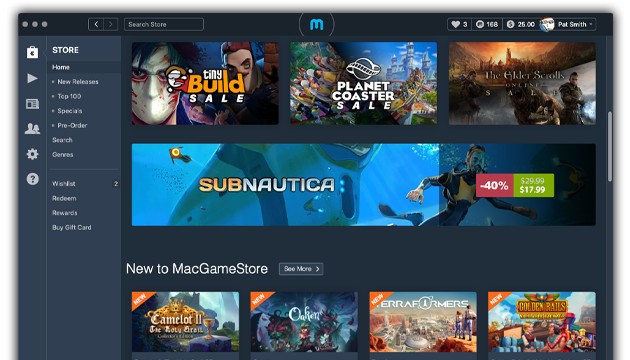
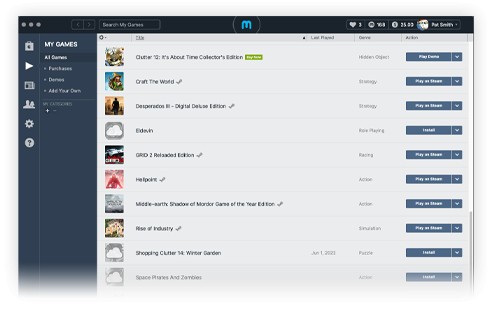
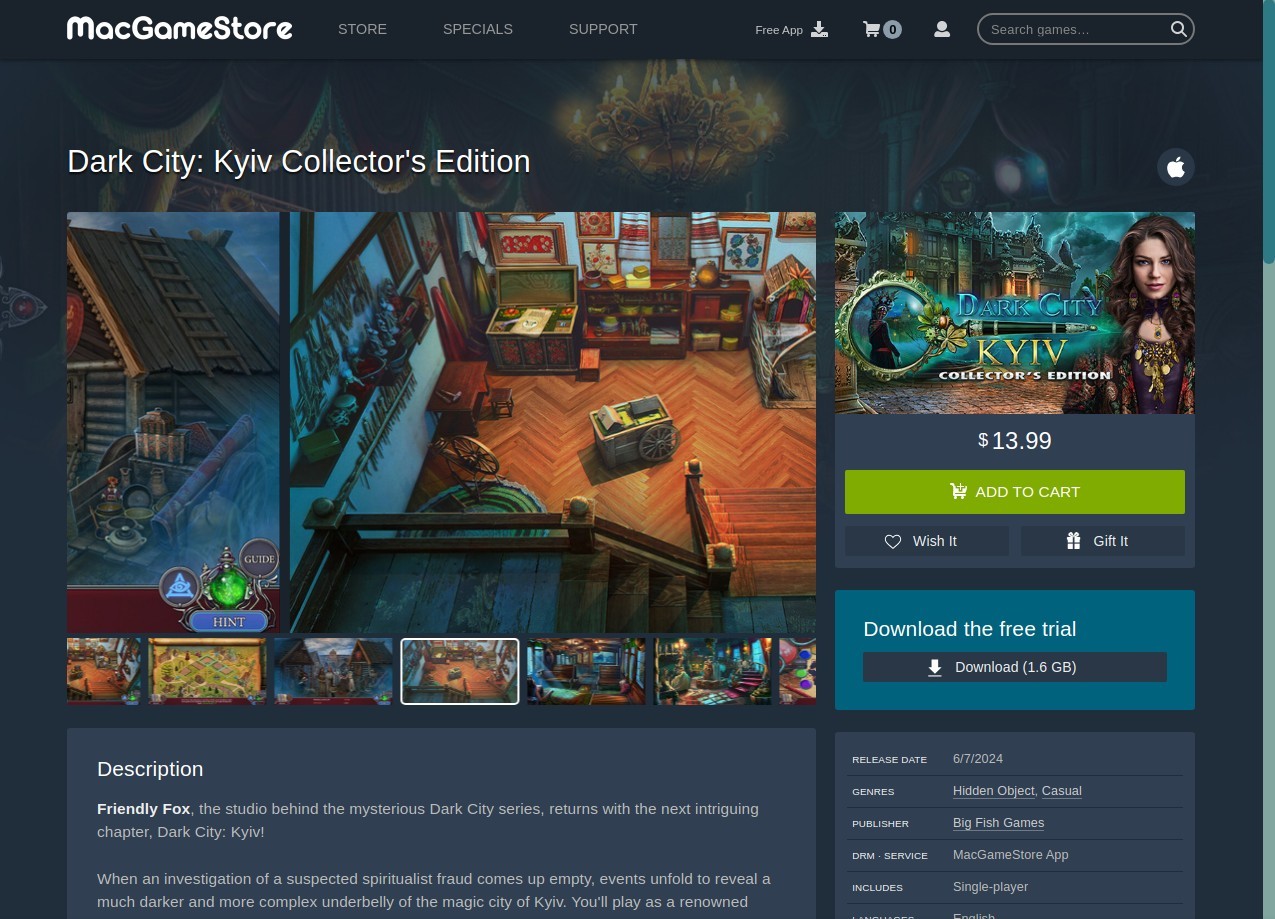
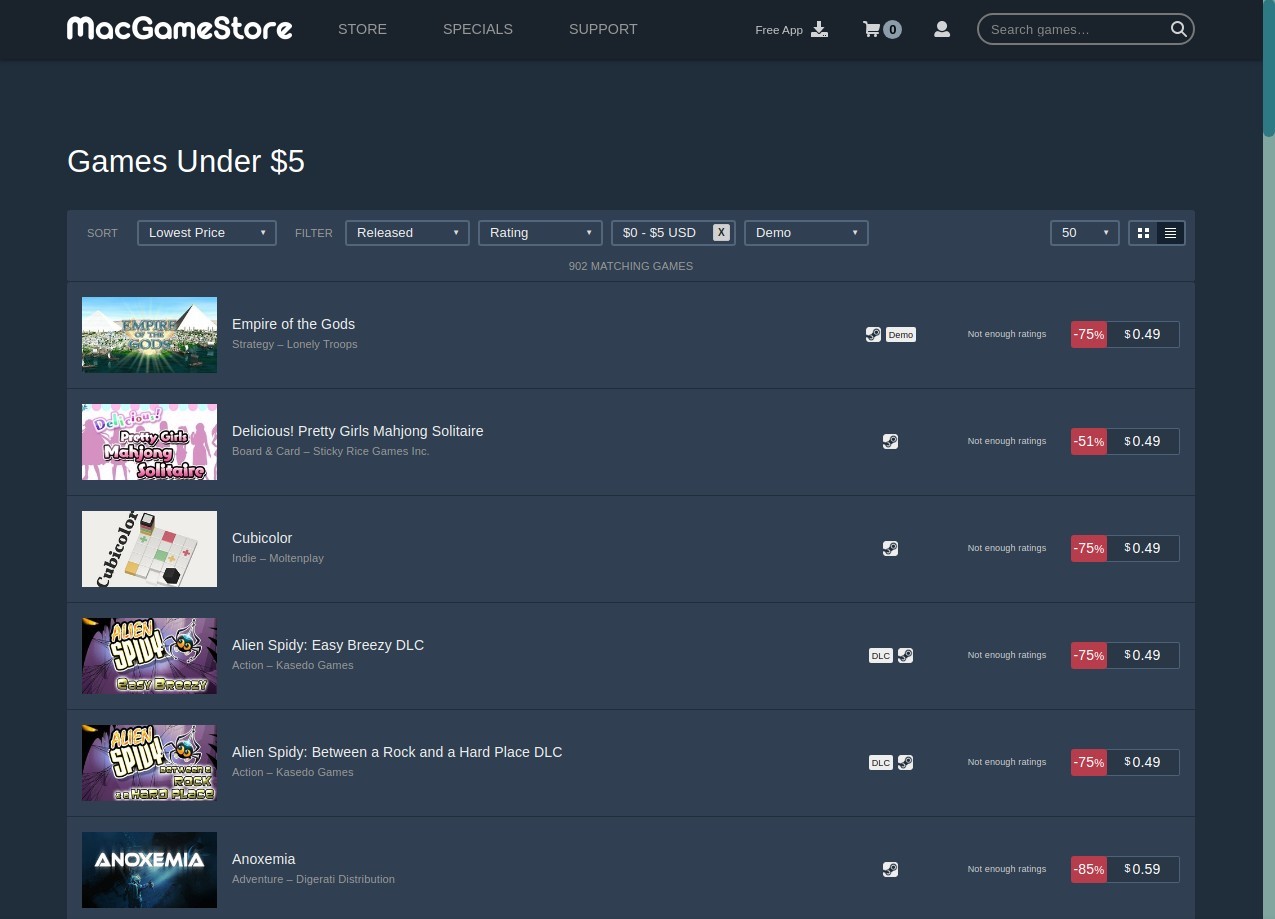
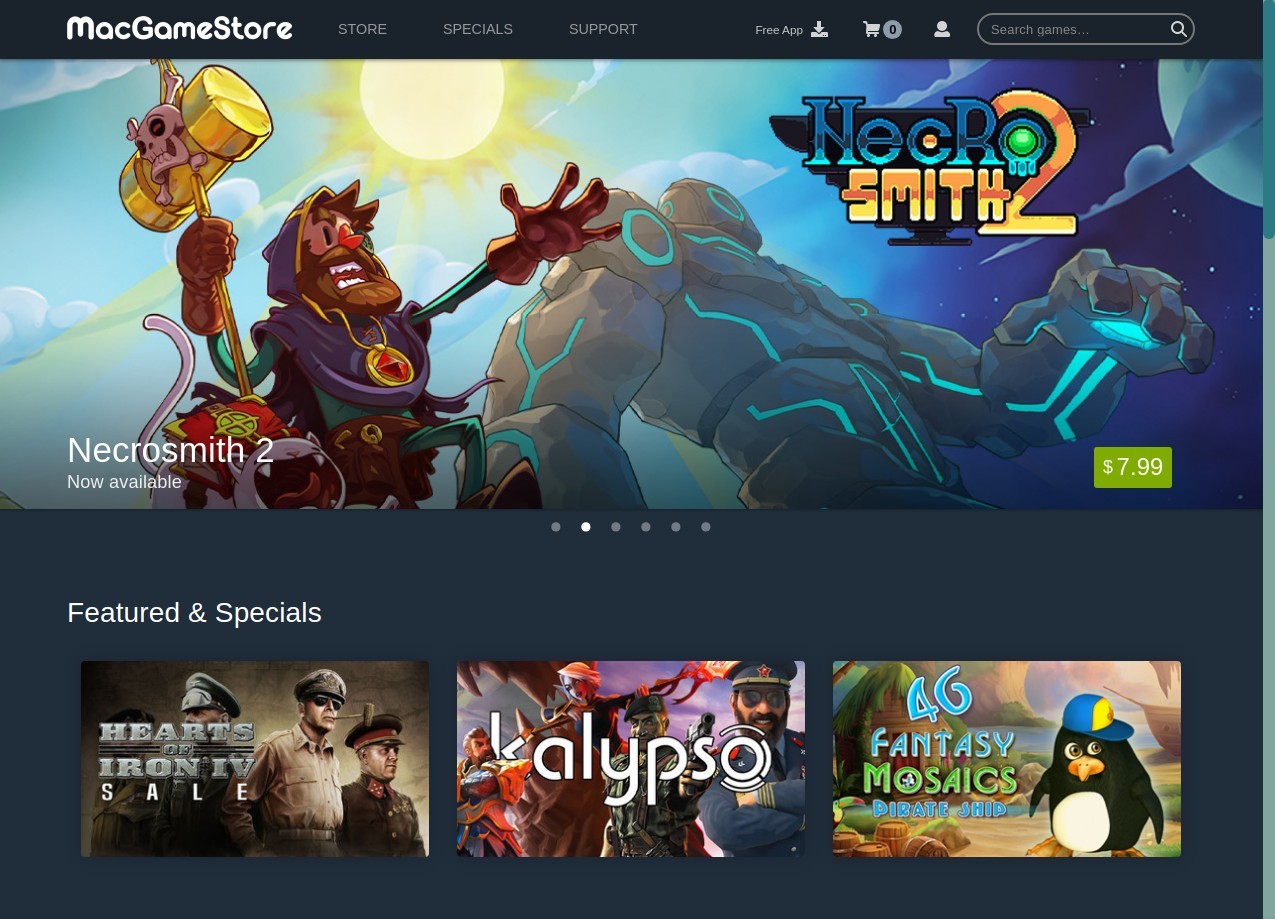
MacGameStore is a digital shop and launcher, which is designed to benefit Mac users. It is similar to a hub where you can pay and get to browse through thousands of games compatible with Mac, and can also purchase and download the games right through the MacGameStore app without having to work with dmg packages or external downloaders.
The store is also promoted as an official store that sells game keys and licenses, which are not provided by gray-market sellers but publishers and developers themselves. Users get formal updates, a valid license, and assistance from game studios. The site was founded in the 1990s as a seller of boxed games, digital distribution was introduced in the year 2005, and it has ever since concentrated its efforts on Mac gamers.
This concept of the app is straightforward. The game resources available to Mac gamers are limited compared to those availed to Windows gamers. Available popular launchers tend not to work with macOS or cease working on older systems, stranding players. The gap is filled with MacGameStore, which provides a specific marketplace and installer that supports different macOS versions, including older ones.
The store also has a Compatibility Checker that contrasts the specs of your machine with the system requirements of a certain game (you will not purchase a game only to find out that it does not run). MacGameStore also comes with a cloud downloading system, where you remove games and reinstall them at a later time without having to save installers on your computer. The idea is easy: ease the process of purchasing and installing Mac games.
What Are the Key Features of MacGameStore?
The Compatibility Checker is one of the key features. It performs a real-time assessment of your Mac, scanning processor type, graphics, OS version, and memory to establish whether the game is going to work. This ensures no wastage and misunderstanding, particularly when Macs transition to Apple Silicon rather than the Intel processor, and newer versions of macOS are removing support for 32-bit apps.
The other feature is the MacGameStore Rewards Program. Users can earn points through buying games, writing reviews, and referrals. Such points become store credit, which may be used in later purchases. A difference compared to platforms such as rewarding players with cosmetic badges or profile decorations is that MacGameStore provides the player with an advantage that directly benefits them. Purchases are added to your cloud library, meaning that once you buy a game, you can uninstall it on your computer and reinstall it in the future without any concern.
The MacGameStore application is a launcher. Instead of having to download a dmg file, mount it, drag the game to Applications, and find out whether the installer is functioning correctly, the app does it all by installing the game up to updates. It downloads the game itself, updates when required, and keeps your games all in one place. There is no necessity to search to find installation files. All that is needed is to open the app, press the Install button, and the game is added to your library. MacGameStore markets itself as another choice to users who desire game management and do not desire the additional visual replacement or social networking features.
Is MacGameStore Free to Use?
MacGameStore itself is free. The app is free to install. The only time you spend money is when you are buying games in the store. It has no subscription, premium membership, or downloading or management of game loads. The application is similar to a shop and a launcher. You just pay the titles of your choice. You do not need to purchase a game to do so; however, you can install the app, explore the catalogue, and use the compatibility checker.
Which Platforms Support MacGameStore?
MacGameStore is an Apple-only operating system program. The app is compatible with a great number of macOS versions, which is not the case in modern times. The majority of contemporary launchers will only accept the latest version of the OS. MacGameStore makes individual downloads of macOS versions as far back as OS X 10.9. This appeals to users of older Macs who are no longer able to upgrade but are willing to play compatible games. The app is compatible with Intel Macs and Apple Silicon Macs, both as a native and Rosetta-based on the game.
In comparison to Steam or Epic Games Launcher, MacGameStore does not offer a Windows launcher to install games. The store has another site, WinGameStore, however, which sells PC games. The installer and launcher, and management tool is exclusive to macOS. All this software is about providing a better gaming experience to Mac owners without the use of third-party software. When a user is using Windows, they can purchase game keys at WinGameStore, but the launcher experience is available only on macOS.
What Are the Best Alternatives to MacGameStore?
The closest alternative with respect to distribution is Steam. Steam includes a huge library, millions of users, social, discussion boards, achievements, mods, cloud storage and multiplayer. Although Steam does support macOS, the number of games available in the Mac library is limited, and even the ones that are supported are Windows-exclusive. Unlike MacGameStore, Steam does not automatically check the compatibility of the Mac. Gamers can purchase a game and then discover that it will not run on their computer, particularly with newer Apple Silicon hardware. Community, worldwide support, and frequent deals are the strengths of Steam. Its drawback among Mac gamers is that it is easily installed; it is not an operating system, but an operating system that targets it as a secondary platform rather than as a primary one.
Epic Games Launcher is oriented towards Windows. Epic also provides macOS builds at times, although the support is sporadic. The Epic launcher does not have a compatibility checker and does not offer various installers of macOS when using older systems. Epic offers free games, but the majority of the games are only available on Windows, and third-party tools are necessary on macOS. Free games and exclusives are the strengths of Epic, but to Mac players, its uneven macOS compatibility and lack of compatibility information become an issue. Mac users are usually left to go it alone or locate community solutions.
EA App is centered on Electronic Arts products like The Sims and EA Sports FC (ex FIFA) as well as Battlefield and EA Originals. But the EA discontinued Mac support of the EA App, and Mac gamers now have to use Origin, which is being phased off. The compatibility guidance and the detection are not provided by the EA App either. In case there are no game versions for a Mac, you cannot install it. The EA App is small, only offering EA titles as opposed to MacGameStore. In case the person is a simple EA games lover, the EA App can be a good option. MacGameStore is an expanded source of variety to anyone who wants it.