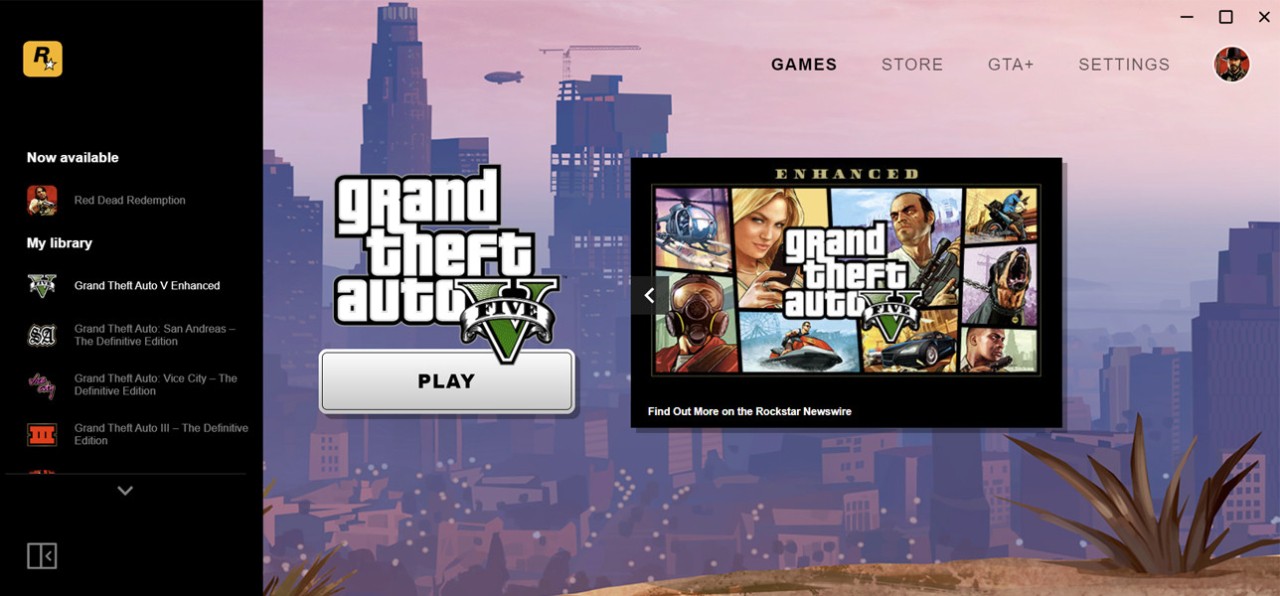
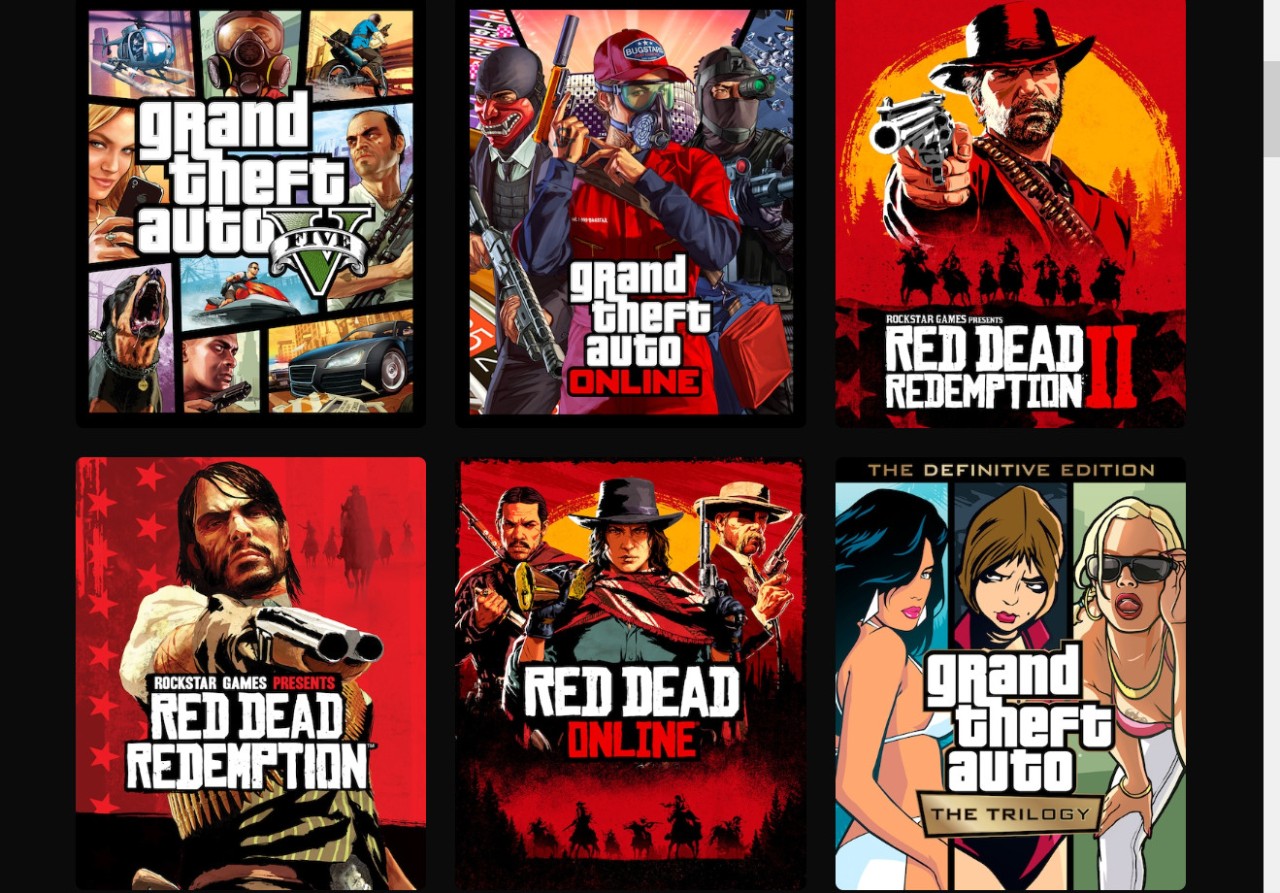
Rockstar Launcher is the PC hub released by Rockstar to access all of their games. The launcher gives direct access to games without needing other platform downloads. Install the launcher, log in using your Rockstar account, and it now serves as the gateway to your game library, updates, and any new releases.
The launcher is not optional. Most modern Rockstar titles require it to run. The game will still start and run through the launcher even when you are purchasing a game on a third-party platform like Steam or Epic. This centralizes the ecosystem of Rockstar.
Inside the launcher, you can sign in to the Rockstar Games Social Club, which is the online service of Rockstar. Once you have logged in, you can control your purchases, updates, and inspect other titles. If you own Grand Theft Auto V or Red Dead Redemption 2, you already know the launcher; it runs silently in the background when either of these games starts.
Some players believe that the launcher is merely an overlay of other launchers, and that is a fair opinion. But Rockstar takes advantage of it to store everything under the same roof, giving out patches, applying DRM, and tracking progress across devices. It is not a glitzy and overcrowded one, yet it serves its purpose.
What Are the Key Features of Rockstar Games Launcher?
The launcher doesn’t try to be a big social platform. It focuses on the installation, upgrading, and introduction of Rockstar games. Upon installation, it automatically updates itself, and therefore, you do not have to go out to find patches. In the cases of major titles that are regularly updated with content, like GTA Online or Red Dead Online, the feature saves time spent on required steps.
The other most important aspect is that it is closely integrated with your Social Club account. That name is your ID in all the Rockstar games. With it, you can track achievements, progress, and friends. Between a reinstall of the game or a change of device, all is saved in your account.
A cloud-save system is also provided in the launcher. Though not all the games do, the big ones do. In case of PC crash or upgrades, the progress is retained. This is a blessing for gamers who spend hours in open-world campaigns.
The launcher will have an in-built store in which Rockstar can sell its games. It also has occasional special deals or bonuses based on in-game currency or pre-orders. The store does not offer a wide marketplace such as Steam or Epic, only Rockstar titles.
Background authentication is a fact that is ignored by many players. There is a silent ownership and license check by the launcher. This is part of Rockstar’s DRM. Some see it as annoying, but other people also perceive it as a normal aspect of gaming nowadays.
Is Rockstar Games Launcher Free to Use?
Yes, downloading and using the launcher is completely free. You never have to pay to install it or retain it on your PC. The only time you have to spend money is when you purchase a game at the store. Access to the launcher is free - the launcher is an access point, not a subscription service.
Which Platforms Support Rockstar Games Launcher?
The launcher is officially supported on Windows. It can be downloaded from Rockstar’s site and installed like any program. Once logged in, it works smoothly. It is also run on platforms like Linux by some users using Proton or Wine. It is an unofficial workaround, and it might not work as well.
It is not on mobile, and there is no official version of macOS. The launcher will also be focused on desktop PCs, since the flagship games of Rockstar, GTA V, Red Dead Redemption 2, and others are made to work on the suggested platform.
The launcher is used in the background even when you are buying a Rockstar game on Steam or the Epic Games Store. The game can be launched by Steam, but Rockstar Launcher can be used to confirm ownership. This is usually the initial experience of players who play a Rockstar game on PC.
What Are the Best Alternatives to Rockstar Games Launcher?
Rockstar remains in its ecosystem, yet other PC launchers are functioning in the same manner, representing other publishers or with more features.
The launcher of EA, which used to be known as Origin but is now EA App, works in the same manner as that of Rockstar. It is the headquarters of EA, regarding such titles as Battlefield V and The Sims 4. Purchase, install, and update all EA games in a single location. With time, EA has enhanced the app; the present EA App is more stable than Origin. It is also connected with EA Play, which provides access to a monthly library of games. None of the launchers is flawless; however, they provide EA with better control over its ecosystem, much like Rockstar.
Steam is no longer associated with one publisher; it is a wide-ranging platform of millions of PC gamers. It provides an enormous library, automatic updates, cloud saves, workshop edits, reviews, achievements, and a community. Steam allows individuals to start games of numerous developers in a single location. In contrast to the launcher of Rockstar, Steam does not have a single brand. Steam is favored by people who prefer to use only one place where they can get all their games.
The Epic Games Store is younger than Steam, but it has already grown fast. It has been known to have free games each week, exclusive content that is selective, and improved revenue sharing with developers. Its interface is sleek, and it does not match the community features of Steam, but it is getting better. The weekly free titles are what entice many players to have Epic installed to claim them. Note that the Epic Games Store is also available for Android and iOS.