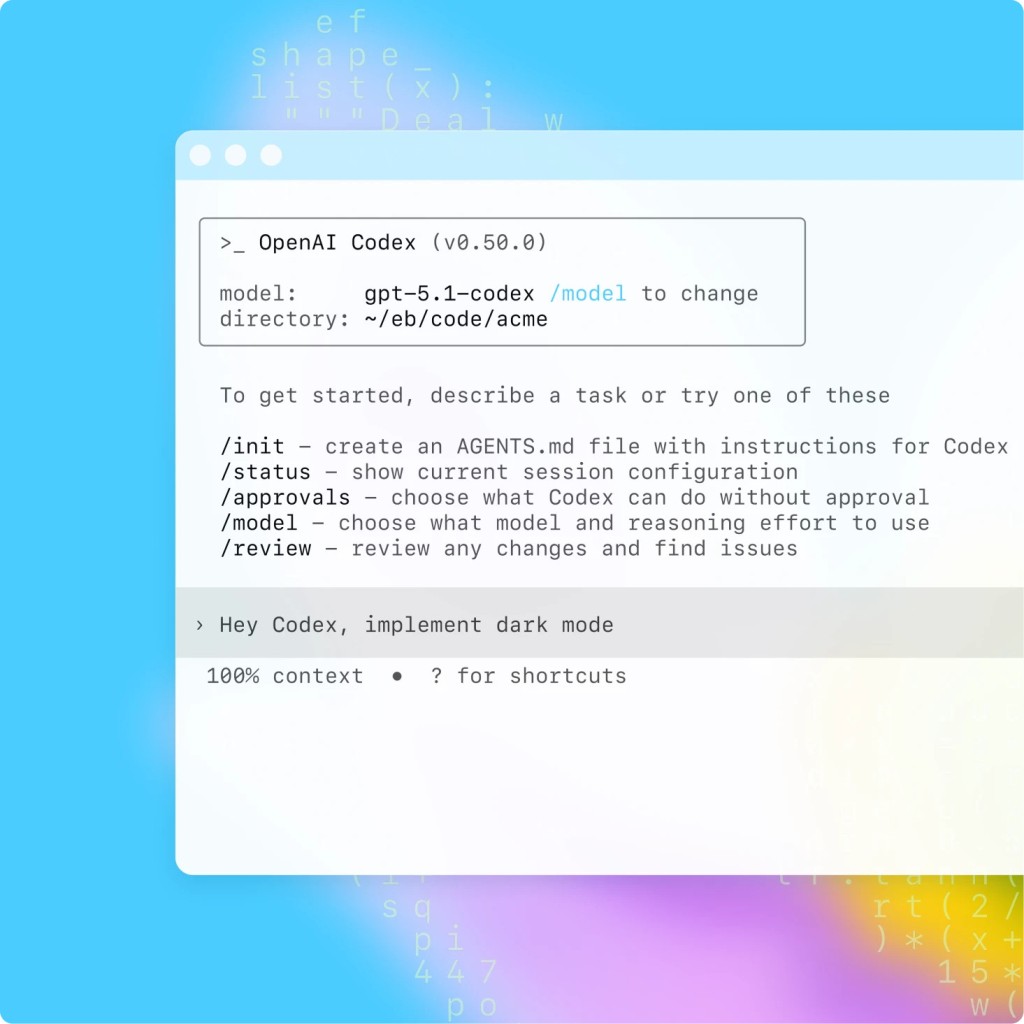
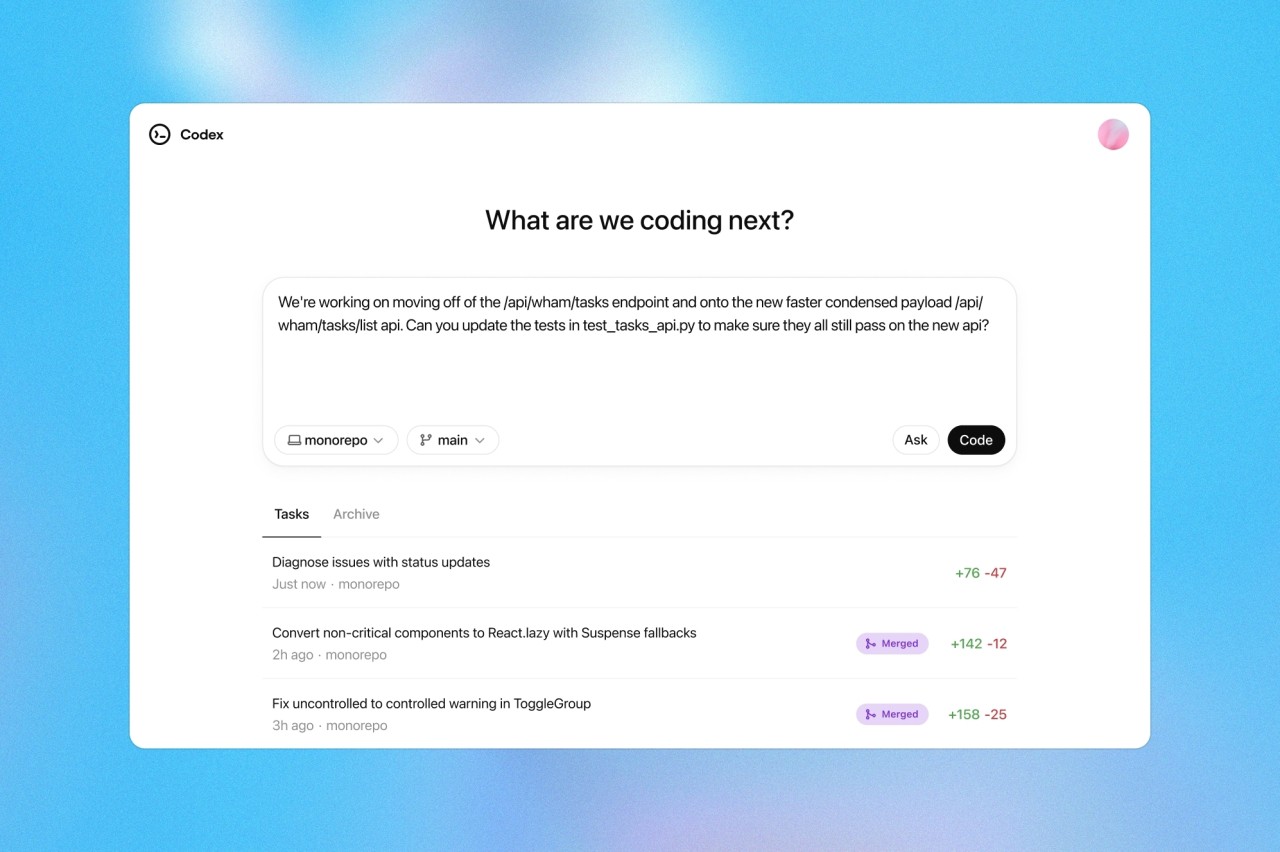
In this day and age, finding a person who doesn’t use ChatGPT is a challenge. We’re all familiar with the way it works by interacting with the web and reacting to user-generated prompts. ChatGPT Codex is for those who want to move from brainstorming to execution. Unlike ChatGPT, Codex connects to the right tools in your arsenal and works effectively with data, software, and more.
The program was created for developers who wish to streamline their workflows. As such, Codex can automate simple and complex developer tasks like debugging. It has also found its use among individuals not connected to programming, in the form of a data management tool. Feed Codex raw data and watch it turn into a comprehensible spreadsheet.
ChatGPT Codex can function as a virtual hub for all of your data processing needs. It can connect to the tools on your computer and use them to produce outputs. Instead of telling you what to do, it does the job.
What Are the Key Features of ChatGPT Codex?
ChatGPT Codex lends a helping hand to developers and people working with large volumes of data. By connecting to your files and tools, it can organize files, create outputs using data, fix bugs, manage pull requests, build new features, and more. Though the program was created for developers, it can also be useful to professionals in other fields.
One of Codex’s main advantages is that you are not limited to one task at a time. Just like with ChatGPT, which allows for multiple chats, you can initiate multiple workflows at the same time, as each takes place in its own cloud sandbox and does not interfere with others.
When it comes to coding and software development, Codex can handle complex files and environments, as well as programming tasks like debugging and issue triage with no problems. Codex can connect to the CLI and run tests to save you time. Afterwards, the program can suggest pull requests on the basis of the tests run. You can receive an overview of all the actions conducted by Codex, as well as a confirmation of the passed tests.
You can access ChatGPT Codex through your ChatGPT computer application. You can train the tool to follow your standards, which will save you a lot of time in the future.
Is ChatGPT Codex Free to Use?
Just like ChatGPT, Codex comes in free and paid tiers. The free version imposes usage limits, which may or may not suffice. If you’ve reached the limit and would like to keep working with Codex, you can subscribe to the Plus or Pro tier. Paid tiers also offer advanced features that are not available in the free tier.
Which Platforms Support ChatGPT Codex?
ChatGPT Codex is available for download on desktop, mobile, and web browsers. For optimal operation, use the ChatGPT Codex desktop app for macOS and Windows. You can also access it through a modern web browser. Finally, some tasks can even be accomplished through the ChatGPT mobile app for Android and iOS devices.
If you’re using Codex for coding, you might want to connect it to your developer environment. The tool can be integrated into a number of JetBrains IDEs, like Rider and WebStorm.
What Are the Best Alternatives to ChatGPT Codex?
ChatGPT Codex is not the only tool of its kind. If you’re looking for a program with similar features, then you have a few to choose from.
Google Antigravity is another AI-based platform for coding. The way it works is quite different from Codex. You can view it as a team of workers that work on your input simultaneously. The tool is faster than Codex, though less precise. One of its standout features is its ease of use. There is no steep learning curve, as Antigravity was designed with beginners in mind.
CodeConductor AI makes programming easy. The app’s main focus is simplifying the development process by introducing visual controls. As a result, you can build applications relatively quickly and with minimal effort. CodeConductor targets people who are not skilled developers and can appreciate a simple workflow.
Cursor is another option you can explore for your code writing needs. Unlike Codex, it is an IDE of its own. It offers a lot of control over the workflow, so you can make changes as you go. Cursor operates on your computer using local files as input. As a bonus, you can pick which AI model you want to use, be it Claude or ChatGPT.