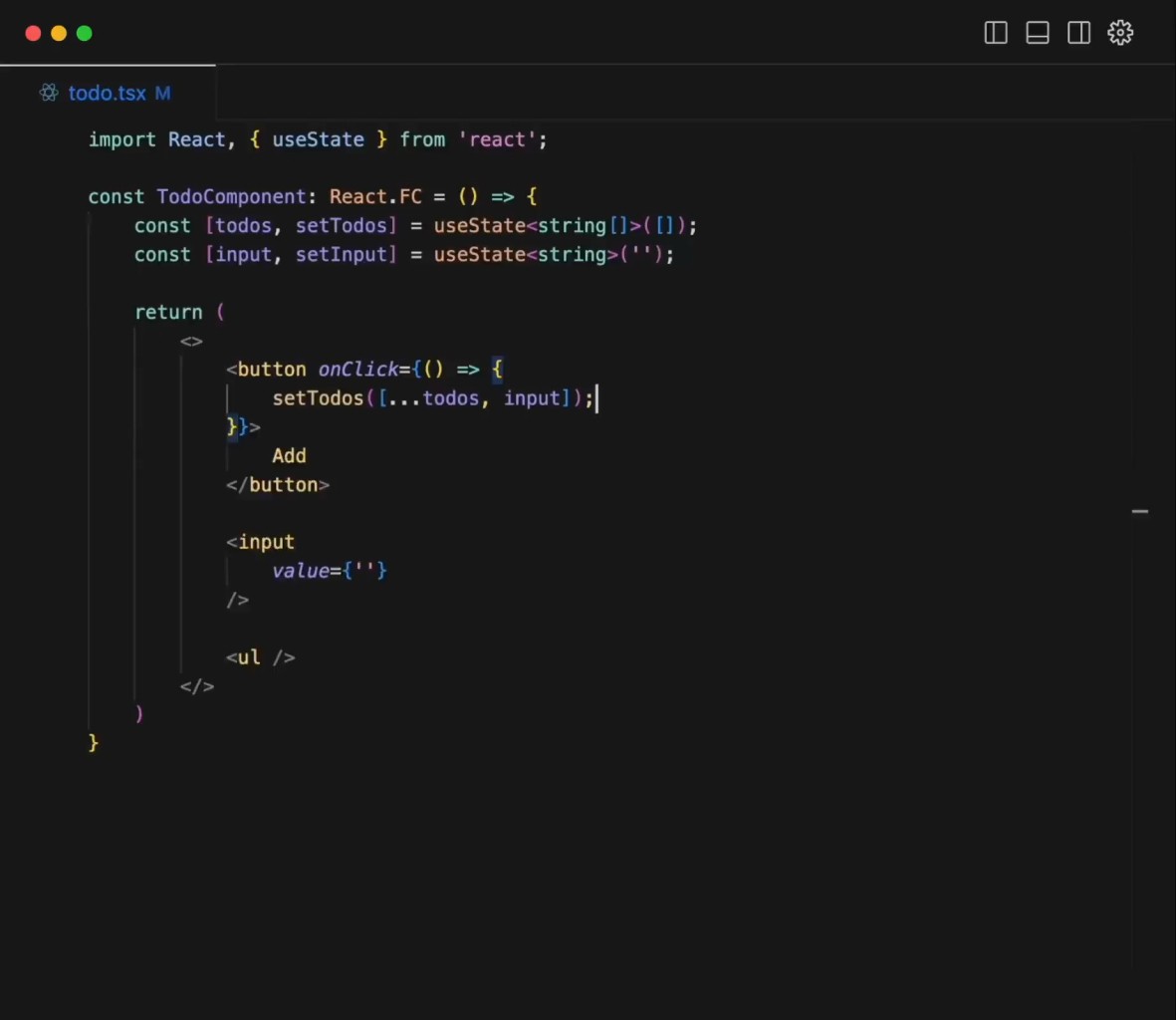
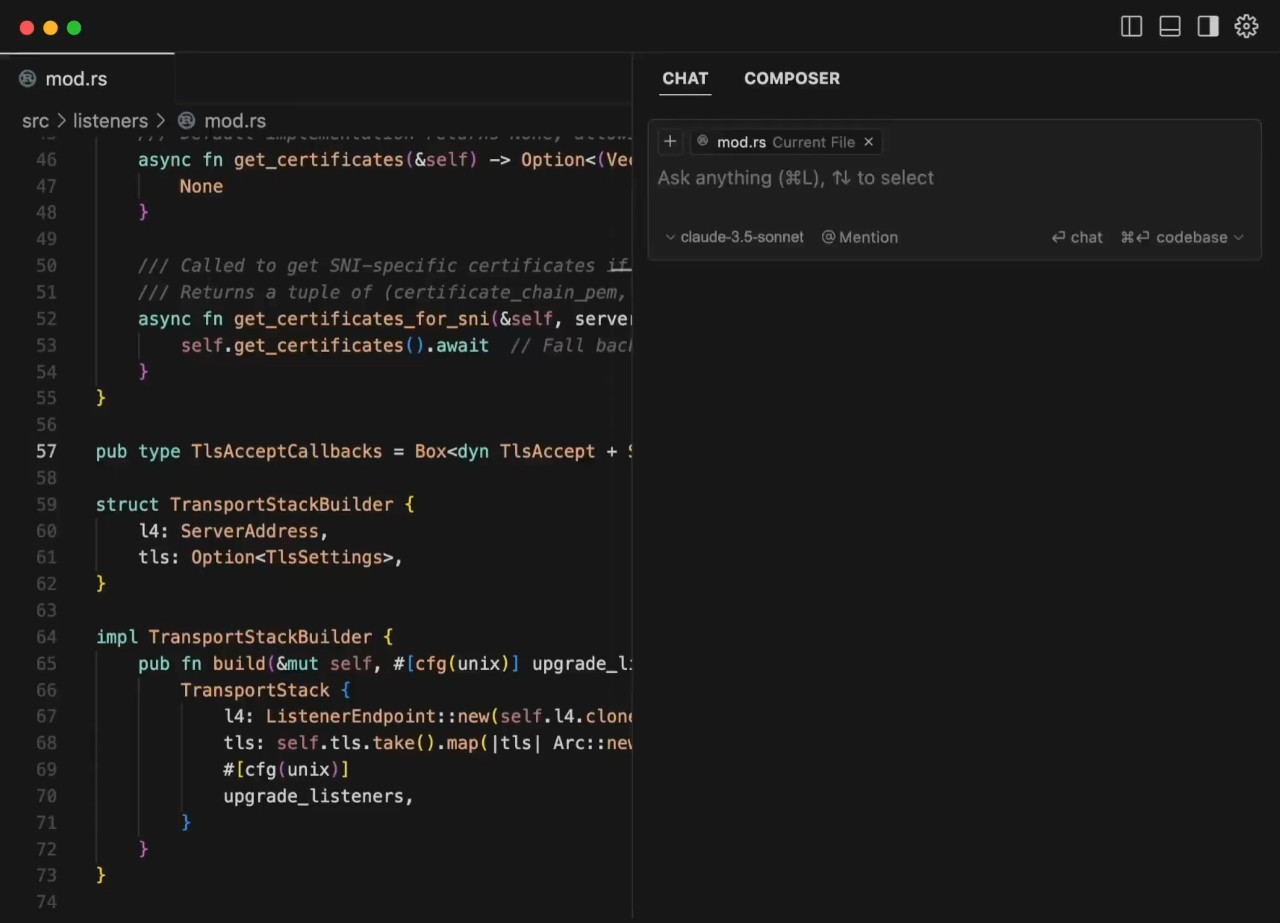
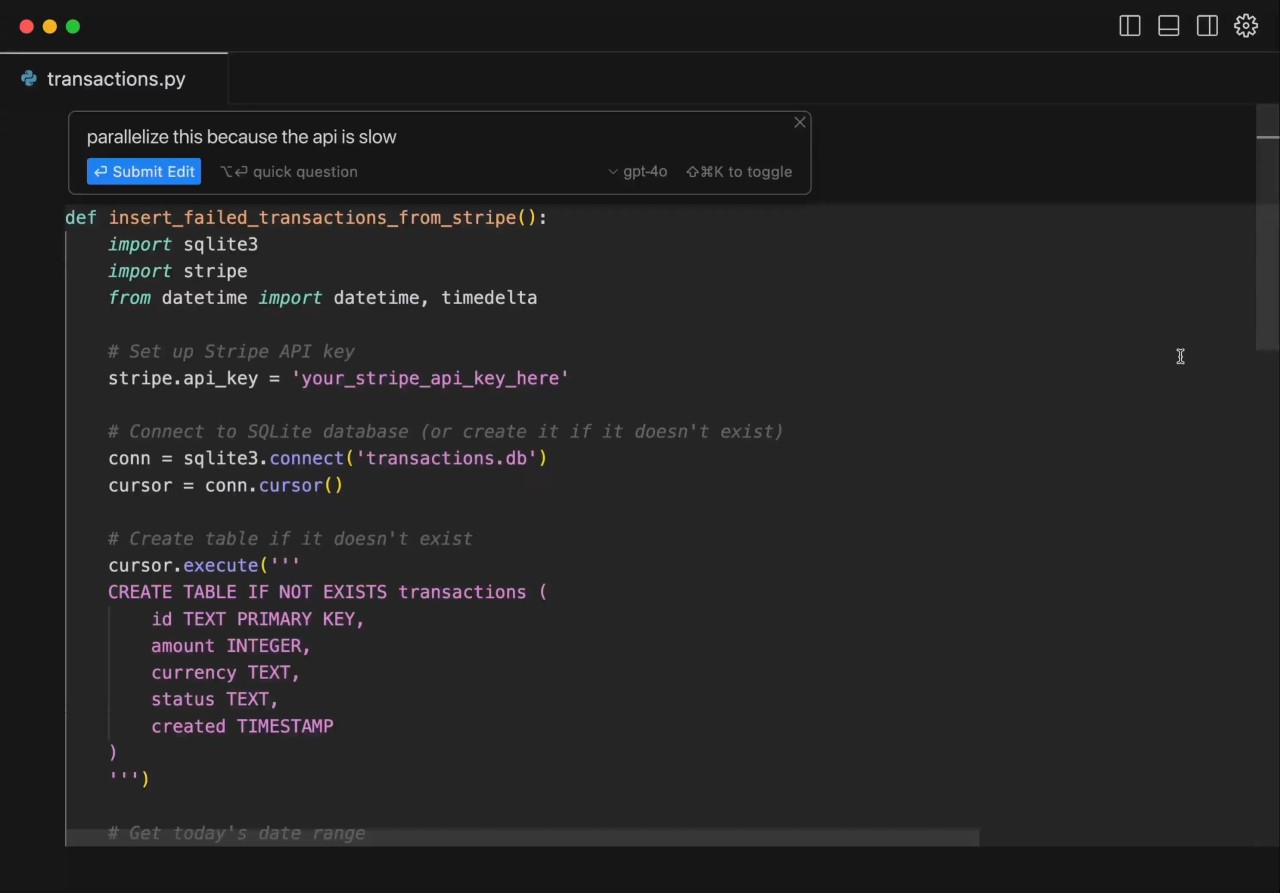
Cursor is an AI-native code editor built on a fork of Visual Studio Code. Developed by Anysphere, it takes the familiar VS Code interface and layers in AI capabilities that go well beyond simple autocomplete. Where traditional editors help you type faster, Cursor aims to help you think faster by understanding the full context of your project and letting you describe changes in plain language.
The editor launched in 2023 and has grown quickly since then, attracting developers at companies like Stripe, OpenAI, and NVIDIA. What sets Cursor apart from competing tools is its depth of codebase awareness. When you ask it to make a change, it does not just look at the file you are working in. It can read across your entire repository, understand how components relate to each other, and make coordinated edits across multiple files at once. For developers working on large or complex projects, that kind of contextual understanding is a significant time saver.
Cursor also operates as an agentic platform. You can hand off tasks to AI agents that work autonomously, building features, running tests, and even creating pull requests for your review. Cloud agents can work in parallel on separate tasks, meaning you can delegate multiple jobs and check the results when they are ready. For individual developers and teams alike, Cursor sits at the intersection of a traditional code editor and an AI assistant that can handle real work.
What Are the Key Features of Cursor?
Cursor's standout feature is its multi-file editing capability, referred to internally as Composer. Rather than editing one file at a time, you can describe what you want in natural language, and Cursor will plan and apply changes across your entire project. It can create new files, modify existing ones, and refactor code without requiring you to manually navigate between documents.
The Tab completion system goes beyond typical autocomplete. It predicts what you are about to write based on the surrounding context, not just the current line. Multi-caret editing lets you work in multiple positions throughout a document simultaneously, and the editor's search functionality is fast enough to navigate through even very large codebases without noticeable delay.
Cursor also includes a built-in terminal, support for extensions from the VS Code marketplace, and integration with Git for version control. More recent additions include a CLI tool for working from the terminal, Slack integration for triggering coding tasks from team channels, and an iOS mobile app for reviewing agent work on the go. Automations allow you to set up scheduled or trigger-based tasks that run in the background, such as fixing CI failures or triaging issues automatically.
The editor supports a wide range of AI models from providers like OpenAI, Anthropic, and Google, and routes between them depending on the task. You can also bring your own API keys if you prefer to use specific models. Code review features through Bugbot provide AI-powered pull request review that catches issues before they reach production.
Is Cursor Free to Use?
Cursor offers a free Hobby tier that includes limited Tab completions and Agent requests. There is no credit card required, and the free plan provides enough access to evaluate the product on a real project. A two-week Pro trial is included when you first sign up, giving you temporary access to higher-tier features.
Paid plans start with Pro, which adds unlimited completions and a larger pool of AI model usage. Higher tiers exist for power users and teams, with the Business plan adding centralized billing, admin controls, and single sign-on. Enterprise pricing is available for larger organizations with custom requirements.
Which Platforms Support Cursor?
You can download Cursor as a desktop application for Windows, macOS, and Linux. Because it is built on VS Code, it runs natively on all three operating systems with consistent behavior and performance. The download process is simple, with a standard installer on each platform.
A command-line interface is available for developers who prefer to work from the terminal, and a mobile app for iOS launched in mid-2026, allowing users to review agent work and manage tasks from their phone. There is no Android version at the time of writing.
What Are the Best Alternatives to Cursor?
Google Antigravity is Google's agentic development platform, also aimed at developers who want AI-driven coding assistance. You can download the desktop application, CLI, IDE, or SDK for building custom agents. Antigravity is free for individual developers and uses Google's Gemini models under the hood. For developers already invested in the Google ecosystem, Antigravity provides a tightly integrated alternative to Cursor with strong support for enterprise use cases.
ChatGPT Codex is OpenAI's cloud-based coding agent, accessible through the ChatGPT web interface and a desktop app. Rather than working inside a traditional editor, Codex operates asynchronously in cloud sandboxes, cloning your repository, making changes, running tests, and submitting pull requests for review. It is best suited for batch-style work like dependency upgrades, code migrations, and bug fixes from issue descriptions. Codex is available to ChatGPT subscribers and pairs well with developers who want to delegate tasks without switching to a dedicated IDE.
CodeConductor takes a different approach by focusing on low-code and no-code development with AI assistance. It is designed for teams that want to build applications faster without writing every line by hand. While it shares Cursor's goal of speeding up software development, CodeConductor targets a broader audience that includes non-developers and is best suited for teams that prioritize rapid prototyping and application delivery over traditional coding workflows.