Microsoft Office 2024 is the latest standalone version of the classic Office suite. It is the version people install directly on their computer rather than paying a recurring fee for Microsoft 365. The familiar applications are all present: Word, Excel, PowerPoint, and Outlook. On the surface, little appears to have changed dramatically, but in use, the differences show up quickly. The interface feels tidier, navigation is more intuitive, and the whole suite runs more smoothly. Office 2024 is not trying to reimagine productivity software; it is refining a package that millions of people already rely on every day.
The suite is designed around everyday work: writing documents, building spreadsheets, putting together presentations, handling emails, and keeping a schedule. It suits anyone who wants a stable, offline-capable Office package without a rolling subscription and without features that shift every few months, the way cloud services tend to. Students, office workers, freelancers, and anyone setting up a home office will find a familiar toolkit here that does not require ongoing maintenance or account management. It is a well-established productivity suite updated to match how people work today, more connected when neede,d but primarily a local application.
What Are the Key Features of Microsoft Office 2024?
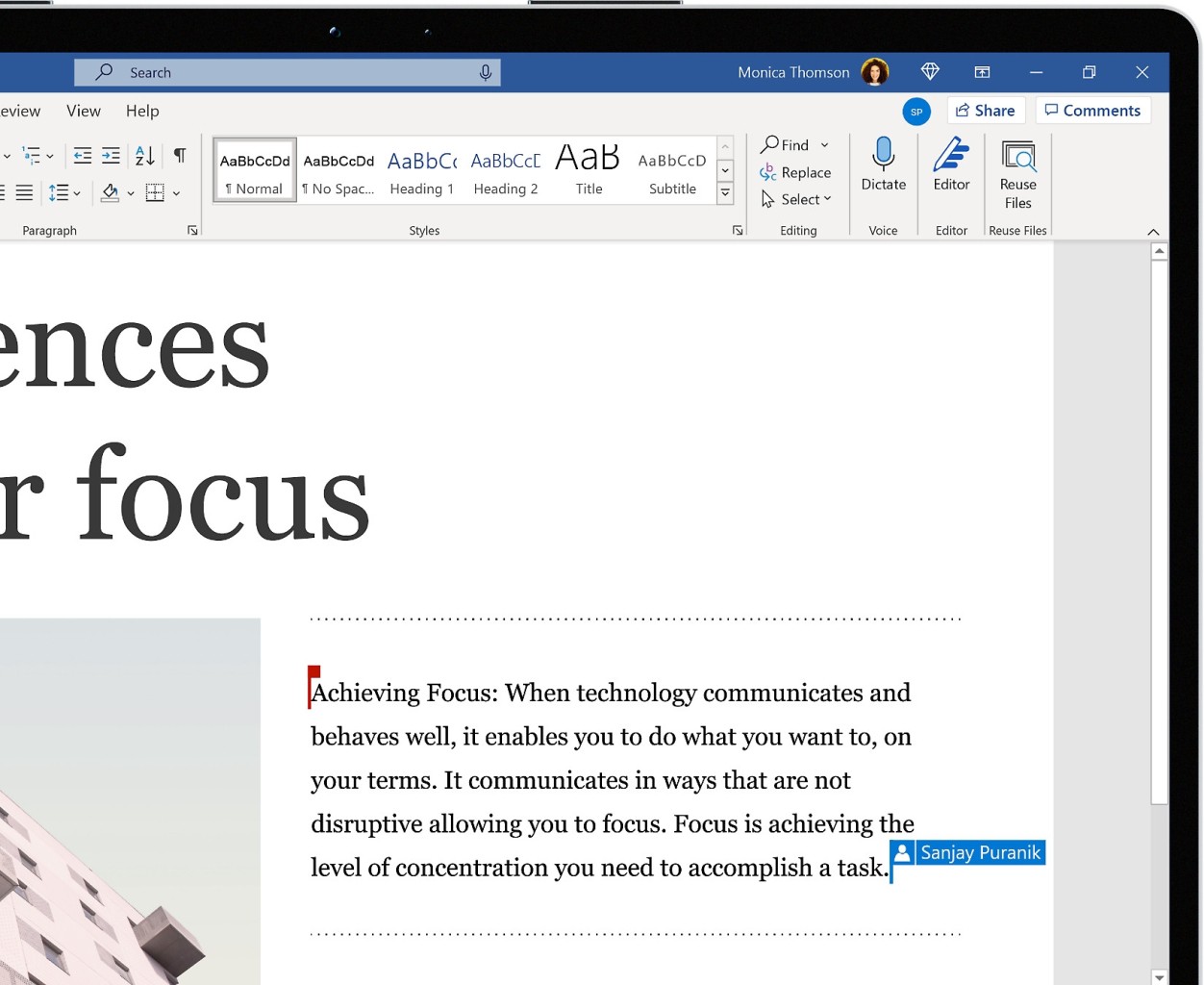
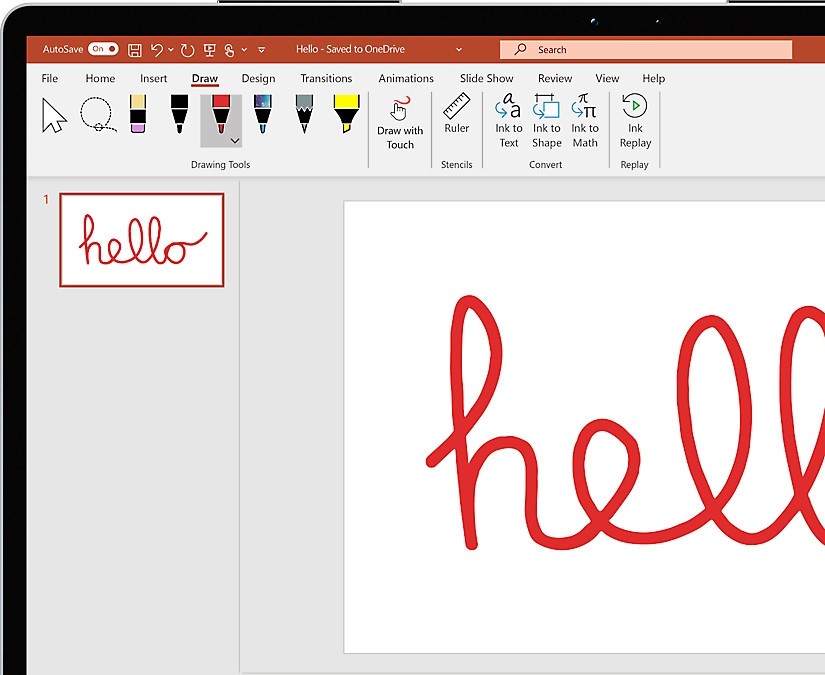
Smoothness and responsiveness are the main areas of improvement. Word handles image placement more cleanly, which keeps documents looking tidy, and the improved search and navigation tools mean less time hunting for functions buried in menus. PowerPoint gains new templates and layout options that help presentations look polished with less manual effort.
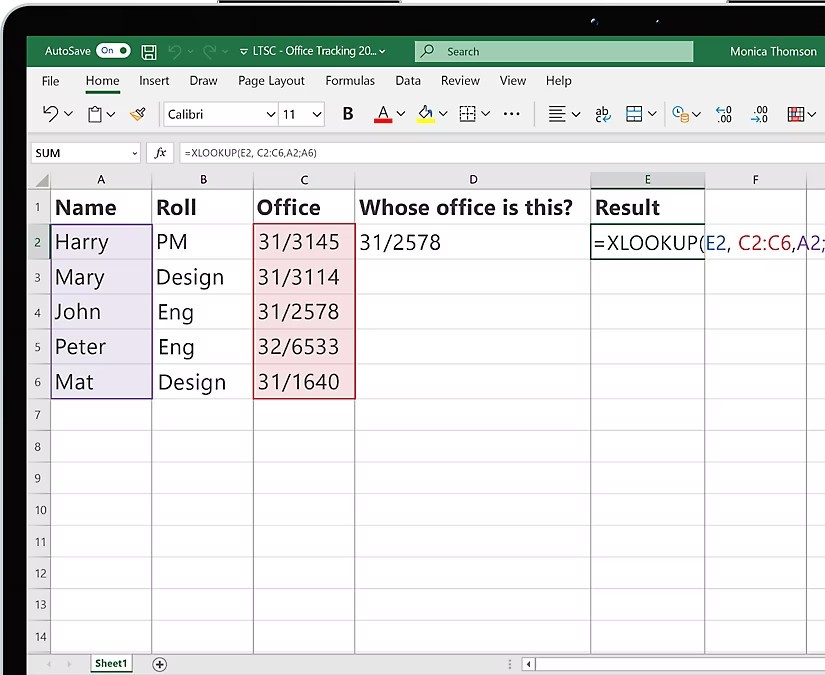
Excel receives a quieter but meaningful set of upgrades. Formula work is more efficient, and the application updates more reliably when data changes. Navigation and search across large spreadsheets is faster, which adds up significantly for users who spend serious time in Excel.
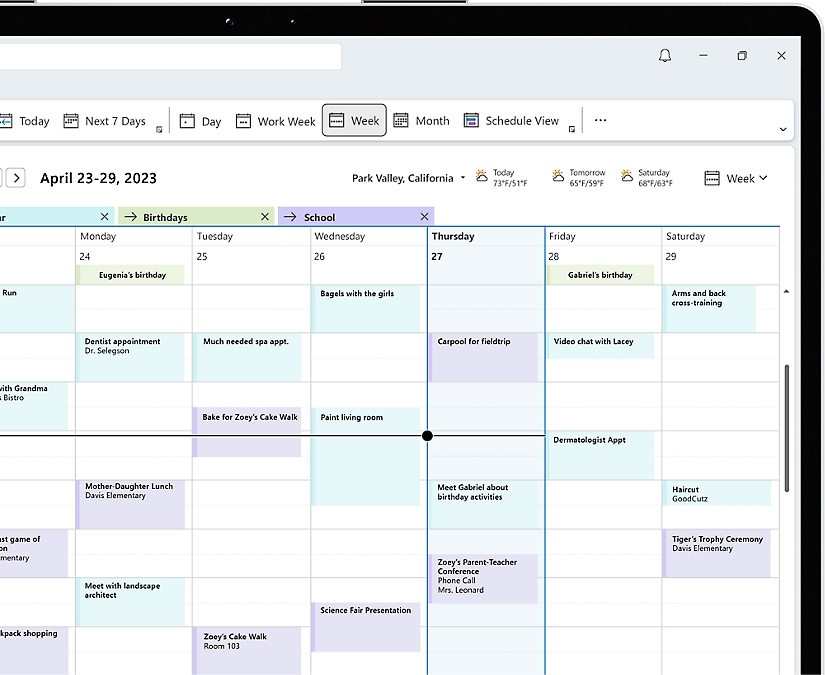
Outlook is positioned as a single hub for professional and personal organization. Emails, calendar entries, reminders, and contacts are all stored locally, and a refreshed layout makes it easier to stay on top of everything without jumping between applications.
Collaboration has also been strengthened. Files can be shared and worked on simultaneously, with comments and mentions keeping communication tied to the document itself. Notifications alert you when someone makes a notable change or tags you directly. Auto-save runs in the background, so work is not lost. Alongside those features, underlying performance improvements make the whole suite feel more responsive than previous versions.
Is Microsoft Office 2024 Free to Use?
No. Microsoft Office 2024 is a one-time purchase rather than a subscription like Microsoft 365. Once you buy it, you own that version outright with no renewals needed. There is no official free tier, though limited trial versions are available in some regions.
If you need Office functionality without spending anything, Office Online is available through a browser with an internet connection at no cost. The mobile apps for Android and iOS are also free to download and use for basic editing, though some capabilities are restricted unless you have a Microsoft 365 subscription.
Which Platforms Support Microsoft Office 2024?
Microsoft Office 2024 is available on Windows and macOS. Windows remains the primary platform, where the suite is most thoroughly optimized for performance and compatibility. It runs on both desktops and laptops with modest system requirements.
The macOS version is a proper native build designed to align with Apple's interface conventions without stripping away the core Office experience. Many Mac users prefer installing Office locally rather than relying on cloud-based alternatives, and Office 2024 supports that workflow well.
Mobile support works differently. Office 2024 is not purchased separately for Android or iOS; instead, the mobile apps connect to your Microsoft account and allow basic editing at no cost. More advanced features require a Microsoft 365 subscription. For reviewing documents or making minor changes on the go, the mobile apps are capable enough for most situations.
Overall, Office 2024 covers Windows, macOS, and mobile, making it a flexible option for users who move between different devices.
What Are the Best Alternatives to Microsoft Office 2024?
The right alternative depends on whether you prefer something subscription-based, browser-based, or entirely free.
Microsoft 365 is the subscription counterpart to Office 2024. It stays continuously updated and includes expanded OneDrive cloud storage alongside the full desktop application suite. Collaboration features are always current across devices, and the regular update cycle means you always have the latest tools, templates, security improvements, and interface refinements. The trade-off is the ongoing monthly or annual cost, which puts some users off. For teams, remote workers, or anyone who wants deep cloud integration and automation features, Microsoft 365 tends to feel like the more complete package compared to the static Office 2024 release. Many users download Microsoft 365 to keep their tools current and stay synced across devices.
LibreOffice is a free, open-source alternative built and maintained by a community of developers. It covers word processing, spreadsheets, presentations, and more, all without a subscription, account requirement, or internet connection. The interface is less polished than Microsoft's, and complex Office file formatting can sometimes shift when opened, but for everyday writing, editing, and number work, it performs reliably. LibreOffice improves steadily over time and carries no ongoing cost. Many people download LibreOffice precisely because it is free, lightweight, and works without any account setup.
WPS Office is a leaner, more modern-looking suite that comes in both free and paid versions. Its layout closely mirrors Microsoft Office, so the learning curve is minimal for anyone switching from Office 2024. The free version includes ads but still delivers capable Word, Excel, and PowerPoint equivalents in a tabbed interface. Built-in PDF tools are a practical bonus that many users find genuinely useful regularly. The free tier covers the needs of students and light users, while the paid upgrade removes ads and unlocks additional functionality. Users download WPS Office when they want a familiar layout, a lightweight install, and useful PDF tools without paying for a full suite.