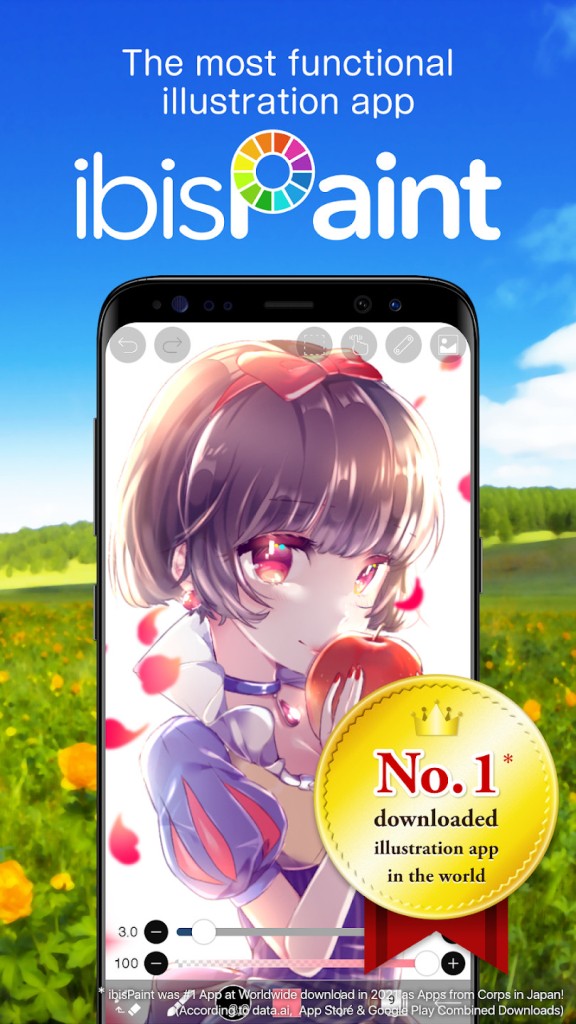
ibis Paint X is a mobile drawing app designed to let anyone sketch, paint, or create manga-style artwork without needing a desktop setup. It brings professional-grade tools to a platform where most apps offer only the basics. Rather than a handful of standard brushes and simple layers, it provides thousands of materials, fonts, screen tones, and effects more commonly found in heavyweight desktop software.
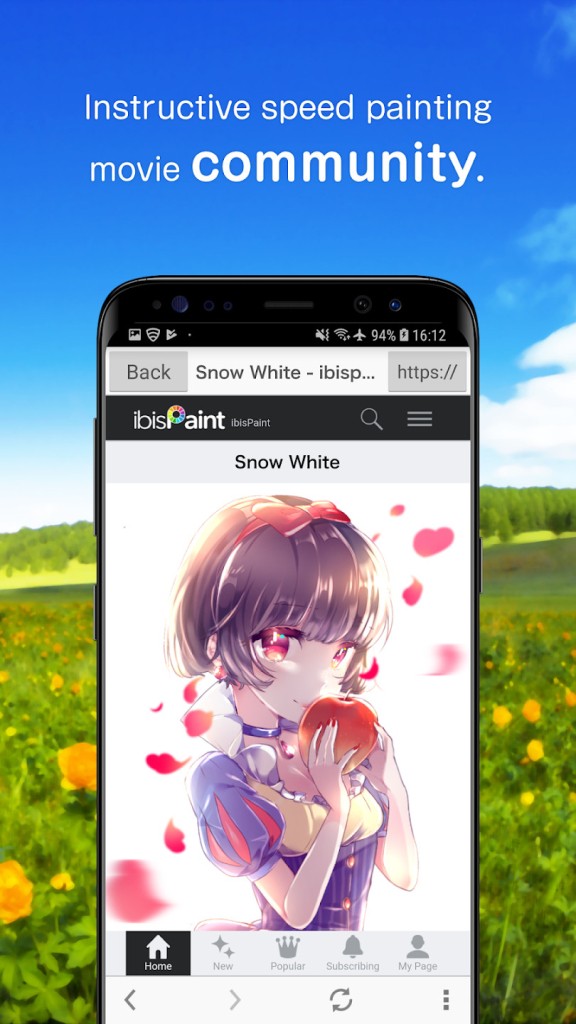
Artists download it for a range of reasons. Some value the freedom to draw wherever they are. Others are drawn to the depth of the brush library. Many rely on the built-in process recording feature, which captures every step of a drawing automatically and turns it into a time-lapse video that can be watched back or shared as a tutorial. The app also includes a creator community where artists share finished work, swap techniques, and post guides. Depending on how deeply you use it, ibis Paint X functions as an art workspace, a manga editor, or a digital sketchbook.
What Are the Key Features of ibis Paint X?
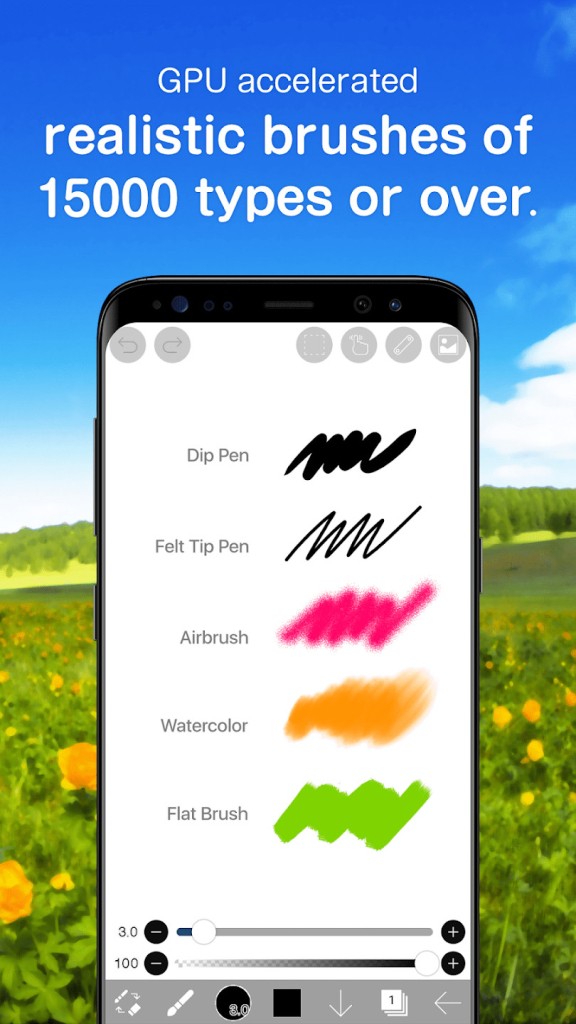
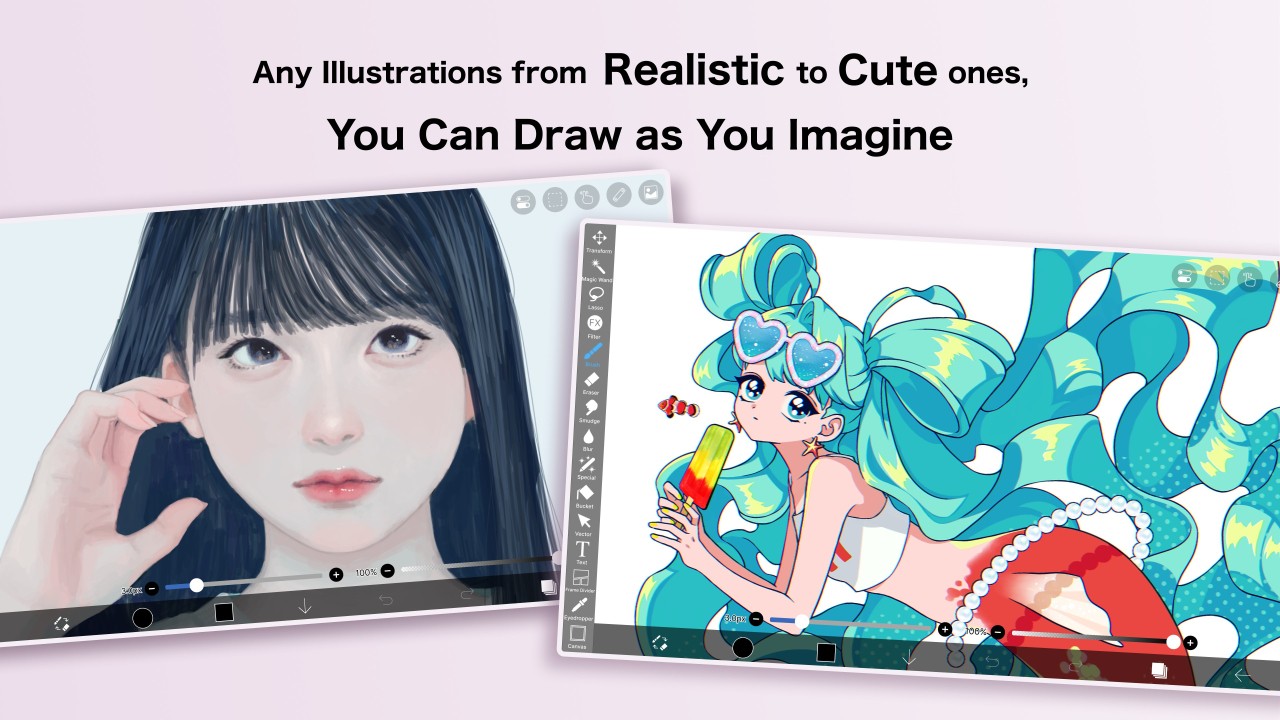
The brush library is the app's most immediate strength. With thousands of brushes covering virtually every style, including pen nibs, textured strokes, oil and watercolor effects, and decorative stamps, there is a tool for almost any artistic approach. The brush engine runs on OpenGL, which keeps strokes smooth and consistent even on mid-range phones.
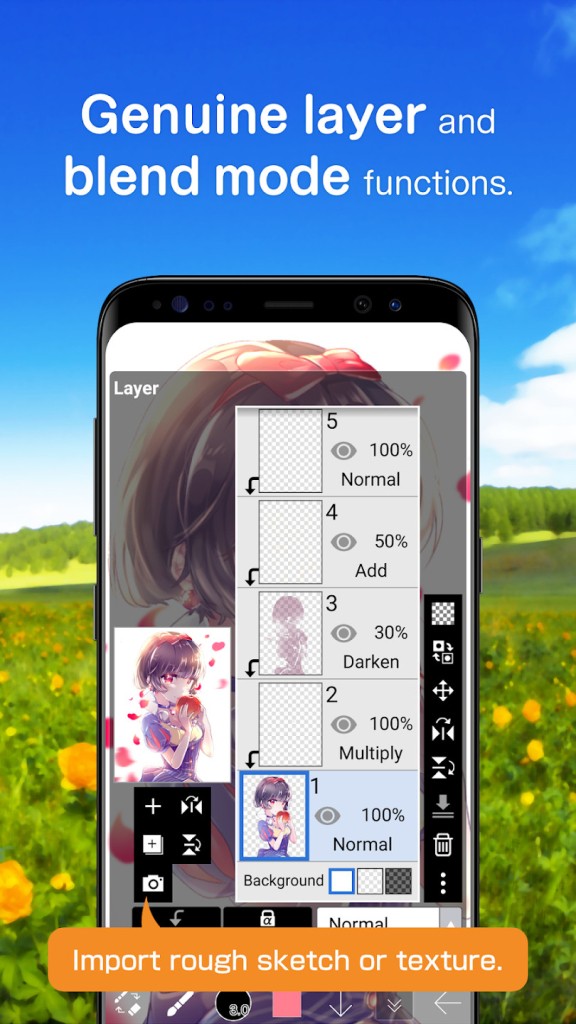
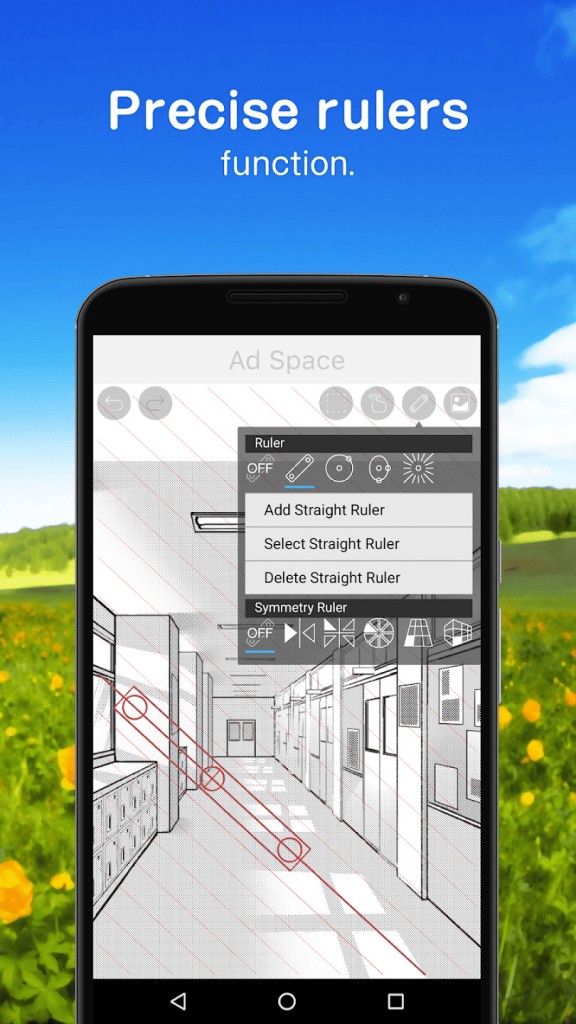
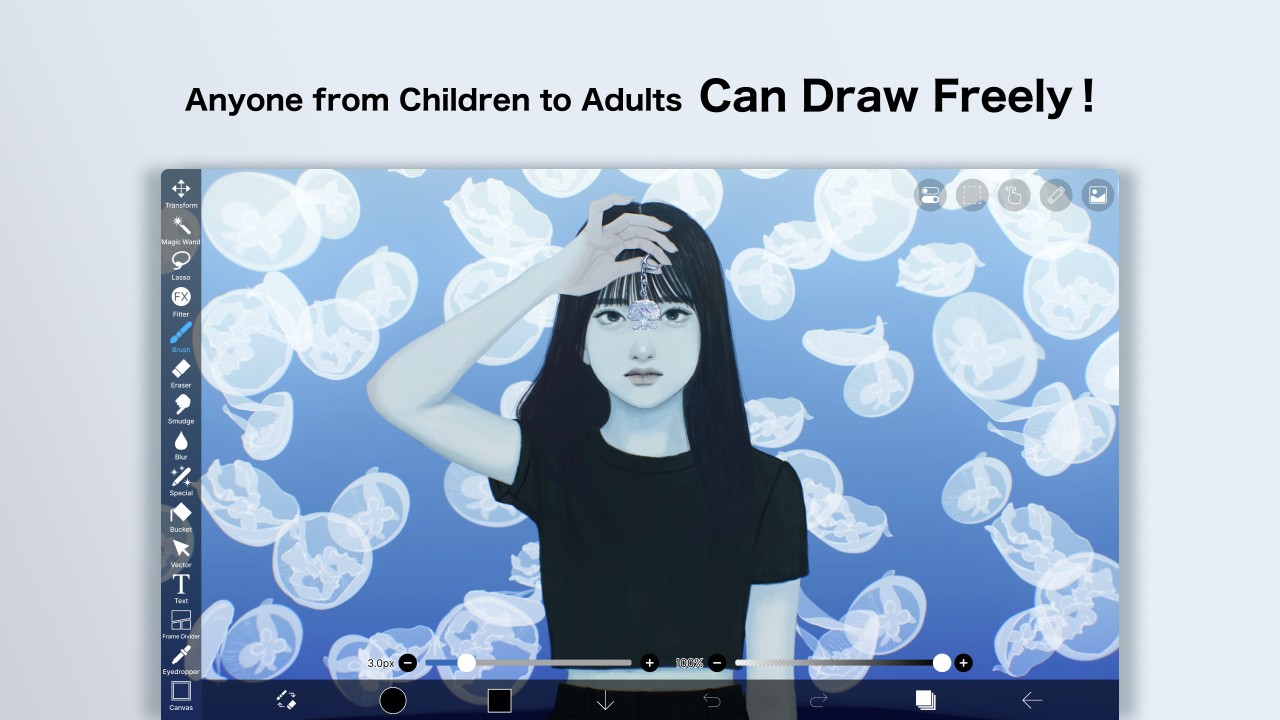
Layer support is extensive and not capped at an arbitrary limit. Users can stack multiple layers, apply blending modes, use clipping masks, and work in ways that mirror desktop tools like Clip Studio Paint or Photoshop. Manga-specific features are well represented, with screen tones, panel dividers, speech bubble tools, and vertical text all available within the same app. Rulers for symmetry, perspective, and radial guides make structured illustration much more manageable.
The time-lapse recorder saves the entire drawing process automatically and exports it as a video, useful for documenting progress or creating tutorial content. More advanced capabilities such as vector layers, AI-based tools, cloud storage, and premium effects require a Prime Membership subscription, but the free tier still covers a genuinely useful range of tools. Frame-by-frame animation is also supported, letting users create movement using the same drawing tools available elsewhere in the app.
Is ibis Paint X Free to Use?
Yes. The free version includes most of the core tools, though it displays ads. Prime Membership unlocks additional filters, vector tools, larger animation frame sizes, and a broader selection of high-quality brushes. The premium plan also removes all advertising and opens the complete feature set. Subscriptions are available monthly or annually, and new users are typically offered a free trial period.
Which Platforms Support ibis Paint X?
ibis Paint X runs across a broad range of devices. It is available through Google Play on Android, the Apple App Store on iOS and iPadOS, the Microsoft Store on Windows, and the Huawei AppGallery for Huawei devices. Because the app runs on its own rendering engine rather than the device's native drawing system, the experience stays broadly consistent across platforms.
Cloud storage lets users move artwork between phones, tablets, and PCs without disruption, supporting a flexible cross-device workflow. While performance varies depending on hardware, the interface and tools remain largely the same regardless of device. The app supports a range of input peripherals, including Apple Pencil, Wacom styluses, and SonarPen for devices with an audio jack connection.
What Are the Best Alternatives to ibis Paint X?
Medibang Paint is a lightweight drawing app with a clean, accessible interface available on Windows, macOS, Android, and iOS. It focuses on manga-style artwork and includes cloud sync to make switching between devices seamless. The brush engine is simpler than ibis Paint X, but still covers a solid range of pen tools, screen tones, fonts, and comic panel layouts. The MediBang community platform lets users explore tutorials and browse other artists' work, and the app supports collaborative projects for group comics. Artists who prefer a less complex interface and want a largely free tool without needing premium upgrades often gravitate to Medibang. Many users download Medibang Paint to sketch quickly and keep their work accessible across devices.
Clip Studio Paint is professional-grade software used by illustrators, manga artists, animators, and designers who need more than a mobile-first app can offer. It includes vector tools, 3D object support, advanced perspective rulers, multi-page manga management, and full animation capabilities. It runs on Windows, macOS, iPad, Android, and Chromebook. The app is more demanding and technically involved than ibis Paint X, but it provides the level of control that larger, more complex projects require. Pen pressure handling and stroke smoothing are considered industry benchmarks, and the software is widely regarded as the professional standard for serious digital artists. A paid license or platform-specific subscription is required. Artists often download Clip Studio Paint when they need comprehensive tools and precise control for professional-level work.
ArtRage Vitae takes a very different approach, concentrating on the realistic simulation of traditional media. It recreates the look and physical behavior of watercolors, oils, pastels, pencils, and canvas textures, including how pigments blend, smear, and build up. It runs on Windows, macOS, iOS, and Android. Artists who prefer the feel of organic, painterly results over a digital aesthetic tend to find ArtRage more satisfying than tool-heavy alternatives. The interface is noticeably cleaner than ibis Paint X, with fewer menus competing for attention, which suits users who want to focus on the act of painting. The app supports layers, reference images, stencils, and pressure-sensitive styluses. It is not built for manga or effects-heavy projects, but handles traditional art techniques with care. Users download ArtRage Vitae when they want digital tools that closely replicate the behavior of real-world materials.