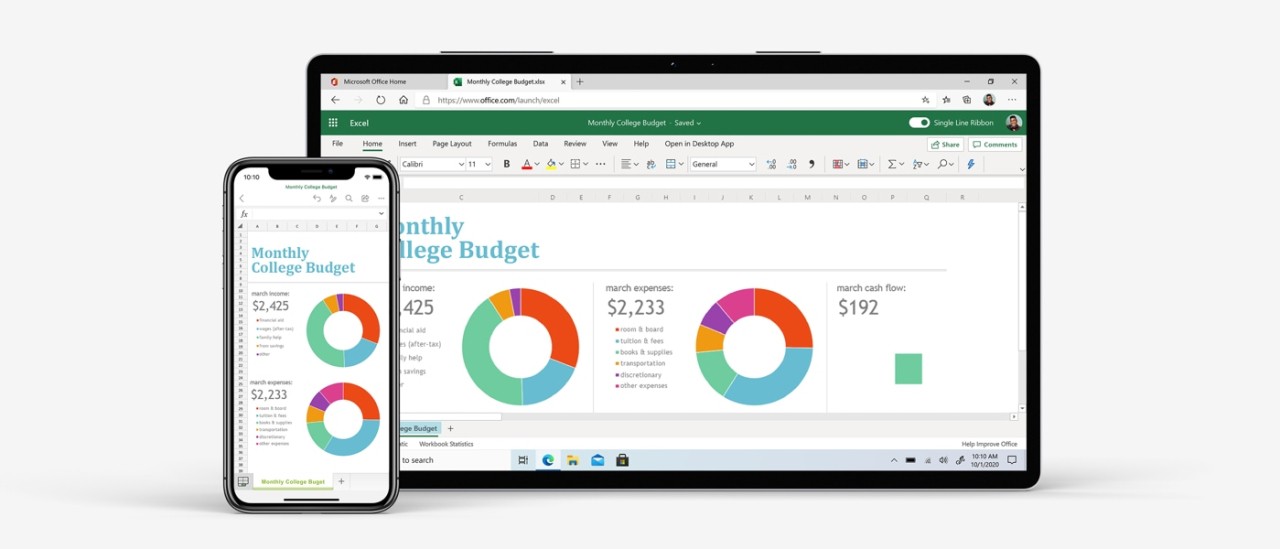
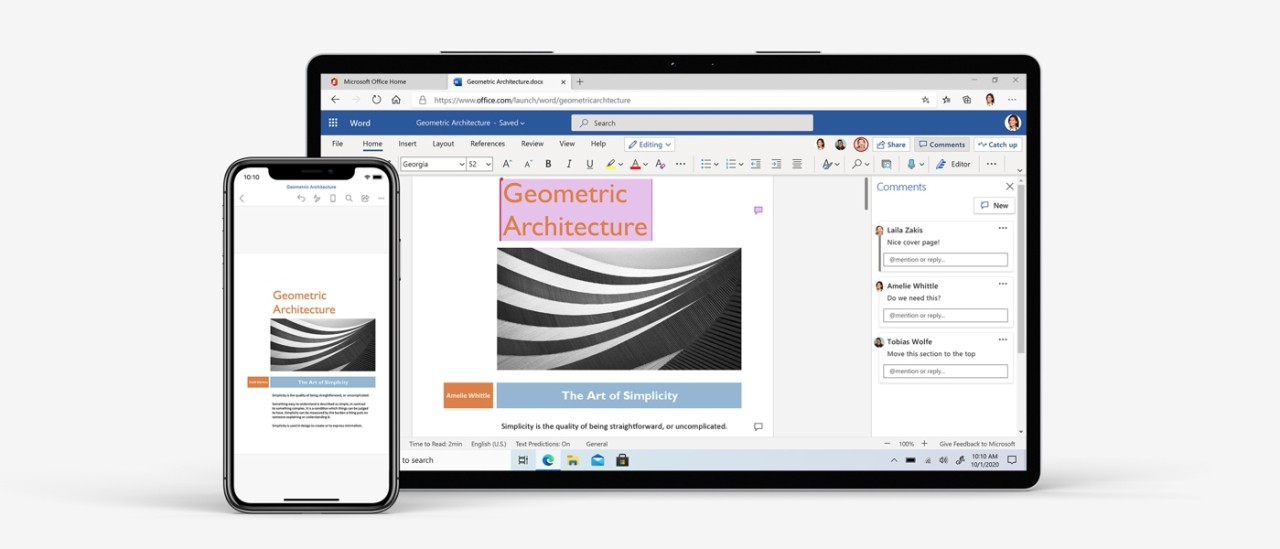
Microsoft 365 is the subscription version of the famous Microsoft Office suite. The suite was created to support individuals who write documents, create spreadsheets and presentations, store files online, and check emails on various machines. Microsoft 365 opens multiple applications collaborating with each other instead of installing only one application.
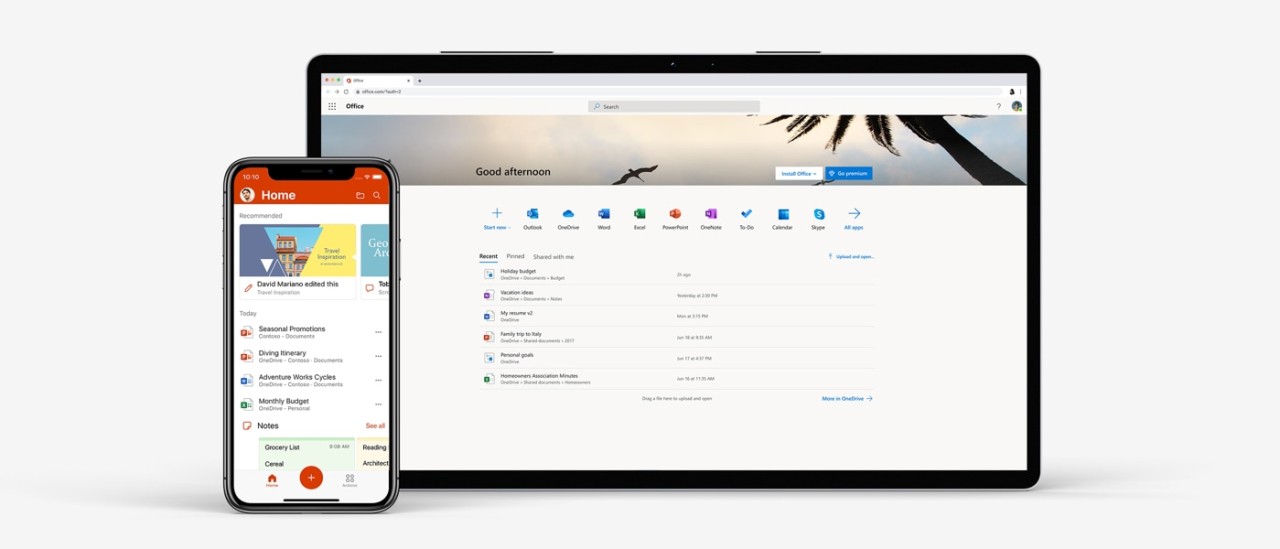
The suite is popular among students, families, freelancers, and companies. Users can create and edit files on Word, Excel, and PowerPoint; manage email and calendar on Outlook; and save files on OneDrive. Files can be opened and edited on other computers, provided the user is authenticated, thanks to the Online Office suite.
Microsoft 365 is connected to the cloud, which means that one can use any device to access documents using another phone, tablet, or computer. Certain features and syncing usually require internet access, whereas many files can be worked on offline.
The product is based on a subscription model and not as a one-time sale like Microsoft Office. With time, new features, security, and updates are offered to subscribers. Microsoft 365 focuses not on the old offline software, but on continuous access and usage in the cloud.
What Are the Key Features of Microsoft 365?
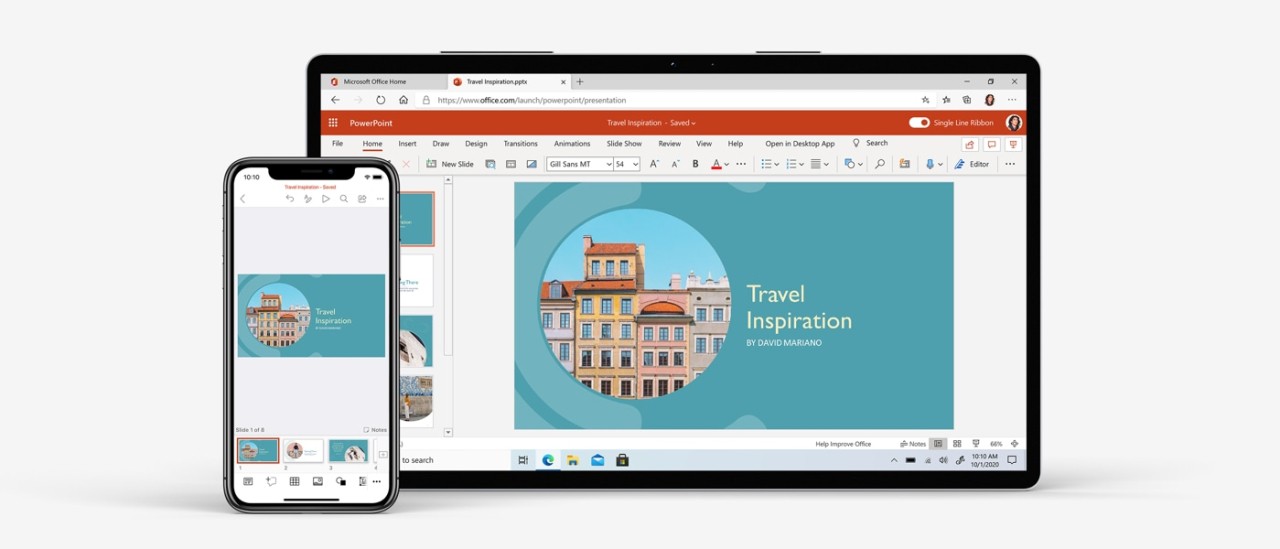
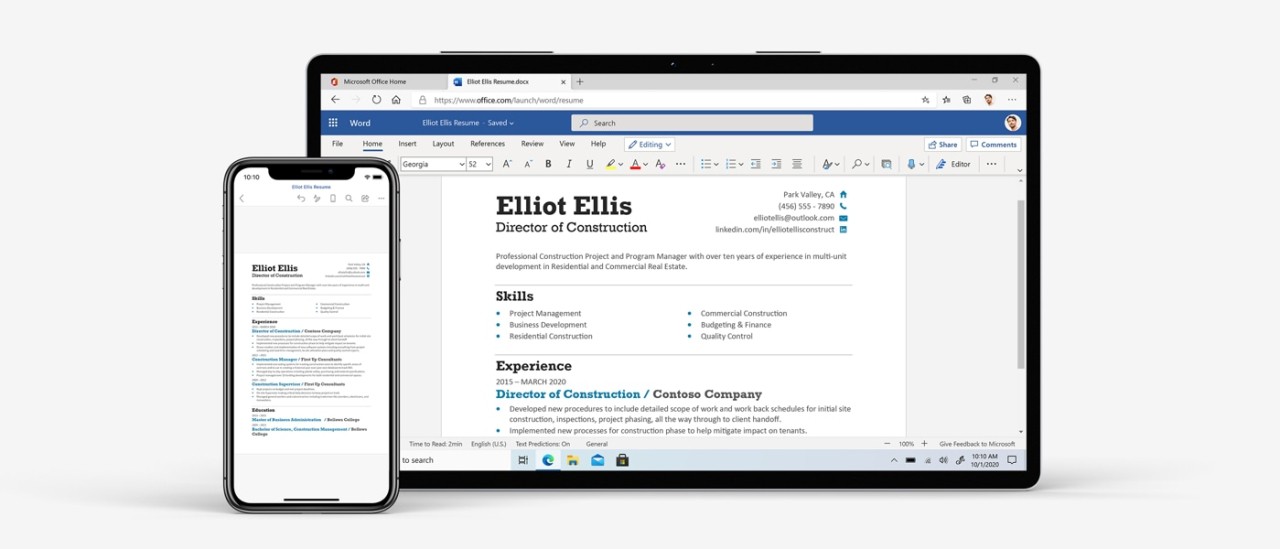
Microsoft 365 offers popular productivity applications. Word is used to write and edit documents. Excel is used to calculate and organize data. PowerPoint involves the creation of a presentation. The apps are the primary experience on desktop and online and are used in school, work, and personal projects.
Outlook also handles email, calendar, and tasks, hence simplifying daily communication. OneNote is a place where notes, ideas, and reminders are kept. OneDrive offers cloud storage to enable users to store files and photos in the cloud, where they can be accessed via various devices.
Depending on the plan, device security tools are also provided by Microsoft 365, which includes Microsoft Defender. Other plans contain such creative tools as Microsoft Designer and Clipchamp to perform simple design and video editing tasks. The functionality of the Microsoft Copilot AI service can be used, but availability depends on regions, devices, and age limits and regulations.
The subscription may be shared in the form of a family plan. Every member is provided with an individual storage limit and account. There can be features and availability of apps that are platform-specific.
Is Microsoft 365 Free to Use?
Microsoft 365 is not a completely free product, but a trial is provided to new users for the desktop applications. The trial period normally takes 30 days and allows the user to explore the apps and services of the premium version of the service. The trial has to be initiated by a payment that can be canceled by the user.
Once the trial is over, the user will require a subscription, which costs money to keep using the full version. While the desktop apps are paid for, the online office suite is free to use in its basic (but still quite impressive) version. The same goes for the mobile office suite apps.
Which Platforms Support Microsoft 365?
The desktop part of Microsoft 365 can be used on Windows and macOS computers on desktops and laptops. This is the Microsoft Office part, the famous desktop applications. The subscription allows you to access them fully without having to pay for the suite (which can be pricey) for the duration of the subscription.
On mobile devices, Microsoft 365 also works via Android and iOS applications. Users can use the same Microsoft account to access premium features; otherwise, the apps are free to download and use.
Microsoft 365 also allows you to access the premium features of Office Online web apps, which are free in their basic form. All you need is a browser and your Microsoft account to log in.
They are compatible with the majority of the current operating systems without the need for installation of the full software, and they might have some desktop features, though not always the complete functionality across platforms. Depending on the device, OS, and region, the apps are not always available, supported in the language, or with the features. Certain tools are available as individual downloads based on the platform.
What Are the Best Alternatives to Microsoft 365?
One alternative is Google Workspace. It is mainly web-based and emphasizes on on-line teamwork. Google Docs, Sheets, and Slides enable various individuals to collaborate on the same document. The cloud saves the files automatically and therefore minimizes the manual backup of files. Google Workspace is a better fit for users who are always following the internet and like the simplicity of its tools rather than its advanced formatting features. It is easier to use for some users, and some do not feel that it has the depth of traditional desktop software. Many users prefer to download the mobile apps to access their files easily when working away from a computer.
Users who are concerned with data storage are prone to use OnlyOffice Workspace. It facilitates the editing of documents, collaboration, and file management, and can be deployed with cloud services or used on personal servers. It looks like a regular office application, and as such, it can be useful to desk users switching to it. The setup may involve technical effort, e.g., for self-hosted environments, and certain functionality must be configured. Some users download OnlyOffice tools to keep working offline while maintaining control over their data.
MobiOffice is less complex. It is aimed at the user who works on a phone or a tablet and requires simple document editing. MobiOffice is intended to read, edit, and share documents without providing expansive collaboration systems. It is applicable to light work, fast editing, or handling of personal files. It has fewer sophisticated tools compared to the larger office suites, and it may be more user-friendly to users who do not require intricate work processes. Many people download MobiOffice for quick edits on mobile devices without needing a full office setup.