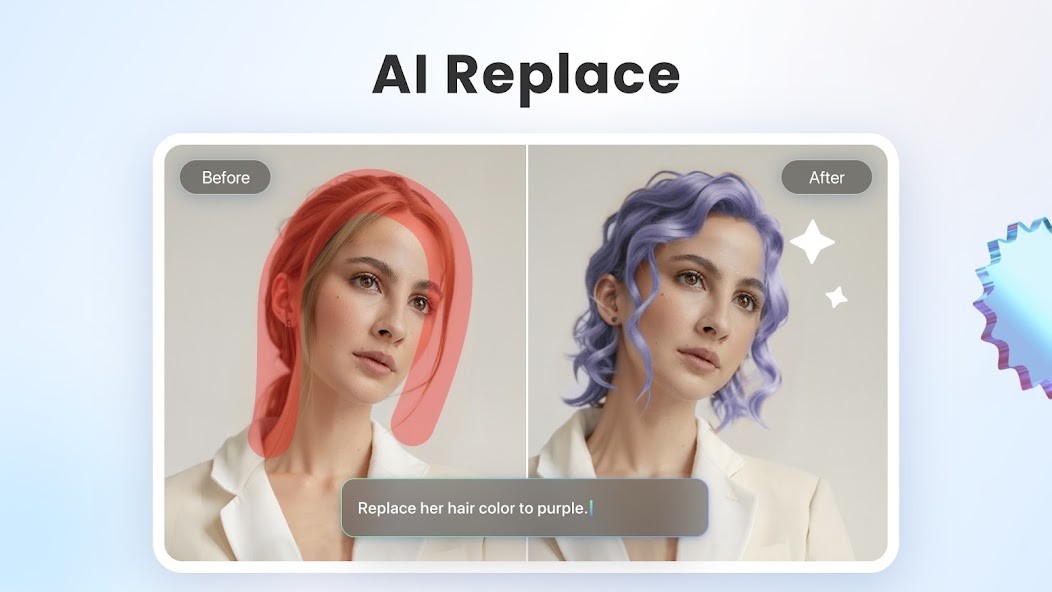
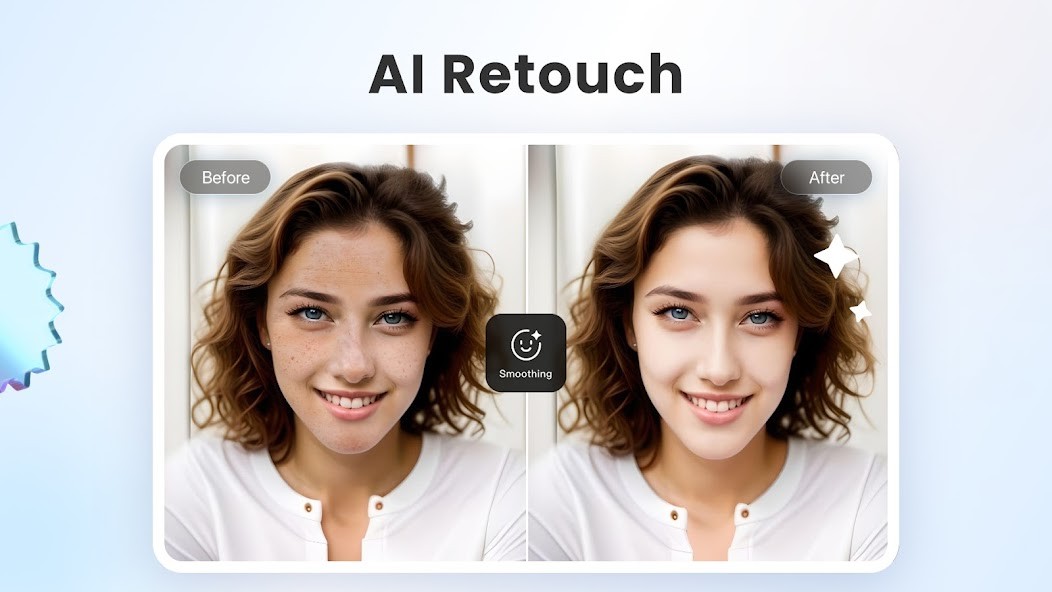
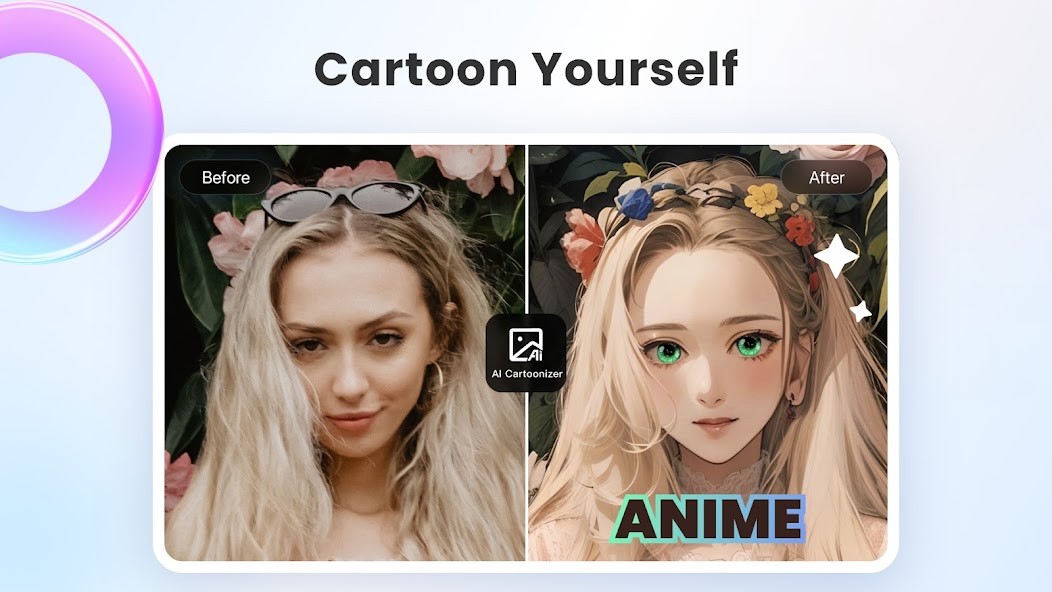
Developed by Everimaging, Fotor simplifies your daily photo editing tasks. It brings together in one place everything you need to adjust an image’s brightness, refine the details of a portrait, or create unique visuals for the web—all without any technical complications. You can take control of your visual project without having to master complex technical skills.
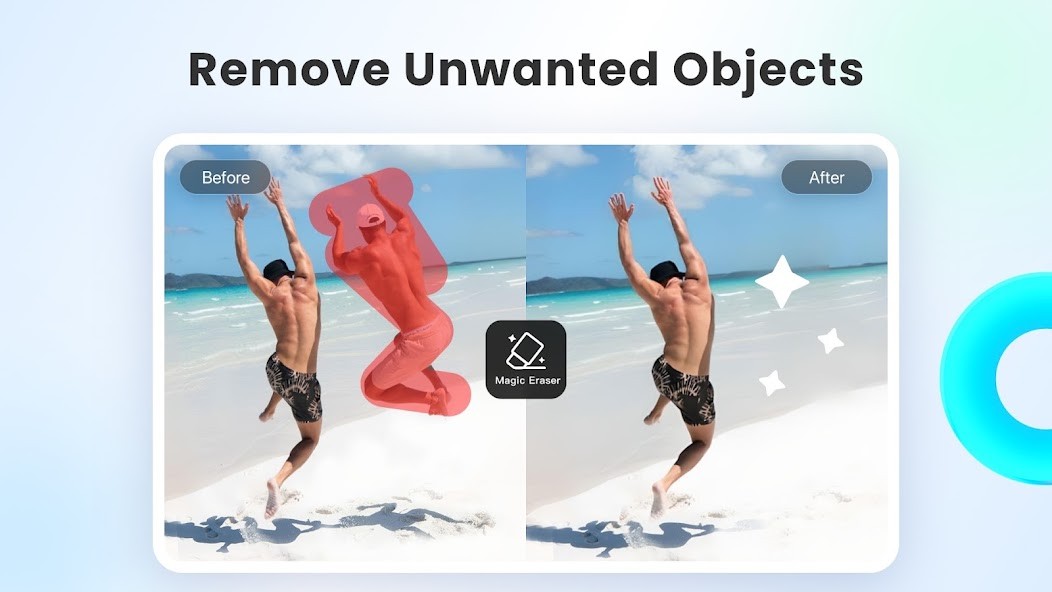
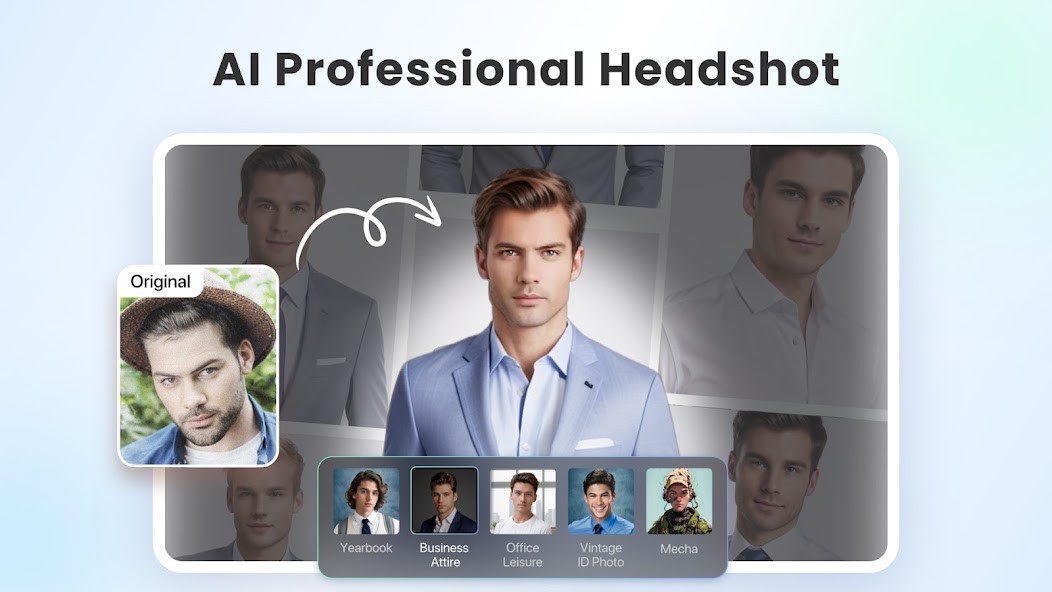
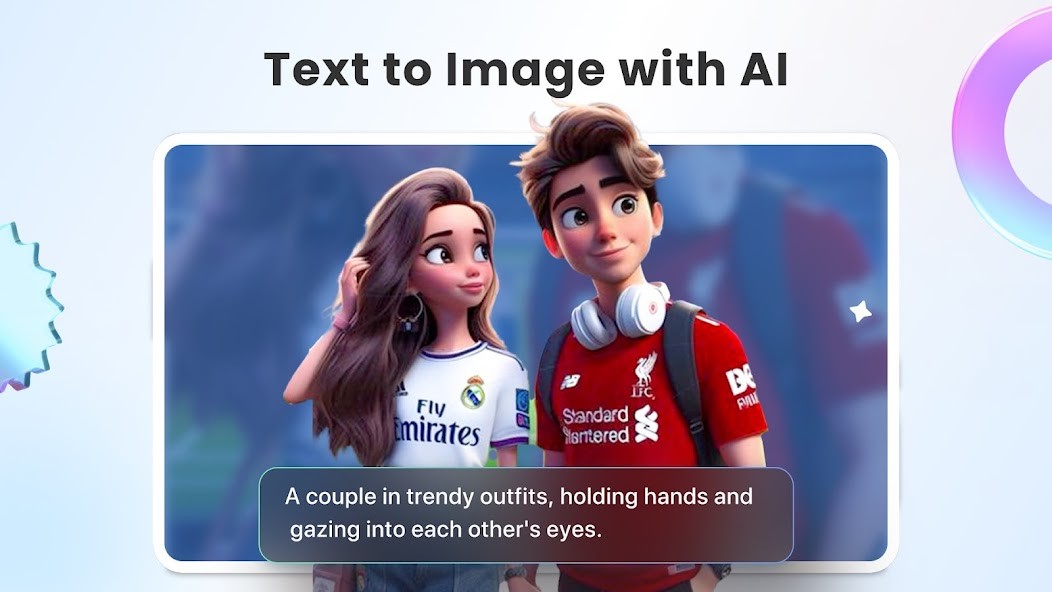
The program includes an assisted image generator and a handy magic eraser that lets you remove a distracting object or background in just a few seconds. You can stack layers, insert text, create complex collages, and apply aesthetic filters with ease. If you’re looking for a versatile tool to enhance your graphic files on your device, downloading Fotor is a quick and accessible option.
What Are the Key Features of Fotor?
Fotor features a clear interface divided into separate modules based on your goals. When you open the software, you can choose between the photo editing module, the graphic design studio, or the collage maker. You can then import your file from your computer’s hard drive or your mobile gallery.
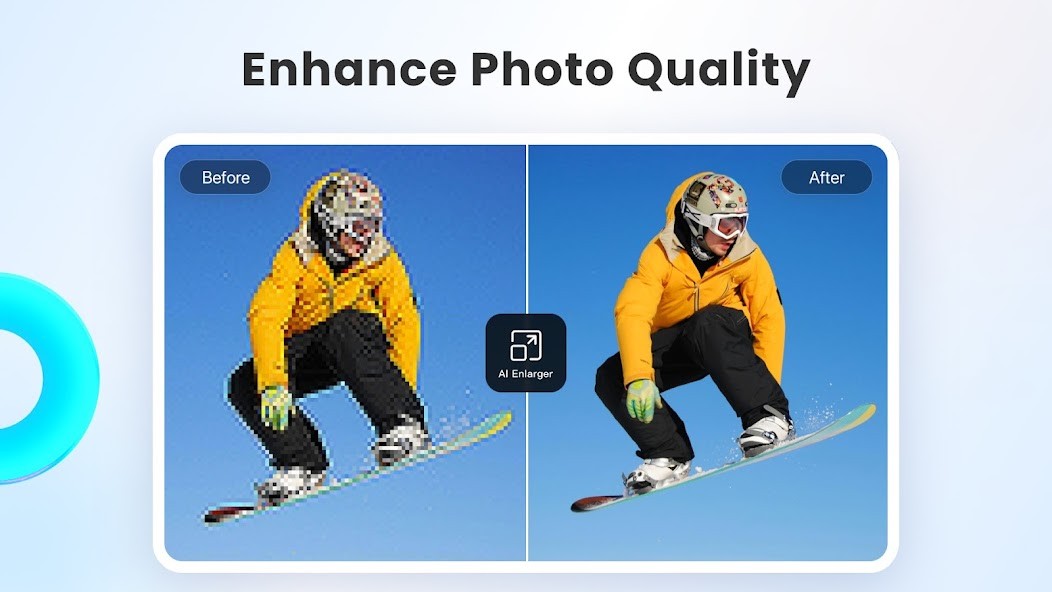
For quick edits, the software provides simple sliders to adjust exposure, shadows, sharpness, and saturation. If you’re short on time, an auto-enhance option analyzes the image and balances the colors without any input from you. You can also crop your photo, resize it, or straighten a crooked horizon in an instant.
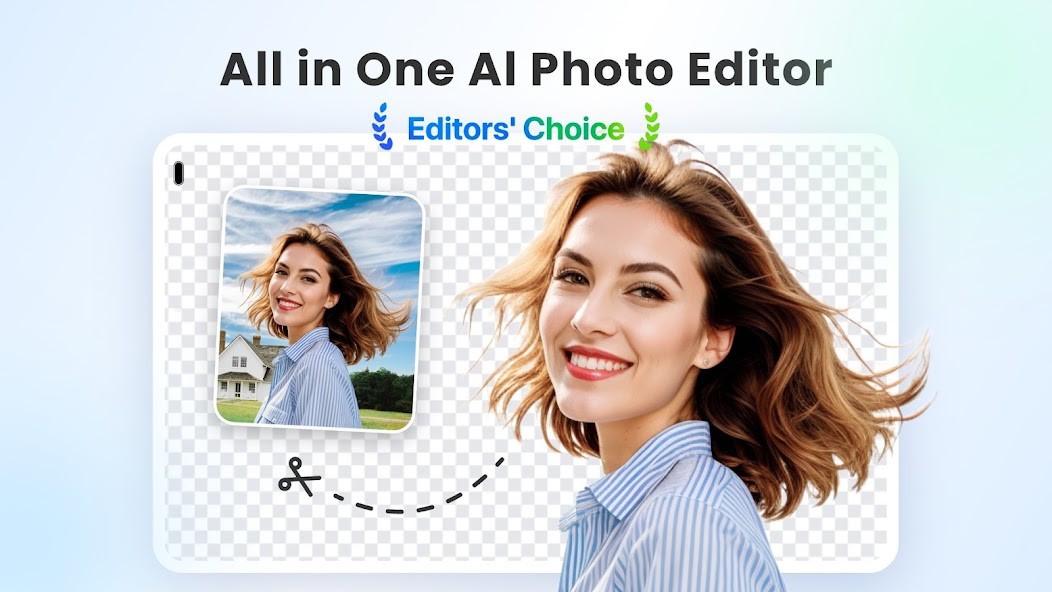
The design tools let you add shapes, stickers, borders, and text with a wide selection of fonts. The built-in technology makes it easy to automatically cut out main subjects so you can export files in PNG format with a transparent background. Once your work is complete, you can export the result in several common formats, such as JPG, PNG, or PDF, with the quality level of your choice.
The user experience remains smooth even during batch processing. This batch processing feature allows you to apply the same correction or add the same digital watermark to dozens of photos simultaneously, saving you valuable time when organizing your albums.
Is Fotor Free to Use?
Basic access to Fotor is offered free of charge. This free version already provides access to essential photo editing features, cropping, basic lighting adjustments, and a selection of simple visual effects. However, your exported images will retain a watermark in this version. It’s perfect for quickly touching up a few family photos or preparing images for the web.
The developer also offers two paid subscription plans called Fotor Pro and Fotor Pro+. These subscriptions remove the watermark from exported images and unlock more advanced capabilities, such as expanded access to editing tools, templates, and premium effects. Users of the paid versions also benefit from more cloud storage space to save their projects.
The free version does not require any credit card information during registration. You can use the software indefinitely and choose to upgrade to a paid version only if you need advanced features or very high-resolution exports.
Which Platforms Support Fotor?
You can download Fotor on most modern devices to support your workflow. Whether on a desktop or laptop, the software can be installed on machines running the Windows operating system as well as on Mac computers running macOS. These desktop versions allow you to process large files or high-definition images without slowing down the rest of the system.
To edit your images on the go, you can find the app on the Google Play Store for Android and on the App Store for Apple devices. An online version is also available, allowing you to start working immediately on the web without installing anything.
To ensure you have a certified installation file that poses no risk to your data security, downloading Fotor from Everimaging’s official website guarantees that you’ll get the authentic, up-to-date application. Syncing your profile lets you start a project on your mobile device and finish it later on your computer.
What Are the Best Alternatives to Fotor?
Available online, Photopea offers a comprehensive set of tools for editing your images. Its layer and mask management features make it an excellent solution for those looking for advanced editing capabilities on a computer.
Pixlr offers an online platform dedicated to quick image editing. Its lightweight applications make it easy to retouch your photos, add visual effects, and create simple graphic designs without slowing down your computer.
Offered by Adobe, Adobe Express is designed for those looking to create graphic designs without overcomplicating things. The platform features pre-designed templates for your cards or posters, user-friendly editing options, and ready-to-use illustrations.
To explore other workflows or compare editing tools on your device, downloading or trying out one of these options will help you choose the interface that best suits your needs.