Plex is your personal media library that you get to create from scratch in a user-friendly interface. What it does is provide the space for your media to be stored and viewed on different types of devices. The media files you can store in Plex include videos, music, and images.
To make good use of Plex, you need to have a library of TV shows, music, and movies, with no place to store them. Upload them to your Plex account, and you will have a clean overview of all the media you own. That way, you can always access your media and find what you’re looking for without having to search through physical and virtual spaces. With Plex, everything is under the same roof.
The platform also lets you stream different media formats on different devices. Plex recognizes the format automatically and finds the right way to present it without your intervention. Your media can be viewed on smartphones, tablets, computers, and televisions, regardless of the format.
What Are the Key Features of Plex?
Plex functions as your personal media library. You can upload movies, TV shows, music, and images to your Plex account, and stream your media on any device of your choosing through the platform.
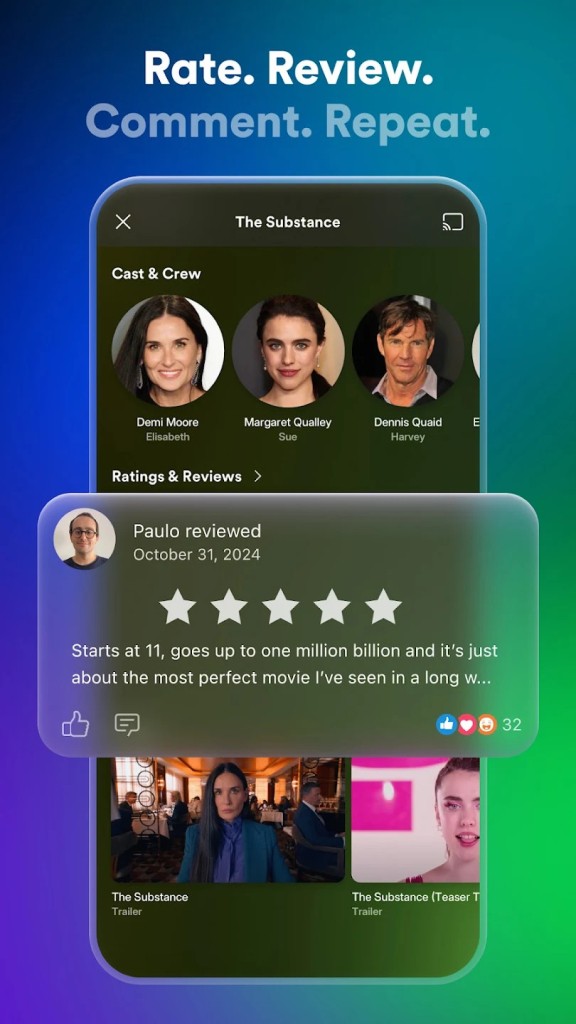
One of its main functions is that of a virtual storage unit that keeps all of your media in one place. With its help, you can consolidate all the media you have stored on USBs, DVDs, in online repositories, on streaming services, and locally on your computer. You won’t have to spend time looking for the right movies, as all of them will be in one place. To make things easier, Plex goes through your uploads and adds useful information from the internet, such as plot summaries and posters.
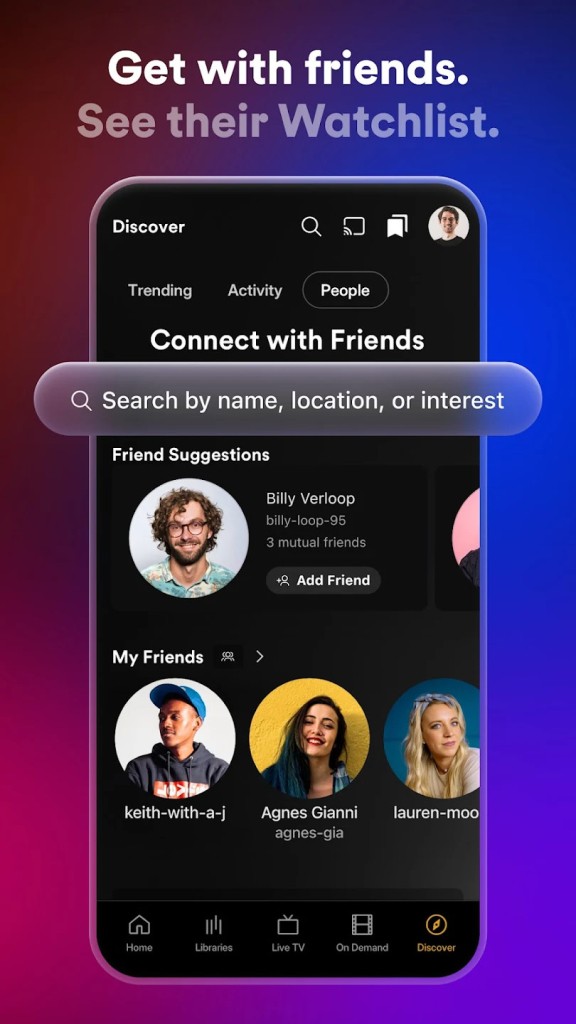
Another important feature is remote streaming to any device. From now on, your media library can go everywhere with you via your smartphone, tablet, or laptop. With access to Plex, you can watch movies and TV shows from a screen of any size, including televisions. Your account can even be shared with family and friends, so they can gain access to your library for free. Because of the cross-device nature of the platform, you can always pick up where you left off. Listen to a song on your phone on the way home and blast the rest of it from your TV speaker when you reach your destination. Plex works with various media formats. You don’t need to be well-versed in formats and compatibilities, as Plex does everything automatically.
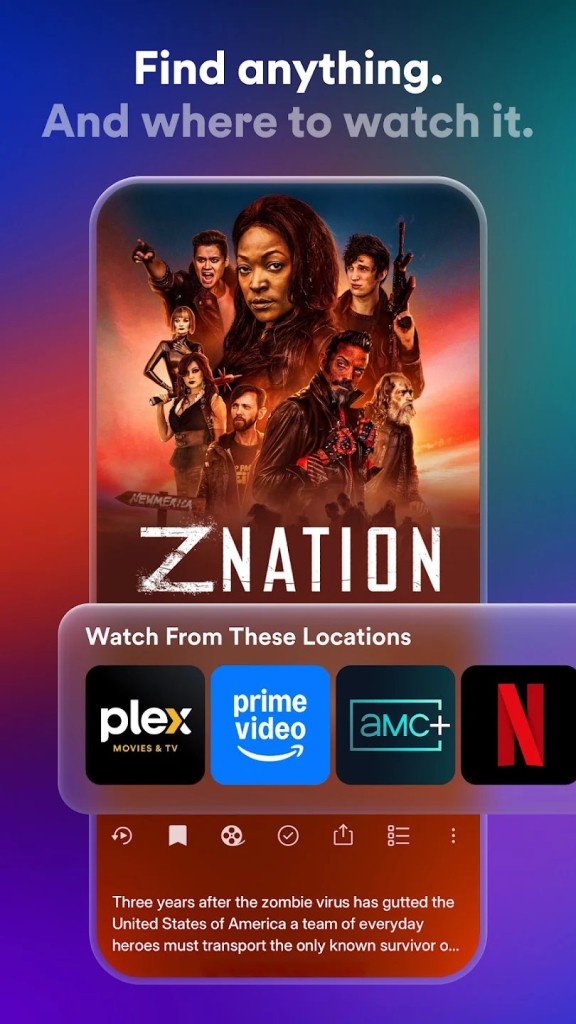
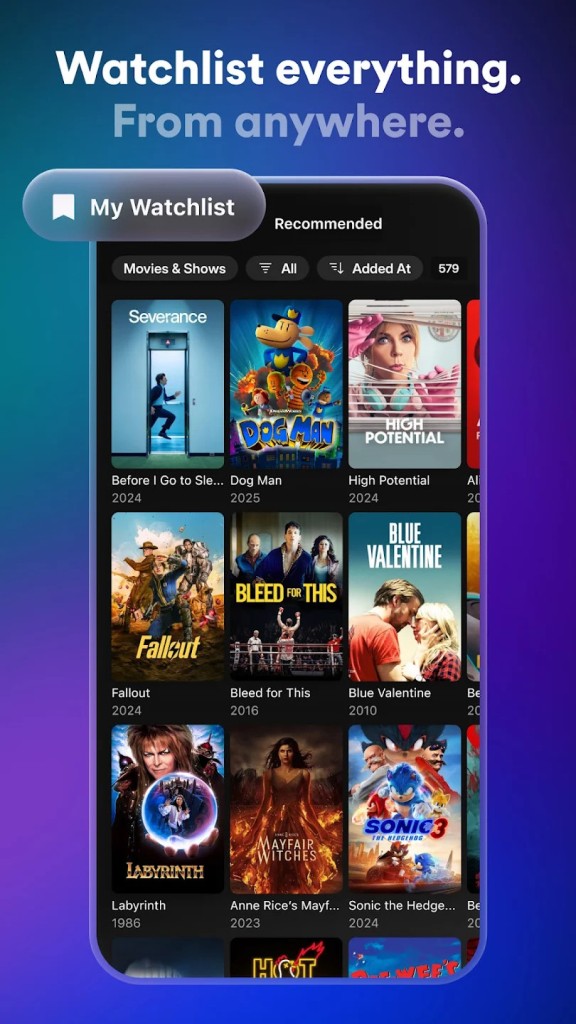
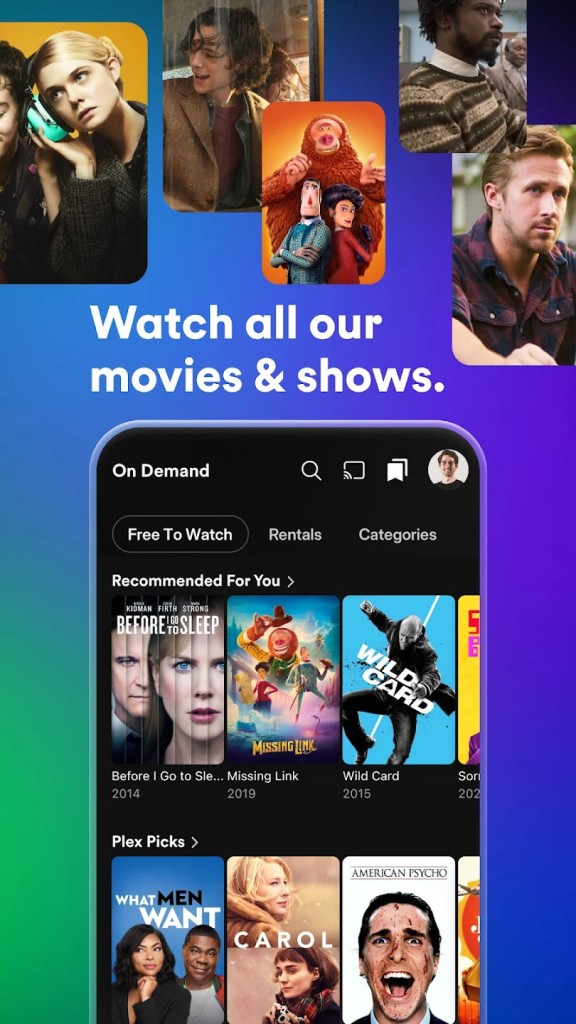
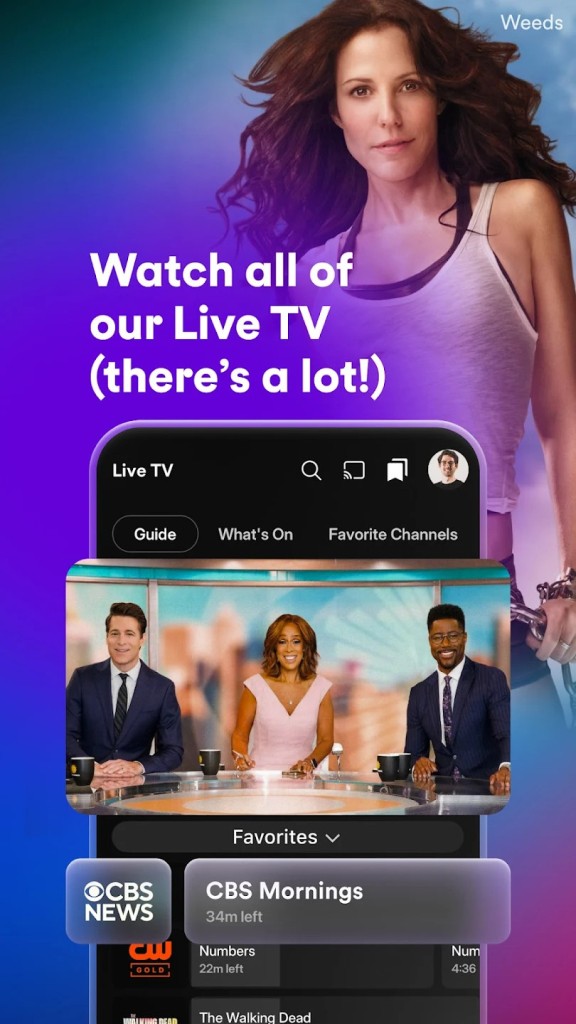
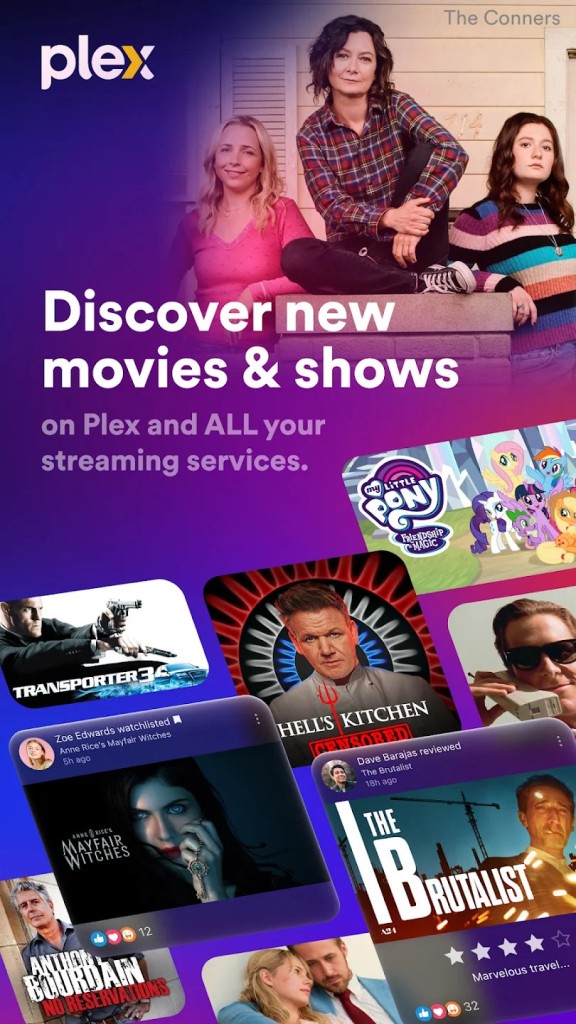
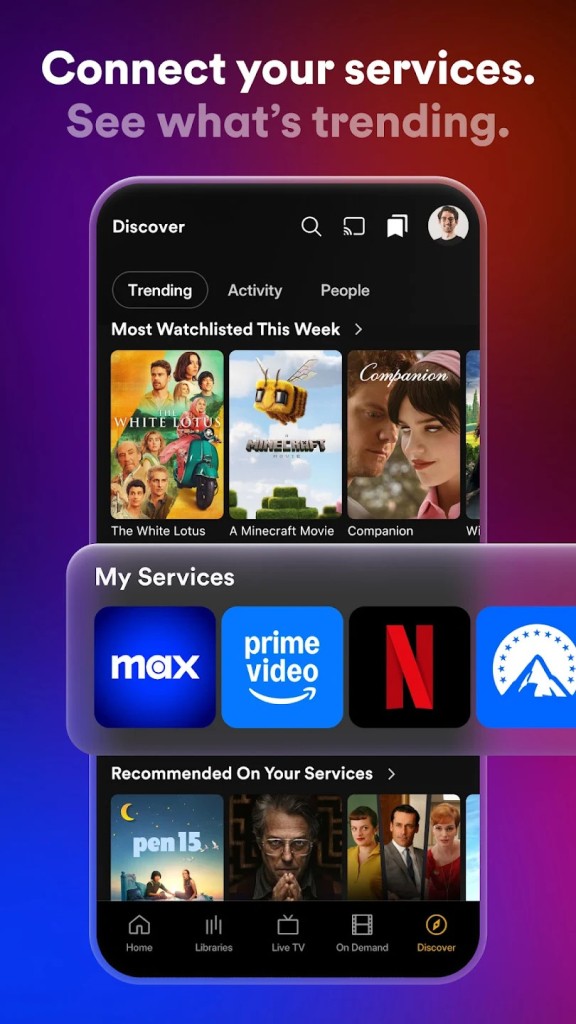
As a pleasant bonus, you get access to movies, shows, and live television at no extra cost. You can also view the selections of different streaming platforms when you’re looking for the right place to watch a specific movie or show. Add titles to your watch list and go back to it whenever you need to.
Is Plex Free to Use?
Plex has a free tier and a paid tier. You can access all the basic features of the app for free. Those include streaming media locally and enjoying the selection of free live TV channels and movies with ads.
If you want to stream media remotely, share access with friends and family, download media for offline streaming, and skip TV show intros, you will need to pay for a subscription.
Which Platforms Support Plex?
Plex is supported across a wide variety of platforms. It is compatible with Windows, macOS, and Linux computers.
Streaming is even more versatile, as you can stream on smart TVs like Roku, Android TV, Apple TV, and Amazon Fire TV, Android and iOS mobile devices, and even gaming consoles like PlayStation 4 and 5. Additionally, you can view media through a native computer app or any modern web browser.
What Are the Best Alternatives to Plex?
Plex is a very special app, but other apps of the same type exist. If you’re looking for an alternative, here are some you can try.
Media Player Classic - Home Cinema (or MPC-HC for short) is another media player. It is a free and open-source solution, which makes it incredibly attractive for some. Keep in mind that this platform was developed for Windows only, so it’s not nearly as versatile in terms of integration as Plex. In comparison to Plex, MPC-HC is a very simple platform. It doesn’t function as an all-encompassing media hub, but rather as a simple app for viewing select files. It’s worth noting that the player supports a wide variety of video formats and is relatively lightweight.
Universal Media Server (or UMS for short) is a slightly different platform. It was designed to enable users to view raw files without a middleman. It doesn’t provide a neat media library or help you organize and manage your movies like Plex. Instead, it lets you watch any media on the big screen.
Kodi is more similar to Plex. The main distinction here is that Kodi can function as a media library for one television. The platform can stream the files you have saved on your local or external disc to your television. It is more limited than Plex, as you cannot share your account with other people and view media on multiple devices. On the other hand, you can customize the user interface and make the platform look the way you want.