Malwarebytes is an anti-malware and antivirus program compatible with multiple platforms. It is available on Windows, Mac, Android, and iOS. Offered in a free version and various paid plans, it allows users to scan a device to detect and remove malware. The program was created in the United States and began as a free malware removal tool in 2004. The company, now based in Santa Clara, California, has since expanded its offerings to provide more comprehensive protection against online threats.
The free version allows users to run scans to detect and remove malware. Paid plans add real-time protection, protection against malicious websites and ransomware, as well as anti-scam tools. Depending on the plan selected, Malwarebytes also offers a VPN and identity and privacy protection features.
What Are the Key Features of Malwarebytes?
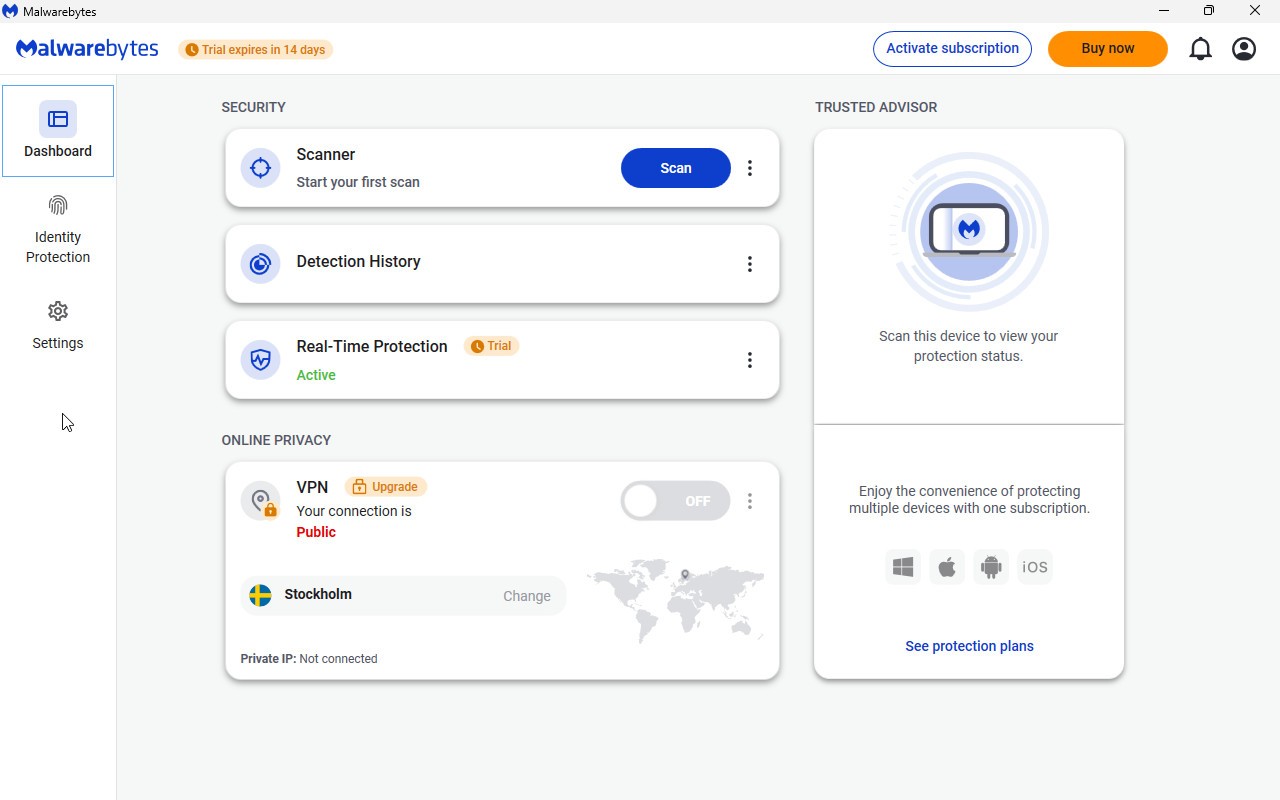
With the free version of Malwarebytes, you can run a system scan to detect threats. If the tool identifies malicious items, they can be quarantined to isolate them from the rest of the system. The free version relies primarily on manually initiated scans, while the paid plans add real-time protection and additional security features.
The paid version of Malwarebytes provides real-time protection against various threats, including malware, ransomware, and exploits. Ransomware is a type of malware that can block access to files or a system and demand a ransom to restore them. Exploits, on the other hand, are programs or pieces of code that take advantage of vulnerabilities in software or a system.
In addition to antivirus protection, Malwarebytes offers several tools designed to enhance security. Malwarebytes Browser Guard protects your browsing experience by blocking malicious content, ads, and trackers, as well as websites associated with scams. It also helps protect against certain technical support scams.
Malwarebytes Privacy VPN adds a layer of privacy when browsing the Internet. In particular, it encrypts communications between your device and the VPN server, which can be especially useful when using public Wi-Fi networks.
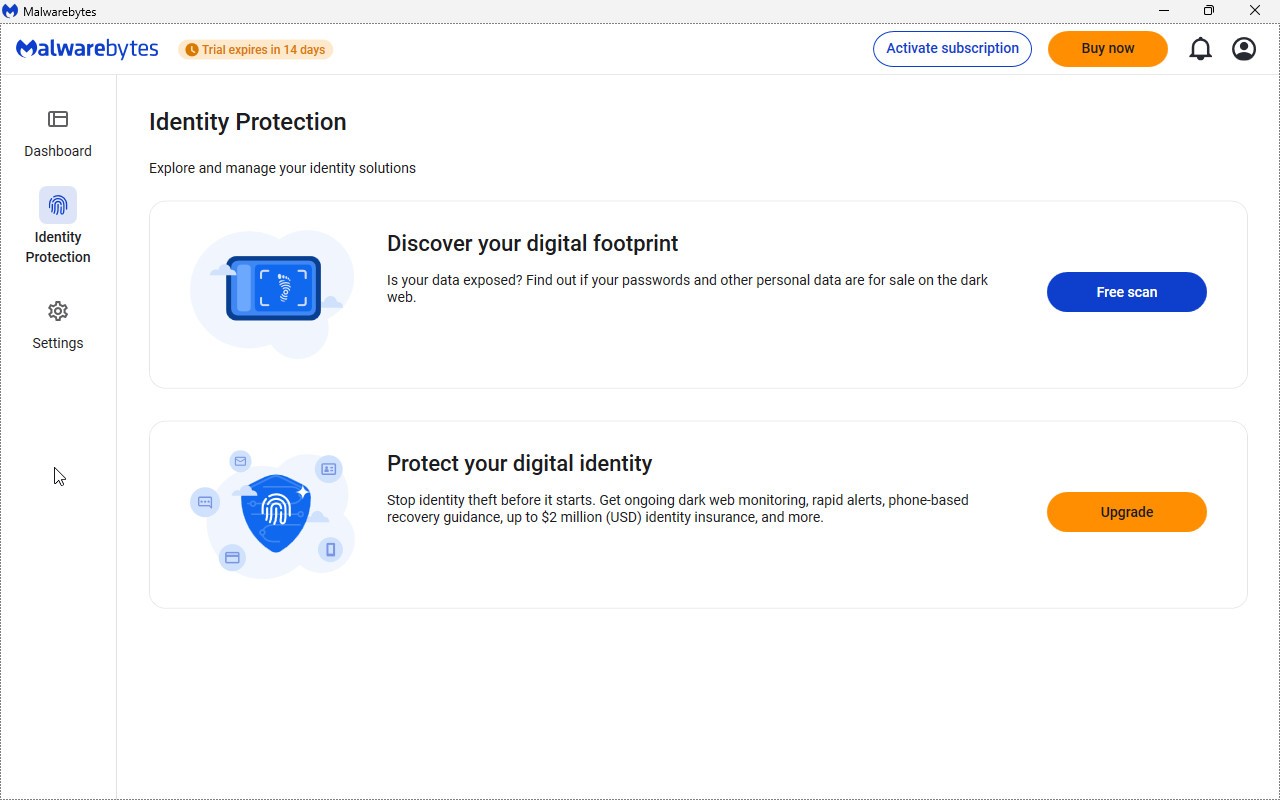
The Malwarebytes Identity Theft service offers monitoring features for personal information that may be exposed online, particularly on the dark web. Depending on the plan you choose, it may also include identity theft assistance services as well as insurance coverage of up to several million dollars.
The program also offers Scam Guard, a tool designed to help identify certain online scams. In particular, it allows you to submit a link or a screenshot to receive an analysis that determines whether it shows signs of fraud or danger.
Is Malwarebytes Free to Use?
As you probably already guessed, Malwarebytes offers two options. On one hand, there’s the free version with basic features such as system scanning, removal of malicious items, and quarantining. On the other hand, the paid version is available as subscriptions for individuals, families, and small businesses—all of which are compatible with Windows, macOS, Android, and iOS.
The number of devices supported by Malwarebytes’ paid plans may vary, allowing you, for example, to protect both your smartphone and your computer. In addition, a 60-day trial—with a money-back guarantee—lets you see if the tool meets your expectations.
Which Platforms Support Malwarebytes?
You can download Malwarebytes using our direct links. You can use the software on your PC running Windows 7, 8, 10, or 11, or on your Mac (running macOS 10.10 or later).
Importantly, Malwarebytes is also available as a mobile app called Malwarebytes - Mobile Security, and this applies to both the paid and free versions. The app is available on Android 4.4 and iOS 11, as well as all newer versions.
What Are the Best Alternatives to Malwarebytes?
Malwarebytes is excellent; it offers many features that contribute to its success, both on computers and smartphones. However, it is not the only option on the antivirus market; you can try other programs, which often come in both free and paid versions.
Glarysoft Malware Hunter is a security solution designed to detect and remove various types of malware. Its “Hyper Scan” mode speeds up scans, while automatic definition updates ensure up-to-date protection. The software specifically targets persistent malware and hidden adware.
Adlice Protect, formerly known as RogueKiller Anti-Malware, offers tools for detecting and removing malware, including an anti-rootkit feature. It allows you to choose between several scan modes, including a quick, full, or customizable scan. The Premium version adds real-time protection as well as features to combat ransomware and data theft.
IObit Malware Fighter combines malware scanning with real-time protection. It addresses various threats such as viruses, ransomware, spyware, Trojans, and adware. The software also offers browser protection against phishing and malicious downloads, as well as privacy protection features. Its Pro version notably adds the Bitdefender engine and additional protection against ransomware.
You can also opt for free antivirus programs such as Avast, Avira, or AVG.