Avast Free Antivirus is one of the brand’s security solutions designed for home users. It is designed to protect devices against viruses, malware, and various online threats. Avast’s history dates back to 1988, when Pavel Baudiš and Eduard Kučera began developing their antivirus solution in Prague, Czech Republic. The company later operated under the name Alwil Software before officially adopting the name Avast Software in 2010. A free version of the antivirus for home users had already been available since 2001.
Avast subsequently developed a significant international presence and now claims more than 435 million users worldwide. Since 2022, the Avast brand has been part of Gen, the group formed by the merger of Avast and NortonLifeLock. However, Avast continues to exist as a brand and offers its own security products. Avast’s various solutions rely on a global threat detection network and updates designed to identify new forms of malware. The brand notes, in particular, that its technologies block more than 1.5 billion malware-related attacks every month.
Avast Free Antivirus lets you enjoy Avast’s key antivirus protection features for free. It offers real-time protection against viruses and other malware, as well as features designed to detect threats before they can compromise your device. Additional features are available in the paid versions of the Avast product line.
What Are the Key Features of Avast Free Antivirus?
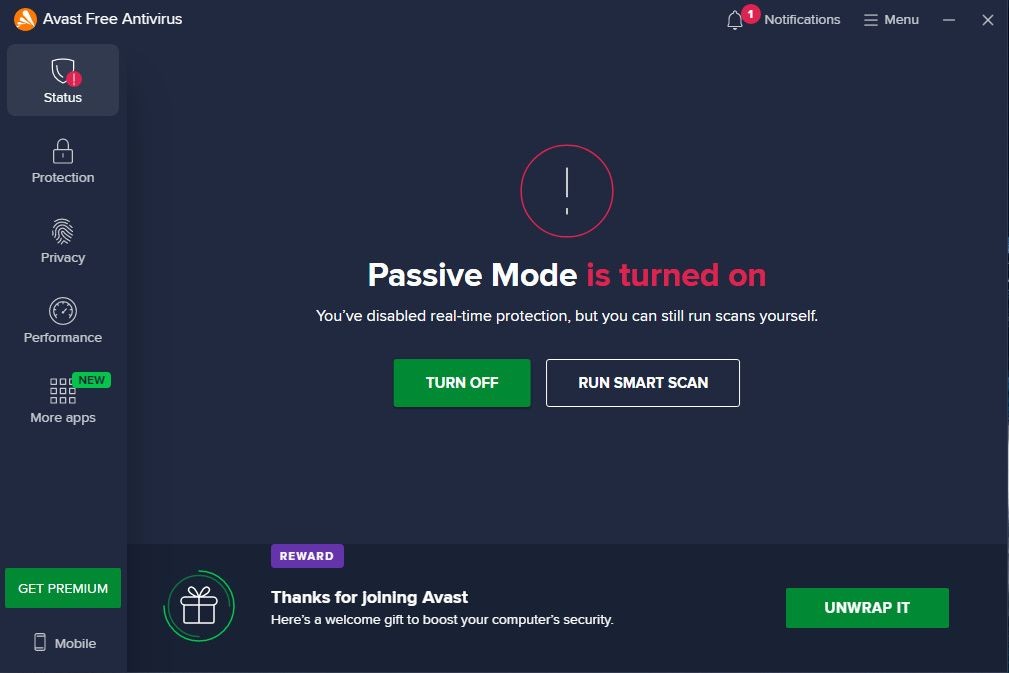
Once you’ve installed Avast Free Antivirus on your computer, simply launch the software and run an initial full system scan. This may take a little while. After that, you can easily run a full scan, a targeted scan, or a custom scan. These options are available directly from the antivirus menu, so you won’t waste any time looking for them. The software also offers a Smart Scan, an intelligent scan that checks for viruses, outdated software, and certain sensitive security settings all at once.
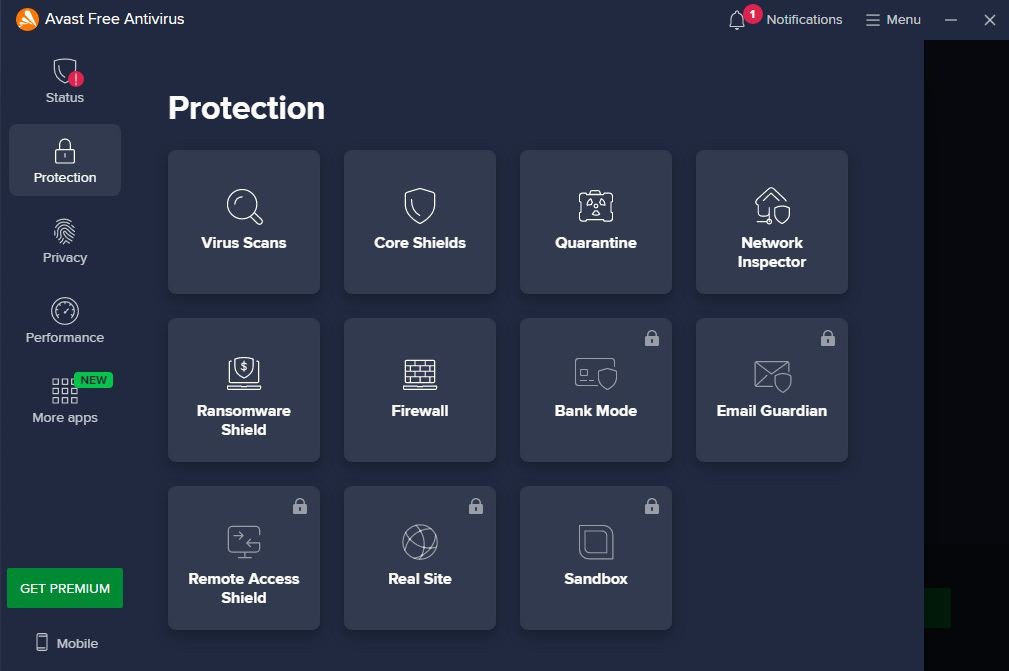
In addition to its antivirus protection, Avast Free Antivirus includes two other features. First, it features a quarantine zone—a dedicated area where you can place files or items that appear to pose a security risk. This way, you can delete them immediately without them affecting your computer or the security of your personal or banking data. The quarantine feature also allows you to restore a file if it was mistakenly detected as a threat.
Additionally, Avast Free Antivirus includes a tool that verifies the reliability of your Wi-Fi connection. This feature works with home Wi-Fi—whether you’re at home or at a friend’s house, for example—as well as with public Wi-Fi. This helps protect your personal data. The tool scans the network for potential security vulnerabilities, such as unknown devices or weak settings.
Like many free programs in this category, Avast Free Antivirus does indeed include antivirus protection, but it does not run in real time. You must manually initiate a system scan, unlike with the publisher’s paid offerings or those of other providers. As a result, certain active protections are limited in this free version compared to Avast Security’s premium solutions.
Avast is upgrading its free offering
Avast Free Antivirus now includes a range of innovative tools—previously reserved for paid versions—that enhance the user experience and strengthen online security. These updates are designed to improve protection against new forms of scams and digital threats.
The main new feature is called Anti-scam, a module designed to detect fraud attempts proactively. This feature relies on a technology called Scam Guardian, a suite of tools powered by artificial intelligence. Scam Guardian operates in real time while you browse the Internet. It identifies suspicious websites, flags emails containing fraudulent messages, and analyzes the digital vectors most frequently used by scammers. This feature enhances security while browsing online and minimizes the risks associated with digital scams.
Continuing its focus on prevention, Avast is also introducing Web Guard, another feature available in both the free and premium versions. Web Guard draws on a massive database of over 11 million malicious URLs. It compares the sites you visit to this database in real time and scans their content for signs of fraud, particularly when shopping online or visiting lesser-known sites. Web Guard acts as a protective filter against sites infected with malware or phishing attempts.
In addition, there’s the Avast Assistant, a conversational tool powered by artificial intelligence that helps users quickly identify suspicious content. For example, it can analyze a screenshot, a text message, a social media post, or an email and provide immediate feedback on the reliability of the information or the link it contains. This assistant makes it easier for less experienced users to understand threats.
Avast Free Antivirus also protects your browsing
Avast Free Antivirus can detect viruses, but that’s not all: it can also protect your computer when you’re connected to the Internet, particularly by installing Avast Secure Browser. It can check the Wi-Fi networks you use. It also helps identify security issues and prevent intruders from accessing your network. This ensures your personal files remain protected.
Avast Secure Browser checks the websites you visit, the emails you receive, and the files you download. It can block dangerous websites and certain risky downloads. It also helps prevent your computer from being used without your consent in a botnet. The software also protects your files against ransomware. These programs can lock, modify, or render your files unusable. Hackers then often ask for money to return them. Avast helps protect your files against this type of attack.
Avast can also alert you if a password associated with your email address has been stolen. You can then quickly change the affected password.
Is Avast Free Antivirus Free to Use?
You can download and use Avast Free Antivirus at no cost. It offers the main antivirus protection features, including real-time detection of viruses and other malware. However, certain additional features and tools are available only with paid plans. Users can therefore upgrade to a higher-tier plan if they wish to benefit from additional security features.
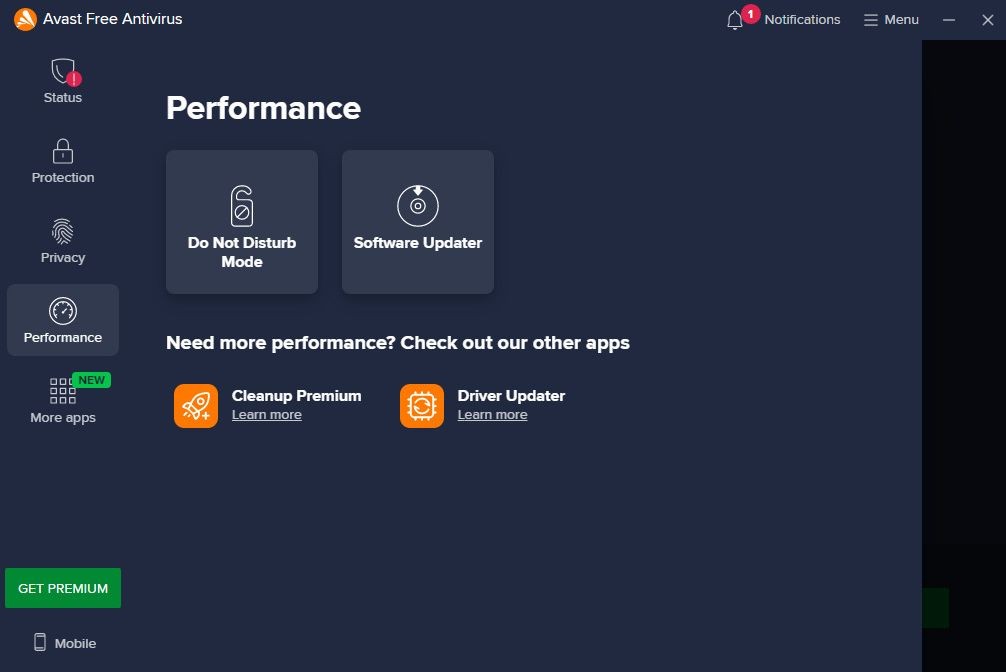
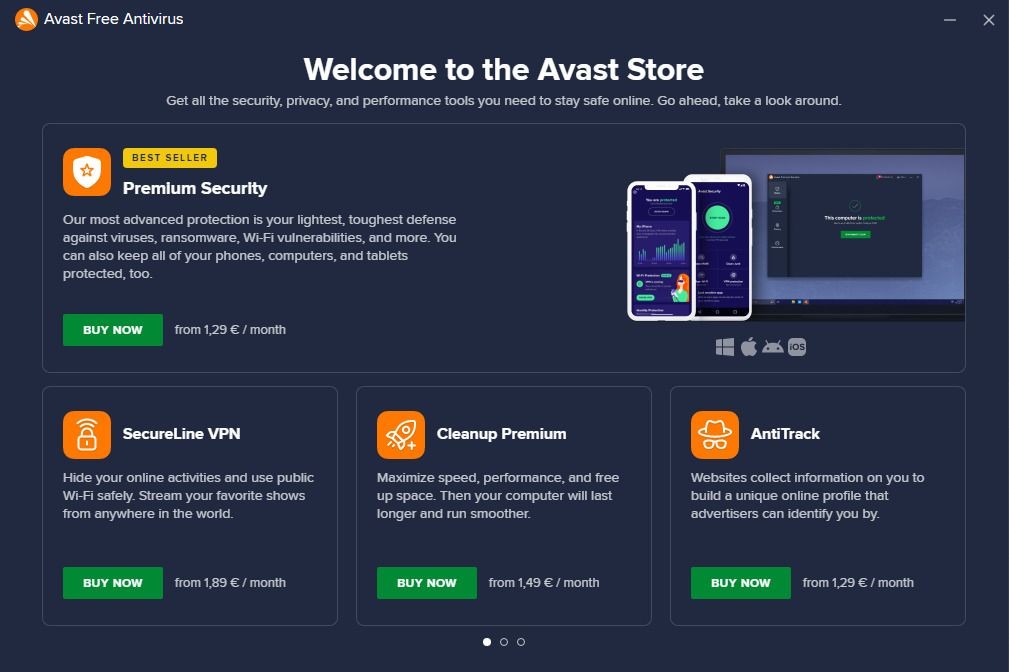
In addition to Avast Free Antivirus, Avast offers paid plans that include various protection features. Depending on the plan you choose, these include real-time antivirus protection, a firewall, ransomware protection, sandbox technology that allows certain files to be run in an isolated environment, and protection against malicious websites and phishing attempts. You can also take advantage of SecureLine VPN, Avast Cleanup, and Avast AntiTrack.
Avast One is the most comprehensive plan, combining all security, privacy, and optimization features, with both free and paid versions available depending on the market.
Which Platforms Support Avast Free Antivirus?
Avast Free Antivirus is available as a desktop app for macOS and Windows computers and as a mobile app for iOS and Android, called Mobile Free Security. You can use our direct download links to safely download the Avast antivirus software.
What Are the Best Alternatives to Avast Free Antivirus?
Avast Free Antivirus is an excellent antivirus program. Its main advantage is, of course, that it’s completely free and provides basic protection for your device to minimize risks. In addition, we appreciate the feature that checks the reliability of your Wi-Fi connection and the quarantine zone, which prevents system infection. This solution is ideal for everyday use on Windows computers or mobile devices, particularly for protecting against common viruses, malware, and certain online threats.
Kaspersky Free Antivirus offers free protection against viruses, Trojans, ransomware, spyware, and other cyber threats. It provides real-time system monitoring and scans files, apps, and websites to detect suspicious behavior. The solution also includes protection features for browsing and downloads to minimize risks associated with malicious content.
AVG Free Antivirus offers real-time protection against viruses, malware, ransomware, spyware, and other common threats. The software automatically scans files and applications to identify suspicious items, while also allowing users to run manual system scans. It also includes protection features for web browsing and specifically checks links, downloads, and attachments that may pose a threat.
Bitdefender Antivirus Free provides free protection against major computer threats, including viruses, Trojans, ransomware, and other malware. Its engine scans the system in real time and takes automatic action when a threat is detected. The solution is also designed to use minimal system resources, protecting your computer without significantly disrupting your daily use.