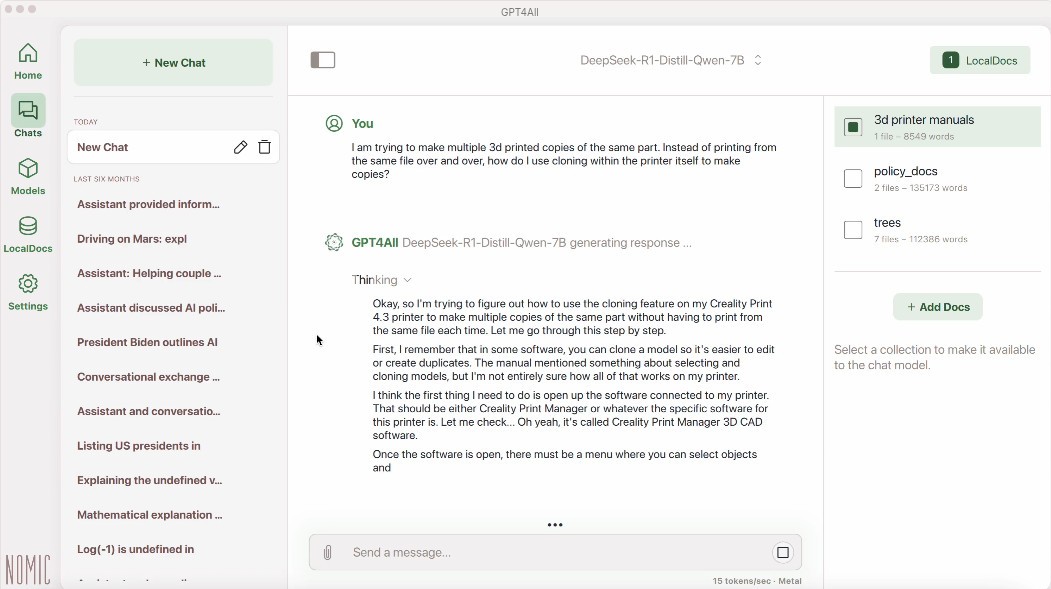
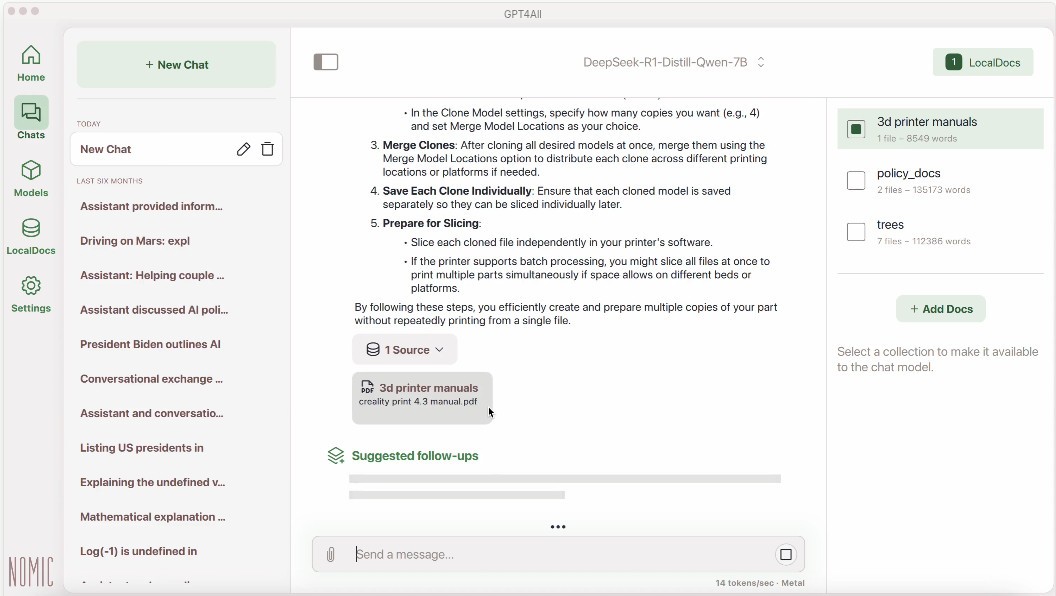
GPT4All is a desktop utility for Windows, macOS, and Linux computers that allows you to chat with your local files using large language models. It is a free and open-source platform that works offline. Because it doesn’t require an internet connection or cloud storage, all of your chats remain private, and your data isn’t shared with third parties. The desktop app is not demanding and does not require complicated hardware.
Once you’ve selected and installed the LLMs you want to use, you can start chatting with your files and folders. For example, you can ask your AI chatbot to summarize a PDF or locate the specific information you are looking for. That can be helpful to users who interact with a large number of files on a daily basis and don’t want to spend time sorting through them manually.
What Are the Key Features of GPT4All?
GPT4All is the bridge between your local files and large language models. The desktop app allows you to install LLMs on your computer and use them to interact with your local files. Once installed, the LLMs can be run offline, ensuring your private information is not shared with third parties through cloud storage.
The application does not require advanced specs, so you can run it on a personal computer with a standard CPU without issues. It is compatible with macOS, Windows, and Linux computers. GPT4All comes equipped with an LLM library that you can choose from. It includes models like Llama, DeepSeek, and Mistral.
After downloading your preferred LLMs, you can use them to interact with local files and folders on your hard disk. The tool can read different types of files, including PDFs, Word documents, and more. These documents are indexed for faster retrieval, and you can ask your chatbot to create summaries, locate information, or find specific pieces of text. All of that is especially useful for people who work with large databases and folders and want to maximize speed and efficiency in file or information retrieval.
GPT4All functions under the MIT license. Privacy is one of its main focuses. Because there is no cloud integration and the tool works entirely offline, you don’t have to fear data leaks or cyberattacks.
Is GPT4All Free to Use?
Yes, GPT4All is a free and open-source tool. You don’t have to pay to download and use it. No features are hidden behind a paywall.
It should be noted that using a paid cloud-based LLM will cost you the price of the subscription to that specific LLM, though using such programs is not a requirement.
Which Platforms Support GPT4All?
GPT4All is a versatile tool that works across Windows, macOS, and Linux operating systems. For Windows computers, make sure your machine runs Windows 10 or later. Macs should run macOS 10.13 or higher. Linux compatibility requires Ubuntu 22.04 LTS or later.
The program doesn’t have strict hardware requirements, so it will be compatible with most personal computers. You will need at least 8 GB of RAM, an Apple Silicon Metal, NVIDIA, or AMD/NVIDIA GPU, and a CPU with AVX or AVX2 support.
What Are the Best Alternatives to GPT4All?
Ollama allows users to interact with their local files using LLMs from its library. The program takes care of the backend and compatibility, so you can take advantage of chatbots on your macOS, Windows, or Linux computer. Because everything takes place locally on your computer, your data is not shared with the internet or any third parties. That is a safer solution for people who handle sensitive information and can’t risk a security breach. You can choose from different LLMs, including DeepSeek, Mistral, and Gemma. Ollama is completely free to use.
LM Studio is another desktop app that enables chatbot integration with local files and folders. It is quite easy to set up and use. You start by finding the LLM you want to download, like Llama or Mistral. Intuitive user interfaces allow you to begin chatting right away, with no learning curve. Models can be plugged into other tools, such as coding apps, to help streamline workflows.
NVIDIA With ChatRTX is a free software for running LLMs on your computer. Because the app runs entirely on your computer and doesn’t send data to the internet, all of your sensitive information remains on your hard disk. The LLMs run retrieval-augmented generation that enables you to chat with your documents, extract information, locate specific pieces of text, and more. There are many models to choose from, ranging from Mistral to Llama and ChatGLM.