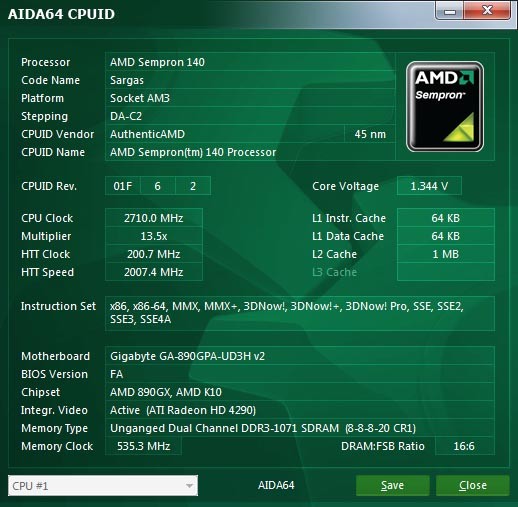
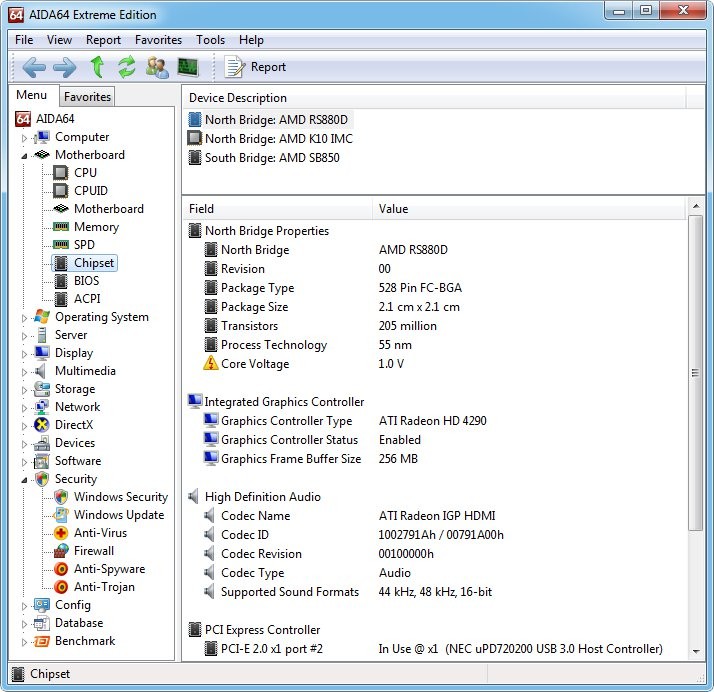
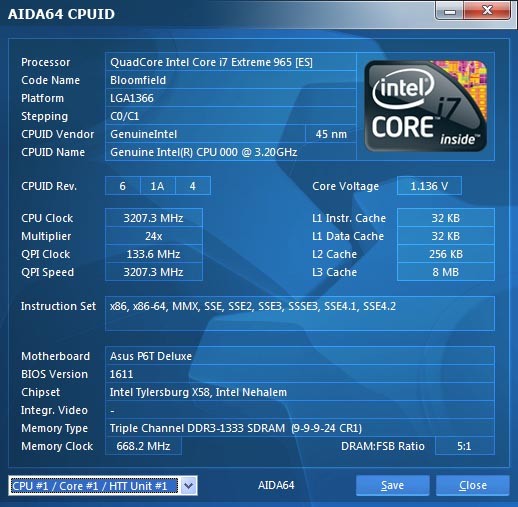
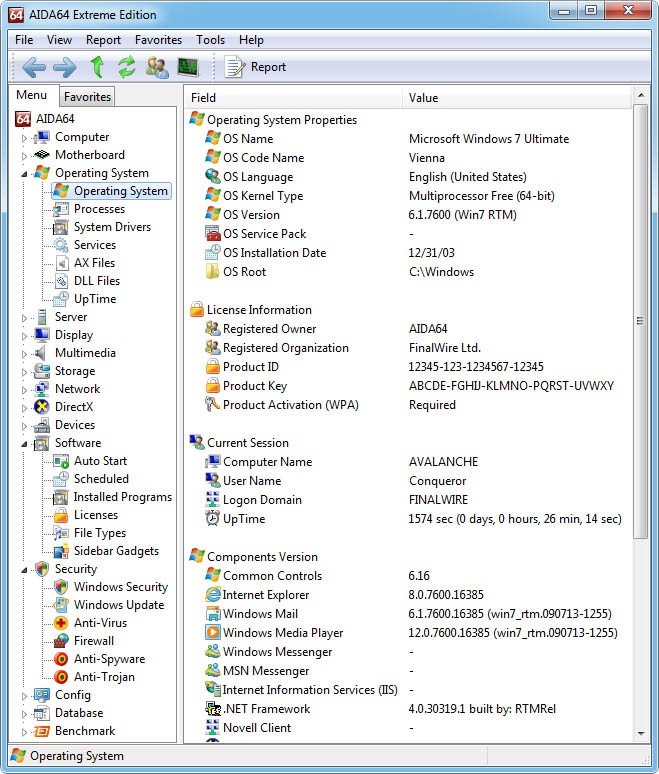
AIDA64 Extreme is a home user/PC enthusiast system information and diagnostics software. It verifies specific hardware and software contents without breaching the system. It shows explicit information about the machine components, like: processor, memory, storage devices, motherboard, and operating system, by scanning.
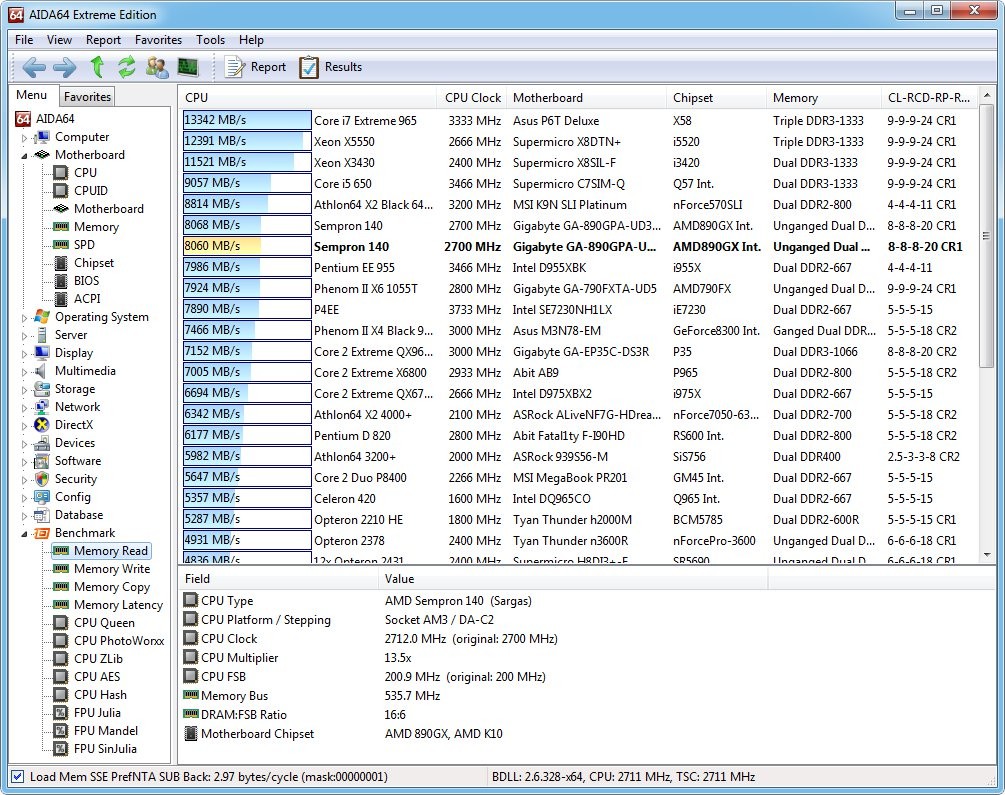
It displays the performance of the system. Built-in standards are used to gauge the performance of the various components in the execution of various activities. Along with performance testing, the program can be utilised in identifying hardware issues or tracking system health over time.
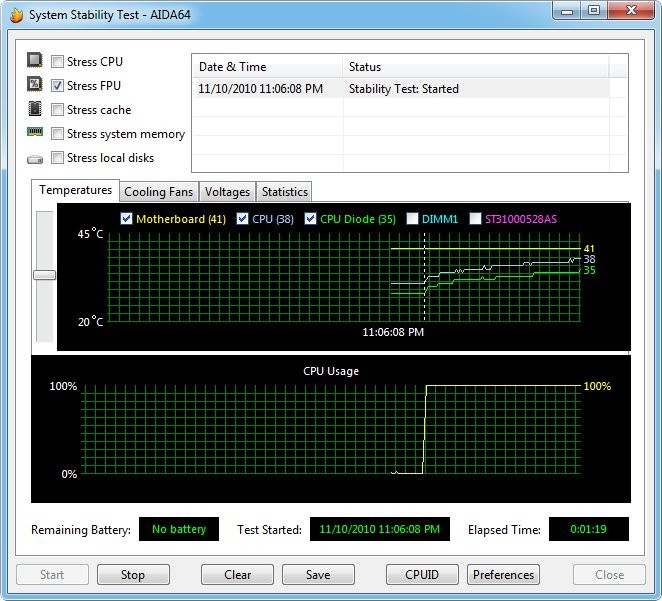
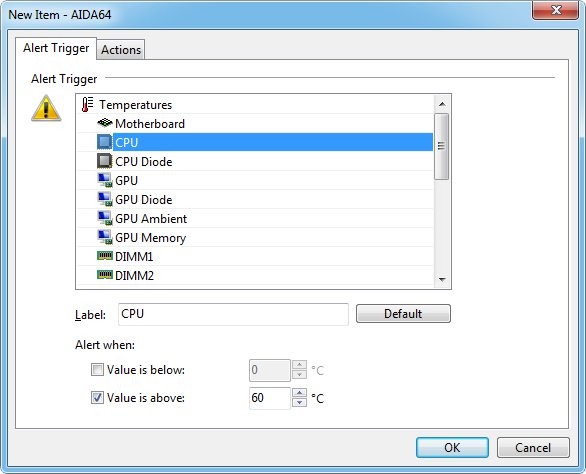
AIDA64 Extreme works in the background and reads sensor data in real time. This allows the users to monitor temperatures, voltages, fan speeds, and power consumption during computer use. Due to this property, AIDA64 Extreme is most commonly used by those individuals who are interested in monitoring the stability of their system, particularly when dray tuning or stress testing hardware. It is not aimed at large network management but at the individual systems and personal use.
What Are the Key Features of AIDA64 Extreme?
AIDA64 Extreme has quite comprehensive hardware and software detection. It shows dozens of pages about the system information, including hardware setup, installed software, licenses, Windows settings, algorithms, and items that are run during the startup. Such detail enables the users to know precisely what is contained in their computer.
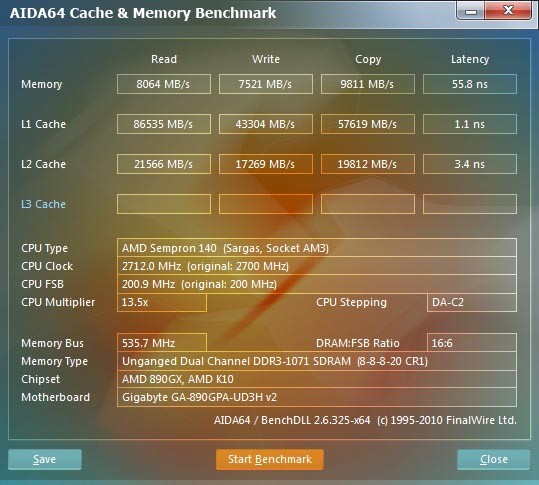
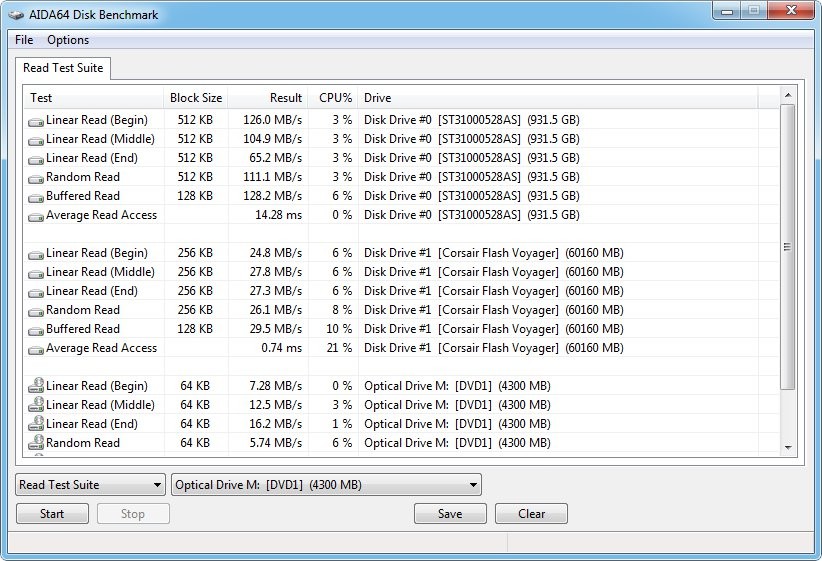
The software has several pre-programmed standards. They benchmark CPU performance, memory and cache performance, storage performance, and GPU computing. The tests are 64-bit capable and can be used on a single part/component or on the system as a whole, hence making it easier to identify weak points or compare the results before and after the upgrades.
AIDA64 Extreme also provides a test of system stability. It stresses the CPU, memory, disks, and graphics card to ensure that they are stable. Another important feature is a real-time monitor of sensors. The program is compatible with hundreds of sensor equipment and allows the user to display the data on-screen displays, system-tray icons, desktop panels, or external displays. Customers can come up with their own sensor panels according to what they want.
Is AIDA64 Extreme Free to Use?
AIDA64 Extreme is not open source software. It is a commercial product that has a trial version, which can be used by its users in case they want to test it first before purchasing. It has an option of a full version, which is on a license so that the whole version is used, including full system monitoring, diagnostics, benchmarks, and reporting tools. The cost is based on the type of license and its duration. The trial version is time-limited and intended only for evaluation; although there is a trial version, the software can be bought eventually or for advanced use.
Which Platforms Support AIDA64 Extreme?
AIDA64 Extreme is a Windows-based application. It is compatible with a broad selection of 64-bit Windows operating systems, such as Windows 7, Windows 8, Windows 10, and Windows 11. It is also compatible with many editions of Windows Server, including Windows Server 2003 up to Windows Server 2022. The software will only need a 64-bit Intel or AMD processor and a fairly small disk space to install. It is only compatible with Windows operating systems because it is designed to work with them.
The AIDA64 Extreme is designed to be executed in a solitary computing setup, besides targeting the local system examination. Other AIDA64 versions are supplied at business/network audit, but the Extreme version is geared towards personal systems, home users, and hobbyists seeking a detailed examination of a single machine.
What Are the Best Alternatives to AIDA64 Extreme?
OCCT is one of the substitutes for AIDA64 Extreme. OCCT is primarily applicable to hardware components during stress tests. It stresses the CPU, the GPU, and other power-related parts to the maximum to identify the stability and any overheating or power problems. This helps it to be applicable when the users want to find out how their system is going to act under pressure. Nevertheless, OCCT is more related to testing of stress and stability rather than detailed system information. It lacks in-depth hardware programs, software audits, and wide-ranging monitoring capabilities such as AIDA64 Extreme. OCCT is available to download for users who mainly would like to run stress tests on their hardware.
Another option is HWMonitor. HWMonitor has real-time sensor values, including temperatures, voltages, and fan speeds. It is easily usable and portable, hence it is a good selection when users are only required to access the simplistic system readings. Although it is good when one wants a brief overview of the system health, it lacks benchmarking tools, detailed diagnostics, and detailed reporting. It is a very limited view of the system compared to that of AIDA64 Extreme. HWMonitor can be downloaded quickly to check basic system temperatures and voltages.
Another frequently used alternative is CrystalDiskInfo, however, which concentrates on storage devices only. It brings up data of hard drives and SSDs to present data about the health of the drive, its temperature, and any warning signs. CrystalDiskInfo can be used to observe disk health and avoid disk data loss. Nonetheless, it fails to evaluate the CPU, memory, graphics card, and the performance of a system as a whole. It does not test any stress or have any system-wide diagnostics, which restricts its use when compared to a complete system tool such as the AIDA64 Extreme. CrystalDiskInfo is easy to download for users who want to monitor hard drive and SSD health.