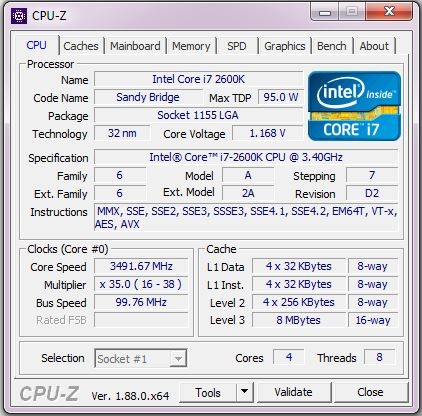
CPU-Z is a system utility that captures and shows information about the main hardware in a computer. Its emphasis is on the motherboard, memory, and processor. The software extracts the direct data out of the system and displays it in a presentable and structured interface.
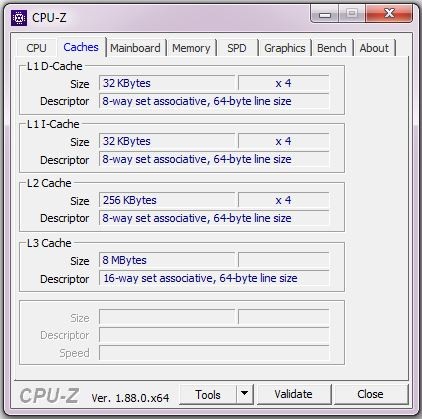
Upon opening CPU-Z, you get the name, model name, codename, and the technical specifications, like the levels of cache memory and the manufacturing process itself. This assists you in determining the CPU in use, particularly in case Windows is uncertain or shows an incomplete system name.
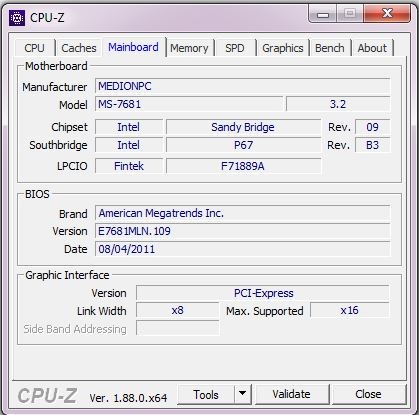
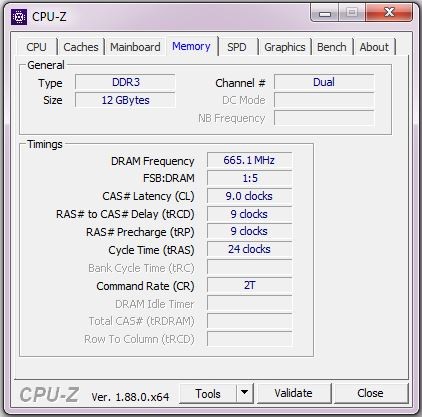
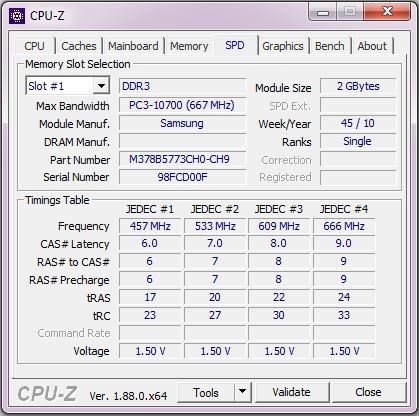
CPU-Z also provides data on the motherboard and chipset, including vendor name, model, and basic board information. On memory, it displays type, size, timings, and module information—helpful in checking RAM configuration or compatibility.
The application is a favorite among regular consumers, desktop users, and technicians in need, who need precise hardware information without having to adjust their system configuration. CPU-Z is not a performance-enhancing read-only reporting system; it cannot alter the behavior of the hardware.
On the whole, CPU-Z is made with the feature of allowing users to have a clear view of what hardware is present in the system without introducing additional functionalities and background services.
What Are the Key Features of CPU-Z?
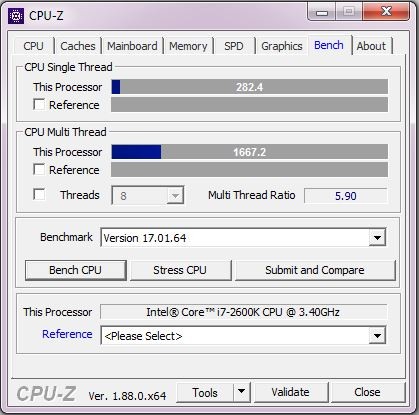
Detailed processor identification is one of the strong points of CPU-Z. It shows the CPU name, model number, codename, socket type, and cache structure, which will enable verification of the specifications or gain a more profound understanding of the design of the processor.
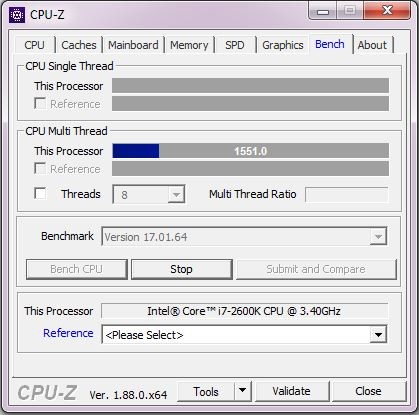
Real-time frequency measurement is the other major attribute. CPU-Z displays the current clock rate of the individual CPU core along with the memory rate while the system is running, thus letting you see how the processor will perform with normal usage, without even having to change any settings.
CPU-Z also provides detailed memory data. They provide memory type, total size, timings, and SPD statistics of modules installed; it will be useful when debugging memory or checking RAM specs.
The program provides entry-level information on motherboards and chipsets, so that the user can be able to tell what model of the board and what platform. It also helps in developing text and HTML reports that can either be saved or shared when required.
CPU-Z also has a validation feature, which allows one to save system information files. It also favors keyboard shortcuts for screenshots and data capture, and advanced users who could use command-line options to produce a report without even opening the interface.
The general layout is clear and informative. CPU-Z does not have needless graphics, and it is pragmatic but not glamorous.
Is CPU-Z Free to Use?
CPU-Z is freeware and available to use at no cost. Subscriptions, upgrades that are required, and locked features are all nonexistent to get access to the core hardware information. The software is considered freeware, and any individual can use it to see the system details. CPU-Z will not need an account or online activation.
Since CPU-Z only reports on the information, the free version has all the features required. The user can view the CPU, memory, and motherboard information with no limits on either time or attention.
Which Platforms Support CPU-Z?
CPU-Z can be used on Windows operating systems of 32-bit or 64-bit systems. It is compatible with Windows 11 and is updated to fit into modern Windows systems. It is also compatible with Windows ARM64, which means that it can run on new ARM-based processors, expanding its compatibility to a wider variety of modern hardware. In addition to Windows, CPU-Z has an Android version that gives the system information of mobile devices, that is, processor, memory, and other hardware information available on the Android platform.
There are also legacy versions of ancient editions of Windows, like Windows 95 and 9,8 but they are easily identifiable as vintage versions. The provided material does not support any desktop operating system based on macOS or Linux. CPU-Z is not an Internet-based program; it does not require persistent internet connectivity. System data is read directly off the device once it is installed.
What Are the Best Alternatives to CPU-Z?
Users wishing for a more general view of their computer, as opposed to CPU and memory, tend to choose Speccy. It presents CPU, RAM, storage, graphics, and operating system information in a visual format that is easy to visualize, thus being user-friendly to beginners. But it is technically less in-depth and might not be as accurate as CPU-Z on CPU-related information. Many beginners decide to download Speccy when they want an easy-to-read overview of their system without technical complexity.
Belarc Advisor is an alternative, whereby it does not involve live hardware readouts, but involves inventorying systems. It searches the PC and creates a comprehensive report that opens in a web browser, including hardware, installed software, and update status. Although it offers a complete picture, it does not show the real-time CPU behavior or frequency; it is better suited to a general system picture rather than to process-level analysis. Some users download Belarc Advisor to get a full system report that covers both hardware and installed software in one place.
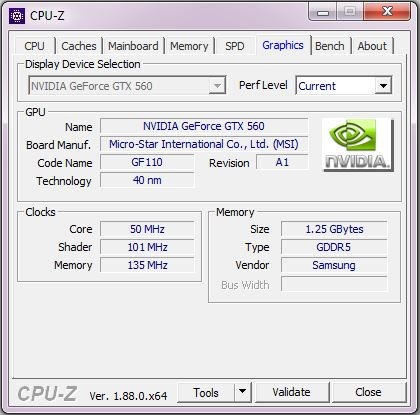
Another popular substitute is GPU-Z, which is an alternative to a different hardware parameter. GPU-Z does not show CPU and memory data as the CPU provides, but the graphics hardware, which includes graphics model, graphics memory, and graphics driver data. It is regularly used concurrently with CPU-Z, but not instead. GPU-Z is very practical to those who require graphics card specifics, yet in comparison to CPU-Z, it is very shallow in terms of processors or RAM. Users often download GPU-Z alongside CPU-Z when they want detailed graphics card information without scanning the full system.