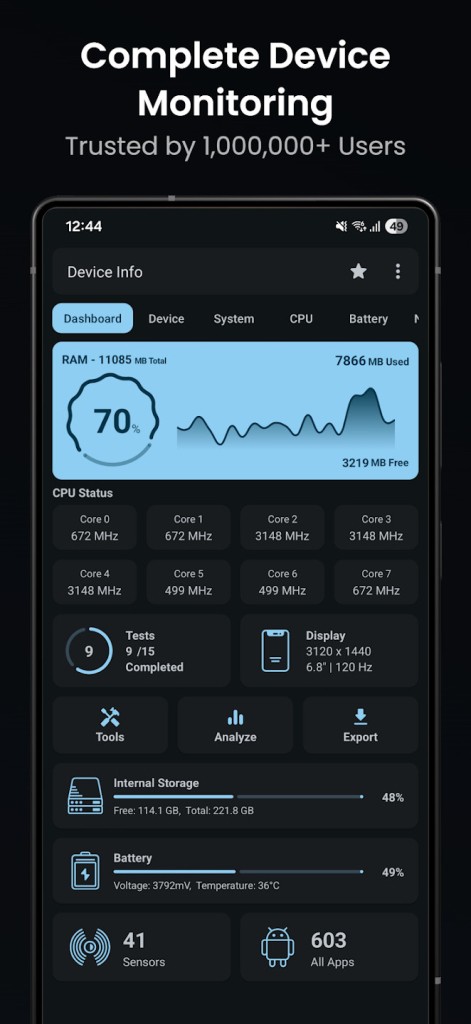
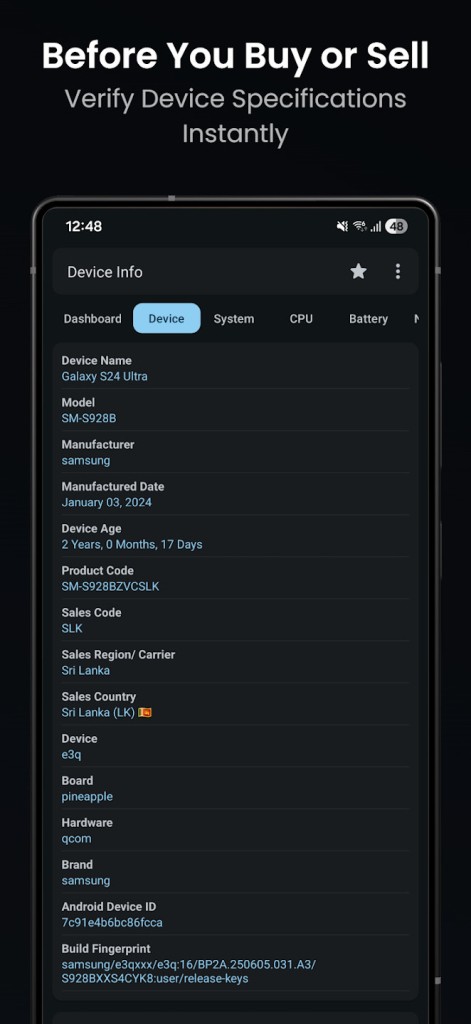
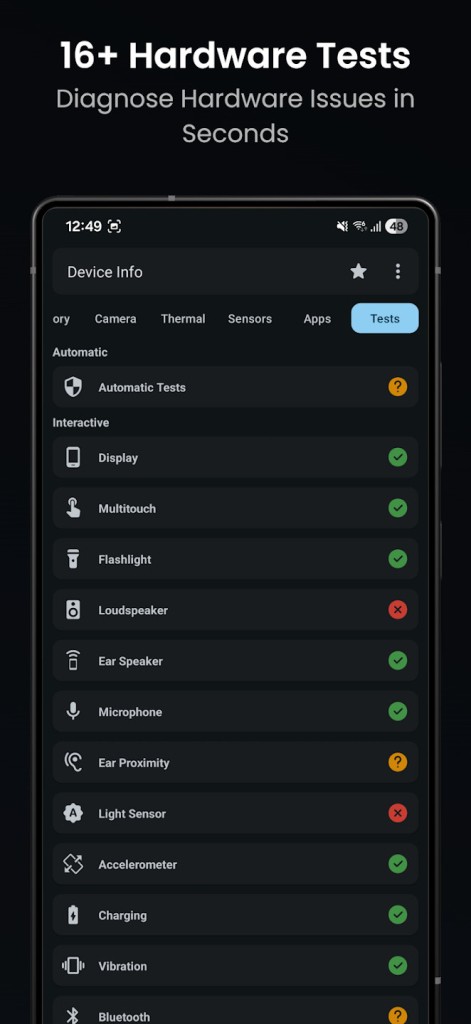
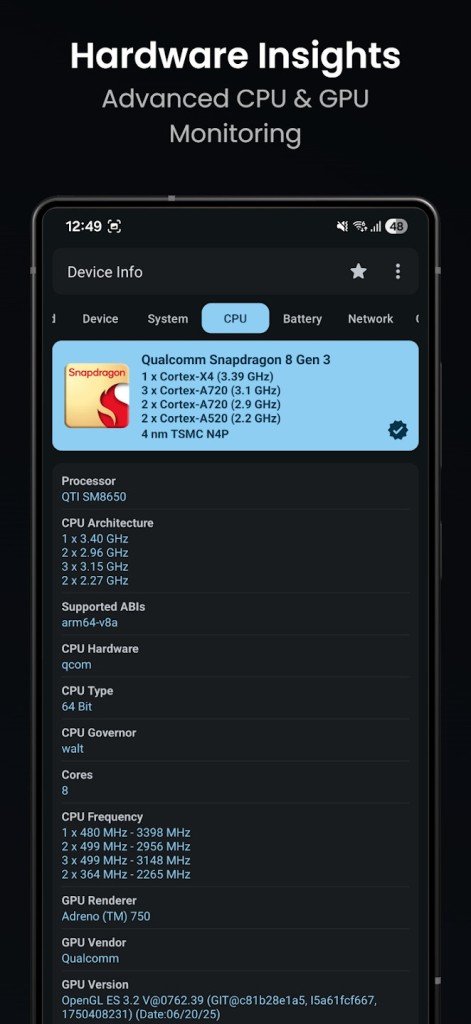
Device Info: System & CPU Info is an Android application that shows detailed information about your tablet or phone in an obvious and organized manner. It allows you to view the hardware and software that are present in your device and the current performance of the same. Most of these details are normally concealed or dispersed in the various Android menus.
The application primarily displays system information, CPU usage, memory usage, battery status, storage, and system information. It does not alter the gadget, enhance performance, or correct issues. Rather, it provides precise information to know what is going on in your phone.
Device Info is useful to common users and more technical users. You can use it to tell why your phone runs slowly, why it has become hot, or how much RAM is being occupied. You can also get to know more about your hardware and the features of your phone.
The design enables information to be readable and, at the same time, displays significant information. Although it is delivered in sophisticated data, the app is still presented in a way that enables non-technical users to comprehend it. Such an equilibrium makes it prevalent among Android users.
What Are the Key Features of Device Info: System & CPU Info?
The Device Info app has numerous functions that track and report system information. One of the functions is real-time monitoring of the CPU. You can view the number of cores, the current frequency, the architecture, and the live performance of the processor cores. This displays the intensity with which the processor is operating at any given time.
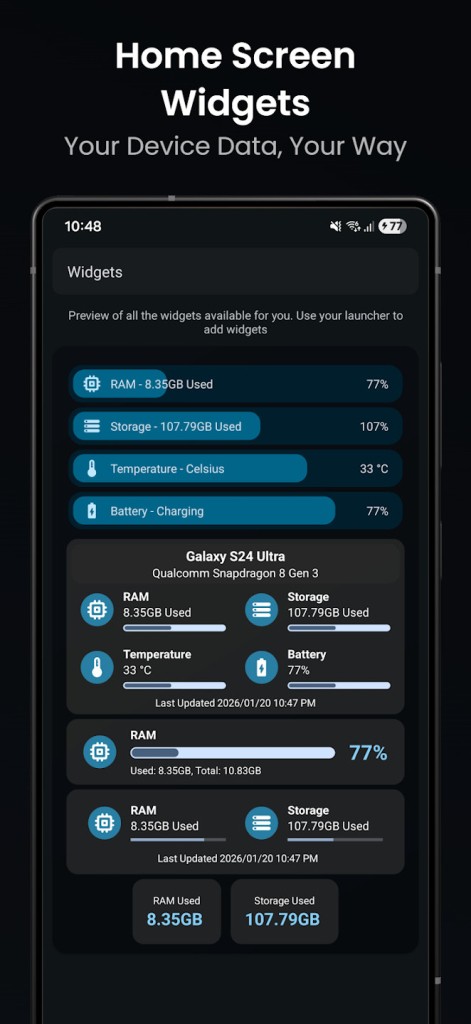
Memory and storage are also shown on the app. It displays the type of RAM, total memory, used memory, and free memory in real time. Storage details will entail internal and external capacity, the amount that has been used, and the available amount. This can assist in identifying storage pressure or programs that are resource-intensive.
Another significant function is battery and thermal tracking. In the app, there are battery charge, health, temperature, voltage, and power usage. It also displays thermal data of various parts of the device, making it easy to notice an overheated device when playing or charging.
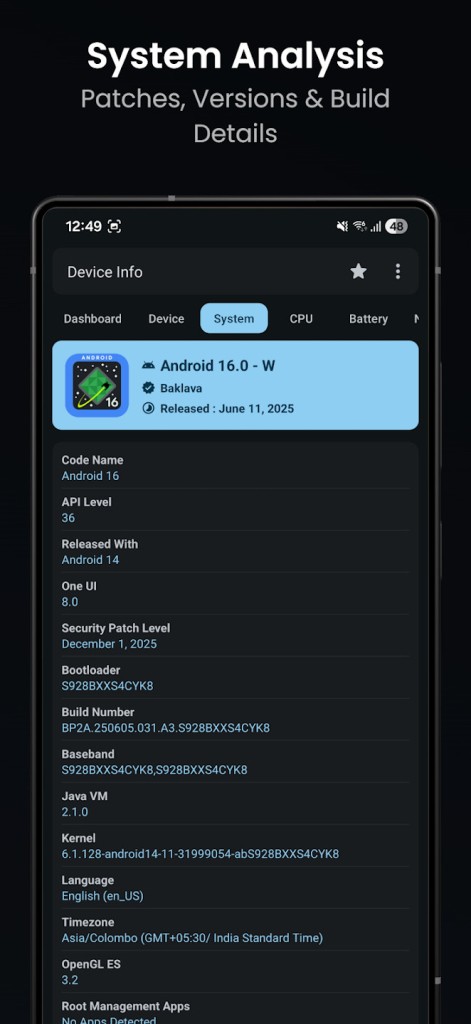
The details of systems and software are also included: Android version, the level of security patches, the kernel version, the information about the bootloader, and the supported graphics, such as Vulkan or OpenGL ES. The network information displays Wi-Fi and cellular connections, signal strength, network type, IP, and connection options.
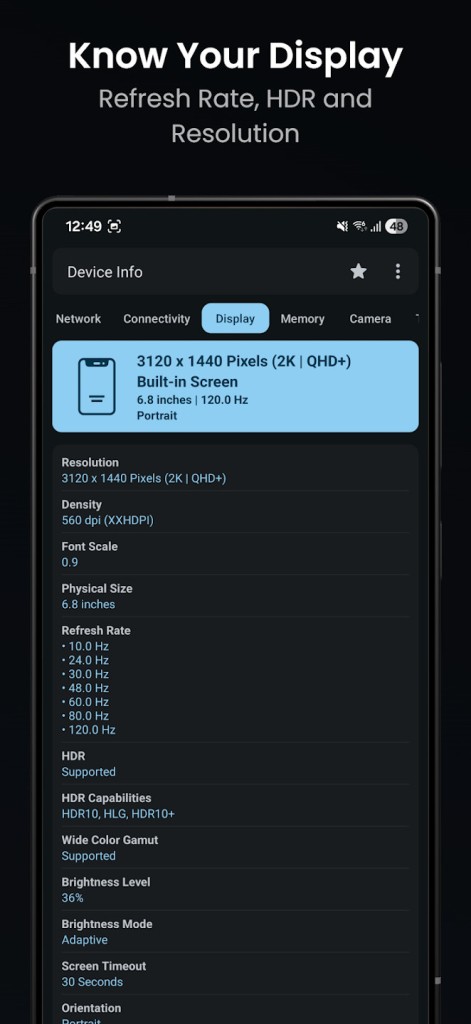
The app also provides information about sensors, display specifications, camera hardware, and installed applications. Onboard permission, SDK versions, and components are displayed on a built-in app analyzer. You have the option to export the reports in the form of text or PDF, which can be used in the process of diagnostics or sharing system data.
Is Device Info: System & CPU Info Free to Use?
Device Info: System & CPU Info is an app that can be downloaded and used freely on Android. Its core features, such as system monitoring and hardware information, are available in the free version. This application contains advertisements and add ons. Certain advanced features or customizations can be paid for. The advertisements are not as obtrusive to the majority of users. The free edition suffices generally in terms of simple surveillance and info.
Which Platforms Support Device Info: System & CPU Info?
Device Info: System and CPU Info is only compatible with Android-based devices. It accepts both Android phones and Android tablet models that may have similar versions and do not require root for general usage. The application is touch-based, and it is compatible with smartphones and tablets that have conventional Android interfaces. It is distributed through Google Play and is intended for standard Android environments rather than specialized platforms.
The information accuracy may be dependent on the Android version and the manufacturer of the device. There are restrictions on how some hardware data can be limited or reported. According to the user reviews, the majority of the readings are true, but values such as battery charge rates are subject to change across the devices.
What Are the Best Alternatives to Device Info: System & CPU Info?
Pony Tools' Device Info is frequently selected by users who do not need many additional tools but rather like to receive simple and rapid information about their Android device. It pays attention to displaying such key points as the version of Android, RAM, storage, processor, and model of the device. The app is also lightweight and easy to navigate, and is therefore applicable to those users who are just in need of the superficial information. Nonetheless, it lacks in-depth real-time research, thermal observing, and in-depth testing. It might be more comfortable for users of this type to get quick access to the specifications without charts or detailed analytics, but again, it is not as detailed as the Device Info: System and CPU Info. Many users download this app when they only want fast access to basic phone details without advanced monitoring.
A more technical variant is Device Info HW, which is concerned with the detection and accuracy of hardware. It is also advanced so that it enables users to recognize sensors, camera modules, battery controllers, and details of chipsets. It can be very specific about the components, particularly on supported devices. The interface is, however, orthodox and not very user-friendly. It is not aimed at simplicity; hence, navigation is difficult for new people. Device Info HW is suitable for users who are interested in raw data rather than presentation.
This tool is usually downloaded by users who want precise hardware data instead of a visually polished layout.
DevCheck Device & System Info is an intermediate between simplicity and technicality. It provides real-time CPU, GPU, RAM, battery, and network performance under a neat and organized design. Its visual clarity and balanced report are liked by many users. It is not as loaded with inbuilt tests and export features as Device Info: System & CPU Info, but it provides credible information without being a bombardment. It is advised for people who desire a sophisticated tracking experience. Users often download DevCheck when they want clean visuals with reliable system tracking in one place.