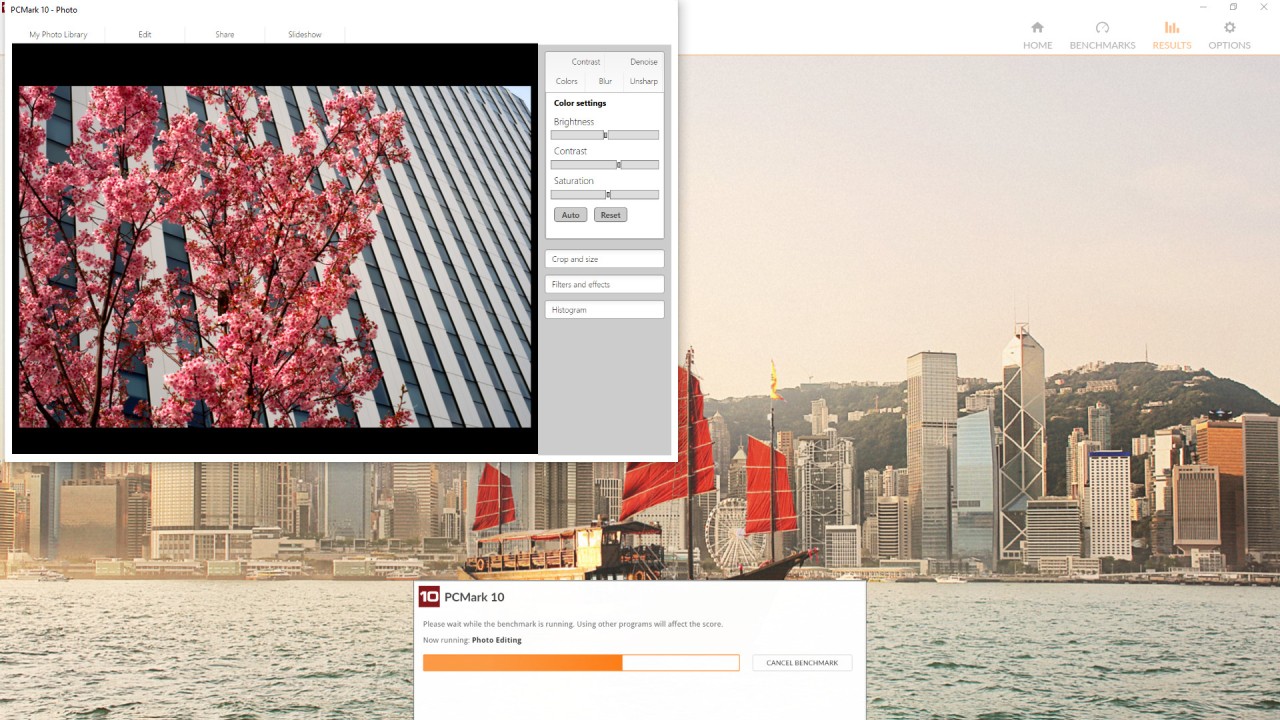
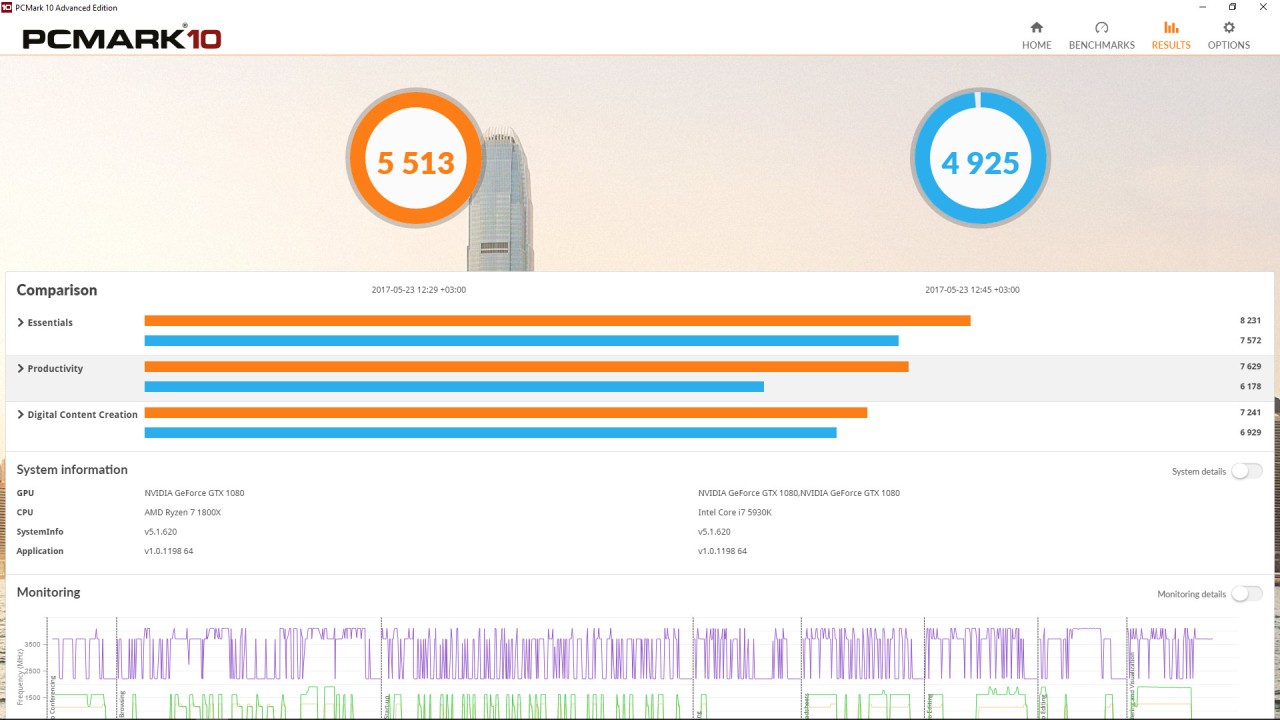
PCMark is a performance benchmarking software created by UL Solutions that is used to test the performance of a PC under a daily workload. Opposite to games or extreme hardware stress, PCMark addresses actual things that people actually engage in on their computers, particularly in office and home tasks.
It is used to test the full system's functioning by introducing a set of tests according to usual tasks, including web surfing, video consulting, document creation, spreadsheet alteration, and photo and video jobs. This is aimed at providing a clear understanding of system performance under normal daily operations and not theoretical performances.
Businesses, ratings, and organizations that conduct comparisons of laptops and desktops frequently use PCMark as their frequently used software before purchasing them in bulk. It allows making comparisons of various systems since it utilizes workloads that are real and generates predictable results. The software is also user-friendly, as it is not complex to run without any complicated setup.
In general, PCMark is designed to be used by individuals who desire to have a realistic view of the performance of a PC in real-world usage, as it appears in the office environment, and not gaming and hardware-centric individual benchmarks.
What Are the Key Features of PCMark?
PCMark consists of the entire benchmark based on actual PC usage. It has a primary benchmark that integrates several tests into a single general score that presents the overall performance of the system. The tests are categorized into sections like “essentials,” productivity, and digital content creation, which include starting an app, video conferencing, document creation, spreadsheet tasks, photo editing tasks, video editing tasks, and rendering.
PCMark also has other versions of benchmarks. The Express test is shorter, and it is more concerned with basic office work, while the Extended test incorporates more difficult graphics and physics loads to test the system more profoundly. This will be handy with both low-end office systems and more high-performance machines.
The other notable benchmark is battery life. Instead of having one battery score, PCMark constructs a battery life profile under different situations, including office work, application playback, video playback, gaming, and idle time. This provides a wider perspective of the life of a laptop in various circumstances.
PCMark also features storage tests that test system drives as well as data drives and load consistency performance. Findings are described and may be stored, compared, and exported based on the license.
Is PCMark Free to Use?
PCMark is not fully free. It is a business benchmarking tool by UL Solutions. Licenses are sold (first professional and enterprise, which are full benchmark, full reporting, and commercial use). A small amount of functionality can be made available without a license, but it can only be fully tested, automated, and used at the professional level with a paid version.
Which Platforms Support PCMark?
PCMark works with Windows systems. It supports 64-bit operating systems and can be used with Windows 10 and Windows 11. These benchmarks are developed and structured to make use of Windows workloads and applications, particularly those utilized in office setups.
Certain workloads of PCMark, including the Applications benchmark and some battery life scenarios, are also compatible with Windows on ARM technology, including Windows 10 on ARM and Windows 11 on ARM. The tests can be used to compare ARM systems with the traditional x86 systems, though this depends on the given editions of the software.
PCMark is incompatible with either macOS or Linux. All benchmarks are executed on Windows machines, both manually and via automation systems like Testdriver, to use in an enterprise. Due to this fact, PCMark can be used primarily by individuals who are testing Windows laptops or desktops in a home, office, or business context.
What Are the Best Alternatives to PCMark?
A famous substitute is 3DMark Basic. This is another tool that was created by UL Solutions. Whereas PCMark is used to measure the day-to-day activities in the office and other productivity-related activities, 3DMark Basic measures graphics and gaming performance. It also performs graphically intensive tests that require the test taker to determine the extent of the system regarding graphics, physics, and real-time rendering. This is more convenient for gamers or users who would wish to know the performance of the GPUs and not the work-related performance. In comparison to PCMark, it might not capture real daily workloads well for office use. A basic version of 3DMark can be downloaded easily by users who want to test gaming or graphics-focused performance.
Geekbench is an alternative that is also commonly used. Geekbench is characterized by quick and uncomplicated testing. It primarily concentrates on the CPU performance and graphics performance by using short benchmark tests that mimic real-world computing tasks. A plus of Geekbench is that it is compatible with many systems, such as Windows, macOS, Linux, Android, and iOS, which is very beneficial when comparing them across devices. Nevertheless, Geekbench does not simulate complete workflows like document editing or long productivity work hours, and therefore, its results are hardware-oriented rather than usage-oriented. Geekbench is simple to download and is often used when users want fast performance comparisons across different devices.
Another alternative is AnTuTu Benchmark; however, it is targeted at a different audience. AnTuTu is primarily installed on mobile devices, and it measures performance as mobile CPUs, GPUs, memory, and user experience performance. It is trending in the comparison of smartphones and tablets rather than desktop and laptop PCs. Although helpful in offering an insight into the strength of hardware used in mobile devices, it does not substitute PCMark in testing Windows-based office devices. AnTuTu Benchmark is widely available to download on mobile platforms for users who focus on phone or tablet performance.