Driver Easy is a Windows utility that helps you keep all of your computer hardware drivers updated. The tool works in the background and does not require constant feedback from you. It scans your system to locate drivers that need an update. Once found, you can either install the updates yourself or let Driver Easy do the job.
Other features let you view driver information, run offline scans, and back up drivers. Driver Easy offers a convenient way to ensure your drivers are always up-to-date. It can also be incredibly helpful when working with older computers that don’t offer the same transparency as new machines.
At the same time, it is worth noting that Driver Easy may not be necessary for your computer if you can update your drivers via official manufacturer websites.
What Are the Key Features of Driver Easy?
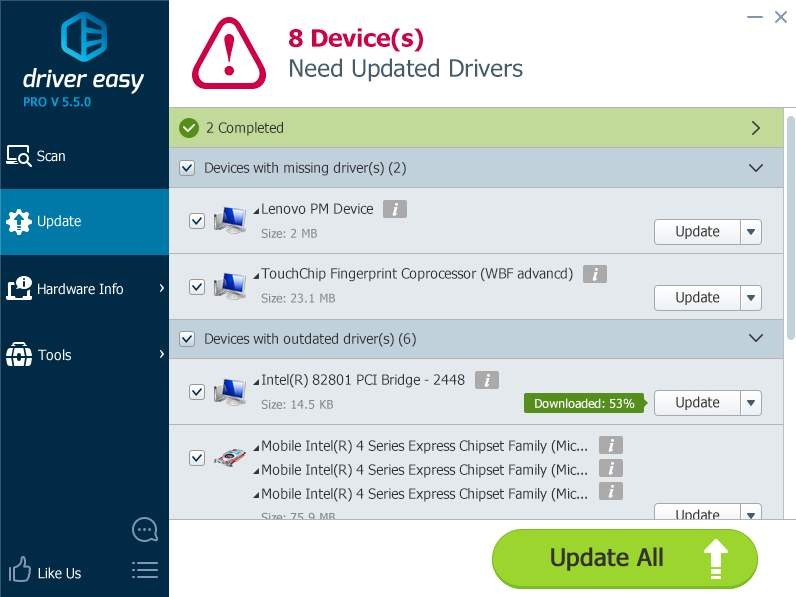
Driver Easy is a utility for Windows computers that scans your system, detects hardware drivers that need updating, and conducts the update. The utility works automatically in the background, so you don’t need to manually initiate every single process. It can identify drivers that simply need an update, as well as those that have been corrupted. Driver Easy works with a huge driver database to find suitable updates.
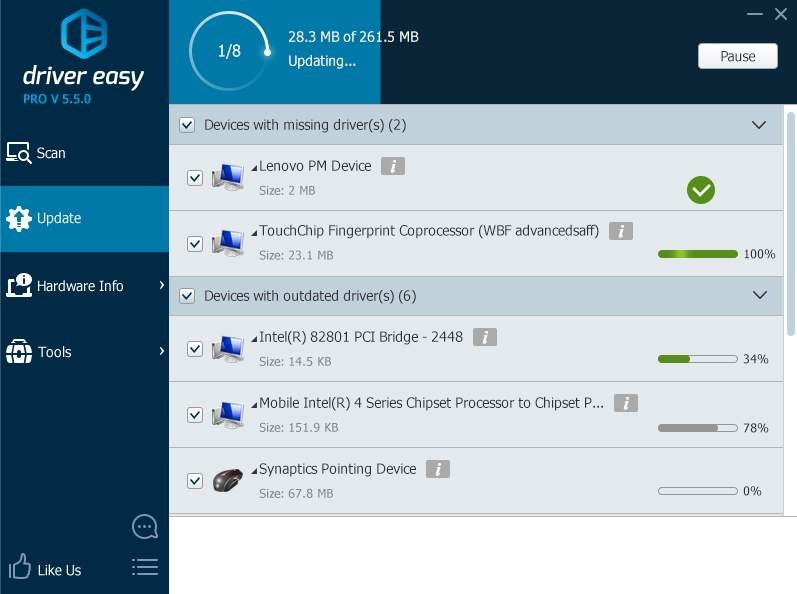
The software allows users to initiate multiple driver updates with just one click. After suitable updates have been located, Driver Easy gives you a list that you have to approve.
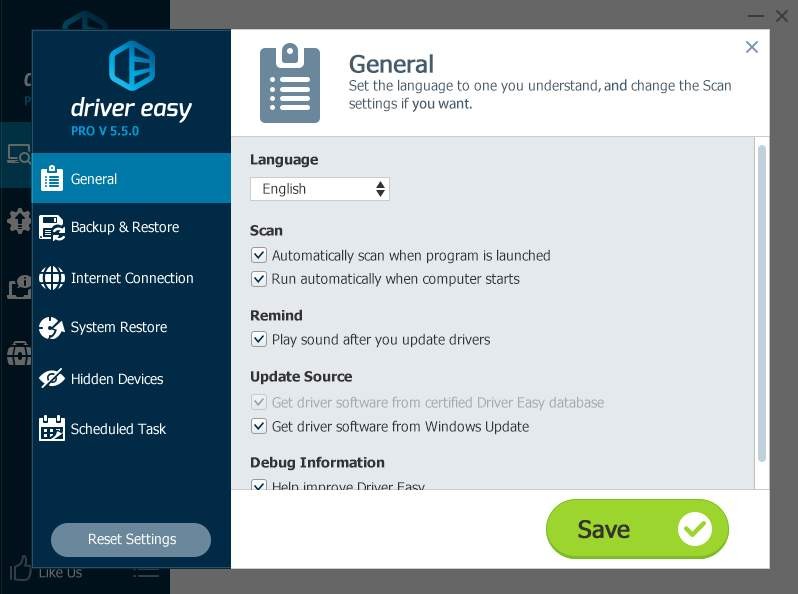
In addition to its base features, the tool allows you to conduct offline scans. You don’t need to fear faulty installations with the program’s driver backup and restore functionality. It allows you to create backups of your drivers before installing updates. If an update goes wrong, you can always revert to the previous version.
Another way you can use Driver Easy is as a hardware analysis tool. The tool can give you access to information about your computer’s graphics card, motherboard, processor, and memory. Finally, when all the installation work is done, Driver Easy can also uninstall drivers you no longer need.
Is Driver Easy Free to Use?
No, Driver Easy is not a free tool. There is a 7-day free trial for those who are not sure they want to commit to a paid tool. When the free trial is over, you have to subscribe to a paid plan to keep using Driver Easy.
There used to be a free version of the tool, but it’s no longer available with the newest versions of Driver Easy. The free plan was very limited compared to the paid plan.
Which Platforms Support Driver Easy?
Driver Easy is an exclusive tool for Windows computers. It supports Windows 7, 8.1, 10, and 11. Download the tool from its official website.
What Are the Best Alternatives to Driver Easy?
If you’re looking for a different driver update utility for your Windows computer, you have some options to choose from.
Driver Fusion is another Windows utility for driver updates and more. Its core functionality concerns driver updates. The tool scans your system to identify drivers that need updating and finds appropriate updates for installation. It also removes all the unnecessary drivers that may be taking up space. Many people use Driver Fusion for system monitoring, as it can provide accurate information about CPU, GPU, and hard drive temperatures, speed, and usage. All drivers are backed up before new installations to ensure no change is irreversible.
DriverMax has very similar features. It starts by checking the drivers your computer is currently using and identifying ones that need replacing or updating. It then scans its database and finds appropriate updates. DriverMax makes copies of all the drivers, so you can restore them if a new installation goes wrong. To get ahead of the curve, you can schedule automatic system scans that will ensure your computer system is always up-to-date.
Display Driver Uninstaller has a different mission than the previous two. It is a free Windows utility that can get rid of your graphics card drivers and all the files that come with them. Those may include registry keys, folders, and driver data. It is compatible with NVIDIA, AMD, and Intel drivers.