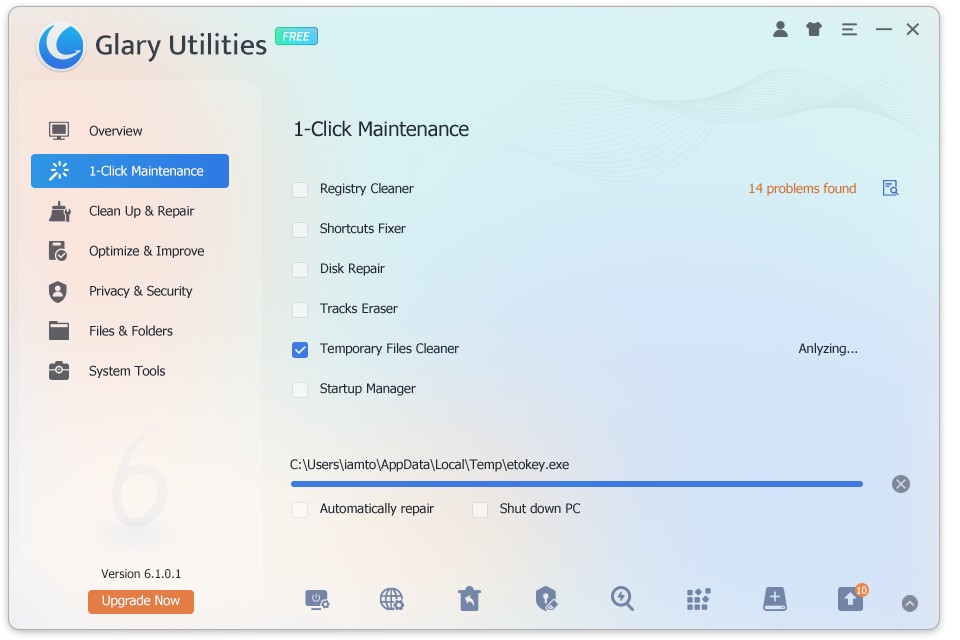
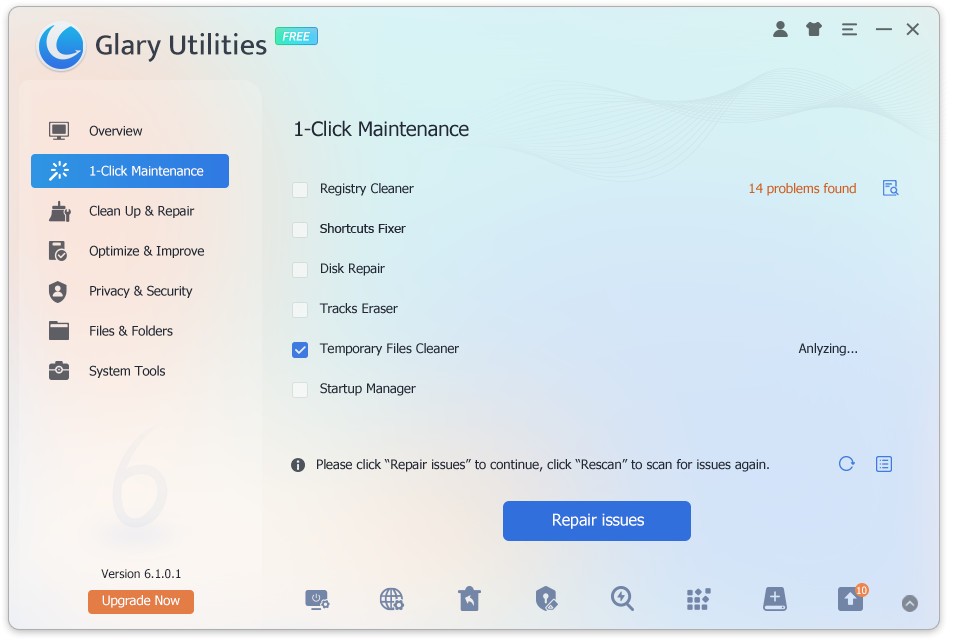
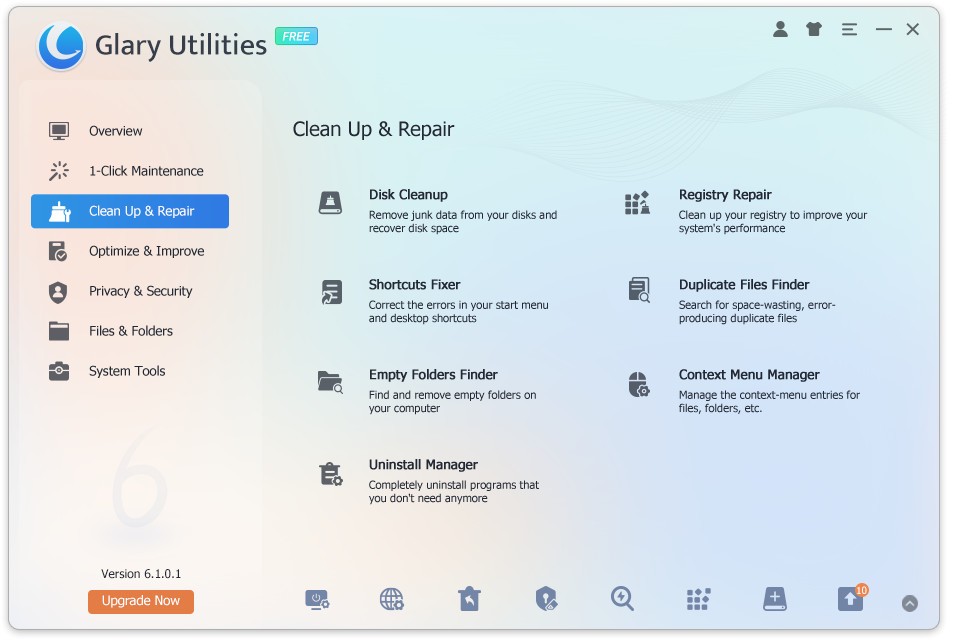
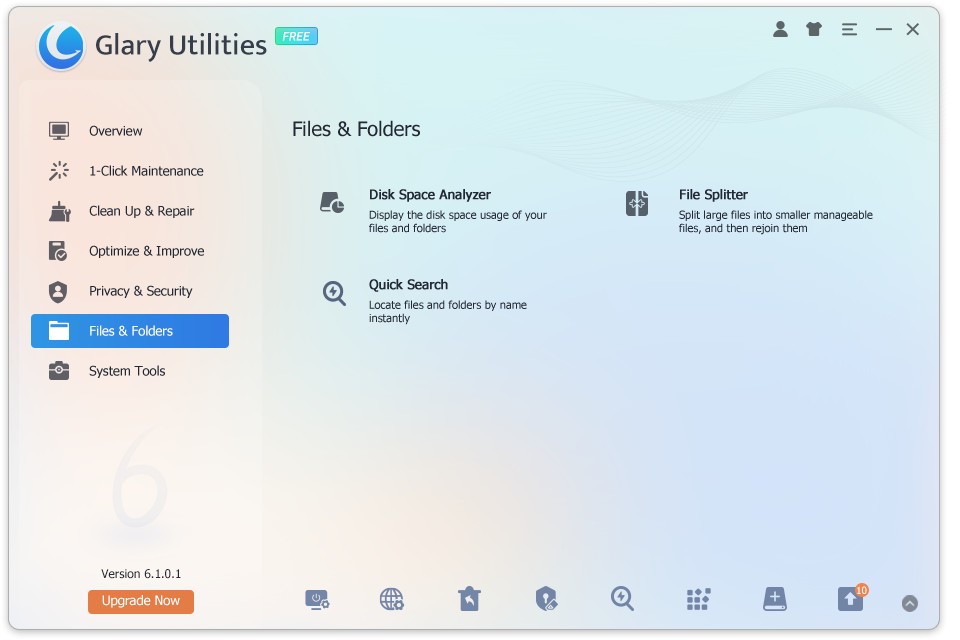
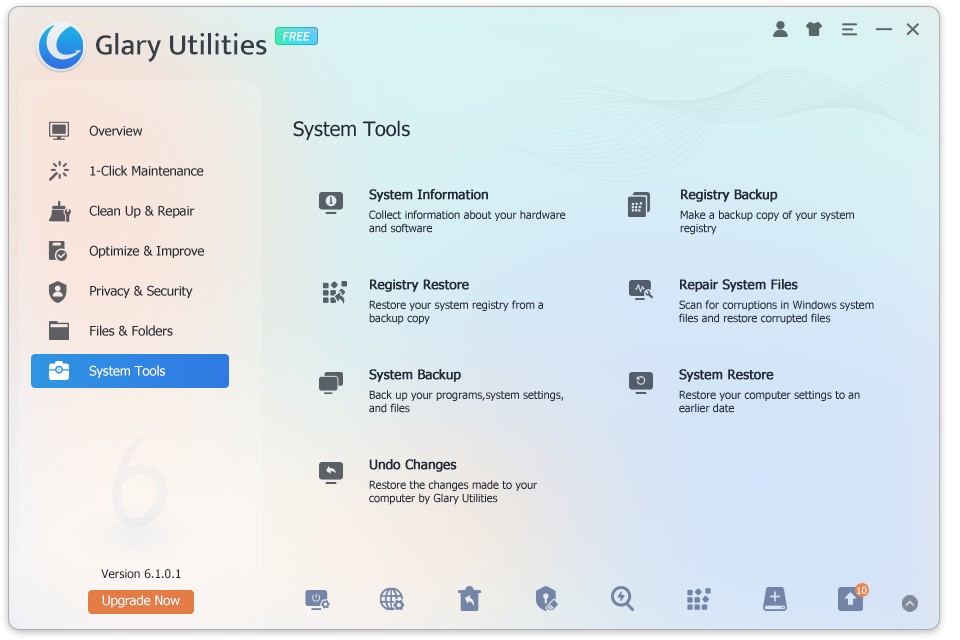
Glary Utilities is an app that will take care of your Windows computer. The application serves as a toolbox, helping you to identify potential issues slowing your PC down and getting rid of them. One of its most popular tools is the diagnostic tool that looks through your entire system to identify common issues. The best part is that the issues will get fixed all at once, with the click of a button. One problem that holds many computers back is unnecessary files left over from deleted apps. Those can take up space and slow your computer down. Glary Utilities will find them and delete them for good.
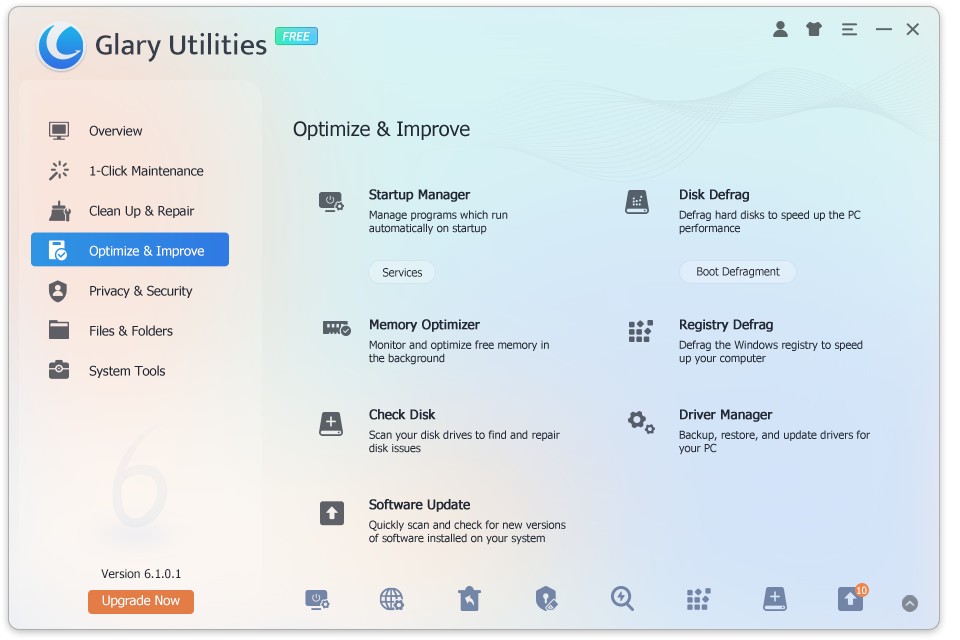
You can customize your computer with Glary’s help. For instance, decide which applications open when you turn on your computer. This way you can get rid of unnecessary programs and speed up the booting time significantly. You can also delete your digital footprint and browser history with the help of Glary Utilities.
What Are the Key Features of Glary Utilities?
Glary Utilities boasts a number of useful features that can make your experience with your PC more efficient and pleasant. The program works as a digital toolbox that scans your computer to look for issues, remove unnecessary files, and more.
Its most popular feature is running diagnostics. The program scans your computer for common errors and fixes them with a simple click. It can locate unnecessary files such as leftover app data and internet cache. By removing them forever, it creates more space and allows your computer to run faster.
Speaking of speed, having a large number of programs that start up when you turn on your computer can slow down the booting process significantly. With Glary’s startup manager, you can choose the programs you want to run automatically when your computer turns on, and which to keep off until you need them.
Another important tool in Glary’s toolbox is its digital footprint eraser. The program can remove your cache, browsing history, and temporary files. This way you can stay protected from third parties searching for user data. You can also use Glary Utilities to fix links in the Windows Registry, which is a system database for all your computer and app settings and information.
Is Glary Utilities Free to Use?
Glary Utilities has a free version that you can use. The free version allows you to remove unnecessary files filling your computer’s storage, use the startup manager functionality, fix links in the Windows Registry, and remove browser history.
If you’re interested in automatic updates, you can subscribe to the Pro version of the tool. The paid version of the tool takes care of business on its own, so you don’t have to initiate checks manually.
Which Platforms Support Glary Utilities?
Glary Utilities was developed for Windows computers. The platform supports Windows 11, 10, 8, 8.1, 7, Vista, and XP. You can download the program regardless of whether you have a 32-bit or 64-bit computer.
There is no native version for macOS and Linux computers.
What Are the Best Alternatives to Glary Utilities?
If Glary Utilities isn’t exactly what you’re looking for, there are other apps with similar features to choose from.
Wise Disk Cleaner is exactly what it claims to be—a disk cleaner for your Windows computer. It is a free application that will not drain your computer’s resources. Its main functionality consists of removing useless and unnecessary files from your computer. Those may include old browser history and deleted program files. Beyond that, the program conducts a large scan of your system to identify more areas for improvement when it comes to maximizing space. It can identify and remove components that take up space, such as wallpapers and Windows guides. What separates Wise Disk Cleaner from the competition is its SSD optimization feature that can keep your SSD healthy for longer.
CCleaner vows to make your computer faster and more secure. The software has all the familiar tools you will need to get rid of unnecessary junk files taking up space and optimize your computer’s performance. The application will scan your computer for cache files and temporary files that can be removed, and remove them. It does the same with browser data that you no longer need. You can select the programs you want to launch and ones to keep dormant in CCleaner’s startup manager. Finally, it will go through your Windows Registry for settings to remove.
Windows Repair Toolbox is an all-encompassing tool for troubleshooting and diagnostics on Windows computers. With its help, you can get rid of junk files and viruses, run diagnostics, and fix some errors. If you’re fighting with system updates, an uncooperative printer, or a faulty internet connection, Windows Repair Toolbox might be able to help. It can also remove viruses from your system and check the health of your computer hardware. Save space by removing unnecessary applications and files for good, and create backups of the files you do need.