Driver Genius is a driver manager for Windows. The software identifies missing or outdated drivers on the computer and downloads the latest versions from a database maintained by the publisher. The entire process takes place in a single window, eliminating the need to manually search for drivers on manufacturers’ websites.
The database accessed by the application covers the majority of components available on the market, including older hardware for which official download pages have sometimes disappeared. Graphics cards, network controllers, printers, and sound cards—every category of peripheral is supported. Files are transferred via a secure connection before being installed on the computer.
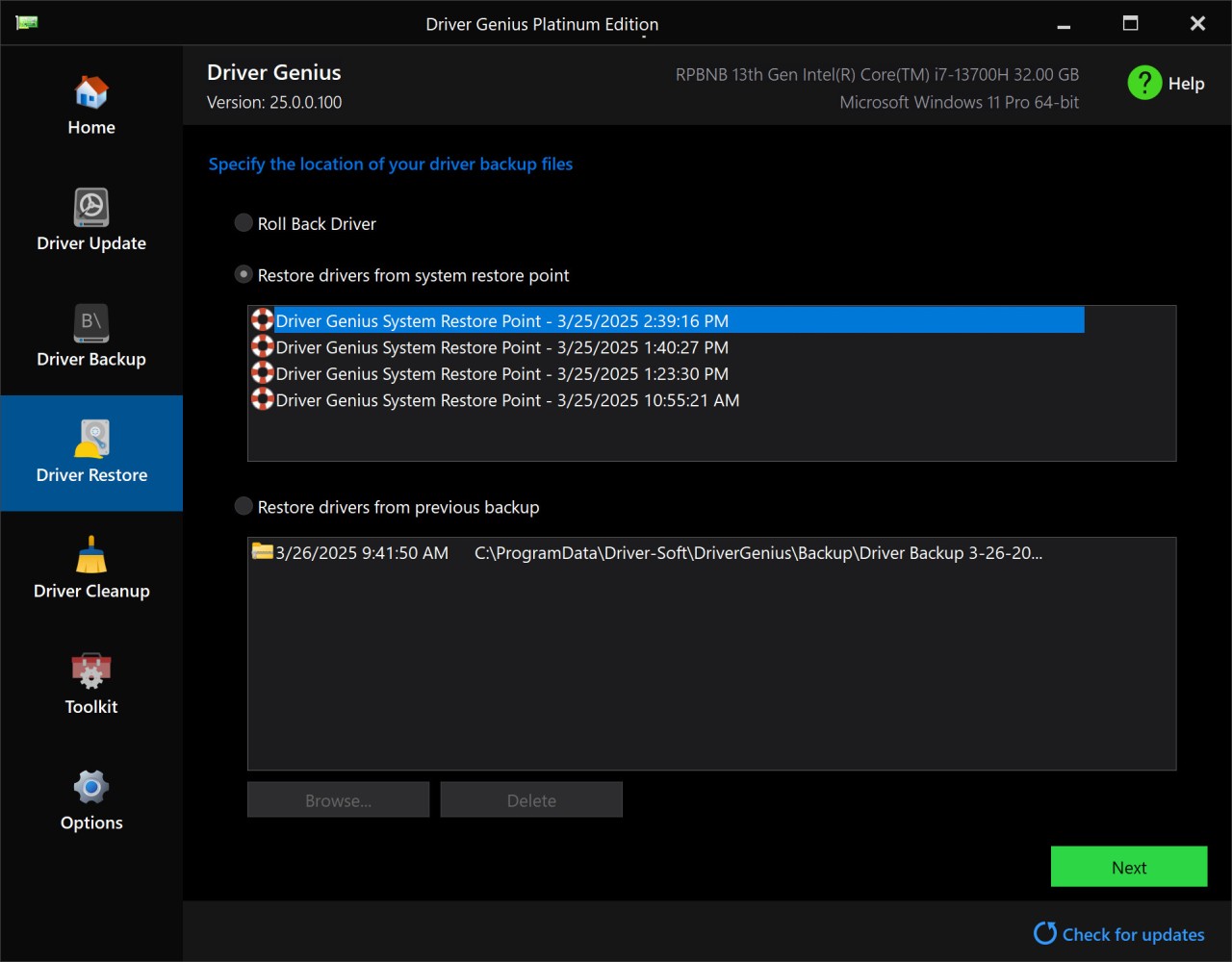
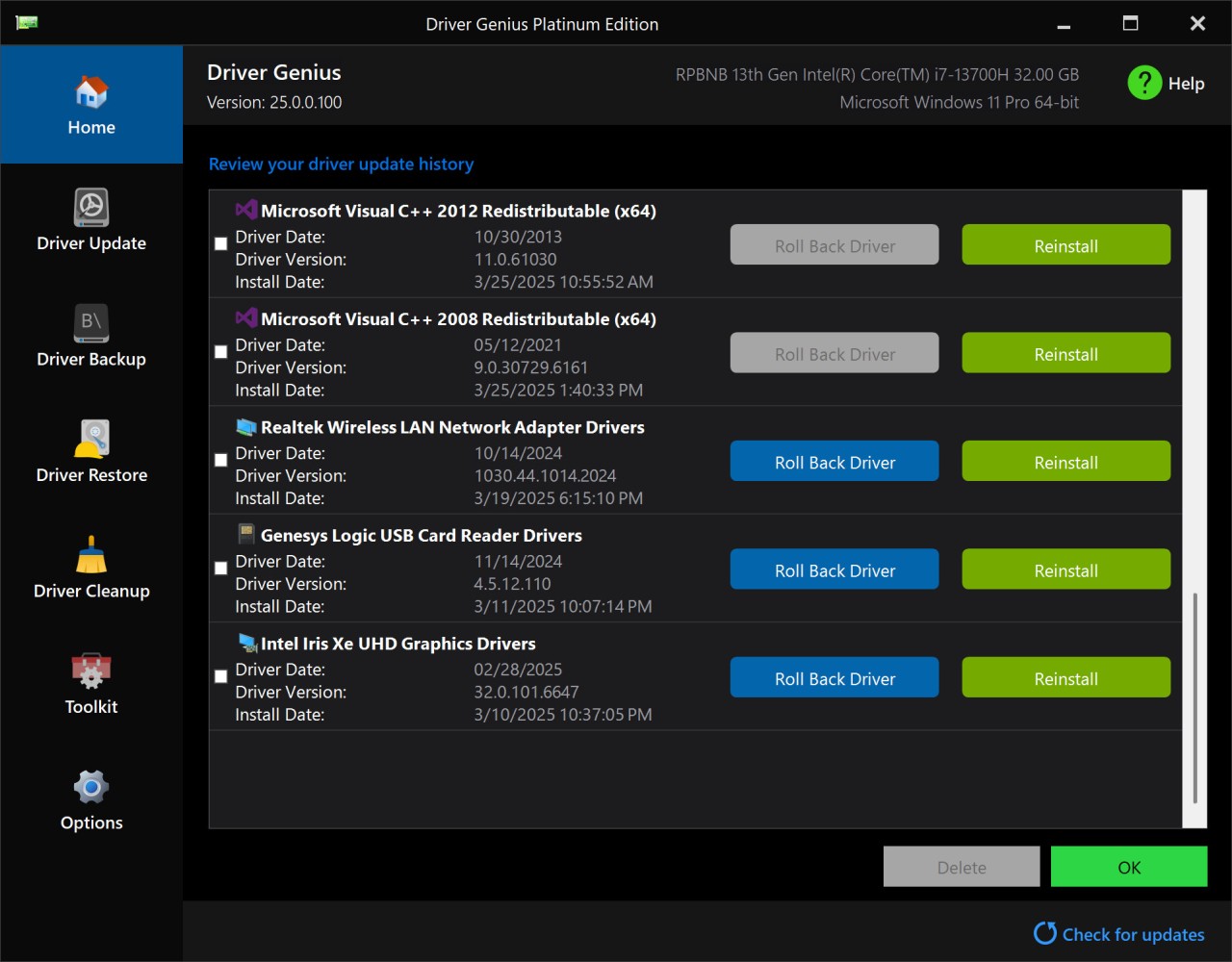
The software continuously evolves. The developer has updated the interface, which offers a light mode and a dark mode. A rollback module is accessible from the main menu: if you encounter any issues after updating a driver, you can revert to the previous driver in just a few clicks, without affecting other Windows settings.
What Are the Key Features of Driver Genius?
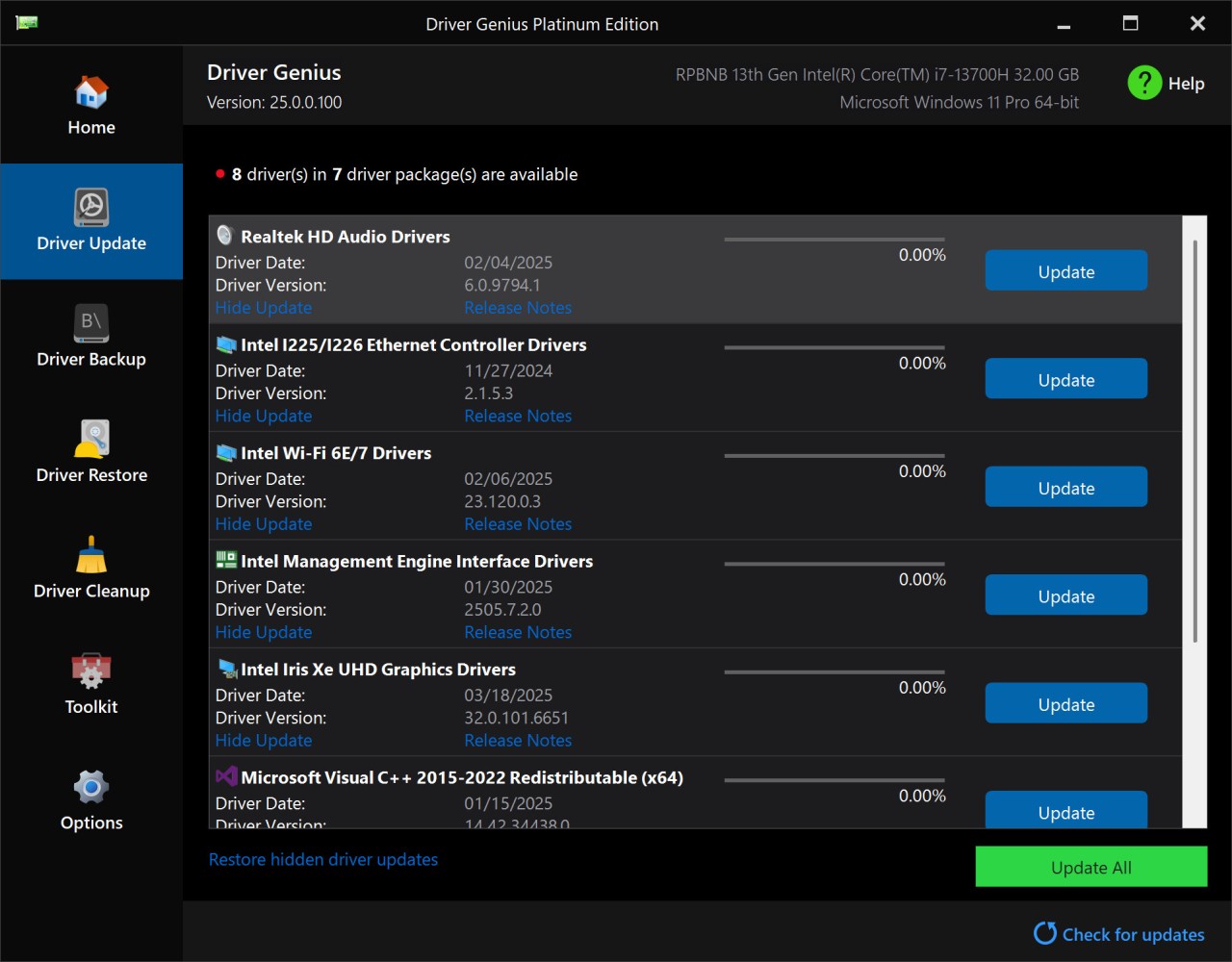
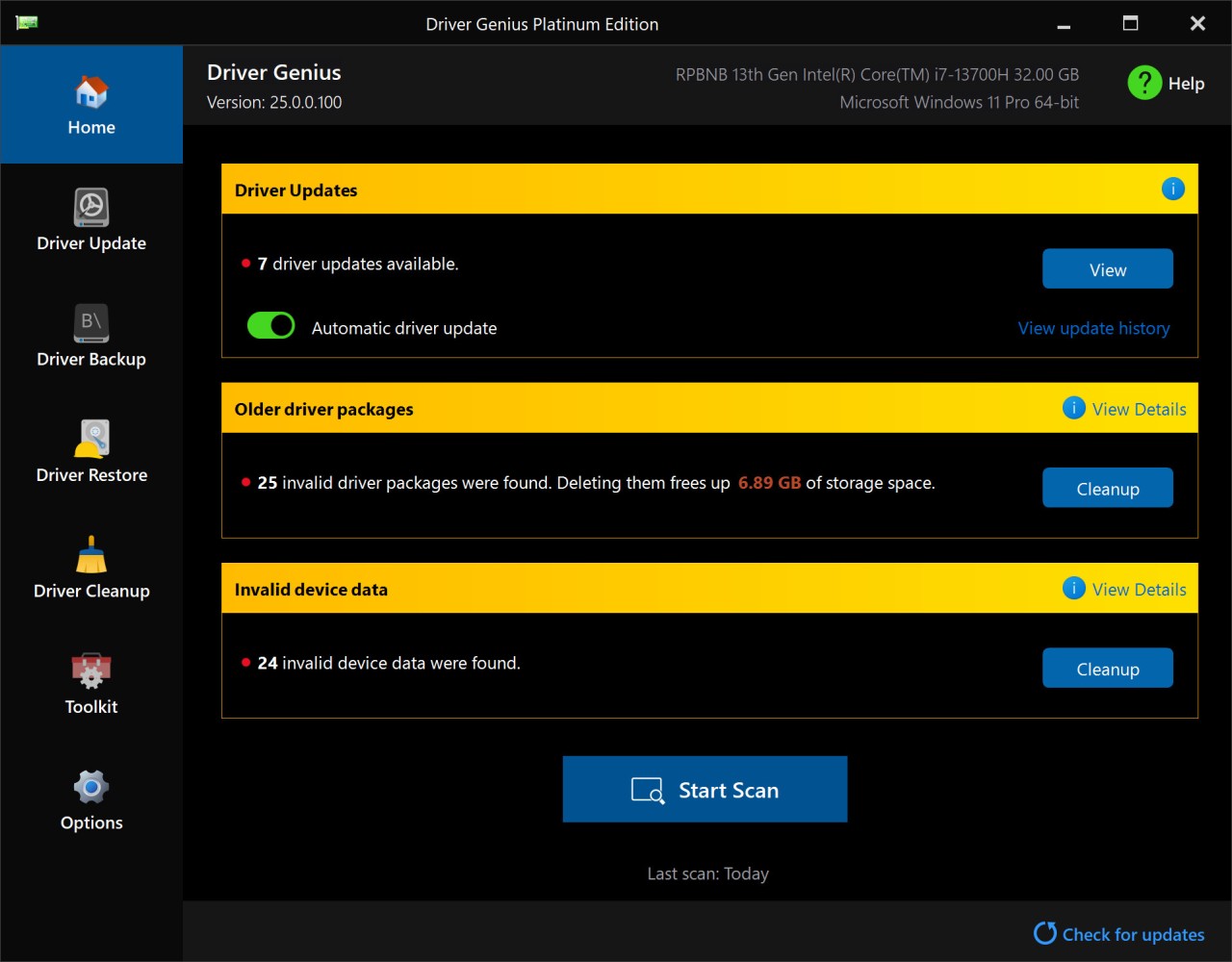
Once Driver Genius is installed, the scan begins as soon as the program opens. The software examines the system's hardware and internal architecture, then displays a list of drivers: those that are working, those with outdated versions, those with missing files, and those causing issues after a recent Windows update. Each entry displays its technical specifications: version, release date, manufacturer, supported hardware, and the device’s role on the computer.
The program compares each installed driver against its internal database and highlights those for which an update is available. Driver Genius lets you download and install each driver directly from the interface, without having to switch windows. This saves you from having to search for drivers on multiple websites and install them manually.
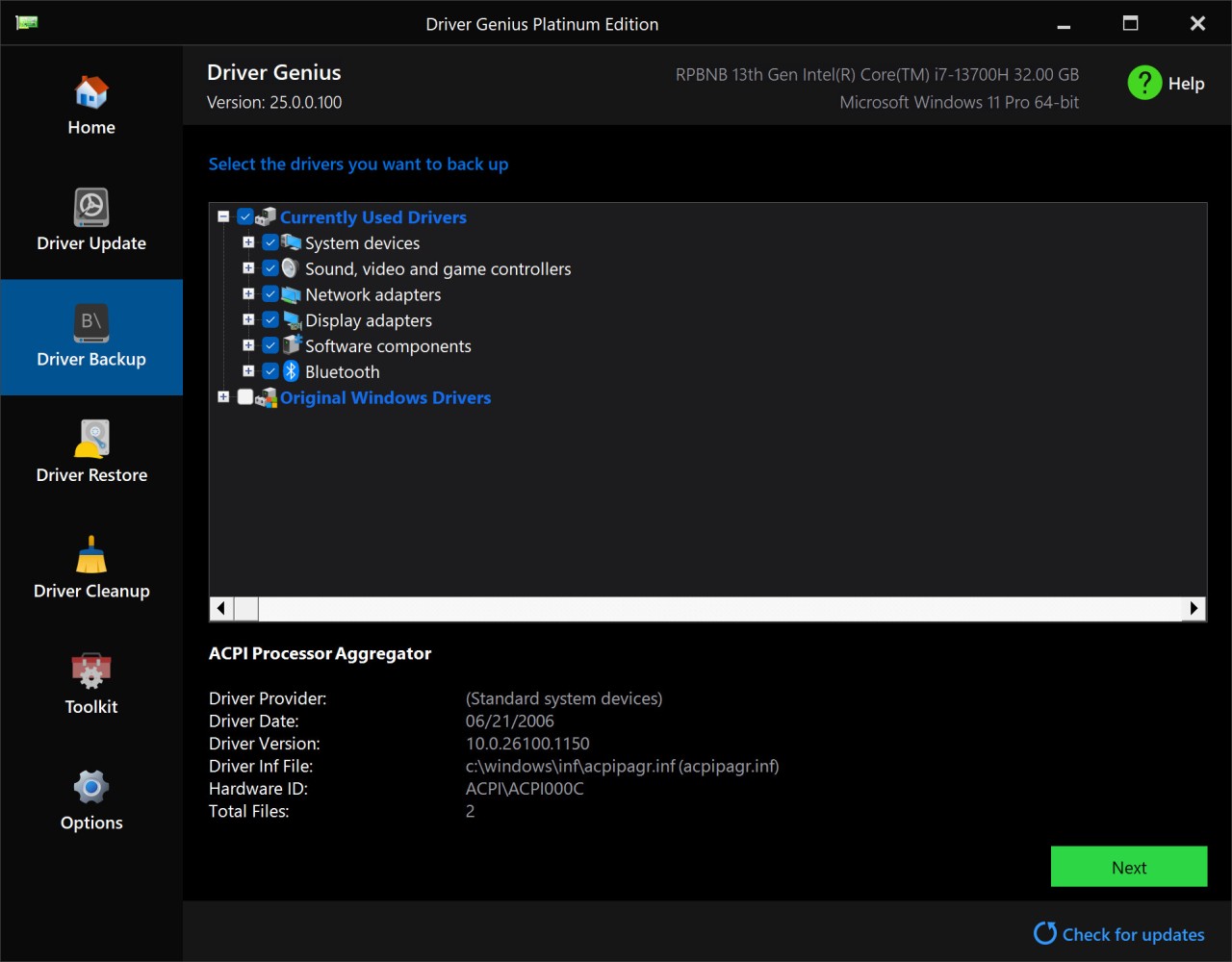
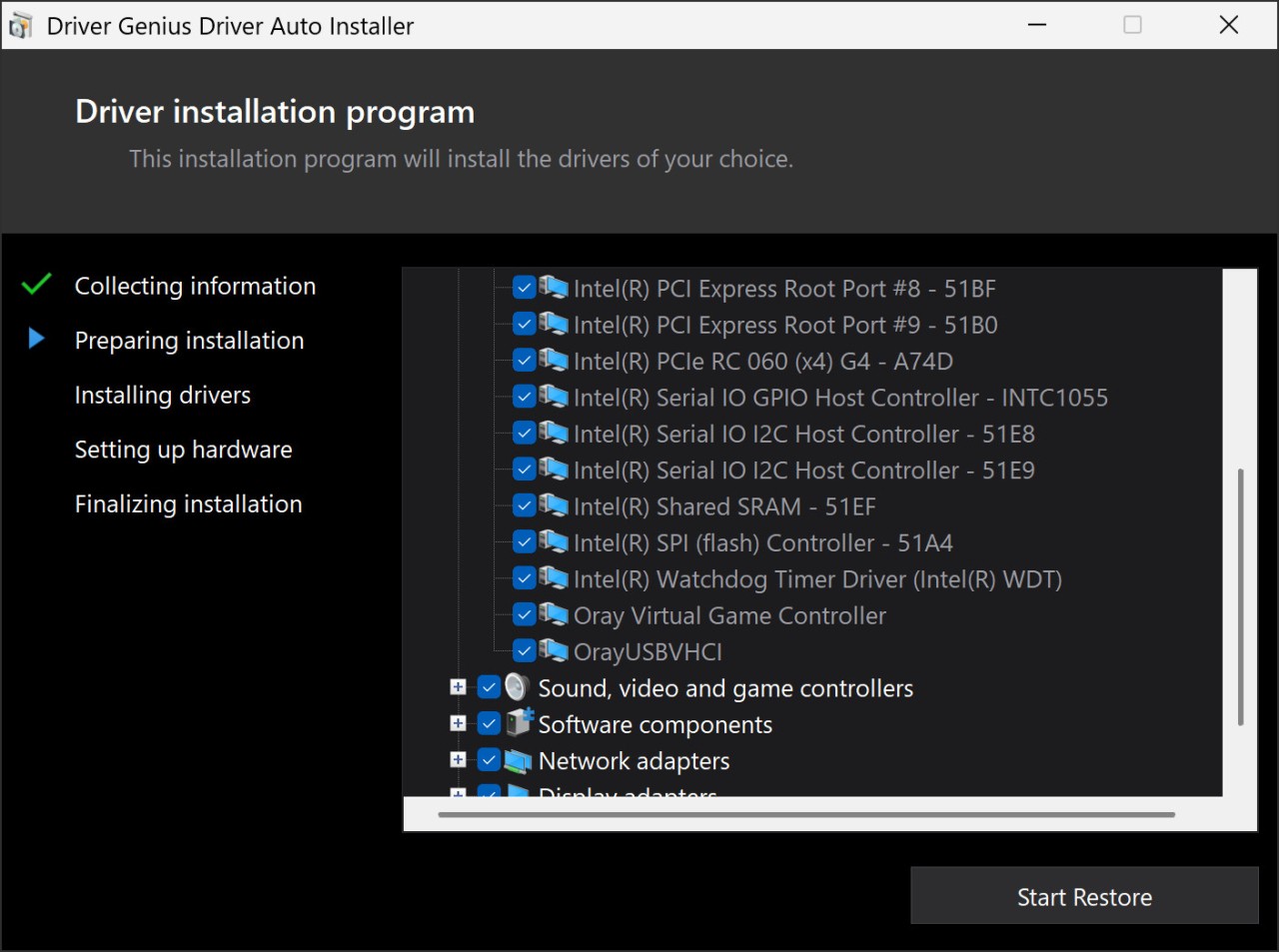
Driver Genius also backs up installed drivers into a single file that can be reused after a complete reinstallation, a motherboard replacement, a format, or a switch to a new computer. Restoring them takes just a few clicks. No need to run a full scan every time.
On the maintenance side, Driver Genius handles system upkeep: it removes outdated items, deletes traces of old drivers, and provides detailed information on the status of your hardware. Depending on the edition you choose, you also get access to a system booster and CPU monitoring that displays real-time component load and temperature.
Is Driver Genius Free to Use?
Driver Genius is available in a free edition and several paid editions with more extensive features. You can download the software without having to create an account: the free edition provides access to comprehensive diagnostics, technical driver documentation, and device health monitoring. The backup and cleanup modules remain partially accessible, allowing you to evaluate the product on a computer before making any commitment.
With a license, updates and restores occur automatically. The dashboard also includes advanced maintenance tools and access to user support. For occasional checks, the free version meets your needs; for multiple machines or regular monitoring, a paid version is recommended.
Which Platforms Support Driver Genius?
You can download Driver Genius exclusively on Windows. The software supports both older versions of the operating system, such as Windows Vista and Windows 7, and newer versions like Windows 10 and Windows 11, for both desktop and laptop computers. This broad coverage makes it useful on older machines, which are often overlooked by competing tools.
What Are the Best Alternatives to Driver Genius?
Snappy Driver Installer stands out for its ability to run offline, with a database of drivers stored on a USB flash drive. It is a field-ready tool, designed for quick repairs on multiple computers without relying on a network connection. Its main advantage lies in its portability: it fits on a single USB flash drive and includes its own driver database, making it the tool of choice for professional field technicians and large-scale maintenance operations.
Driver Easy prioritizes simplicity: the scan is fast, the interface is clean, and available updates are presented without technical jargon. The software clearly indicates which component or device requires attention and directly offers the corresponding driver, without the user having to search for it themselves. It is ideal for users who want to keep their drivers up to date without manual configuration. The free version is sufficient for occasional personal use, while the paid version automates the entire process and allows for faster driver downloads.
DriverPack Solution focuses primarily on hardware coverage; its database includes older or less common devices that other tools do not always recognize. Its automated process makes it a convenient option for quickly getting a computer back up and running after a system restore. The service also supports certain software associated with the drivers, which improves system stability and reduces the number of steps required to restore a fully operational environment.