On March 25, 2026, OpenAI announced that they will be closing Sora AI. The Sora app is scheduled to shut down on April 26, 2026, and you can export your data from the settings section.
OpenAI is best known for ChatGPT, its conversational AI, and DALL-E, which generates images from text descriptions. DALL-E is now built directly into ChatGPT. More recently, OpenAI extended that same generative approach to video with Sora AI.
Sora turns written descriptions into short video clips without any timeline editing or technical setup. You type what you want to see, or upload an image as a starting point, and the system builds a scene around it. The output might be a person walking through a corridor, animals gathered at a busy cafe, or something entirely abstract. Rather than a traditional drag-and-drop editor, Sora reads your description and generates how a camera might capture that moment.
People come to Sora for different reasons. Some use it as a visual brainstorming tool. Others push it toward surreal or experimental territory. The cameo feature draws users who want to insert themselves or friends into a generated scene. Results shift each time, and Sora does not always produce exactly what was described. Some users treat that unpredictability as part of the appeal.
Sora is not a replacement for professional video editing software. It is a fast generator of scenes, moods, and brief visual ideas. Most people use it to explore rather than to produce finished work. Because the app handles sound, characters, and environment by default, it lets users prompt visual stories without cameras, lighting, or complex software. It sits closer to a digital imagination space than a production tool.
What Are the Key Features of Sora AI?
Text-to-video generation is the central feature. Write a sentence or two, and Sora produces a complete clip with movement, light, and sound rather than a set of separate raw elements. The process feels more like describing a scene than assembling one.
Style range is broad. Sora can lean toward cinematic realism, soft animation, cartoonish visuals, or fully abstract and surreal imagery. It adapts to the tone of the prompt rather than locking you into a single aesthetic. For users who like to experiment with different visual styles, that flexibility is one of the main draws.
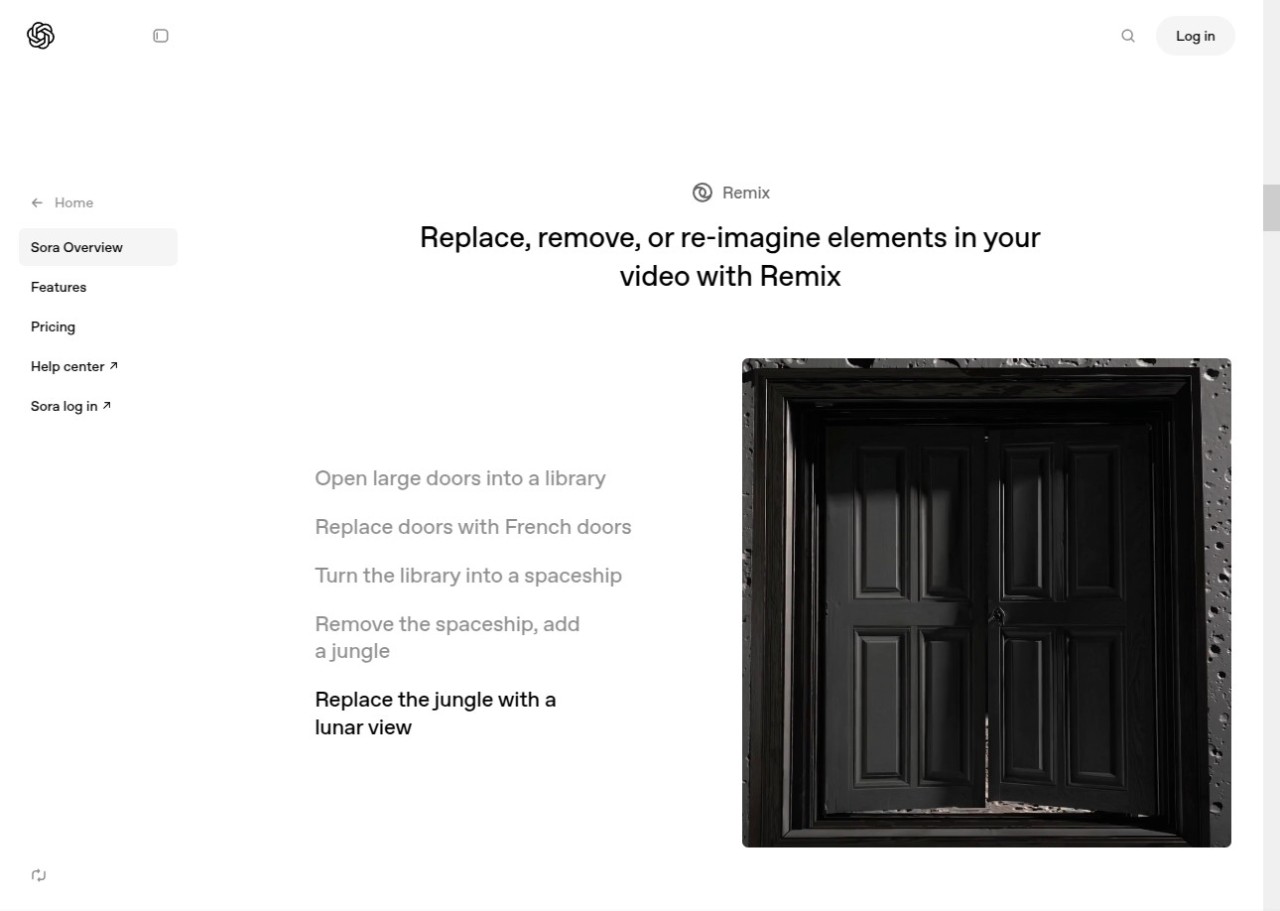
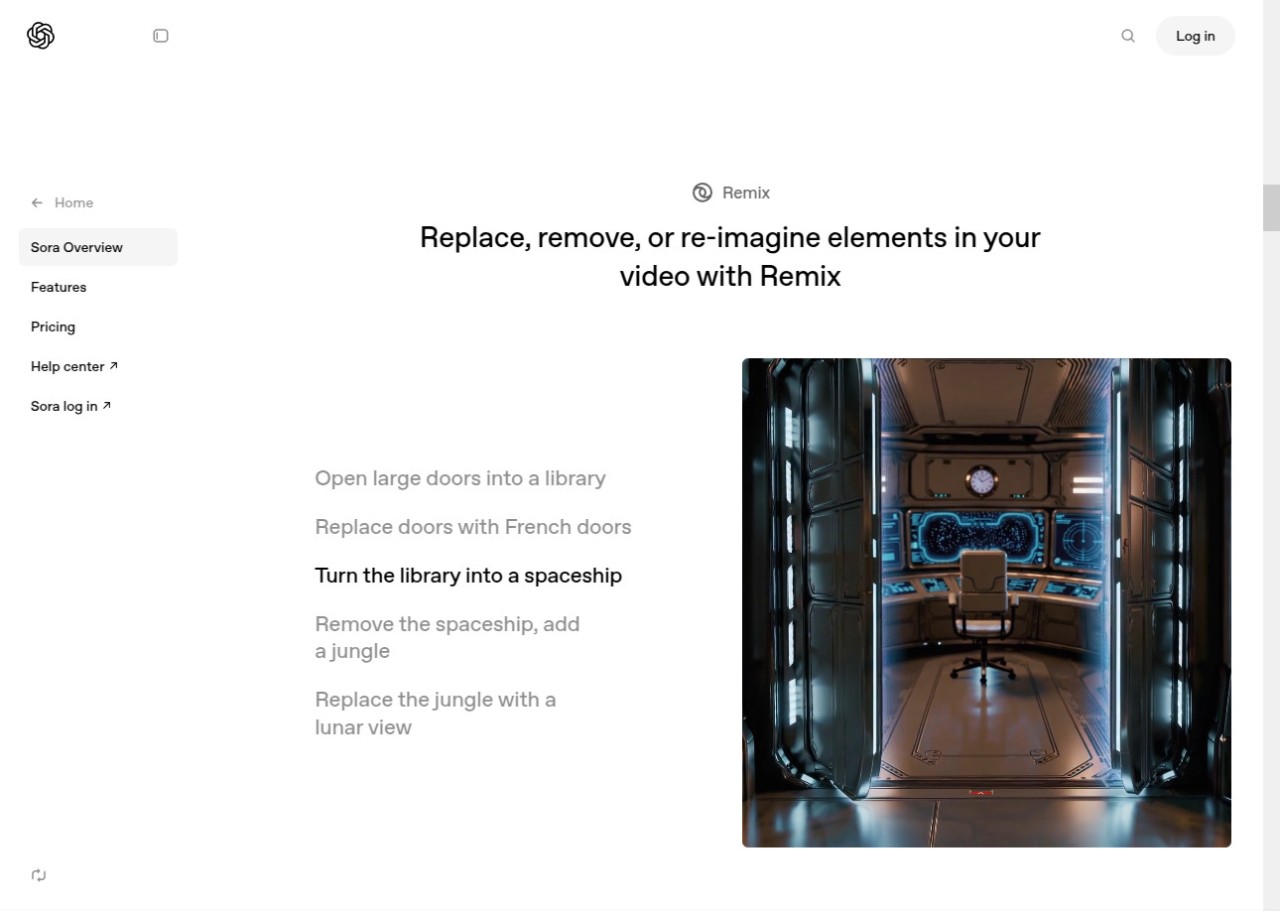
Remixing is built in. Users can take videos created by others, add to the narrative, swap out characters, or shift the tone. Rather than operating as a closed private tool, Sora functions more like a shared creative space where building on existing clips is part of how people use it.
The cameo feature lets you place yourself or other people into a generated scene. You have some control over how the cameo appears, which opens up playful or imaginative scenarios. Results are inconsistent, but the personal element sets it apart from other video generation tools.
Audio is generated automatically alongside the video. Sora adds ambient sound, voices, sound effects, and music based on the content of the scene. There is no need to record or manually attach audio. The quality may not match studio production, but it is generally sufficient for sharing clips directly.
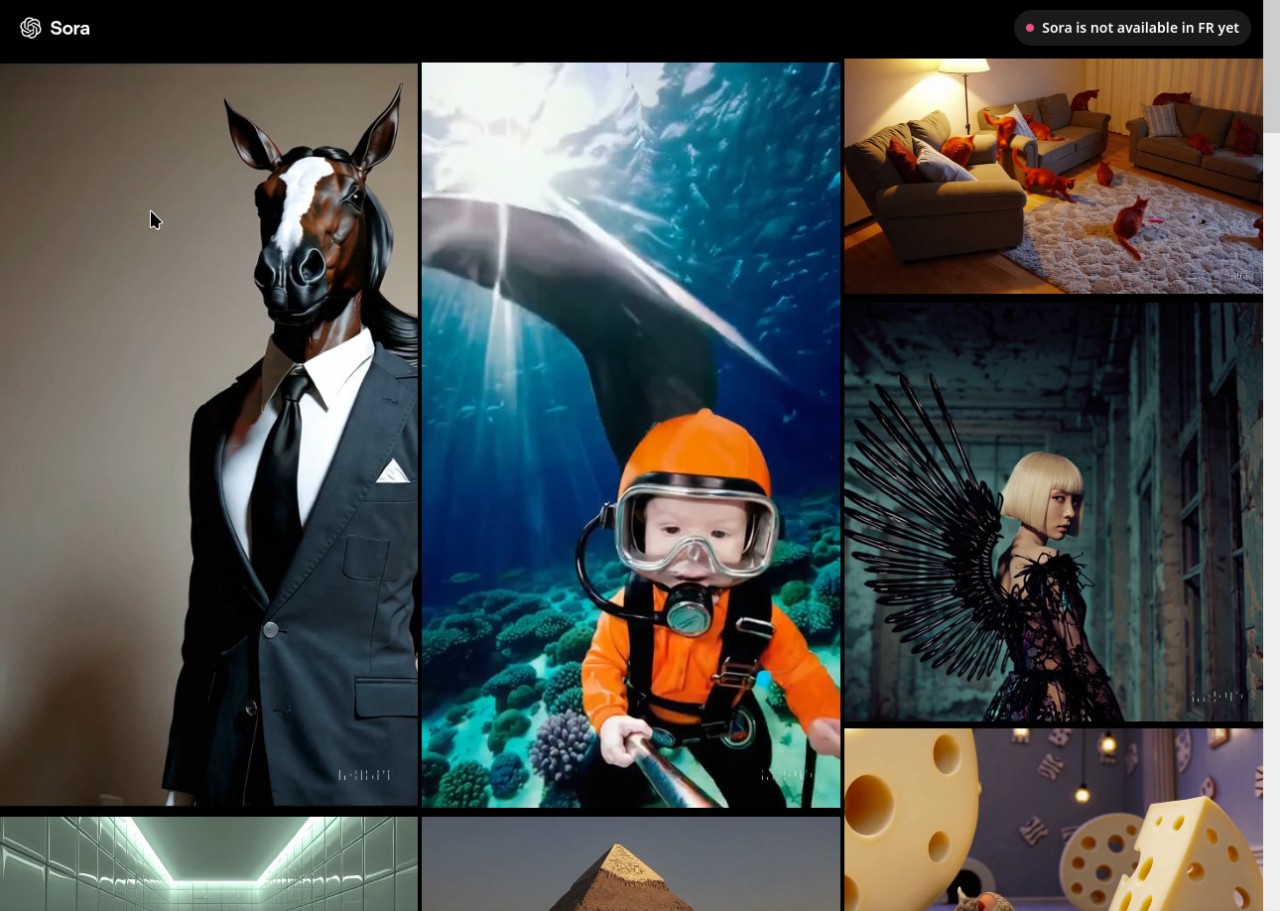
A community section lets users browse what others have created. You can study how prompts were phrased, see remixed versions of scenes, and observe different stylistic approaches. It reduces the learning curve by letting the broader user base serve as a reference point.
Is Sora AI Free to Use?
Sora's pricing depends on availability and rollout stage. Early access users have been able to try it with limited free use, but extended or more capable usage requires a paid plan. It does not offer a permanent, fully free tier. Some features may be available in small amounts at no cost, but higher usage and advanced capabilities fall under subscription plans. Check the official OpenAI site or your regional app listing for current pricing details.
Which Platforms Support Sora AI?
Sora is available on iOS through the App Store and on Android through Google Play, subject to regional availability. Desktop access is available through a browser when signed into an OpenAI account. Since March 27, 2026, both mobile apps have been abandoned.
Because all processing happens in the cloud, performance depends on internet connection quality rather than device specs. Sora can run on older phones, tablets, and computers as long as they support a modern browser and have a stable connection. New features may roll out to certain platforms before others, and regional availability continues to expand as OpenAI broadens access.
Since Sora runs on a cloud backend, the experience is broadly consistent across devices. No heavy local software is needed. Processing happens remotely, and finished videos are delivered to your device for download.
What Are the Best Alternatives to Sora AI?
Hailuo AI is a fast text-to-video tool with a vivid, stylized output that leans toward cartoon-like visuals rather than cinematic realism. It is commonly used for quick creative drafts and short social clips rather than longer or more emotionally layered scenes. The interface is simple, and the tool suits users who prioritize speed and immediate results over fine-tuned accuracy. You can download test clips from Hailuo almost instantly to see how a prompt translates into motion.
RunwayML occupies more professional territory, functioning as both an AI generation tool and an advanced editing environment. Users can overlay effects, animate still images, track motion, refine outputs, and combine multiple AI models within a single workflow. It supports text-to-video and image-to-video generation alongside detailed editing capabilities. Runway suits creators who want hands-on control and are willing to spend time adjusting results. It is popular with professional and semi-professional artists who use AI as part of a broader production process. Many users download model outputs from Runway to refine them further in their preferred editing software.
InVideo AI takes a template-driven approach and is structured around ready-to-use content formats such as explainer videos, short ads, and social media posts. It guides users through scripting, voiceover, transitions, and AI-generated imagery within an editor-style interface. It is less experimental than Sora but more reliable when the goal is a clean, structured video rather than an open-ended creative exploration. Creators often download finished drafts from InVideo AI to make final adjustments before publishing.