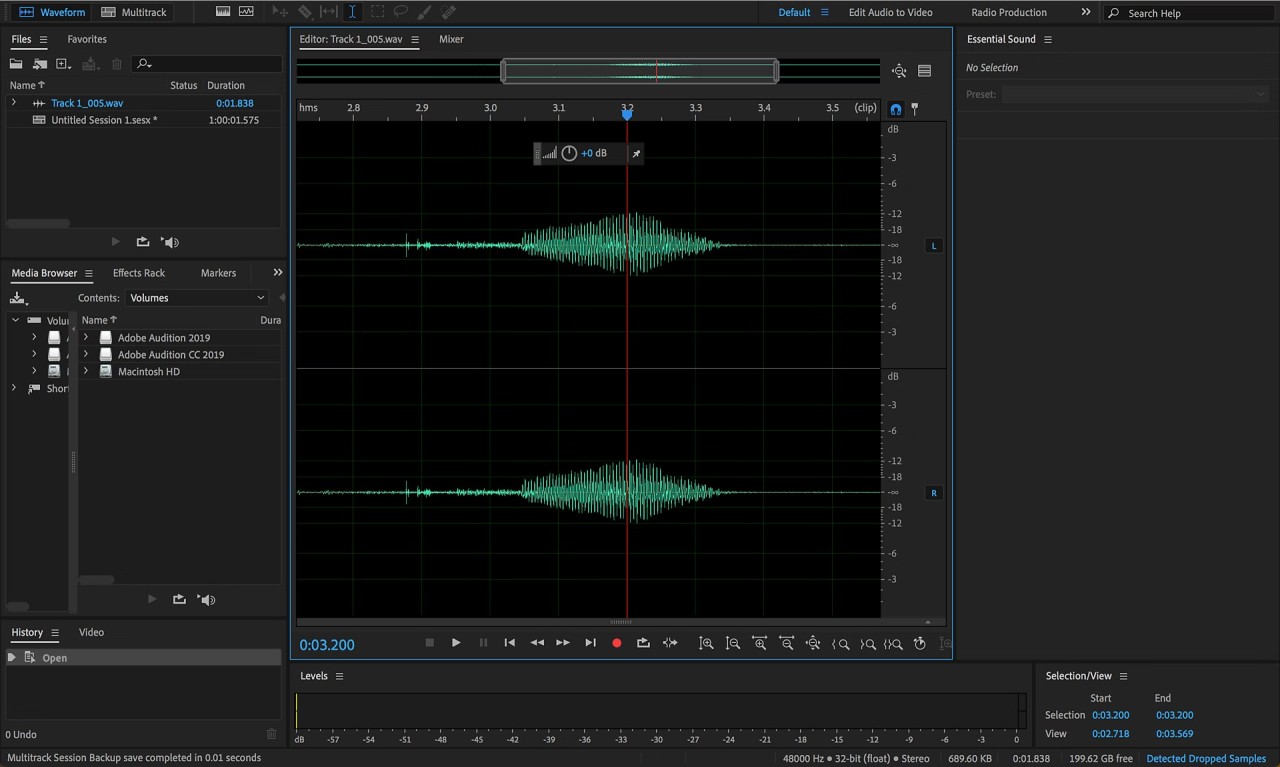
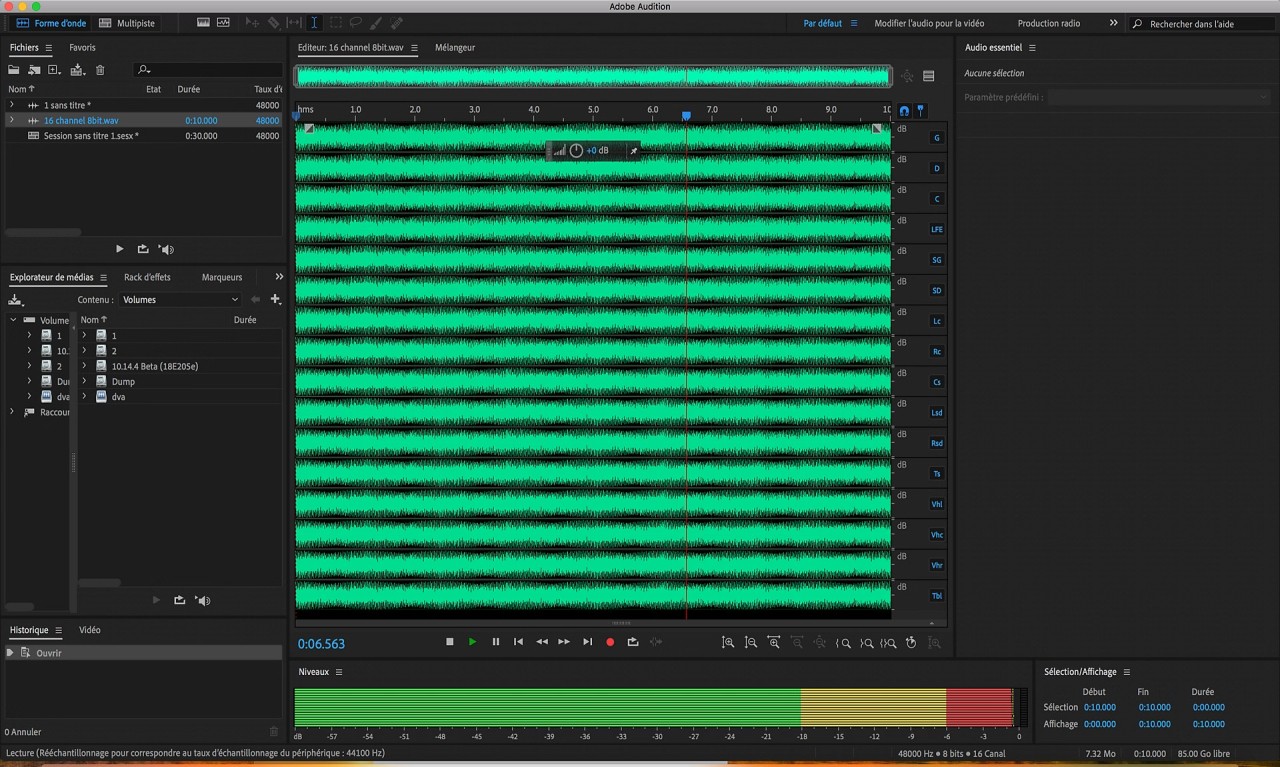
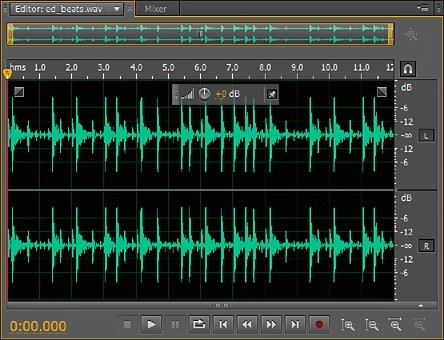
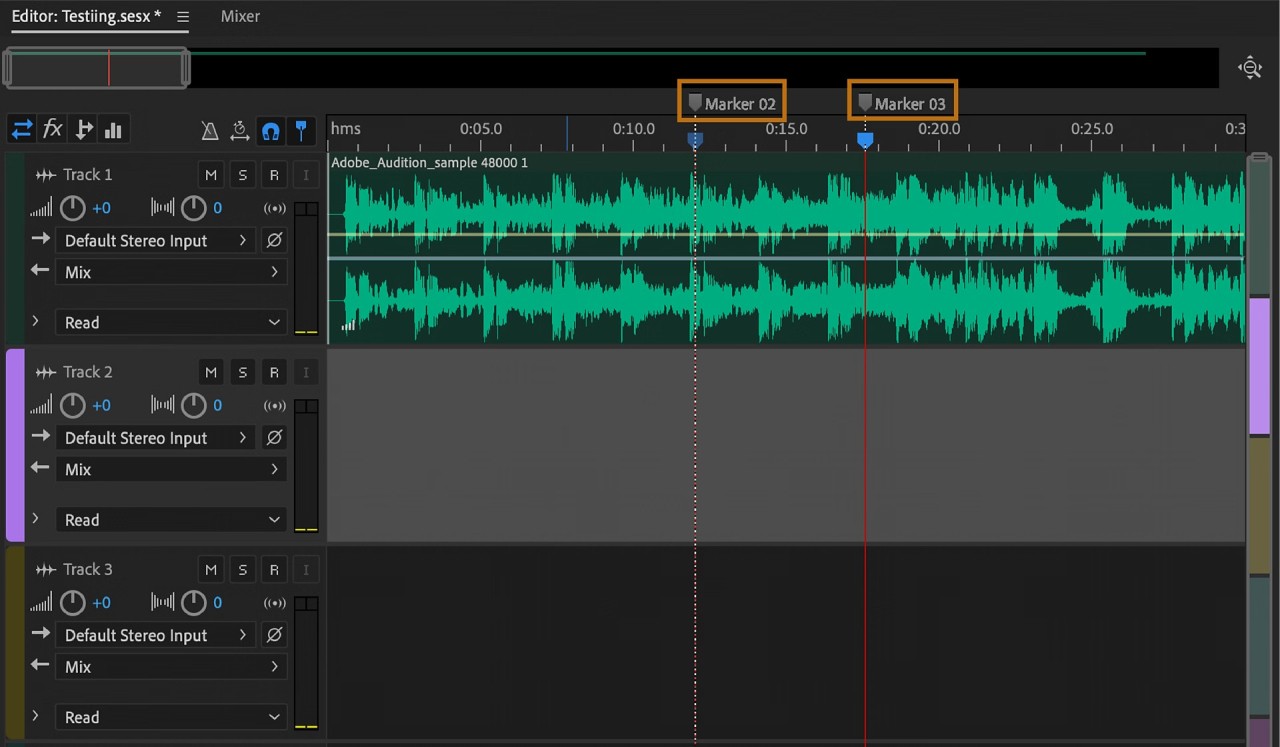
You can satisfy all of your audio editing needs with Adobe Audition. This digital audio workstation enables editing individual audio tracks, mixing different tracks, adjusting sound designs, and so much more. Developed by Adobe, this is a trusted application, often used by professionals in the fields of film, television, podcasting, and other areas related to sound design.
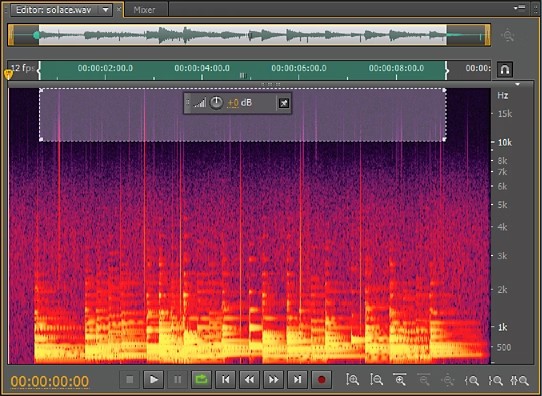
You can turn an audio track into anything you like with the help of Adobe Audition. Start by producing and editing tracks separately, or put multiple audio tracks into one project to mix them. The editor shows you the frequency of your tracks, allowing you to make informed decisions in the editing process.
Adobe Audition is not only good for creating new projects, but it can help you bring old ones to life, too. Use the platform to restore low-quality audio. Tools like noise reduction will help you with that.
What Are the Key Features of Adobe Audition?
As a professional DAW, Adobe Audition is often used in podcasting, post-production, and TV. Its main focus is on audio editing, allowing users to work on multiple tracks simultaneously, editing and mixing them into cohesive projects. The platform boasts a user-friendly interface that lays everything on the table, allowing users to view audio frequencies, detect background noise, and cut out unnecessary sounds.
Working with old and damaged files is never fun, as they can be beyond restoration with regular tools. Adobe Audition has the functionality to remove or reduce unnecessary noise and make your damaged audio file into a brand new track.
The platform is relatively easy to use, with intuitive controls and a clean interface. The panel with your audio allows you to visualize the changes you want to make without too many edits and adjustments. If you have a specific length of time you’re working with, you can let Adobe Audition do the job of rearranging your audio tracks to match that.
Last but not least, Adobe Audition offers seamless integration with other Adobe Creative Cloud applications. That is especially valuable for film, TV, and content creation, where you need to work in multiple applications to create the final product. With Adobe, you can work on the video and audio aspects of your project separately, and put everything together with no extra hoops to jump through.
Is Adobe Audition Free to Use?
No, Adobe Audition is not a free app. This professional audio editing tool is available as part of the Adobe Creative Cloud, which requires a paid subscription. You can test the tool for free via the 7-day free trial. Your subscription will be renewed automatically if you fail to cancel it before the end of the free trial.
Which Platforms Support Adobe Audition?
As a professional audio editing software, Adobe Audition is available on computers for ease of use. You can use the platform on your Windows computer, running Windows 10 or Windows 11, and Mac computer, running macOS Monterey (12), Ventura (13), Sonoma (14), or later.
The hardware requirements are a minimum of 4 GB of RAM space, a multicore processor, and an OpenGL 2.0-capable system.
What Are the Best Alternatives to Adobe Audition?
While Adobe Audition is the leader in its category, there are other alternatives for audio editing you can try.
One of the most well-known is Audacity. Unlike Audition, Audacity is a free tool that is suitable for short, simple projects. It is perfect for inexperienced users who do not want to invest money in a subscription and would just like to learn how to work with sound. Because it is a simpler tool, all the changes made to an audio file are applied directly to the file, meaning you won’t be able to recover the original. Audacity has all the necessary tools for beginner projects, but it lacks the advanced capabilities of Adobe Audition.
Ocenaudio is another free and easy-to-use audio editing platform. Its computer resource consumption is relatively small compared to Adobe Audition. It’s perfect for beginners and casual users, as well as those looking to make changes to audio files quickly.
Unlike the two aforementioned platforms, Reaper is a professional DAW with strong capabilities. It is more affordable than Adobe Audition, offered as a one-time purchase. Rather than film and TV post-production, which is the main use of Audition, Reaper targets professionals in the fields of music and podcasting. If your project only features audio elements, then this might be the right solution for you. The app is lightweight and easy to use, making it the obvious choice for music professionals.