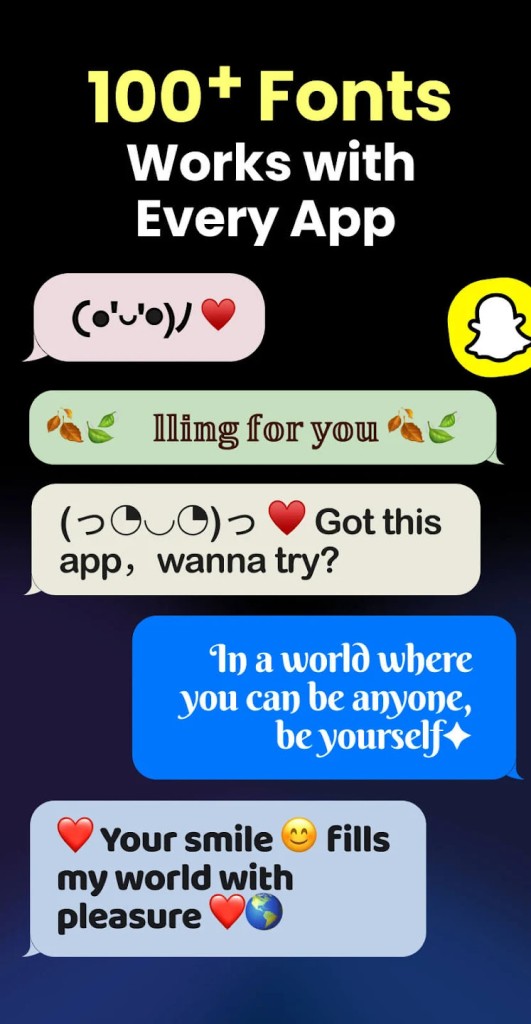
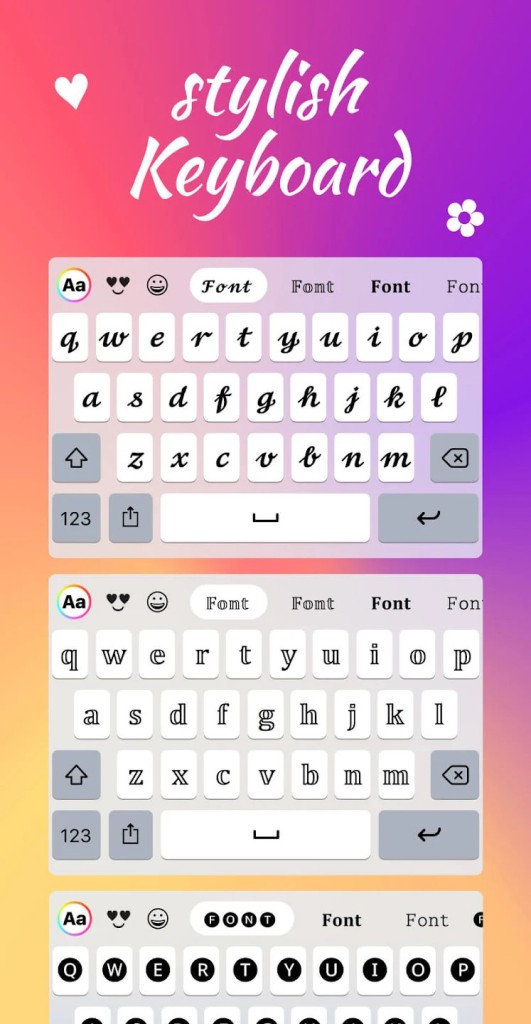
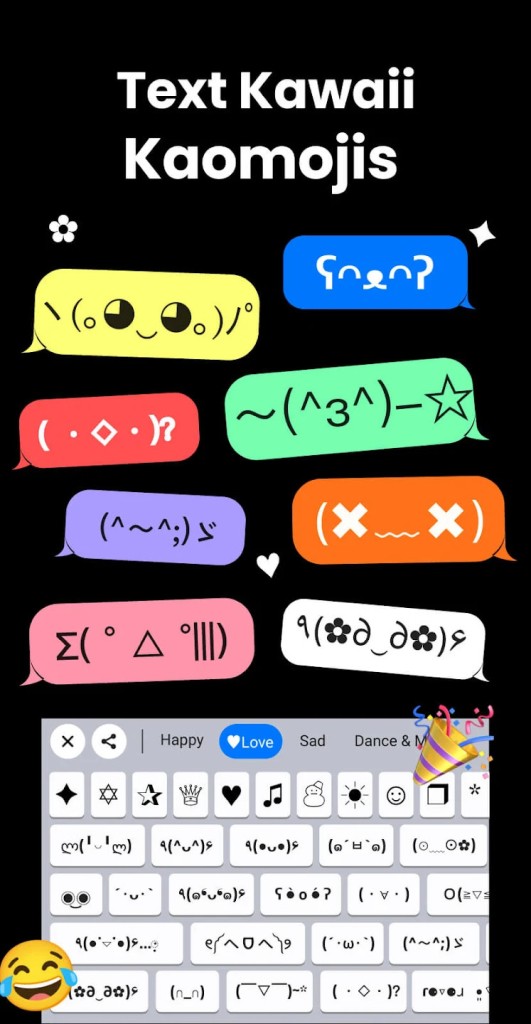
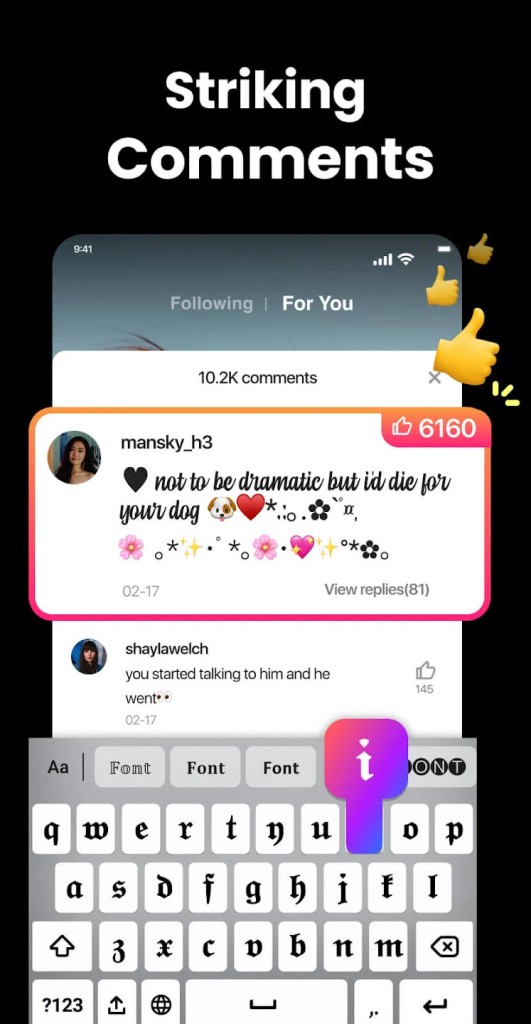
Fonts Keyboard Themes & Emoji is an Android keyboard application where a user can type through decorative fonts, symbols, emojis, and kaomoji. The app also forms like a keyboard, and hence a user can apply styles when typing, so that they write their text and add styles at the same time. As soon as it is switched on, it takes the place of the default keyboard and is allowed to work with the majority of apps that take in text.
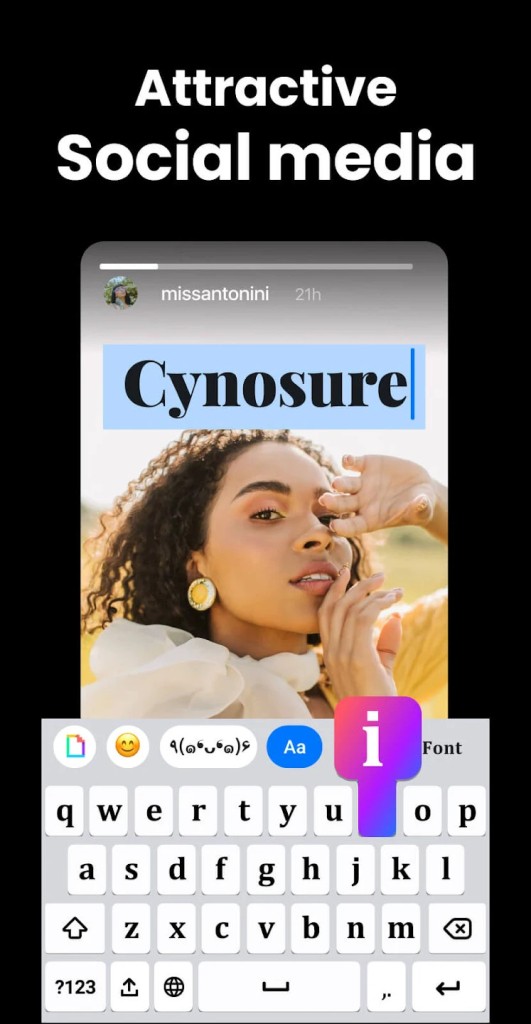
The application is primarily utilized to express oneself on a personal level. It is used by thousands of people to format the messages, social media bios, captions, comments, and usernames. It is presented as a normal font to other users, unrelated to the presence of the app in the system, which is convenient in such platforms as Instagram, TikTok, WhatsApp, Snapchat, and Discord.
Fonts Keyboard is not about typing faster or more productively. It is more of a product of visual effect rather than efficiency. Users like having a choice of fonts and designs, but others would find it time-consuming to come to terms with the keyboard layout, and in particular, fast typers. On the whole, it is intended for users who might desire their text to be prominent without requiring knowledge in design or editing aids.
What Are the Key Features of Fonts Keyboard Themes & Emoji?
Fonts Keyboard contains a big package of attractive fonts that vary the appearance of ordinary text. The fonts are applicable during typing of the messages, composing of posts, and descriptions editing. In addition to fonts, the application has various symbols, emojis, and kaomoji that have easy access on the keyboard.
The application operates in a large variety of everyday applications. During chats, users can use fancy types when typing, when posting stories, making bios, and nicknames. Since it is a keyboard, one does not need to copy and paste data in one of the other applications; Fonts Keyboard offers visual keyboard themes that switch colors or even the background and layout. Certain themes have these defaults that are available, whereas the others require watching advertisements or making in-app purchases.
Autocorrect can be turned on, and you can also find it under the settings, but it might not be as sophisticated as standard keyboards. There are small usability bugs that have been reported by some users, including accidentally tapping specific keys, such as the share or link buttons. Advertisements are part of the experience, and they are usually needed to unlock themes. The application is more productive at creative typing than at typing accuracy or speed.
Is Fonts Keyboard Themes & Emoji Free to Use?
Fonts Keyboard Themes & Emoji is an application that can be downloaded and installed on Android devices free of charge. The simple functionality, such as a plethora of fonts and symbols, is free. There are advertisements and in-app purchases in the app. Certain keyboard themes and styles can only be unlocked by watching advertisements, and in some circumstances, some keyboard themes can re-lock when a user switches between them.
Which Platforms Support Fonts Keyboard Themes & Emoji?
Fonts Keyboard Themes & Emoji can be found only on Android. It is also a system keyboard, and is supposed to support a multitude of Android phones. The app is non-root-based, and it can be installed just like any other keyboard app. It has a wide variety of popular brands of Android-based devices, such as Samsung, Google Pixel, Xiaomi, Redmi, Huawei, OnePlus, OPPO, vivo, Realme, Infinix, Tecno, and many others.
After activation, it may be applied to the majority of the apps that accept text input, including social media and messaging applications. The application does not exist on any iOS devices, such as iPad or iPhone. Apple customers must find other keyboard applications that are designed to work with the iOS platform.
What Are the Best Alternatives to Fonts Keyboard Themes & Emoji?
Facemoji AI Emoji Keyboard is a good product that users opt to use when seeking touch typing in both Android and iOS products. It pays much attention to emojis, stickers, and graphic features, and font styling is also supported. It is popular among many users as it is cross-platform and gives it the ability to be customized playfully. Simultaneously, the keyboard has lots of visual elements that may look cluttered to its users who want to have a cleaner typing experience. Others also discover that the additional movements and recommendations are able to make typing sluggish on rapid typing. Many users download Facemoji to add expressive emojis and playful styles to their everyday typing.
Microsoft SwiftKey Keyboard is more realistic in typing. Rather than thematic fonts, it pays attention to prediction, autocorrect, and learning how a user types, as they auto-complete typing. SwiftKey also has emojis and themes, although visual styling is less than that of font-based keyboards. It is handy to the user typing long messages or emails as it is precise and fast. Nevertheless, to the users who are mostly preoccupied with the fancy texts or social media appearance, SwiftKey can seem too bland. People often download SwiftKey when typing accuracy and speed matter more than visual design.
Gboard is the official portico of Google that is a widespread keyboard due to its dependability. It provides excellent autocorrect, voice recognition, emoji, GIFs, and multilingual typing. The keyboard is not moving and operates well between apps. It lacks wizzy fonts, and this could frustrate users who desire to have text effects. Nevertheless, many individuals prefer Gboard since it does not interrupt the routine typing patterns. Many users download Gboard for its stable performance and smooth everyday typing experience.