Lively Wallpaper is a desktop customization application that lets Windows users replace traditional static backgrounds with animated wallpapers. As a free and open-source project, it provides a range of options for creating a more dynamic desktop, from animated backgrounds to custom widgets and music visualizers. Its support for multiple displays and automatic performance controls also makes it suitable for a range of desktop setups.
Its focus on performance means animated wallpapers can automatically pause when a fullscreen game or application is running, helping to minimize their impact on system resources. This combination of customization, performance features, and open-source development makes Lively Wallpaper an accessible option for users who want to create a more dynamic Windows desktop.
What Are the Key Features of Lively Wallpaper?
Lively Wallpaper is a free and open-source software project designed to make your desktop more dynamic with animated wallpapers. Rather than relying on a static background, you can use moving wallpapers to give your desktop a more personalized appearance. One of Lively Wallpaper's main advantages is its support for ultrawide and multiple-monitor setups. This makes it suitable for users with larger or more complex desktop configurations, allowing animated wallpapers to work across different displays.
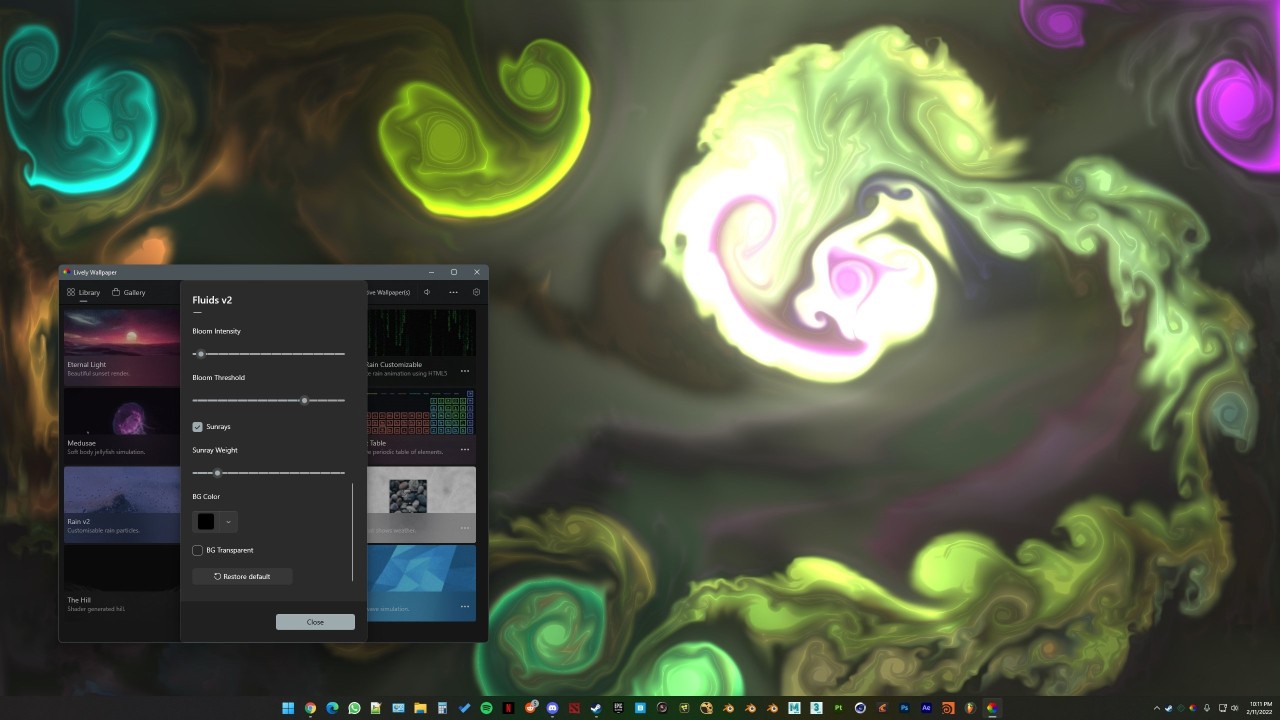
Performance is also an important part of the software. Lively Wallpaper can automatically pause wallpapers when you are running a full-screen game or application. This can reduce wallpaper resource usage to approximately 0%, helping your system focus its resources on the application you are actively using. Lively Wallpaper also provides tools for creating music visualizers, widgets, and other desktop experiences. These tools give users more ways to customize their desktop rather than simply selecting an existing animated background.
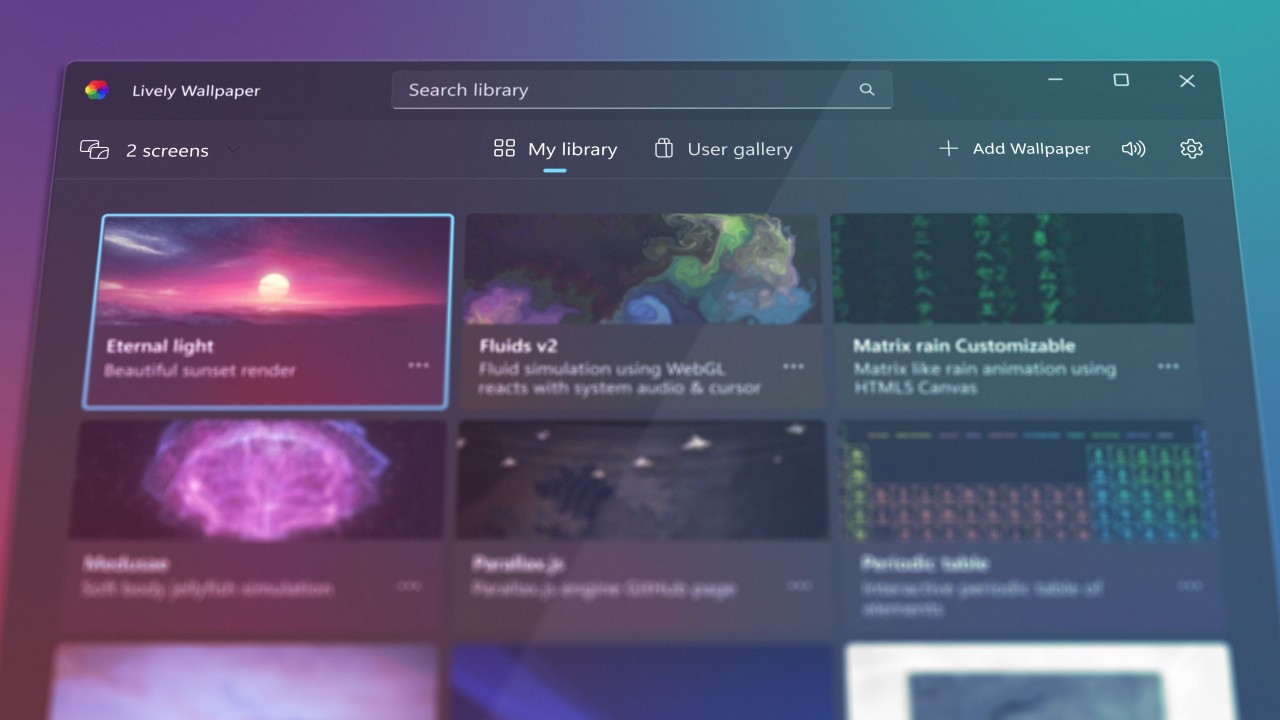
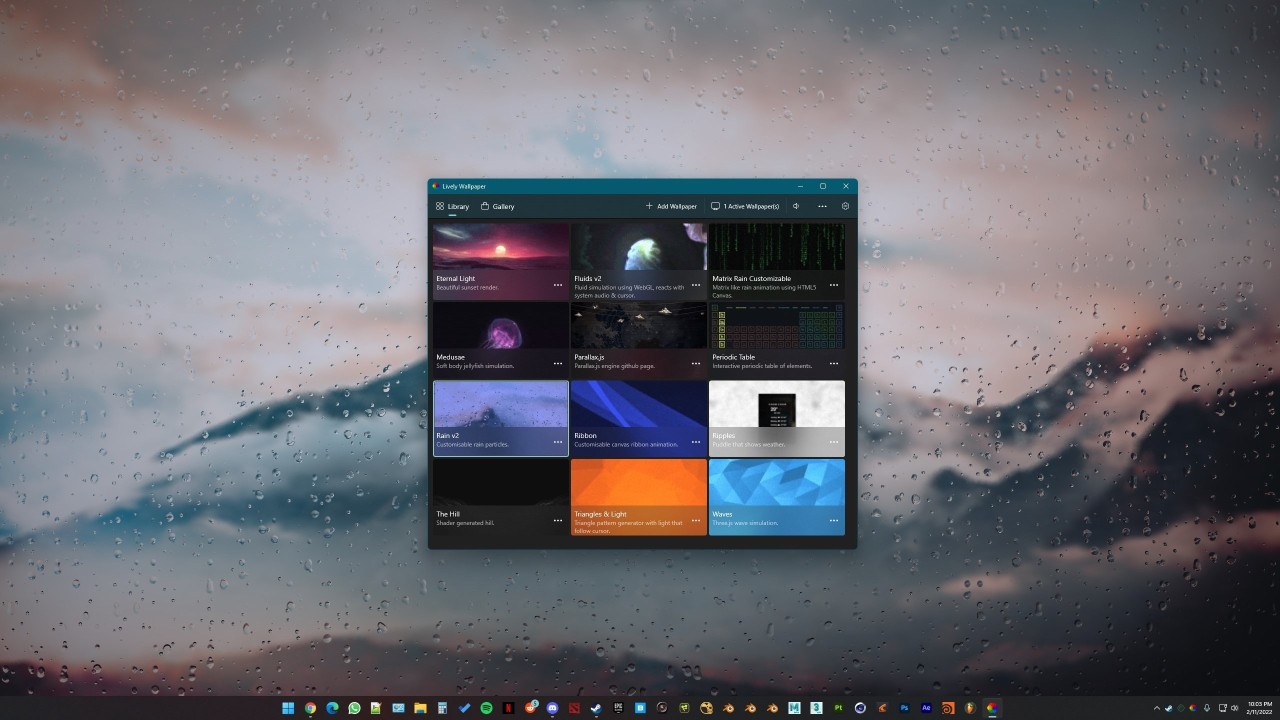
The software has a modern and user-friendly interface designed around the Windows 11 aesthetic. This makes managing wallpapers and customization options straightforward while still providing additional tools for users who want to create more advanced desktop experiences.
As a free and open-source software project, Lively Wallpaper is also community-driven. Its source code is publicly available through its project repository, allowing developers and other members of the community to contribute to its development.
Is Lively Wallpaper Free to Use?
Yes, Lively Wallpaper is free to use and is released as free and open-source software. Users can download and install the application without purchasing a license or subscription. The project is developed as a community-focused open-source application, giving users access to its source code as well as the software itself.
Lively Wallpaper is available through the Microsoft Store and also provides a standalone Windows installer. This gives users more than one way to install the application depending on how they prefer to manage software on their computer.
Which Platforms Support Lively Wallpaper?
Lively Wallpaper is designed for Windows computers and provides a Windows 64-bit installer. It also provides an option to download the application through the Microsoft Store.
The software is therefore primarily intended for Windows users who want animated wallpapers and desktop customization features. Its support for ultrawide and multiple monitors makes it particularly useful for users with more than one display.
What Are the Best Alternatives to Lively Wallpaper?
Wallpaper Engine is a desktop customization tool that lets users create and use animated wallpapers. It provides an alternative to Lively Wallpaper for anyone looking to add movement and visual effects to their desktop background.
ScreenPlay is another option for users who want to personalize their desktop with animated content. It offers an alternative way to create a more dynamic desktop experience and can be compared with Lively Wallpaper if animated wallpapers are a priority.
Razer Axon provides animated wallpapers and desktop customization features. It gives users another way to change the appearance of their desktop and create a more visually engaging background.