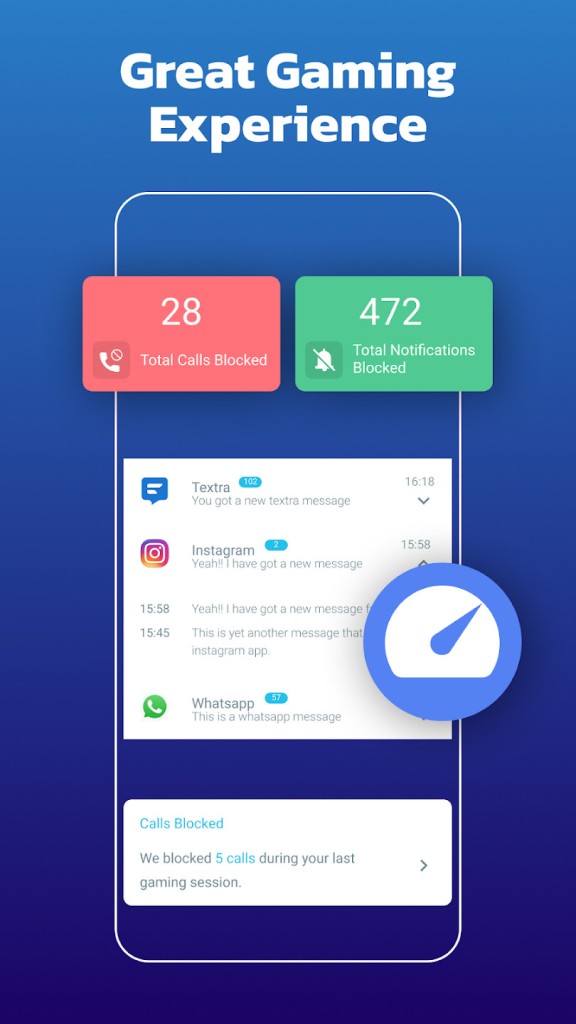
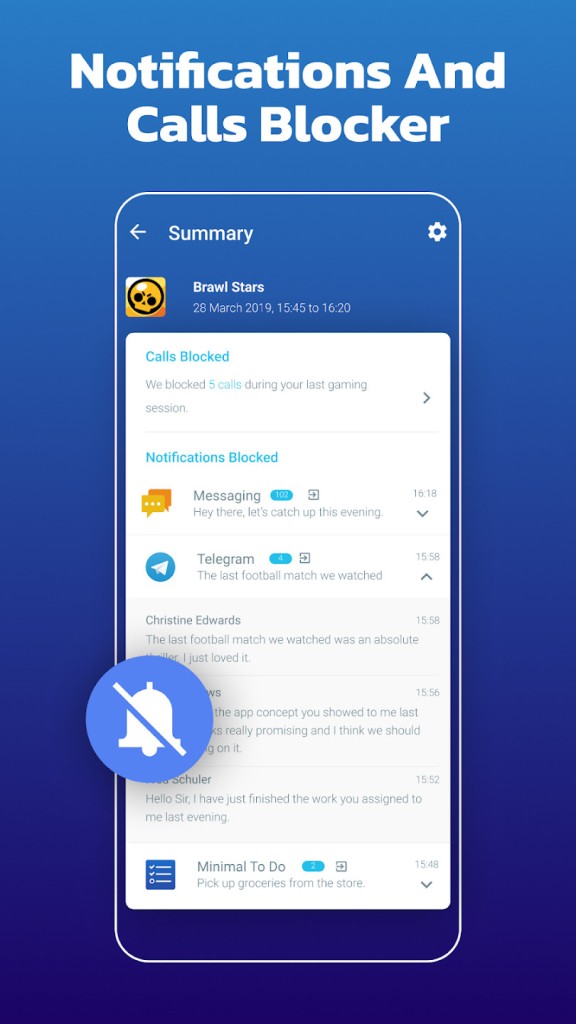
Game Booster PRO (aka Gaming Mode) is an Android application designed to make the gaming process less complicated by minimizing interruptions rather than accelerating hardware. It is not really a game booster; it is more of a system automation tool. It helps you maintain a clean, focused gaming environment by blocking calls, notifications, and unexpected brightness changes, without needing to adjust settings every time you open a game.
It is not complex; just use your preferred gaming settings, and the app will automatically apply them each time a game is launched. You do not have to open settings, turn off notifications, and adjust brightness every time. The app will save the phone's last status and reload it when you are done playing; therefore, you can still use your phone normally. It is meant to minimize friction and pop-ups when you are too much into a game.
This preparation can be extremely helpful for those who play online games frequently, particularly in competitive mode. It is not a necessity for every user, but a tool of this kind is sought by those whose time management and ability to hold continuous sessions are significant.
What Are the Key Features of Gaming Mode – Game Booster PRO?
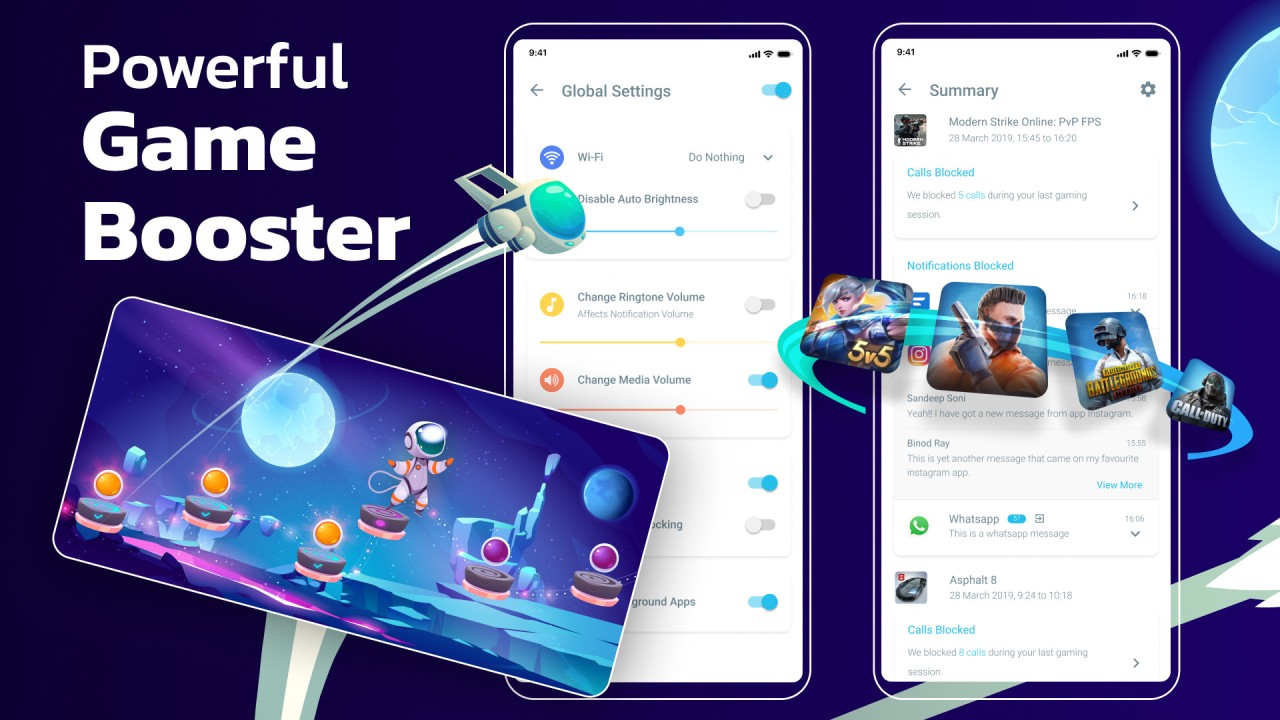
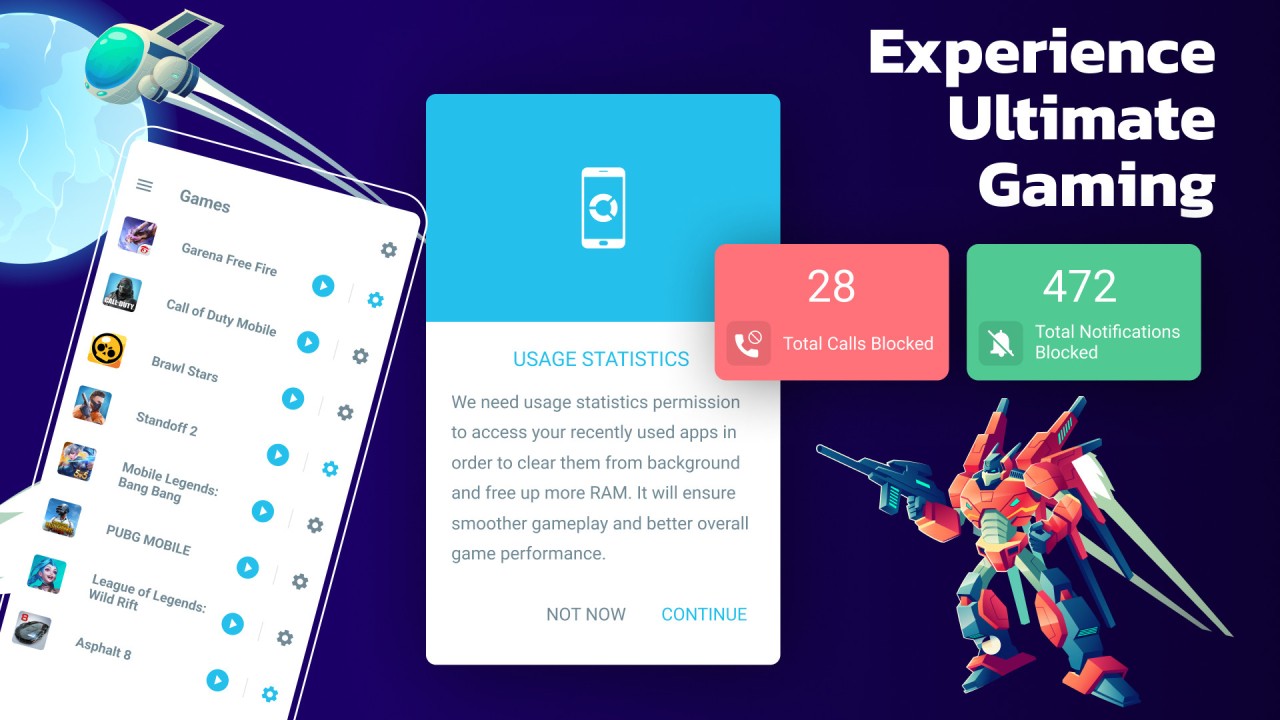
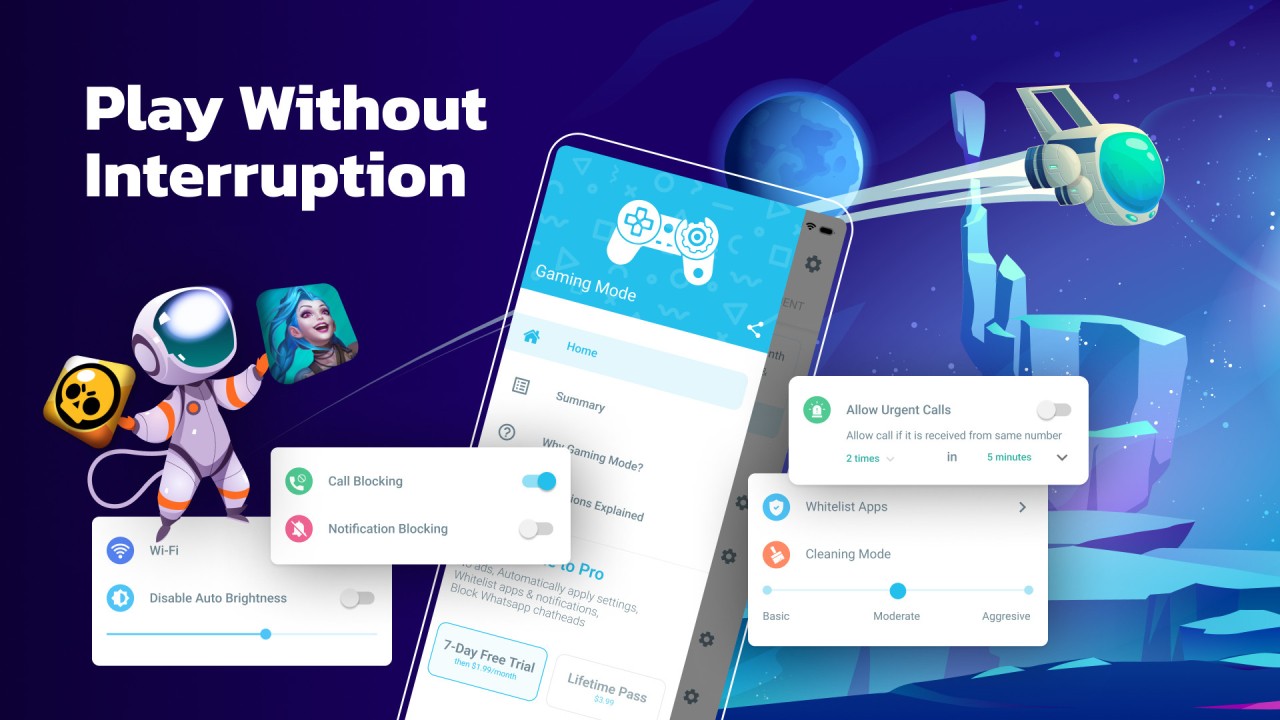
The features aim at productivity and not thawing performance. The application automatically blocks calls, which can make a great difference when one ring spoils your time. During the game, notifications are not allowed, and thus WhatsApp, SMS, and other pop-ups will not distract you.
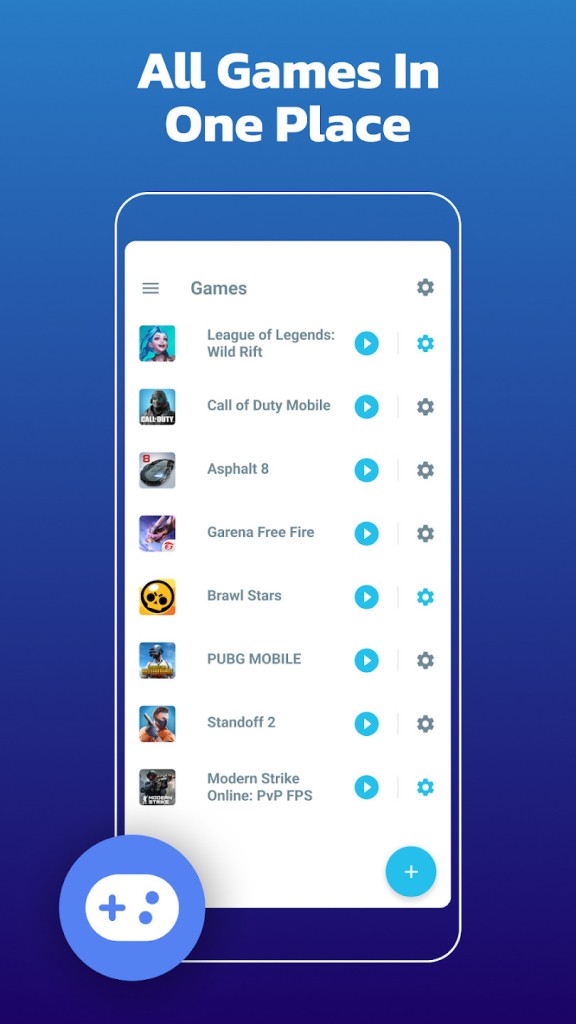
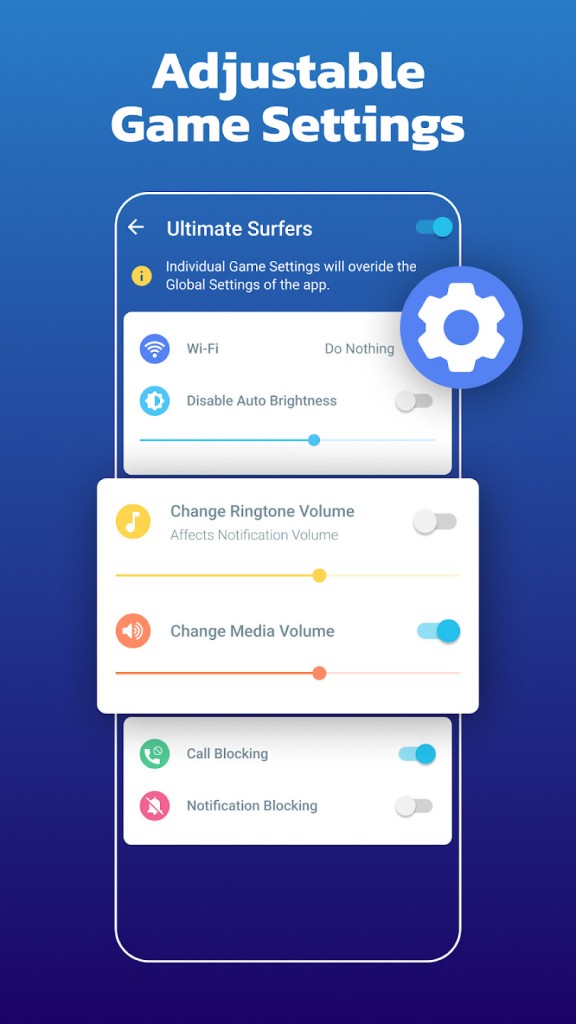
Game Booster PRO can optimize brightness, switch media/ringtone volume, control Wi-Fi, and even block the internet via a local VPN layer. This is meant to ensure that background connections do not interfere with routing traffic. You can just put a widget on the home screen, select a game, and its settings are already set, so you do not have to go through the showroom menu.
The app will save this state before the game and reopen it afterward, giving you the feeling of a natural experience with your phone locked without permanently locking it. It does not promote FPS improvements or even GPU acceleration, so you should not expect overclocks or performance improvements. It is concentrated on quality-of-life fixes, distraction, a steady experience, constant brightness, and a reduced number of interruptions.
Is Gaming Mode – Game Booster PRO Free to Use?
Android has the essential features of the free app. It also has a premium level that allows greater customization and options. The free version supports the simplest forms of call blocking, notification control, and widgets, whereas the premium version is more automated and personalized. The free version may be sufficient if you only need basic booster functions. Players who play regularly may also be interested in the premium version as a way to have more flexibility.
Which Platforms Support Gaming Mode – Game Booster PRO?
Gaming Mode Game Booster PRO is a tool that is only available on phones. It can be accessed on Android gadgets through the Google Play Store. It cannot be installed by iPhone or iPad users because it does not execute on iOS. The range of smartphones and tablets compatible with the OS allows Android users to enjoy its full features. The app is a background service that will automatically apply settings on game launch. It does not have a dedicated desktop app or controller.
The product is designed to enhance game convenience in the Android environment. It lacks cross-platform and cross-device capability, such as Steam Link or cloud gaming clients. Older Android devices can be improved, provided the background activities are problematic for the games, but no assurance of better performance can be offered. Due to the lack of iOS or PC release, the user base is Android-based, which can be a limitation or an advantage depending on your configuration.
What Are the Best Alternatives to Gaming Mode – Game Booster PRO?
Another Android-only application, specializing in memory cleanup and background process management, is Game BoosterX. It is not similar to Gaming Mode, as it is oriented towards resource distribution rather than interruption management. It cleans up RAM, halts app-plasma-inducers of power, and boasts smooth operation on the low end. It features floating overlays, an FPS display on certain devices, and fast-launch custom switches like widgets. Its interface is simple, but settings can be adjusted manually. It is more performance-oriented than automation-oriented. Many users install it directly and download updates to try new optimization tweaks over time.
A game engine booster application, Game Booster 4x Faster, is characterized as a performance-oriented Android application. It offers HDR simulation and GPU acceleration, though performance varies widely depending on the device's capabilities. It includes speed boosts, RAM optimization, temperature monitoring, and graphics tools that could help some games run more smoothly. It is aimed at users who require visual enhancements or shorter loading times. The UI has numerous switches, sliders, and adjustments that can be overwhelming for ordinary users but appeal to people who like to customize their settings. It does not focus as much on notifications and phone interruptions as on Gaming Mode, making it possible for gamers who prefer to focus more to switch to Gaming Mode. Some players prefer to download this one, especially for its visual tweak controls.
Game Turbo APK is an unofficial application based on Xiaomi's Turbo engine, which makes gameplay more responsive. Game Turbo, unlike automated apps, is sensitive, offers touch-response enhancements, and even supports screen recording or floating game menus. It is aimed at gamers who enjoy fine-tuning gameplay rather than disabling calls or regulating brightness. The big weakness is availability—it is typically downloaded from APK repositories, which calls into question trust and security. Before installation, users are advised to check compatibility. It is more experimental than stable Play Store boosters. Because it doesn’t come from the Play Store, users must download it manually and carefully.