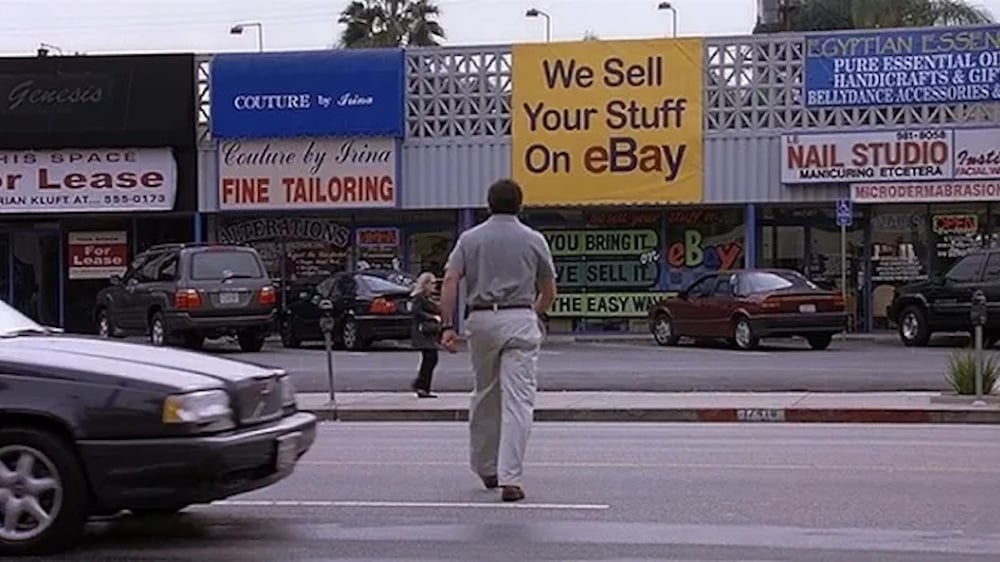
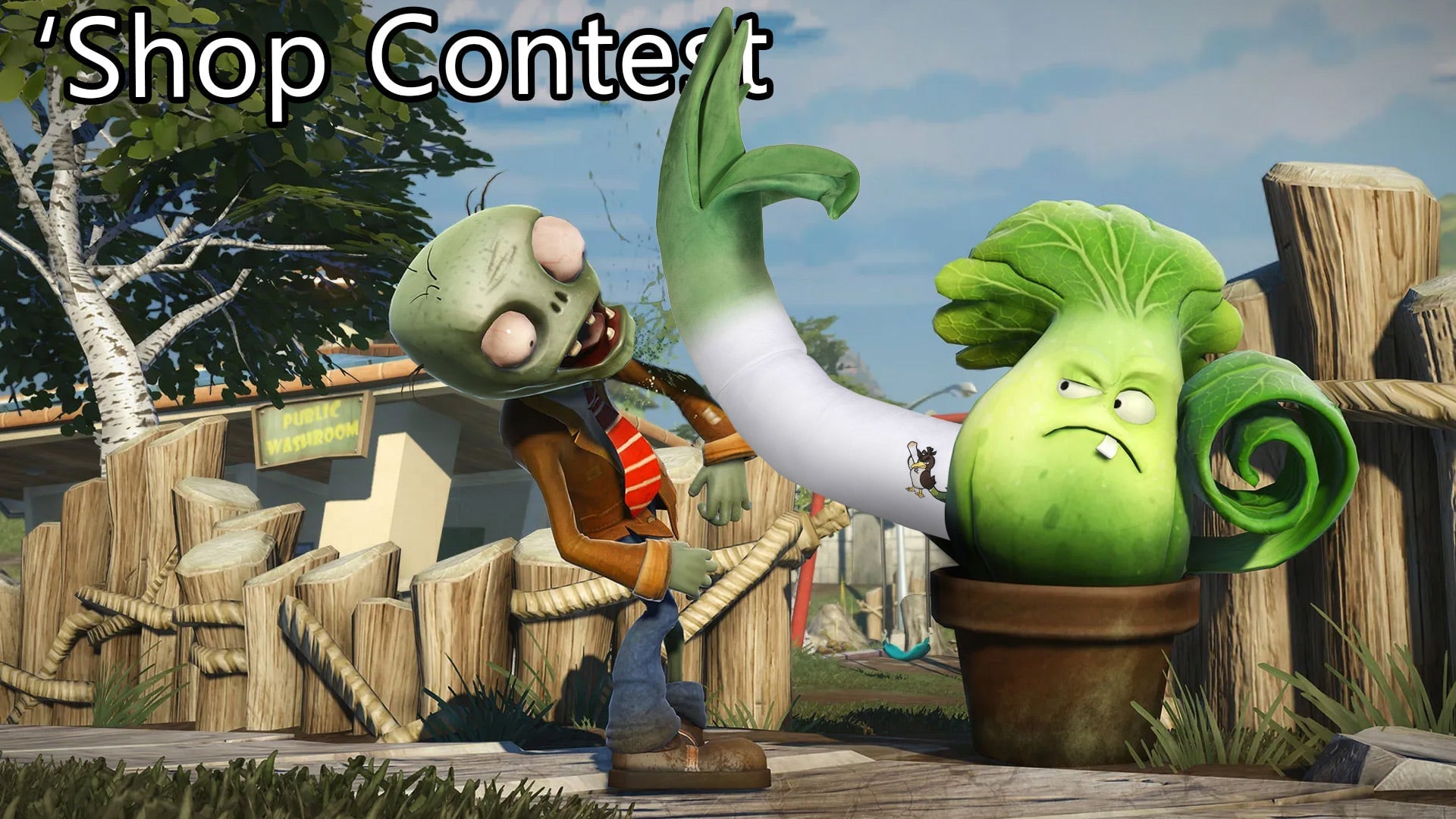
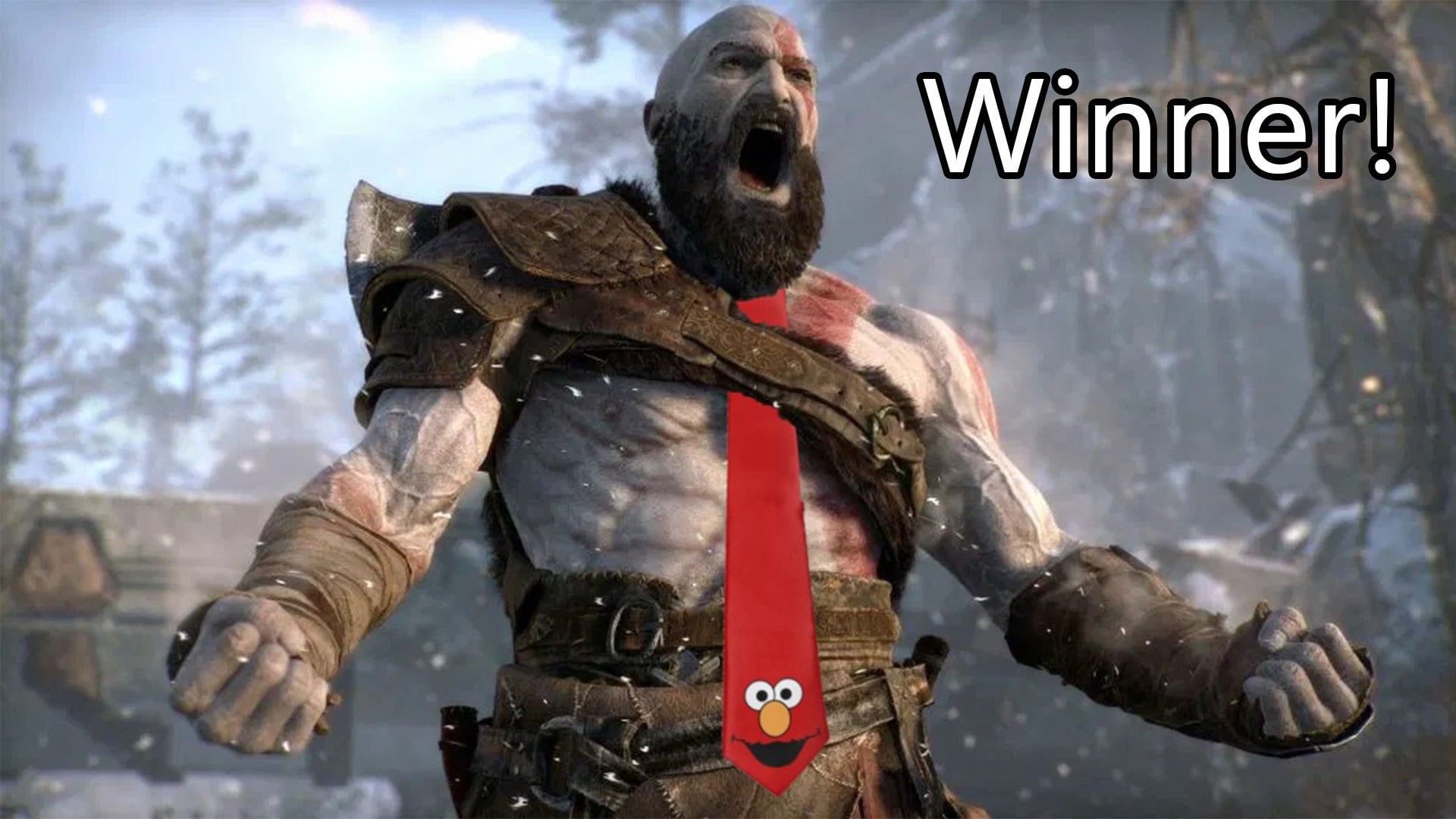
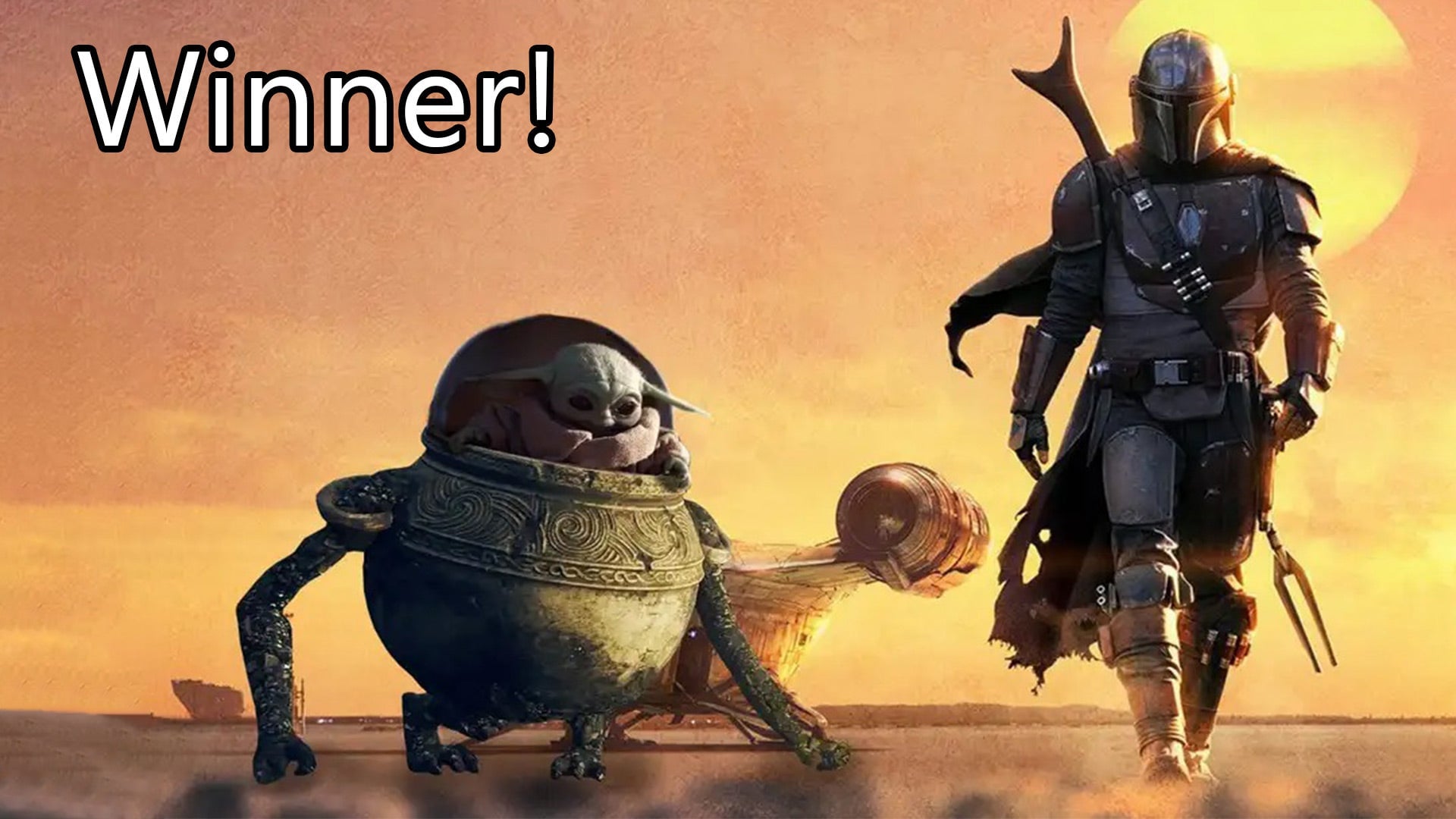
According to weirdos on the internet, The Rock might be in Fortnite. Maybe? Who can really say? (Besides The Rock, his PR team, and Epic.) Regardless, let’s put The Rock in some video games!
Your challenge this week: Add Dwayne “The Rock” Johnson to video games.
https://kotaku.com/fortnite-players-are-getting-weird-again-this-time-abo-1846515606
It’s likely that by the time we get around to figuring out who won this week’s contest, The Rock will officially be confirmed to be in Fortnite. Or maybe all the internet theorists are wrong! Regardless, adding celebrities to video games is a tradition around these parts. So get to it!
And here’s a nice pre-cutout Rock for you to use. But feel free to use any other images of him you want.
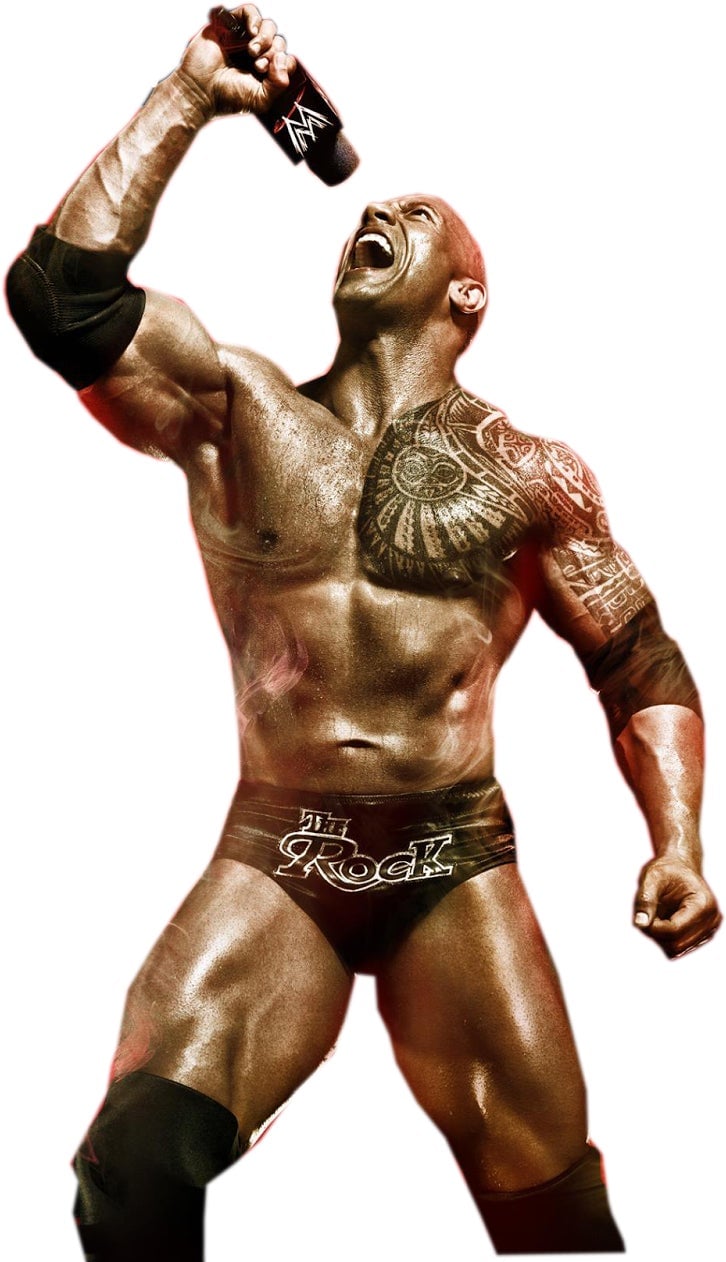
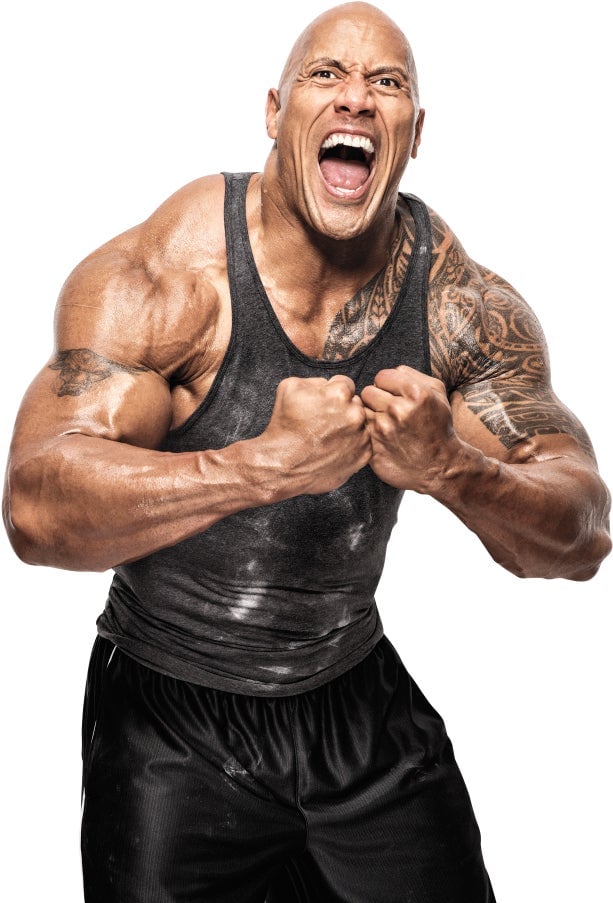
Next week, I’ll pick a winner and some of my favorites!
Please note that the image submission rules have changed just a little bit. We’re looking for images that are 800 pixels wide now!
How To Submit — Instructions
1. Create your ‘Shop and save it to your desktop. Images must be at least 800 pixels wide.
2. Go to the bottom of this post
3. This brings up a comment window. Click “Choose file” if you’re uploading your ‘shop from your desktop
4. Alternatively, you can upload the ‘Shop to a free image hosting service. I suggest imgur. Then paste the image’s URL into the field that says “Image URL.” Note: this must be the URL of the image itself, not the page where it is displayed. That means the URL ends in .jpg, .gif, .png, whatever.
5. Add editorial commentary and hit submit and your image will load. If it doesn’t, upload the image to imgur and paste the image URL as a comment. I will look at it.
6. Large-size images may not upload properly, though we have seen some animated .gifs upwards of 5 MB. If you’re still having trouble uploading the image, try to keep its longest dimension (horizontal or vertical) under 1000 pixels, or the whole thing under 2 MB.