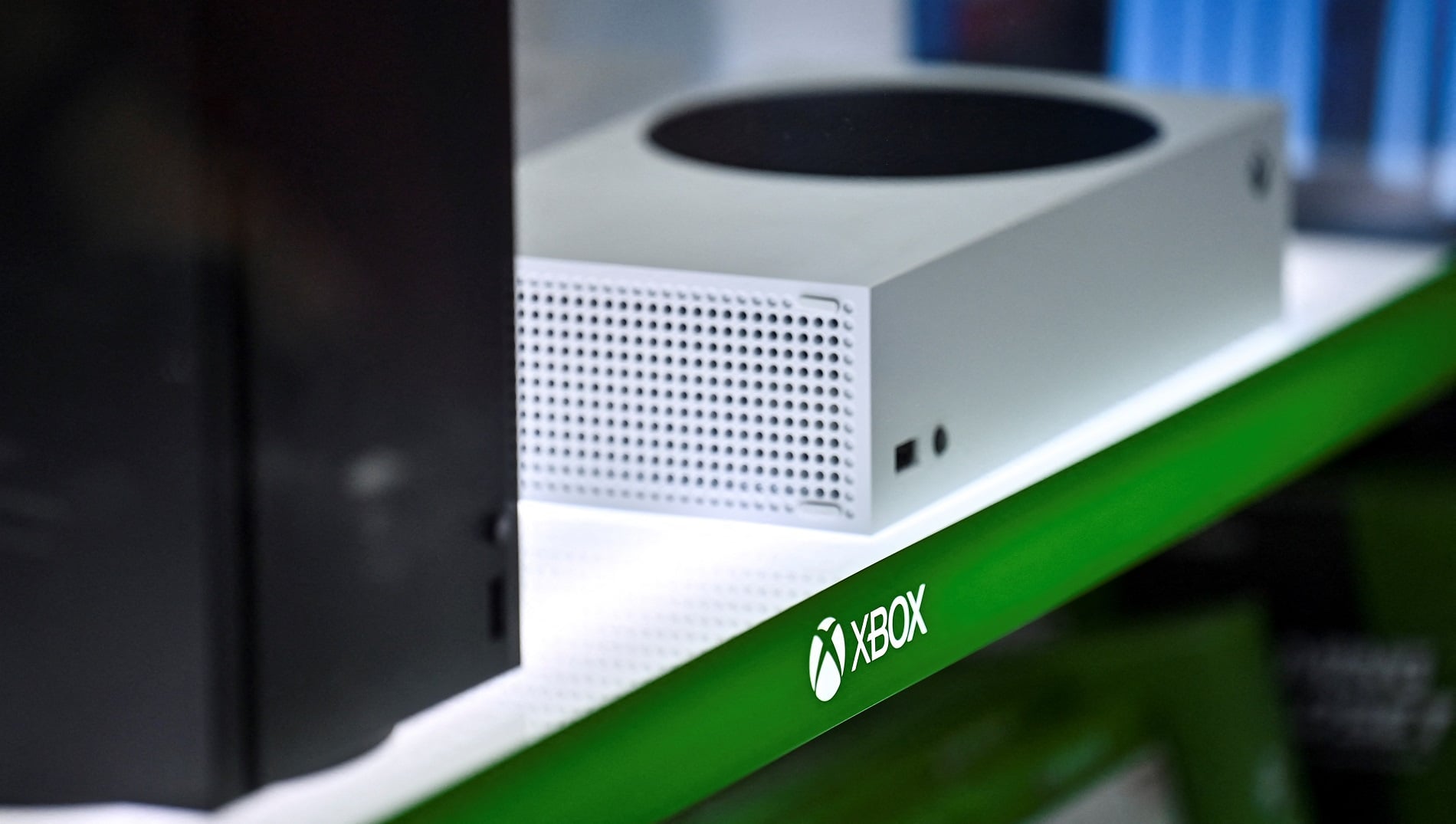
As the saying goes, nothing in life is certain except death, taxes, and painfully tiny video game text. If you were lucky enough to beat the queues and snag a new Xbox Series X or S, know that you can zoom in on any game’s text at more or less any time. All you have to do is use the system’s built-in magnifier tool.
Your Xbox may already have the magnifier active by default. If not, setting it up is a piece of cake. (Those who owned an Xbox One may be familiar with how this works, as it’s practically identical.) First, open up the console’s settings. Go to the “Ease of Access” menu. Click on the “magnifier” option. You should see a box on the bottom. Check it to turn the magnifier on. Uncheck it to turn it off.
Once that’s done, you can access the magnifier at any point by simply holding down the Xbox button. Among the other power options, you should see an indicator that allows you to turn on the magnifier by hitting the view button—the one with two overlapping rectangles.
Here’s how the magnifier works: Activating it zooms in pretty far by default. You can then use the triggers to adjust exactly how far (right goes in, left goes out) and the right thumbstick to pan your field of view. Double-tapping the Xbox button will lock a zoom—including where you’ve panned the view—in place. At that point, you can’t use the thumbstick to move around. You can flick the magnifier off by holding down the Xbox button and hitting the view button again.
Now, don’t get any ideas about using the magnifier to give you an edge in gameplay. Whenever I’ve tried to use it outside of menus, I’ve experienced everything from a screen stutter to, whoops, an enemy in Assassin’s Creed blindsiding and then summarily murdering me.
Anyway, here’s how it works in action.
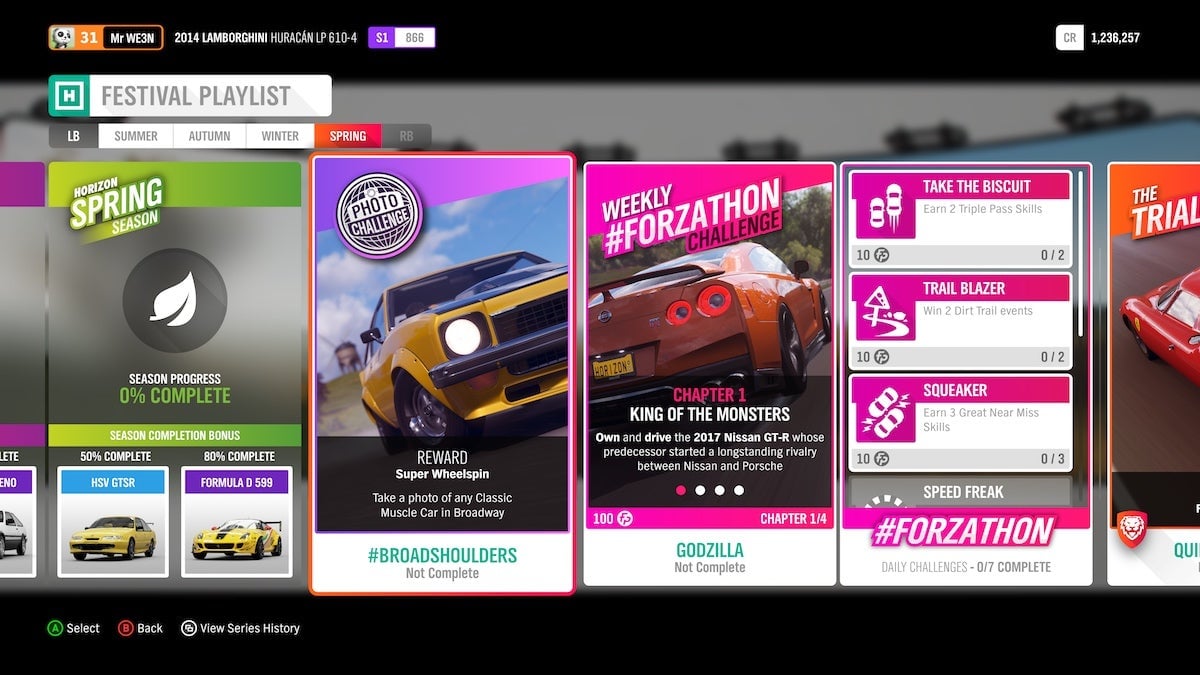
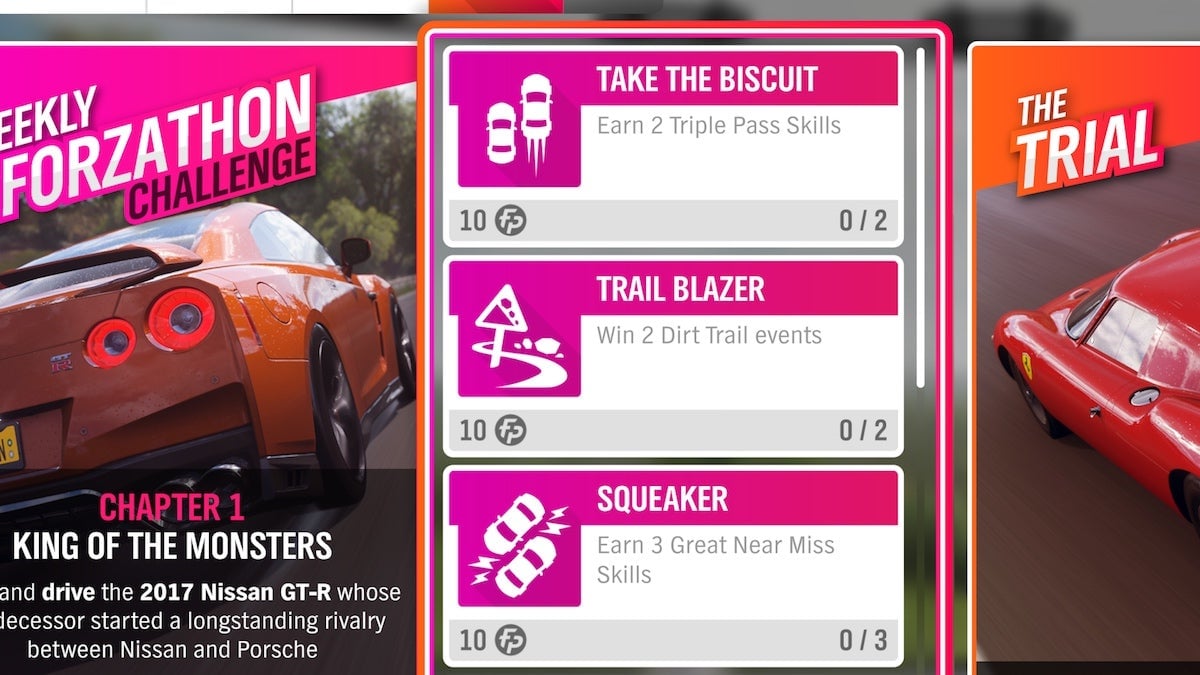
Forza Horizon 4 often exacerbates small text with matchy-matchy font colors:
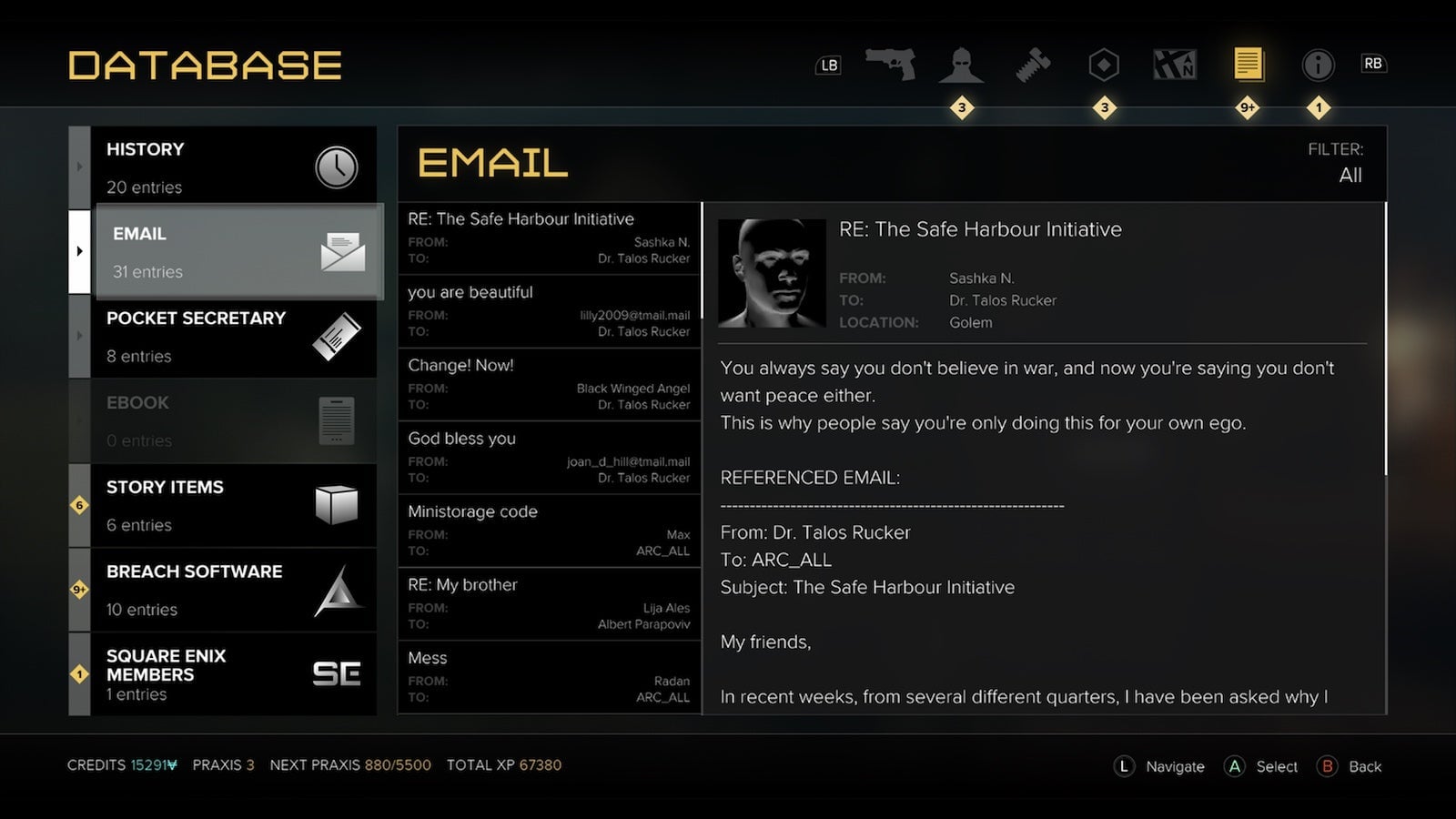
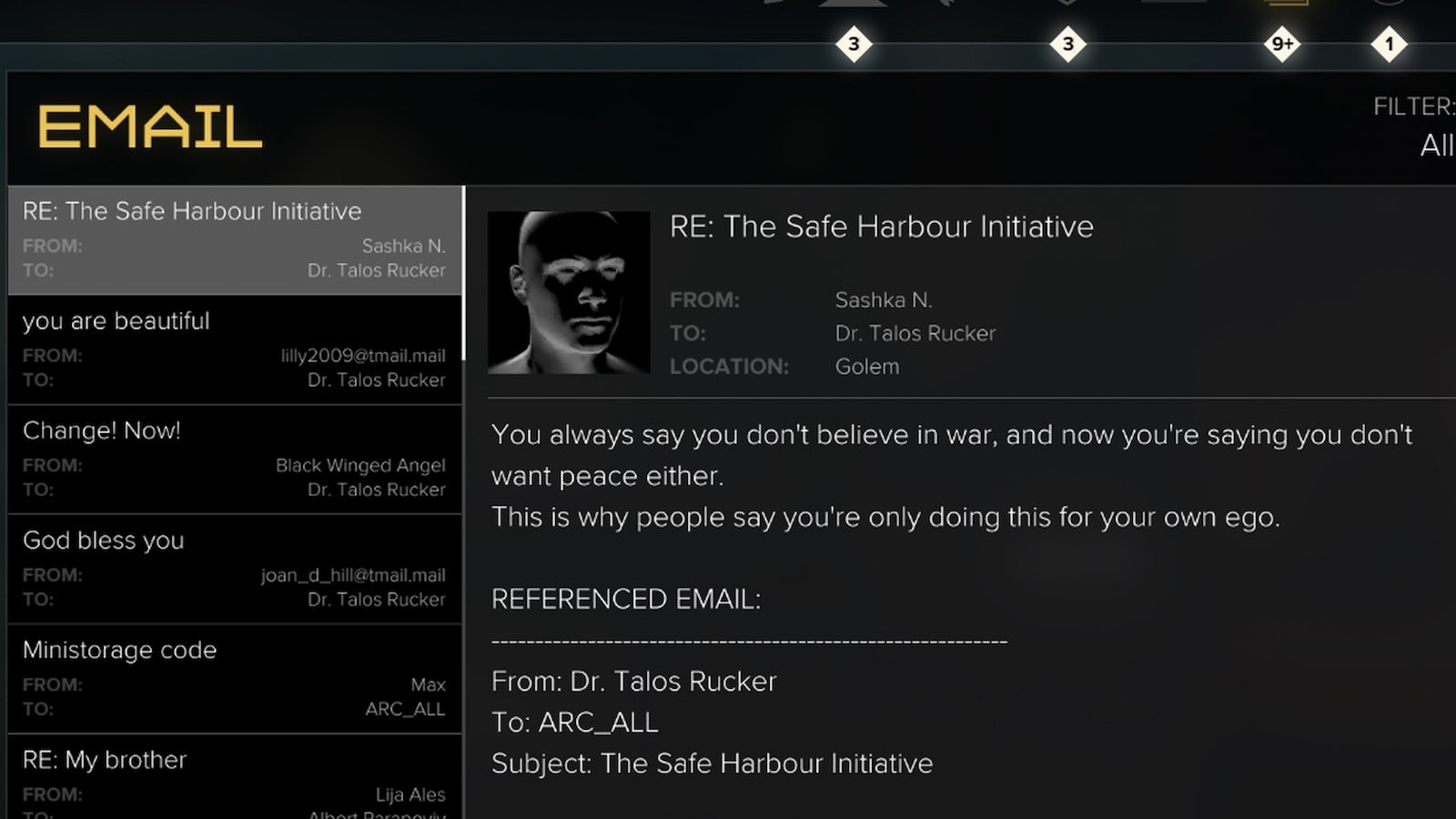
Deus Ex: Mankind Divided was mostly good about menu text, but the to and from fields in the email menu have remained difficult to parse at a distance.
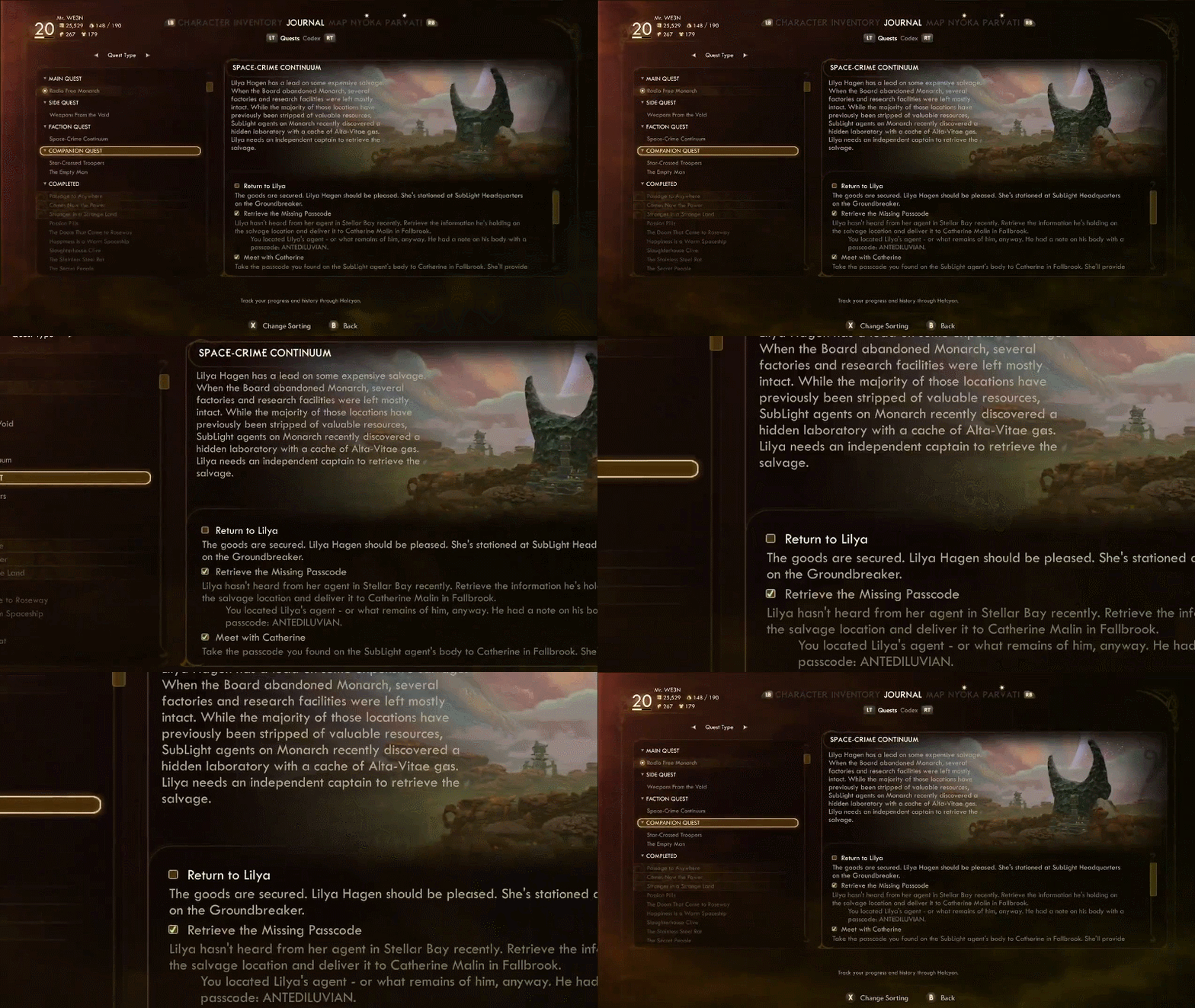
The Outer Worlds launched with notoriously tiny text. It’s since been patched, but if you’ve opted to stick with the tiny font—whether out of ignorance or aesthetic preference—you can zoom right in.

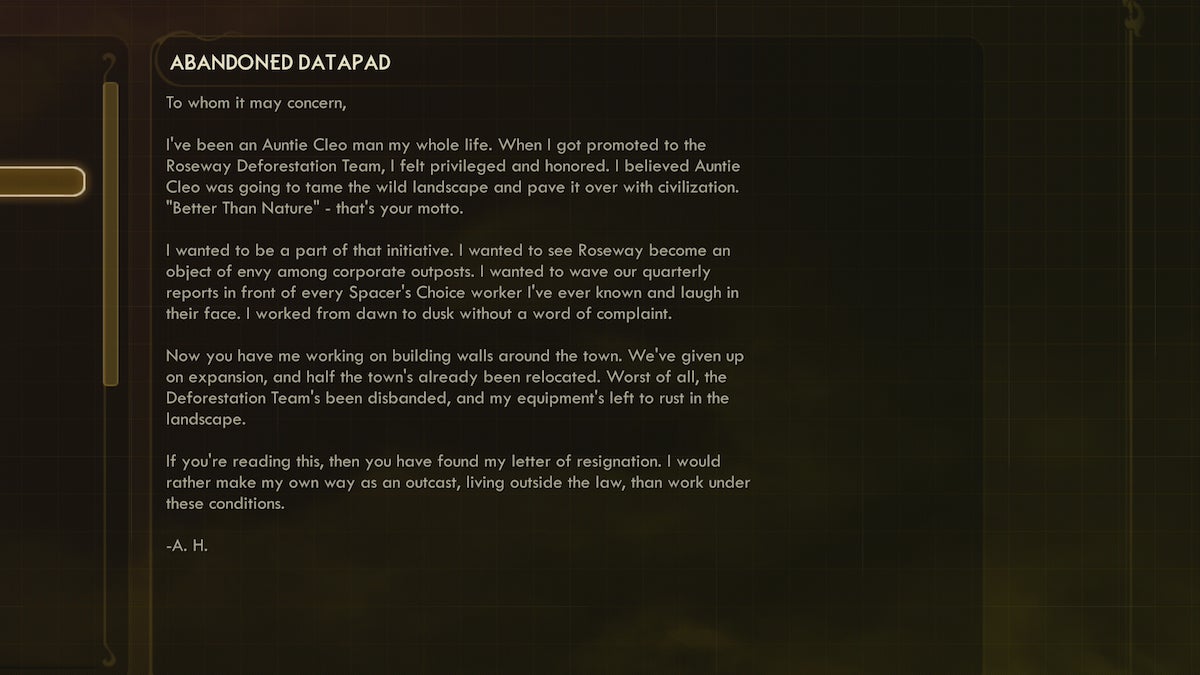
And here’s Assassin’s Creed Valhalla:
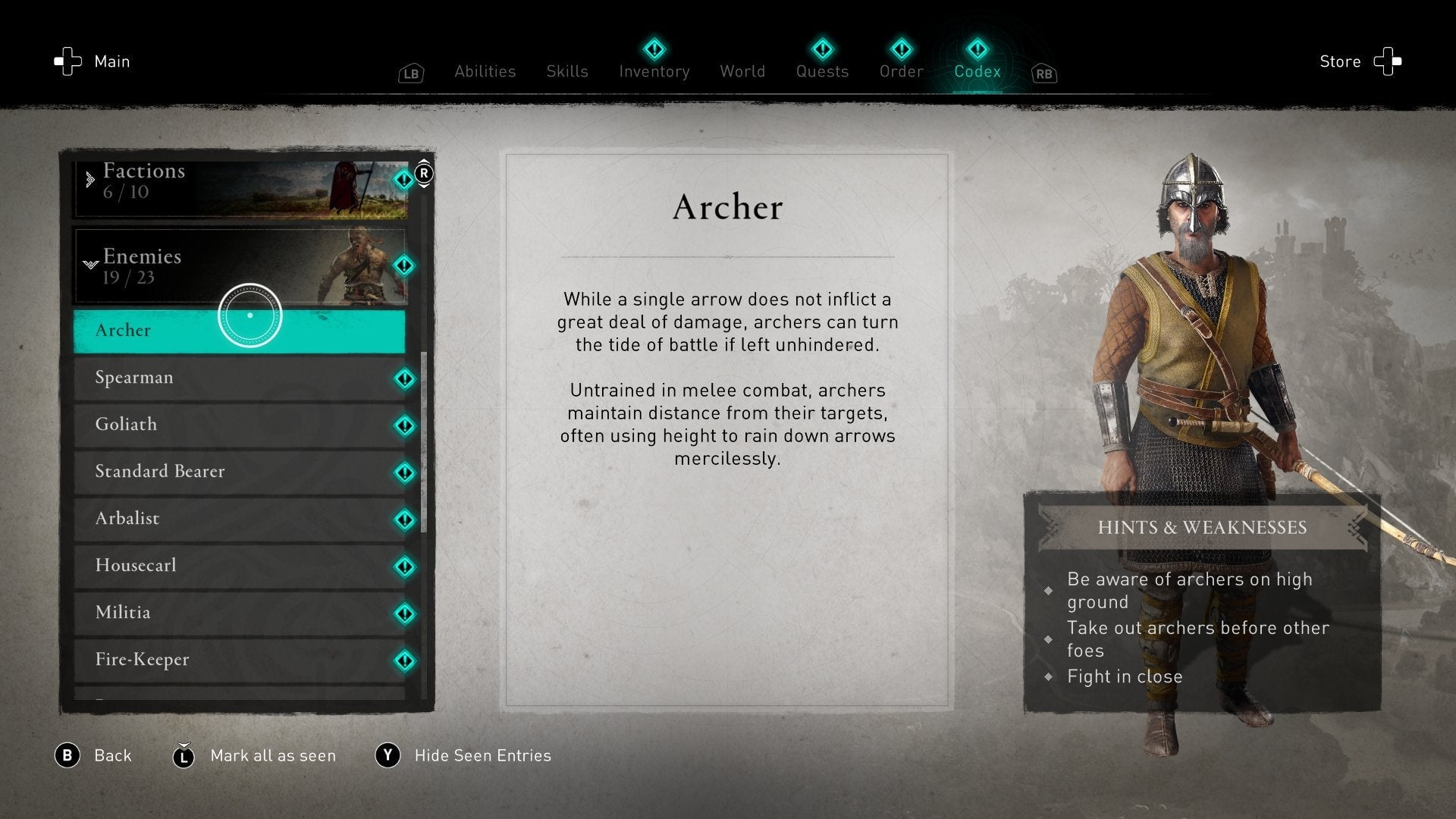
Oh, what’s that? Looks like you don’t need the magnifier for this one. Maybe that font size will become standard someday. In the meantime, it’s up to functions like the magnifier—and the Switch’s comparable “zoom”—to pick up the slack.
More Xbox Series X (or S) Advice:
https://kotaku.com/13-tips-to-make-the-most-of-your-new-xbox-series-x-or-s-1845631982
https://kotaku.com/tip-make-your-new-xbox-your-home-xbox-asap-1845635397
https://kotaku.com/how-to-move-your-xbox-one-stuff-onto-your-xbox-series-x-1845621646