About Interland - Be Internet Awesome
Interland is an online adventure game created by Google to teach children how to behave better online. It’s part of the “Internet Superheroes” educational program, which features content designed for both families and classrooms. In the game, children guide a little character through four colorful worlds and must answer questions or complete small challenges to move forward. Each world corresponds to a specific theme related to life online, so children learn the right habits through play rather than by listening to a lecture. The game is primarily aimed at 8- to 12-year-olds, but there’s nothing stopping an adult from sitting down next to them and playing along.
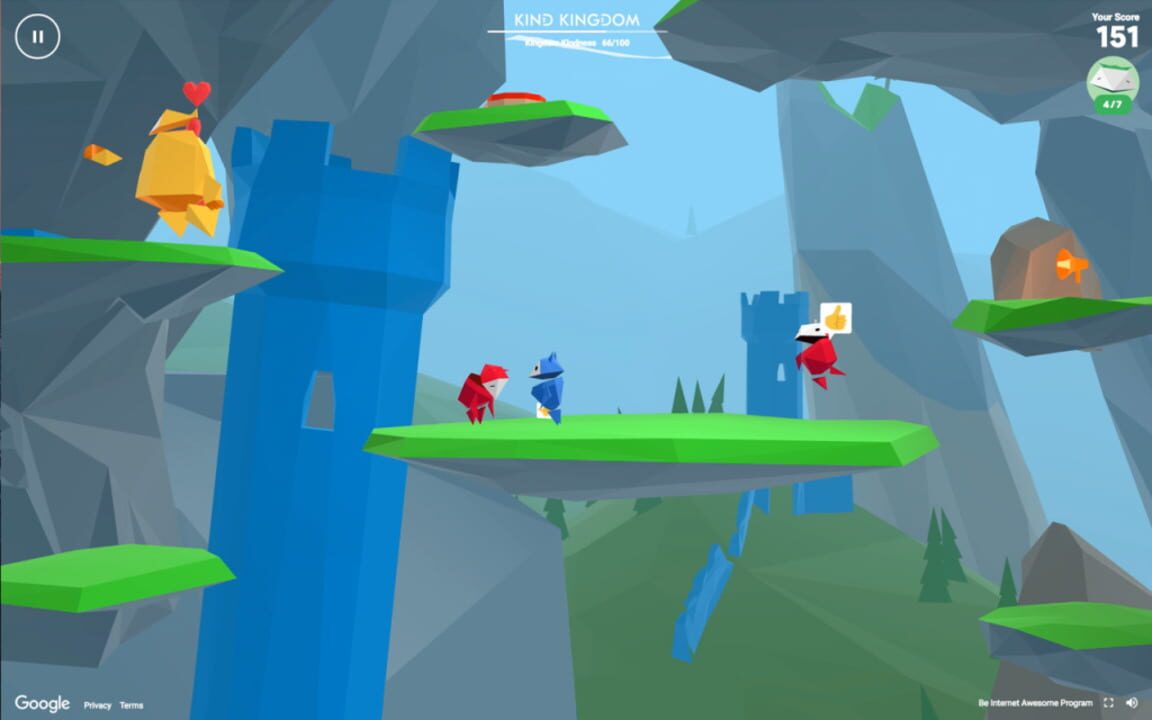
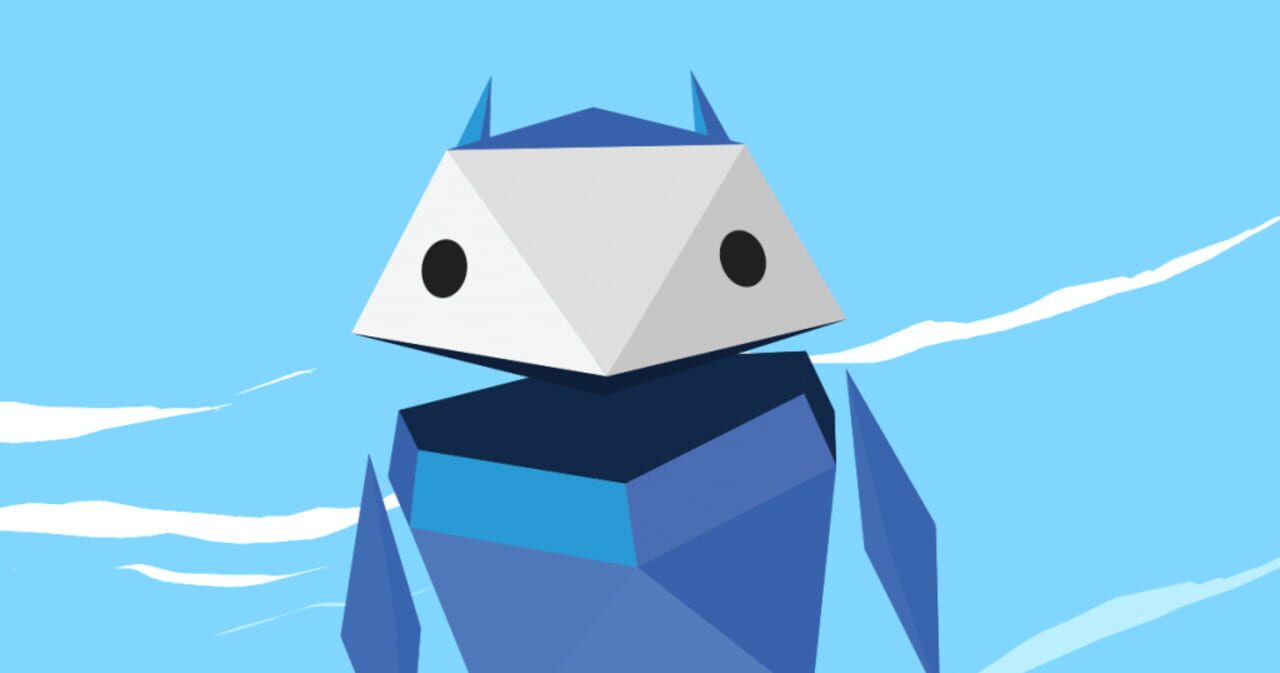
Interland addresses situations that young people actually encounter, such as a strange message from a stranger, a photo they’re hesitant to send, or a password someone asks to see. The four worlds have easy-to-remember names: the Kingdom of Kindness, the River of Reality, the Mountain of Caution, and the Tower of Treasures. The tone remains lighthearted, with bright colors, little robot-like characters, and short explanations that avoid technical jargon. Many parents and teachers use it as a starting point to open up discussions about digital safety at home or in the classroom.
Why Should I Play Interland?
You can access Interland directly in a browser. No software to download, no account to create, and no personal information to provide. Just open the game page, choose one of the four worlds on the map, and start playing. Your child can start with whichever world they prefer—the order doesn’t matter—and a single world can be completed in just a few minutes if you’re short on time.
Getting started with Interland is really easy and requires no explanation. On a computer, the arrow keys move the character, and the spacebar is used to jump or confirm an action. On a touchscreen, simply tap the screen while holding the device horizontally. A short tutorial reviews the controls at the start of each world.
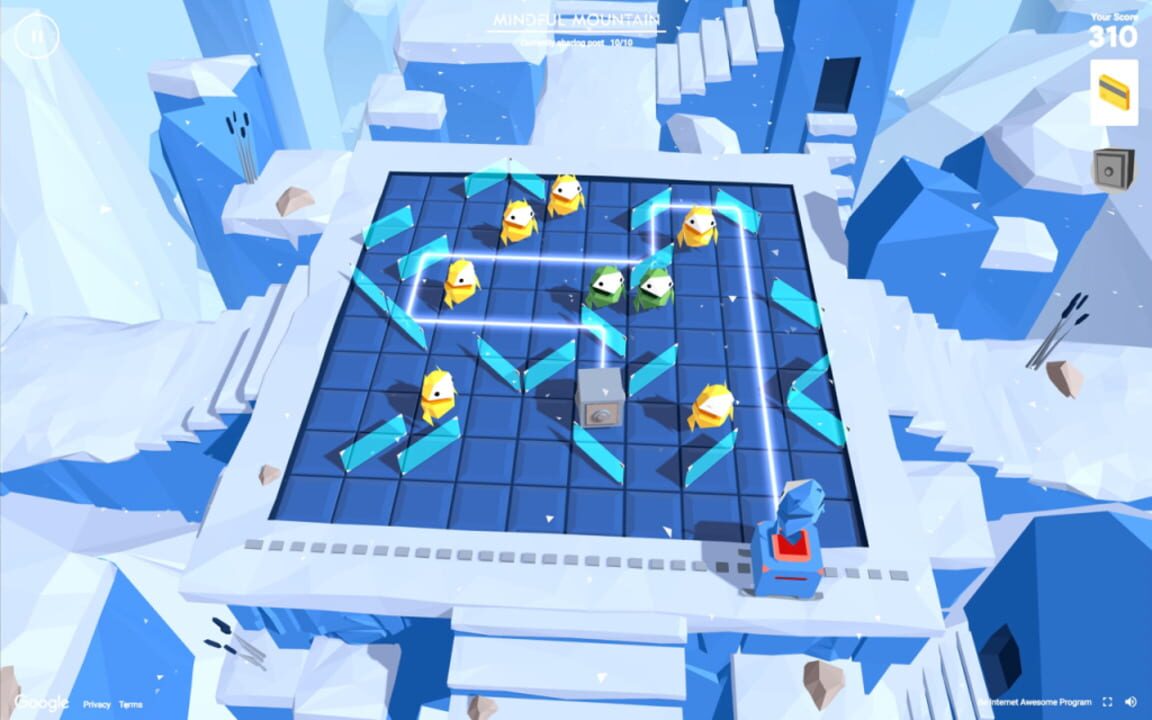
Each world combines a section where you move around and a section where you answer questions. In the Kingdom of Kindness, children learn how to respond to hurtful comments and report problematic content. In the River of Reality, they must spot scams, fake messages, and non-official websites. The Mountain of Caution asks them to choose who to share a post with—parents, friends, everyone, the trash, or the safe. The Tower of Treasures focuses on passwords and the importance of keeping secrets to oneself.
Interland features a score counter and a progress bar that appear during the game, and some questions are timed. If an answer is wrong, the game immediately flags it and gives the player another chance. Once all four worlds are completed, a final test allows the child to earn a certificate with their first name on it.
Is Interland Free-to-play?
Interland is completely free. You don't have to buy anything to start a game; there's nothing to unlock to access the four worlds, and no content is reserved for a premium version.
The game also contains no ads or in-app purchases, which is reassuring when you let a child play on their own for a few minutes. No registration is required, and you don't need to provide an email address.
Where Can I Download Interland?
Interland runs in a web browser, making it accessible on most devices you already have at home or at school, and there is nothing to download. You can play it on a computer running Windows, macOS, Linux, or ChromeOS—whether it’s a laptop or a desktop. Chromebooks, which are used in many schools, are ideal, since there’s no software to install.
On mobile devices, the game also works on smartphones and tablets running Android, iOS, or iPadOS. An internet connection is required, since everything loads online, and lowering the resolution in the settings is usually enough to fix choppy animations.
To save you the trouble of searching for the right page among search results, you can access Interland via our direct download links, which lead to the official version.
What Games Should I Play If I Enjoy Interland?
CyberSprinters is a free educational game developed by the UK's National Cyber Security Centre (NCSC). Designed to introduce younger players to online safety, it uses a colorful, running-game format to make cybersecurity concepts more accessible. Players encounter challenges that encourage them to recognize online risks and learn how to protect themselves in digital environments. Its straightforward gameplay makes it a natural alternative to Interland for families and educators looking for an engaging way to introduce children to cybersecurity.
Hackenator Chronicles is aimed at a slightly older audience, specifically teenagers aged 13 to 16. This educational game from Luxembourg immerses players in a virtual city where they complete missions focused on personal data protection, online scams, deepfakes, and issues related to artificial intelligence. It can be played for free in a web browser on computers and tablets, regardless of the operating system. Players can also save their progress by creating an account. The interface is available in French, English, and German.
ThreatGEN: Red vs. Blue takes a more advanced approach to cybersecurity education through turn-based strategy gameplay. Players can take the role of the Red Team, simulating cyberattacks, or the Blue Team, responsible for defending a computer network. The game introduces real-world cybersecurity concepts, including threat detection, security measures, and incident response. It supports solo play against the computer as well as multiplayer matches. Available through Steam for Windows, macOS, and Linux, it is better suited to older learners and players interested in exploring cybersecurity in greater depth.