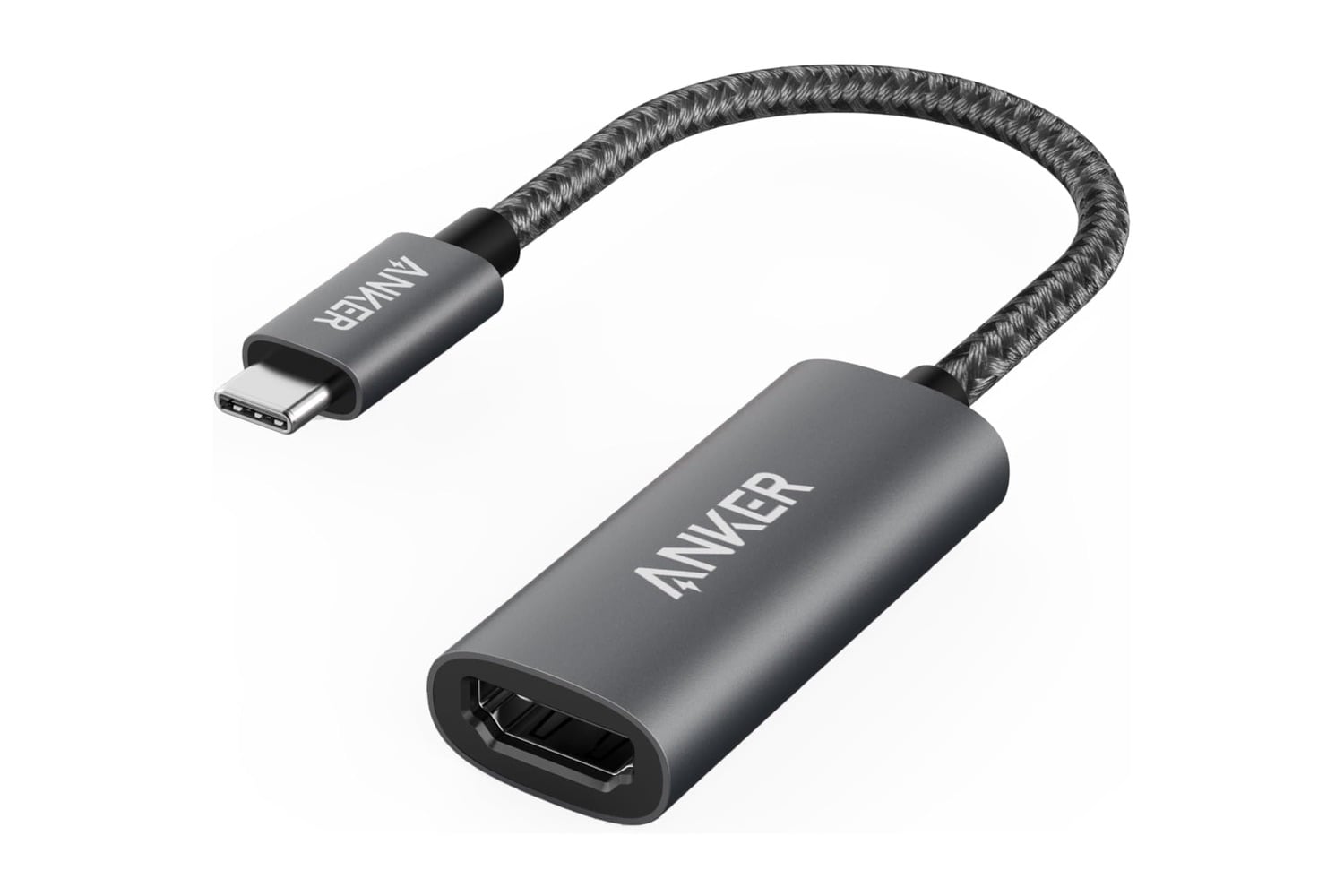
The Anker USB-C to HDMI Adapter plugs into your laptop or tablet’s USB-C port and turns it into an HDMI port for a TV, monitor, or projector. Output goes up to 4K at 60Hz on most laptops, and 2K at 60Hz on iPad Pro. The whole adapter is about the size of a keychain fob, with a short 6-inch braided cable between the USB-C plug and the HDMI receptacle. No drivers, no setup, no separate power required.
A simple adapter for your USB-C to HDMI needs compatible with your laptop
Most laptops sold since 2018 dropped HDMI in favor of a couple of USB-C ports on the side. A MacBook Pro or Air, a Dell XPS, a Pixelbook, or an iPad Pro all now output video through the same port that charges the battery. Plugging one of these devices into a TV or a conference room projector means either the venue provides a USB-C cable, which is uncommon, or you carry an adapter. This Anker adapter fills that gap in a bag or a coat pocket.
The adapter draws power from the laptop’s USB-C port, so nothing needs to be plugged into a wall outlet, and no batteries are housed inside the housing. Whatever charge the laptop is running on also powers the adapter. Idle draw is small enough that a MacBook running on battery loses maybe an extra ten to fifteen minutes of runtime with the adapter connected and driving an external display, compared to running with just the internal screen. Unplugging the HDMI end while keeping the USB-C end connected cuts the draw back to zero. There’s no separate on-off switch, no LED that stays lit overnight, and no standby mode. Pulling either end out of its port ends the connection instantly.
A small aluminum block about the size of an AA battery makes up the HDMI end, with a 6-inch braided cable connecting to the USB-C plug on the other end. The braided cable resists kinks and doesn’t fray in a laptop bag. Total weight comes in under half an ounce, so nothing sags when the adapter is plugged into a laptop port.
To get started, connect the USB-C end to your device, connect an HDMI cable from the adapter to your display, and your operating system detects the second screen automatically. No drivers or software downloads are involved. The adapter works with any length of wired HDMI cable, from a 3-foot desk cable to a 25-foot in-wall installation. Anker’s compatibility list on the product page shows which models are supported before you order.
Anker sells a full range of USB-C adapters, from the basic 310 shown here up to multi-port hubs with pass-through charging and SD card slots. The straight HDMI adapter is the simplest and cheapest in the lineup, useful for anyone who just needs to plug into a display and nothing else. At $13, down from $17, the sale takes $4 off the list price. For a first-time work-from-home setup or a travel bag backup, this fits.