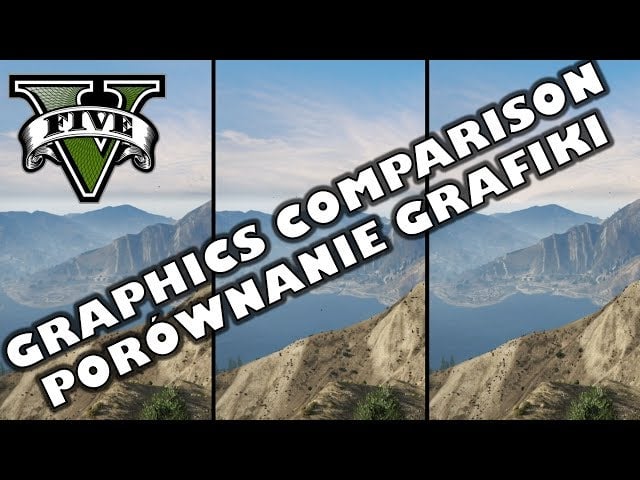
We’vebenchmarked GTA V on PC, but if you’re wondering just what kind of difference moving the settings around actually makes, here’s a very helpful comparison video.
https://kotaku.com/grand-theft-auto-v-benchmarked-pushing-pc-graphics-to-1698670906
wiliextreme’s clip goes through everything from texture quality to shadows to MSAA to ambient occlusion, showing the same spot in the game and showcasing just how much better/worse everything looks with each change.
It’s interesting to watch, sure, but also handy for those who are looking to dial settings up or down to hit a certain framerate, and can see which alterations they’re willing to live with and which they’re not.
Here are a couple of slider examples (drag the arrow across to compare) taken from the video, which are great not just for their practical use, but as a reminder. I’d never noticed that a chainlink fence actually had a 1:1 shadow before, which is cool.
TEXTURE QUALITY: NORMAL vs VERY HIGH
SHADOW QUALITY: NORMAL vs VERY HIGH
You can watch the whole clip below: