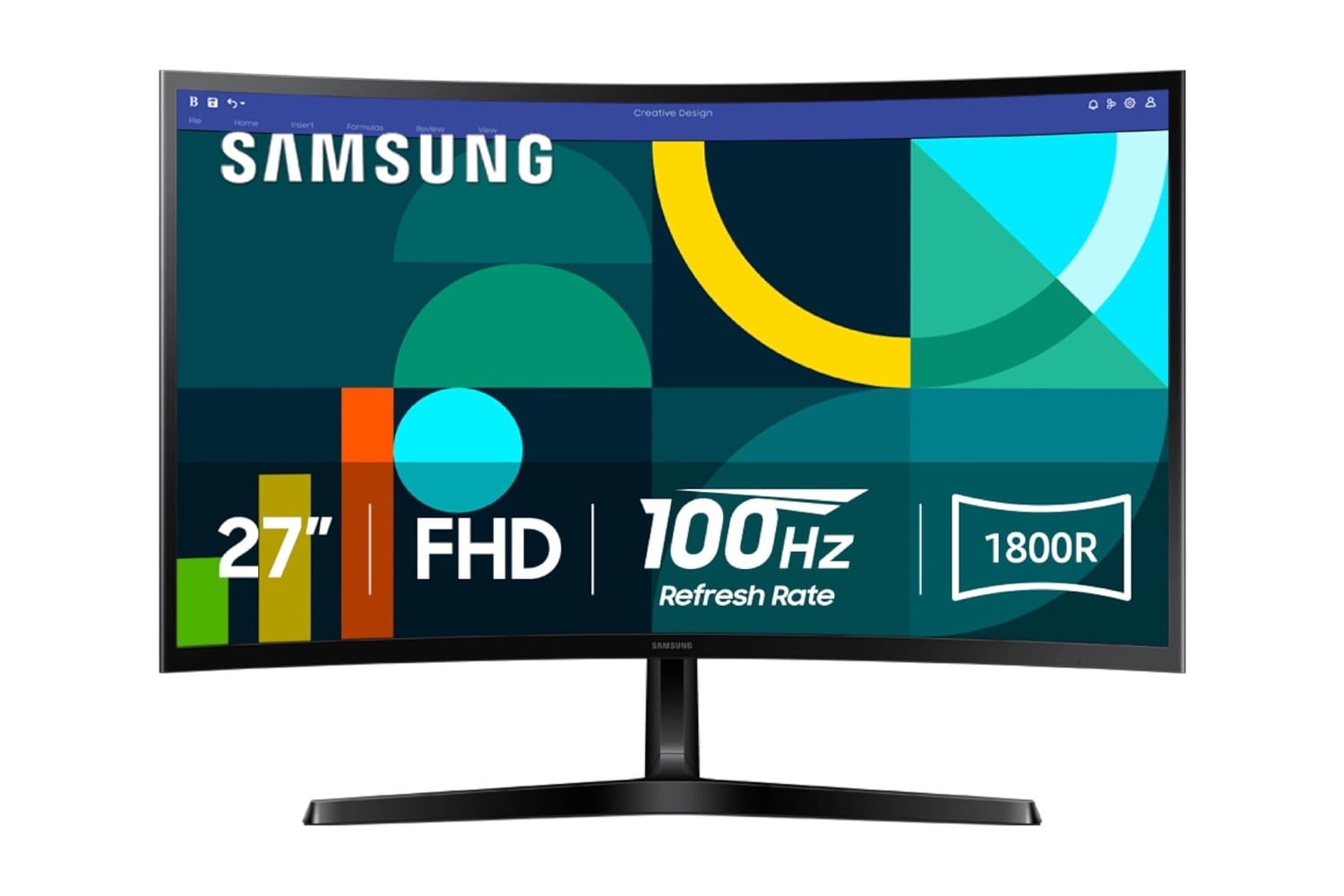
The Samsung 27-inch Essential S3 is a 27-inch FHD curved computer monitor with a 1800R curvature radius, positioned in the entry tier of Samsung’s monitor lineup. The VA panel is 1920 x 1080 native resolution with a 100Hz refresh rate, matching what most current games and streaming content output. HDMI and D-sub inputs on the back connect to laptops, desktops, and legacy hardware. Advanced Eye Comfort certification also reduces blue light and screen flicker over long work sessions.
An immersive monitor perfect for putting yourself in the center of games and media
Curved displays wrap around the field of vision more closely than flat panels. The corners of the screen are slightly closer to your eyes, reducing the need to shift focus back and forth as you scan a wide window. The Essential S3 uses a 1800R curvature radius, which is a moderate curve compared to the tighter 1000R curves on flagship gaming monitors. Peripheral distractions get minimized without the extreme wraparound of a more aggressive curve.
Refresh rate at 100Hz doubles what a standard 60Hz office monitor delivers, though it comes in below the 144Hz and higher options in the dedicated gaming monitor category. The default rate is 60Hz out of the box, and switching to 100Hz requires enabling it in the monitor’s settings menu after connecting a device. Motion clarity on scrolling documents, mouse tracking, and casual gaming all improve noticeably at 100Hz. Game Mode also adjusts color and contrast automatically when a game console or PC game launches.
Advanced Eye Comfort certification from TÜV brings two features to the S3, blue light reduction and flicker minimization. Flicker minimization also reduces the imperceptible screen flicker that causes eye fatigue during long viewing sessions. The VA panel technology beneath both features delivers deeper blacks than IPS at the same price point.
Ports on the back include one HDMI 1.4 input and one D-sub VGA input, both of which auto-detect the connected source. HDMI works with any laptop, desktop, or console made in the last 15 years. D-sub supports older desktop PCs or a KVM setup that hasn’t been updated. Setup takes about 5 minutes. Attach the stand base to the stand neck, click the stand into the back of the monitor, plug in the power cord, and connect a video cable.
Samsung sells a range of Essential monitors at different sizes, resolutions, and features, from 22-inch flat panels up to 32-inch curved gaming models. The Essential S3 shown here fits in the middle of the entry tier at 27 inches, priced for a home office secondary monitor or a first monitor above a laptop screen. At $110, down from $127, the current sale takes $17 off the list price. For a curved display without the price tag of a flagship gaming monitor, this fits.