Turn on Your TV And Switch Directly to the Correct HDMI
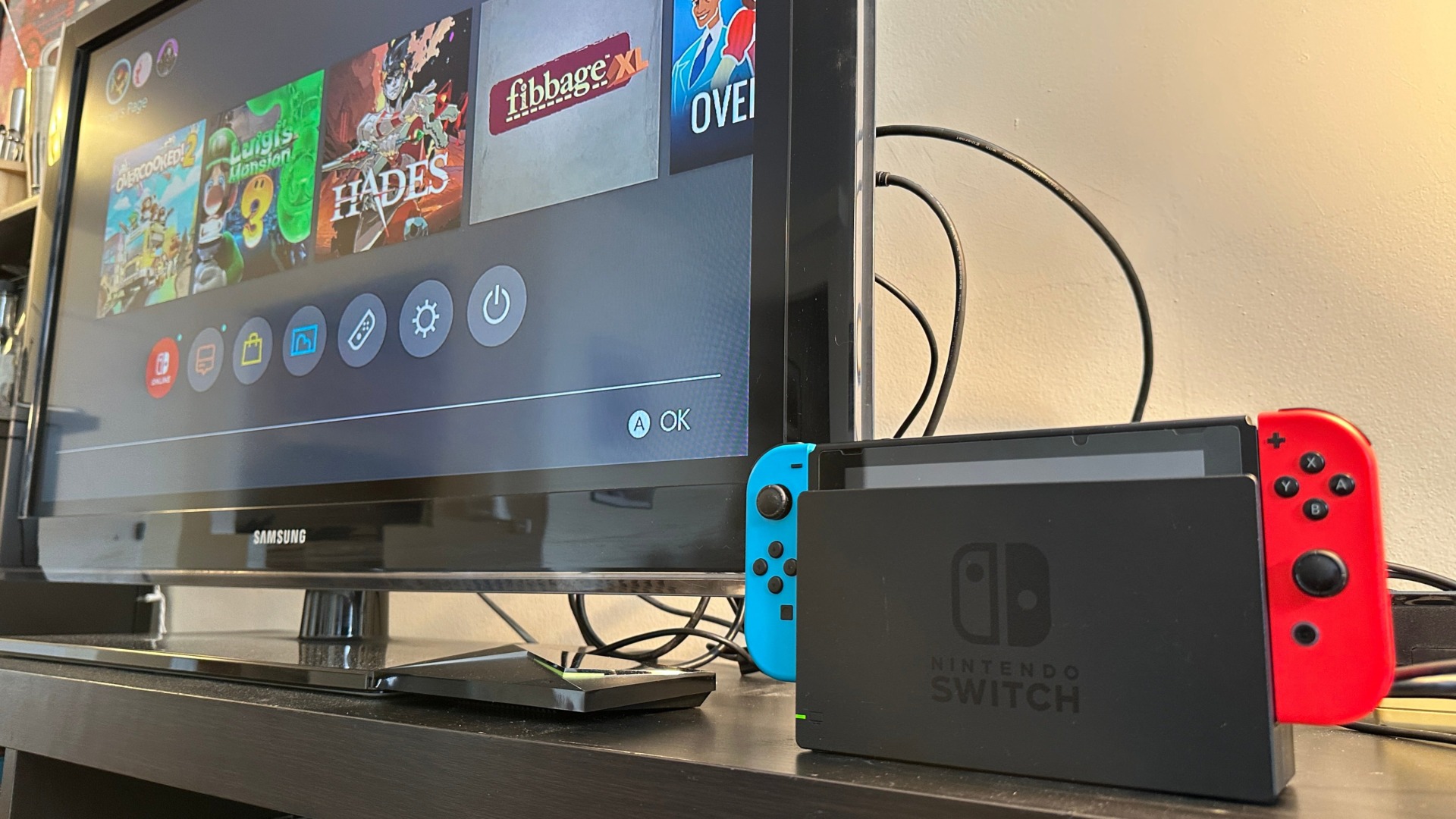
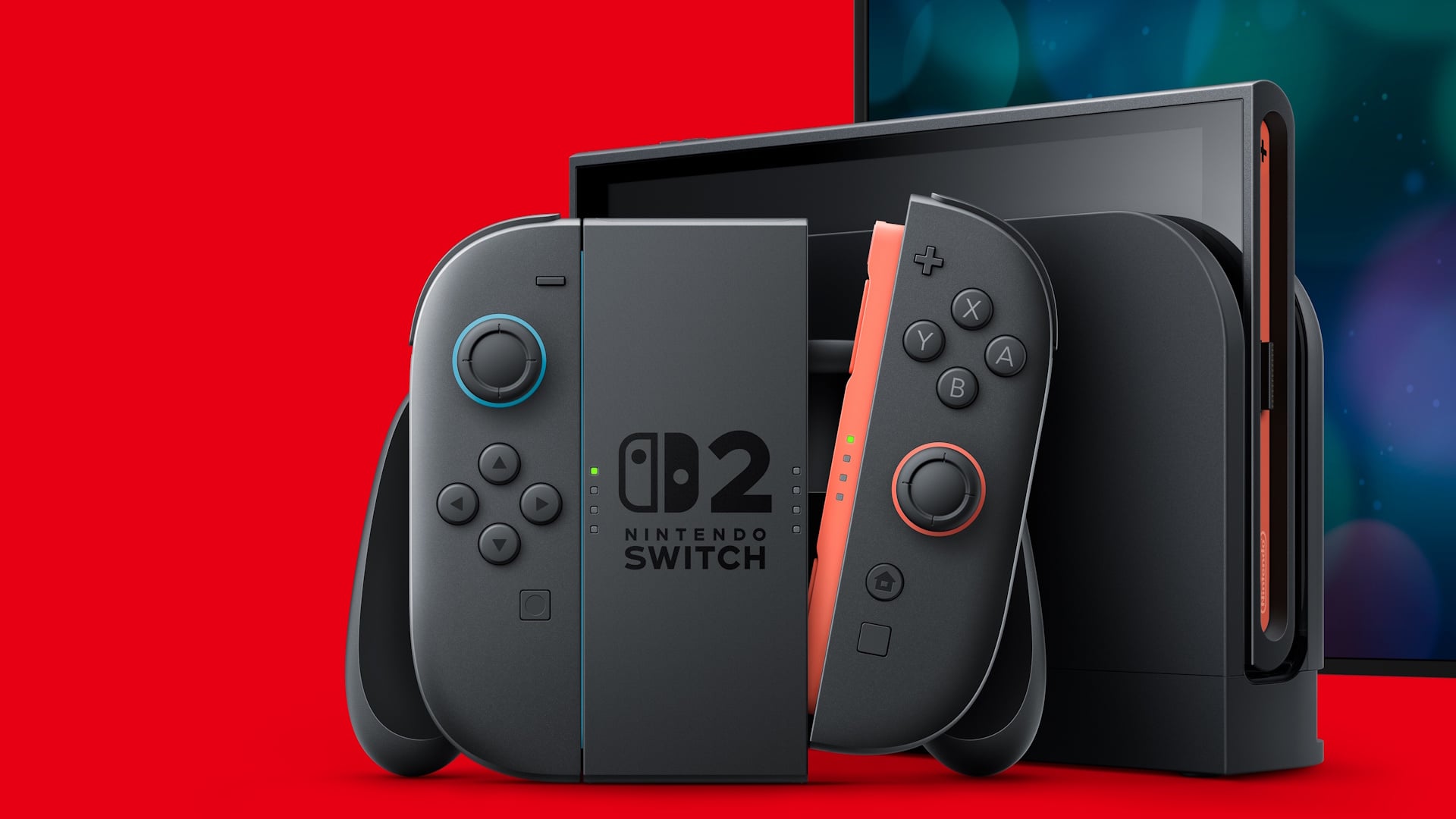
The feature is so standard that most users don’t even think of it as a feature. However, if this one simple toggle is still off on your Switch, you’d be surprised to learn the tiny console can turn on your television or screen and automatically tune to the correct HDMI output when you turn on your Switch. It’s the first thing you should do if you’re used to playing your console on the big screen.
First, go to System Settings, then scroll to TV Settings and select Match TV Power State. This should turn on your television as soon as you connect it to your dock, which is already plugged into the TV’s HDMI.