So, you’ve picked up a Nintendo Switch 2 and are ready to dive into Mario Kart World, but you’re not really feelin’ the Joy-Cons (don’t worry, they’re not my thing either). Yeah, you need a more standard controller, my friend. Fortunately, there are a handful to choose from even this early in the console’s life.
The best controller for you will always come down to the one that matches your budget, the features you need, and what feels most comfortable in your hand. But I’ve been taking a look at some Nintendo Switch 2 controllers, and I think these three are the best choices in order from most to least expensive. Maybe there’s one here that will tickle your fancy.
The king reigns supreme: Nintendo Switch 2 Pro Controller
Nintendo Switch 2 Pro Controller may be pricey as hell, but it is hands down the best controller you can buy for your Nintendo Switch 2 right now. For its high asking price, you can rest assured that it has every feature needed to make the most of your gameplay experience on your new console. So, if you’ve got the dough, it’s definitely worth the investment.
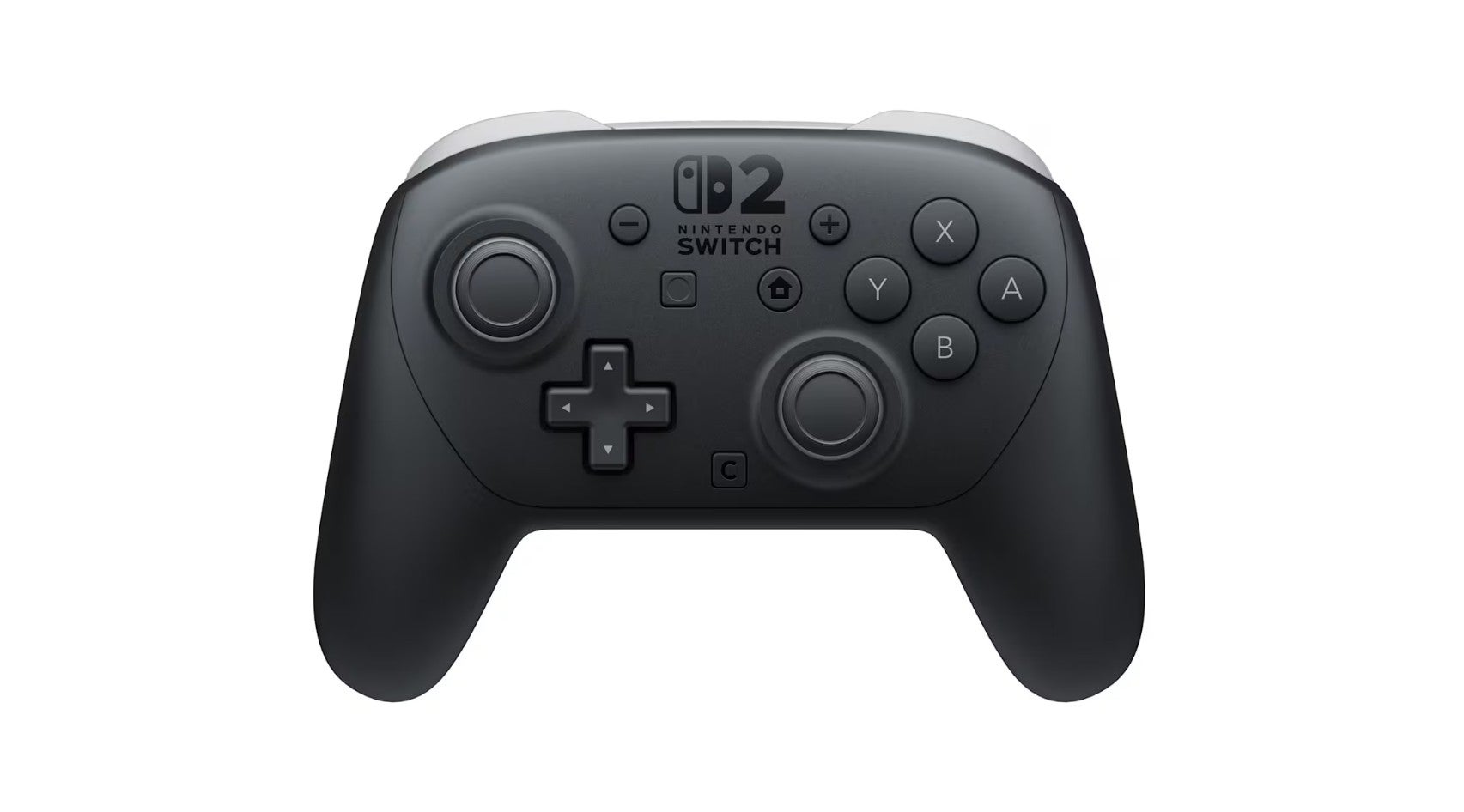
The Nintendo Switch 2 Pro Controller comes with mappable back buttons, HD Rumble 2, gyro controls, amiibo support, and a dedicated C button for GameChat. It’s a complete feature set that third-party controllers can’t always lay claim to. But most of all, it’s likely the most comfortable controller I’ve ever held. I adore how smooth the sticks move, how clicky the buttons are, and how the two back buttons rest at just the right spot where they’re easily accessible without making me feel like I might click them accidentally. The controller borders on perfection.
If I had any real complaint about Nintendo’s newest controller, though, it wouldn’t be about anything functional. Instead, I simply wish the company would offer more colorways than black. Nintendo has frequently embraced quirky, colorful hardware, so I’m hoping we’ll eventually see some unique colors pop up down the line.
Let’s get fashionable: Turtle Beach Rematch Wireless Controller
My favorite third-party Nintendo Switch 2 controller to use has been the Turtle Beach Rematch Wireless Controller. Officially licensed by Nintendo, this controller comes sporting basically all of the things I want in a controller, and at a lower price than the Switch 2 Pro Controller.
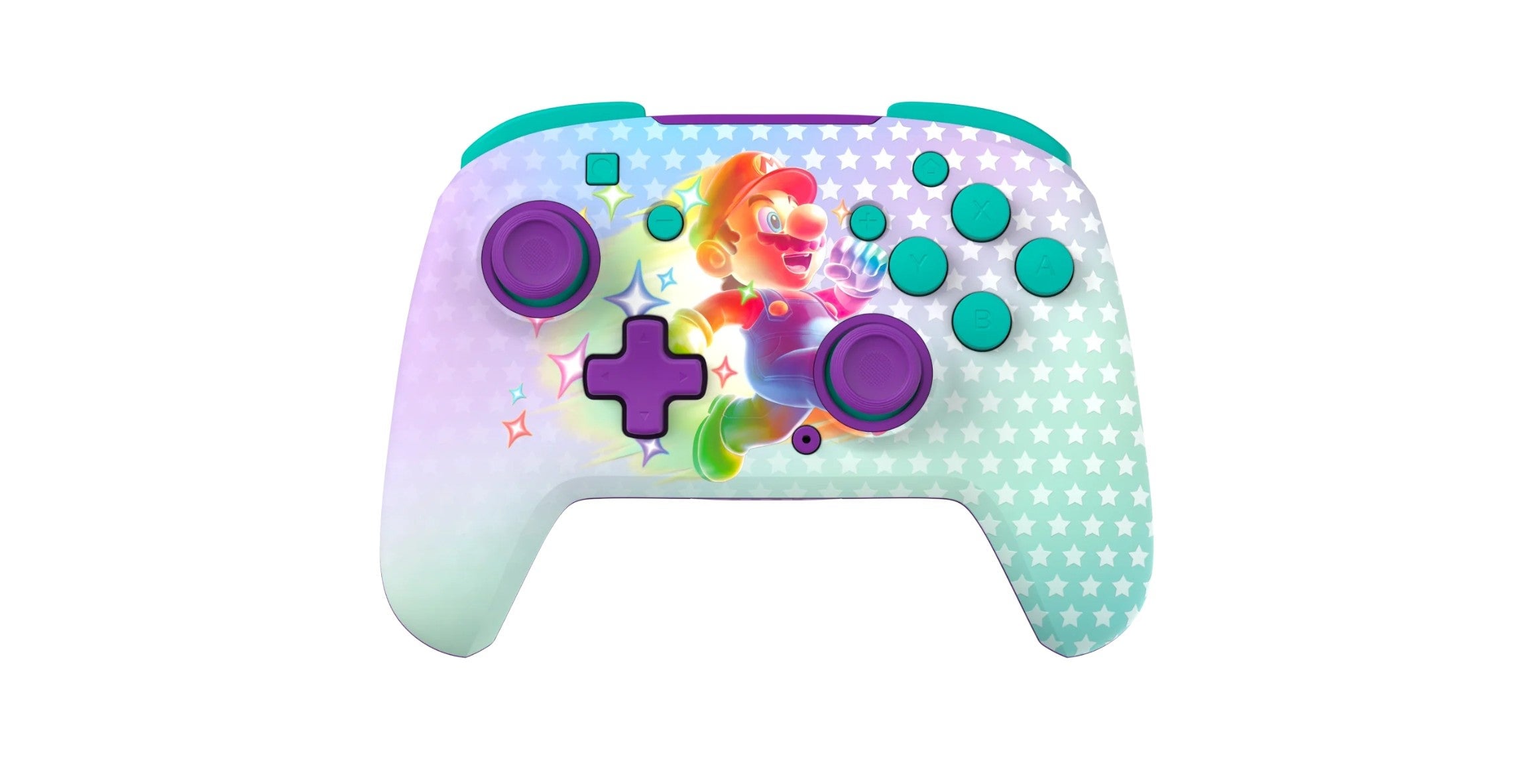
You get up to 40 hours of playtime on a charge, built-in gyro controls, mappable back buttons, and satisfyingly grippy thumbsticks. It’s just killer all-around, honestly, and feels wonderful in the hands. Even more, it’s a hell of a looker with some neat aesthetic flair. Whether you choose the Invincible Mario (pictured above) or the Super Mario Star version, you’re getting a visually fun controller that also glows in the damn dark! And look, I know I’m almost 40, but don’t judge me for embracing some childlike wonder to offset the doom and gloom in the world these days.
Unfortunately, because it was initially designed for the original Nintendo Switch, the Turtle Beach Rematch Wireless Controller lacks a dedicated C button for GameChat, so you’ll need to access that feature from the UI instead. I also wish it provided amiibo support, but that’s life.
Rippin’ on a budget: PowerA Advantage Wired Controller
Whether you’re on a budget or simply prefer wired controllers, the PowerA Advantage Wired Controller is a beast at only $40. It comes packing Nintendo Switch 2-specific features like programmable back buttons and a C button for accessing GameChat. And its 10ft wire is plenty long enough that you should be able to kick back on the couch and relax while playing your favorite games.
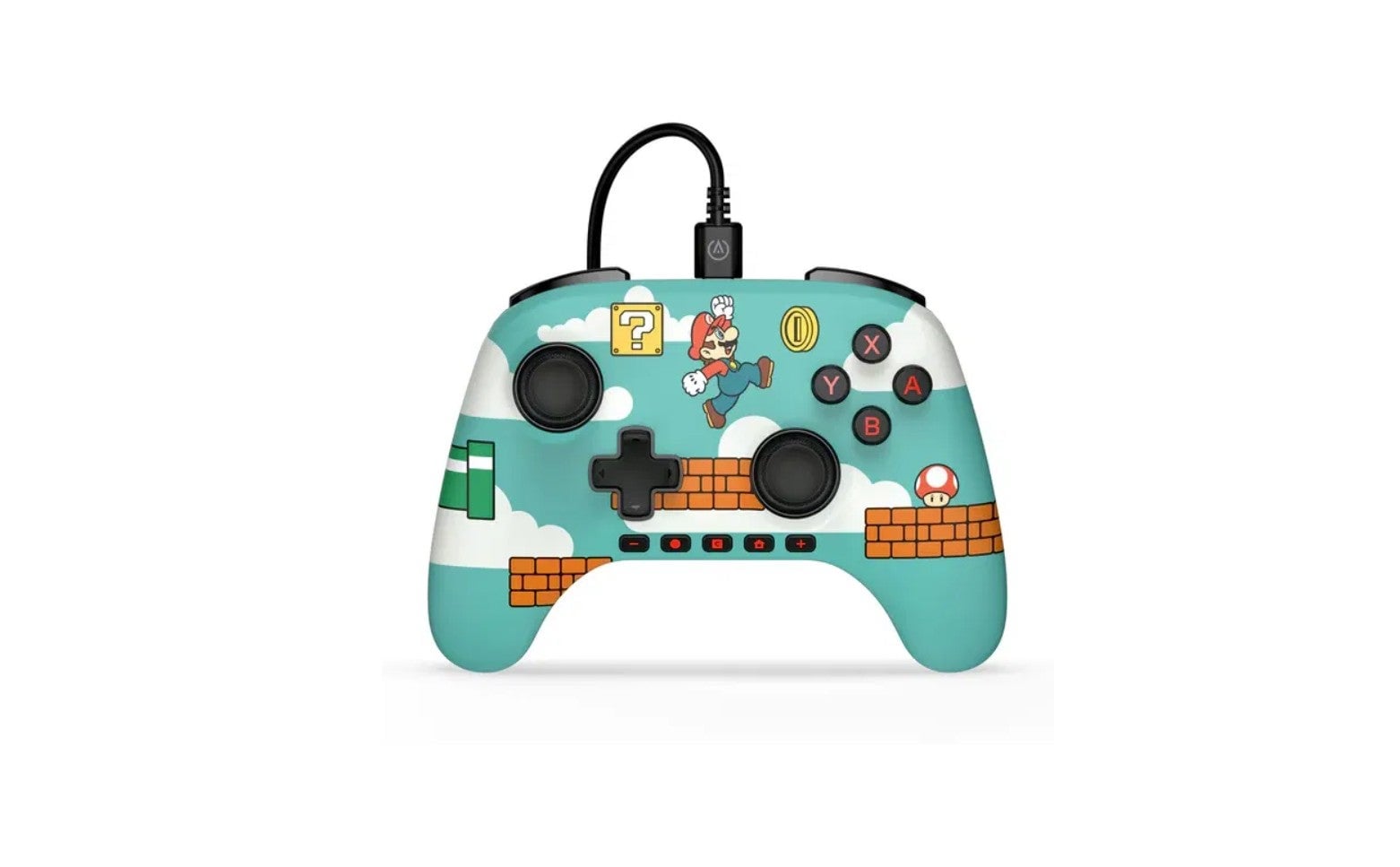
The disadvantages of the PowerA Advantage Wired Controller are that it’s missing HD Rumble, motion controls, and amiibo support. If any of that is a dealbreaker for you, you’re probably better off saving up for the Nintendo Switch 2 Pro Controller, I reckon.
The PowerA Advantage Wired Controller comes in a few different neat versions, including a sleek all-black edition and two Nintendo-themed versions that really stand out. I dig the Mario Time controller in the picture above, but I’d say it’s nice to have options.
.